- Age rating4+
- CategoryUtilities
- DeveloperEliteScripts LLC.
- LanguagesEnglish
- Size1.5 MB
Links to the official App Store page
Download.org hosts no file of USBZile. The button opens its official App Store page, published by EliteScripts LLC. Listing last checked on Nov 21, 2026.
Screenshots

About
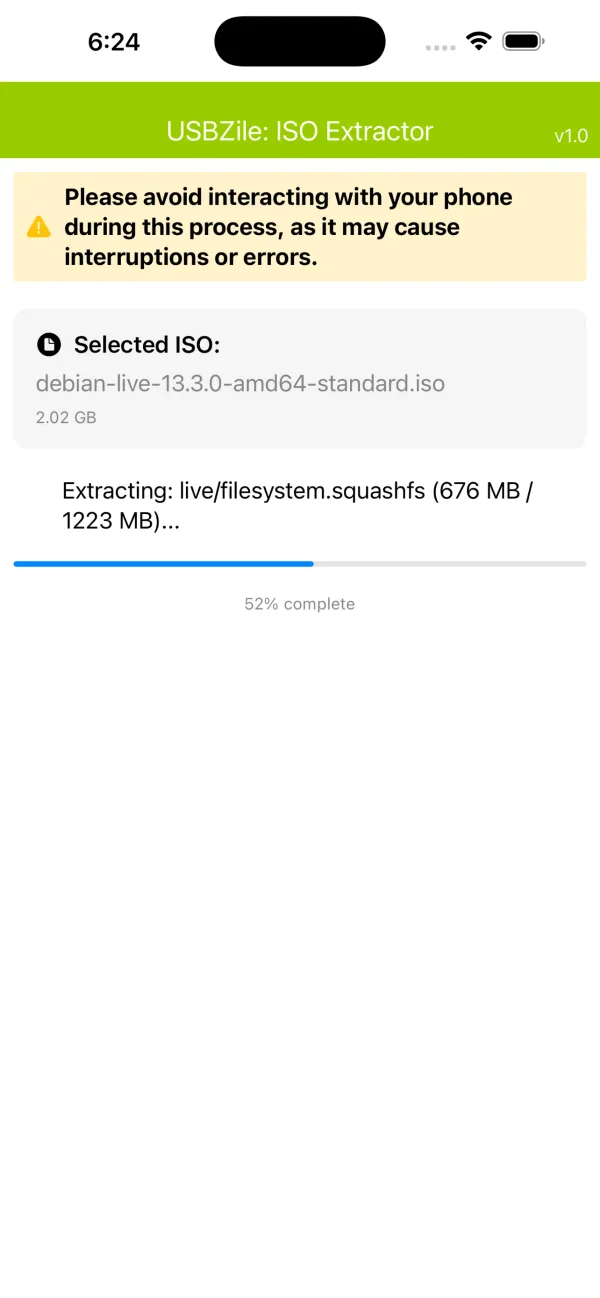
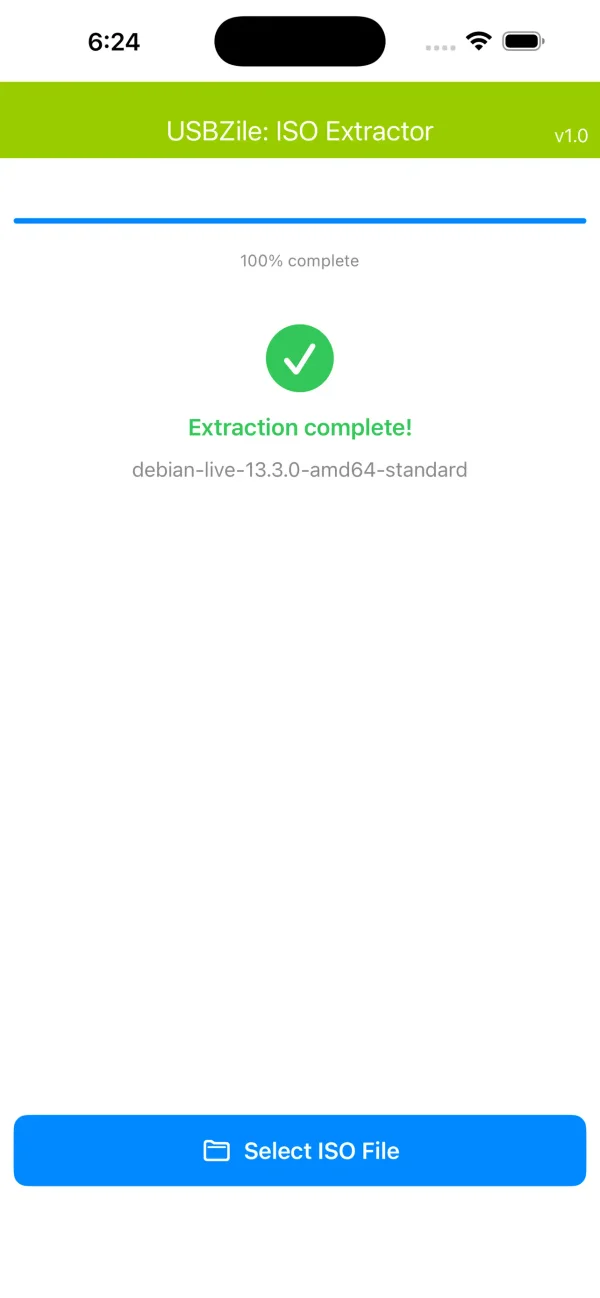
USBZile lets you extract ISO images directly to a USB drive or local folder using nothing but your iPhone or iPad.
Connect a USB drive via a Lightning adapter and/or USB Type C, pick your ISO, select your drive, and USBZile handles the rest.
What you can do:
- Extract any ISO file to a connected USB flash drive
- Create bootable installation media for Windows, Linux, and other operating systems
- Extract ISO contents to a local folder for browsing or archiving
How it works:
USBZile uses a high-performance extraction engine to stream ISO contents directly to your destination.
The screen stays on automatically while your drive is being written so nothing gets interrupted.
What’s new
Version 1.0.1 · Apr 3, 2026
Fixes issues with portrait mode.
App privacy
What EliteScripts LLC. declares on the App Store about how this app handles data.
-
Data not linked to you
May be collected but is not linked to your identity.
- Identifiers
- Usage data
- Diagnostics
Privacy practices may vary, for example with the features you use or your age.
Information
- Seller
- EliteScripts LLC.
- Category
- Utilities
- Version
- 1.0.1
- Updated
- Apr 3, 2026
- Released
- Mar 19, 2026
- Size
- 1.5 MB
- Requires
- iOS 14.0 or later
- Age rating
- 4+
- Price
- Free
- Languages
- English
- Copyright
- © 2023 EliteScripts LLC.
You might also like
-
 Usb TransferPhoto Video File
-
 OTG Flash ProUtilities
-
 UnFox: Unzip & RAR ExtractorZIP File Opener & Unarchiver
-
 Mobile Mouse USB RemoteUSB Mouse Touchpad Keyboard
-
 USB FileUtilities
-
 I-USBKey ProUtilities
-
 zDrive Pro: USB Flash DriveExternal File Storage for Mac
-
 uDiskFile Management Tools
-
 Tether - Linux CompanionSync with your Linux desktop
-
 Portable USB · Cloud ReadyPocket USB, Easy Use