
- Age rating4+
- CategoryNavigation
- Developerkatapu.net
- LanguagesEnglish+ 1 more
- Size143.4 MB
Links to the official App Store page
Download.org hosts no file of Useful Local Navigation HD. The button opens its official App Store page, published by katapu.net. Listing last checked on Nov 17, 2026.
Screenshots
About
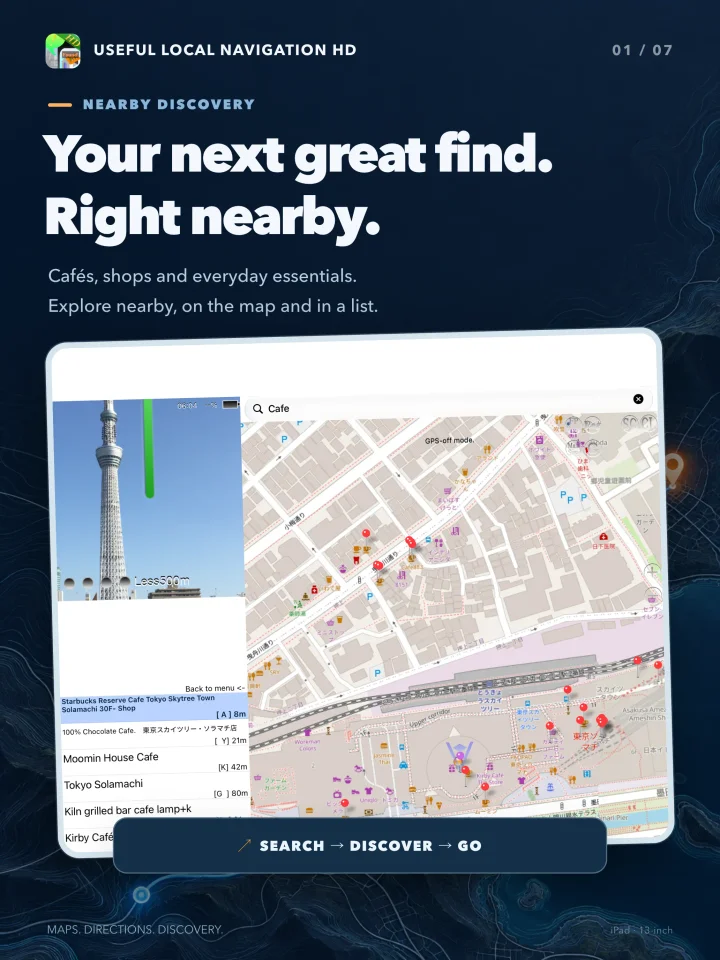
Useful Local Navigation HD is optimized for iPad and helps you quickly find nearby places, including restaurants, shops, and sightseeing spots, around your current location or any point you choose on the map.
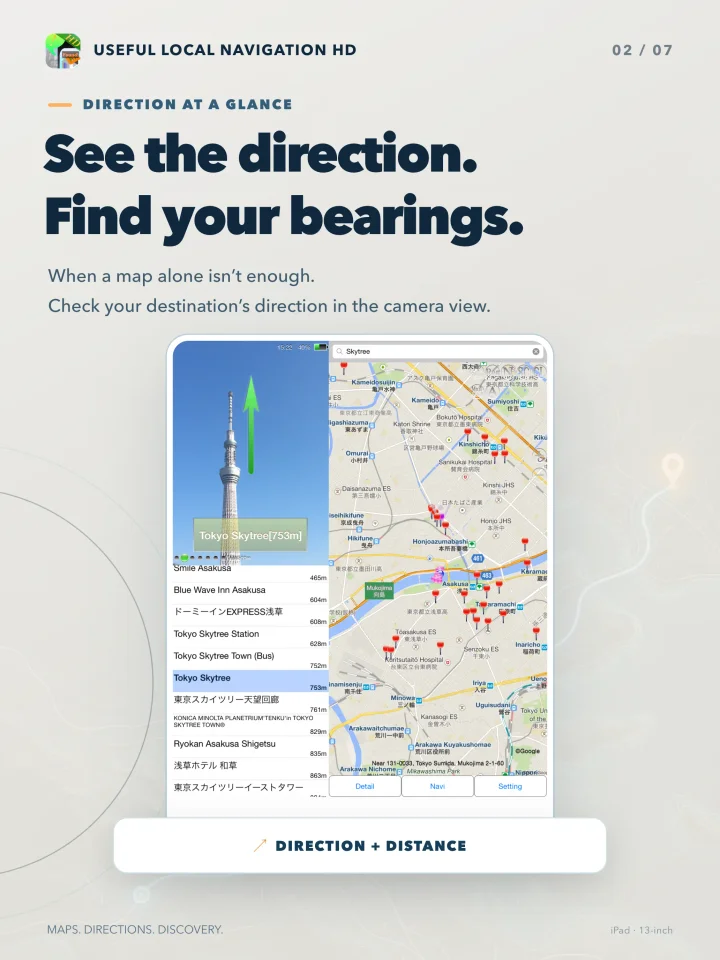
Hold up your iPad and use the AR view to understand direction at a glance, even in unfamiliar areas.
Over 500,000 downloads across the Useful Local Navigation series.
With Useful Local Navigation HD, you can:
- Find places quickly by tapping keywords in the list menu.
- Save frequently used keywords as Favorite Search Words.
- Set a search center point (orange marker) or use your current location (blue marker).
- Sort search results by straight-line distance from the selected center point.
- Move and set the search center from a selected destination using "@#" in the search box.
- Use Google Place Search for high-quality place results.
- Search by Google Place categories with Category Search, regardless of language.
- Save Favorite Places by long-pressing a list item or long-pressing on the map.
- Register your current location or search center point quickly with the Reg button.
- Open detailed information for shops and facilities from the Detail button.
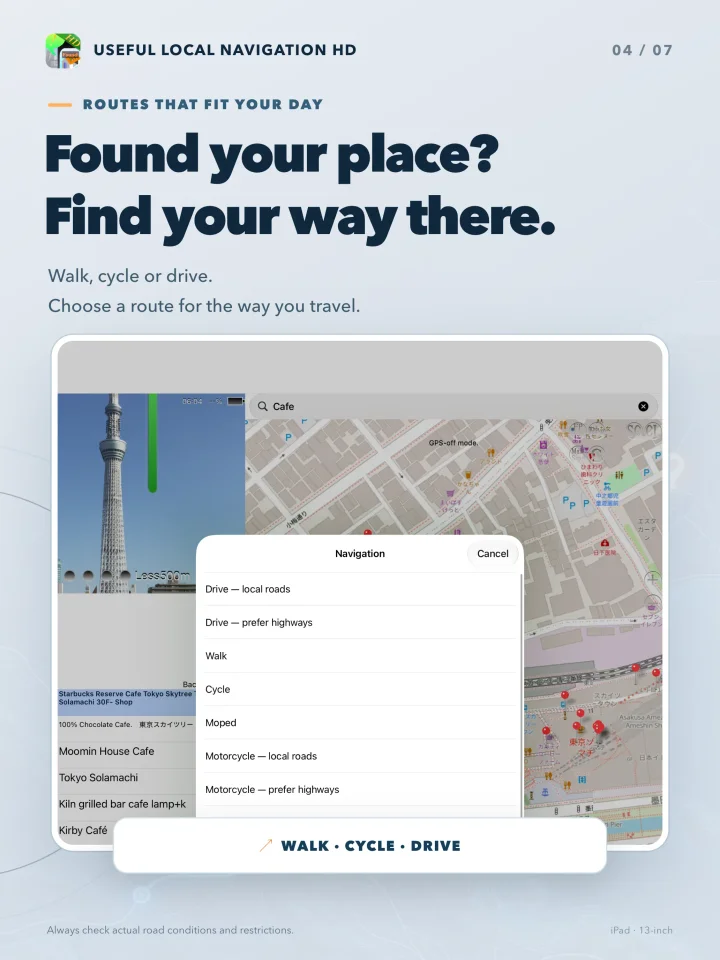
- Start route guidance to your destination with the Navi button via Apple Maps, Google Maps app, or Google Maps web.
Features:
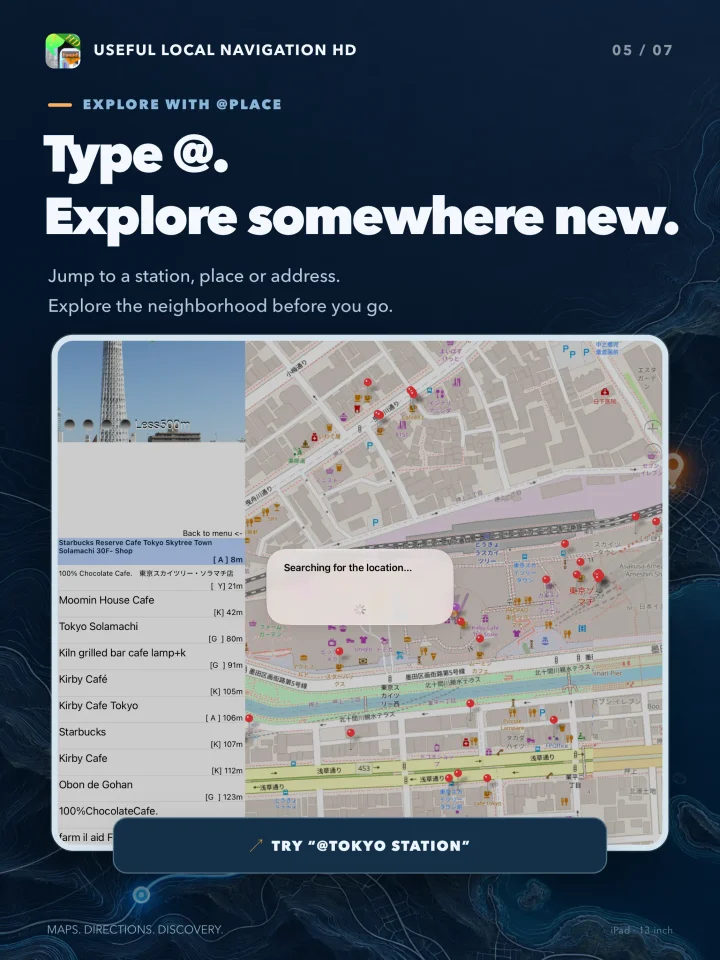
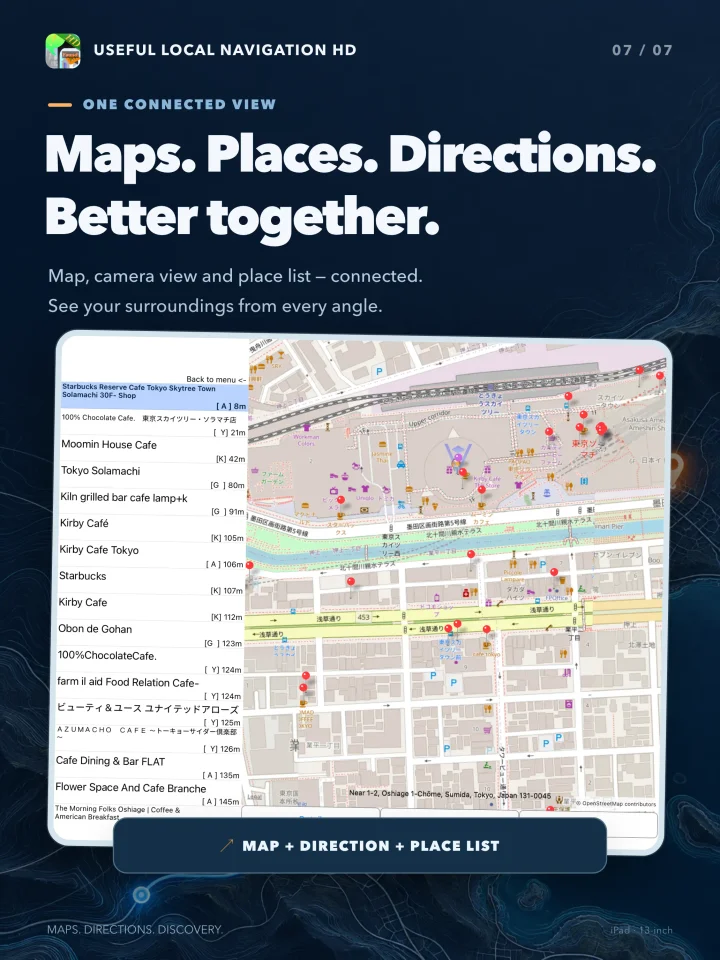
- A linked three-pane interface with AR view, map view, and place list.
- AR direction guidance makes it easier to understand where results are located.
- Move the map by typing "@placename" or "@address" in the search box.
- Supports the URL scheme: aroundunavi://
- Footprints (pink location history markers) help you retrace your route and avoid getting lost.
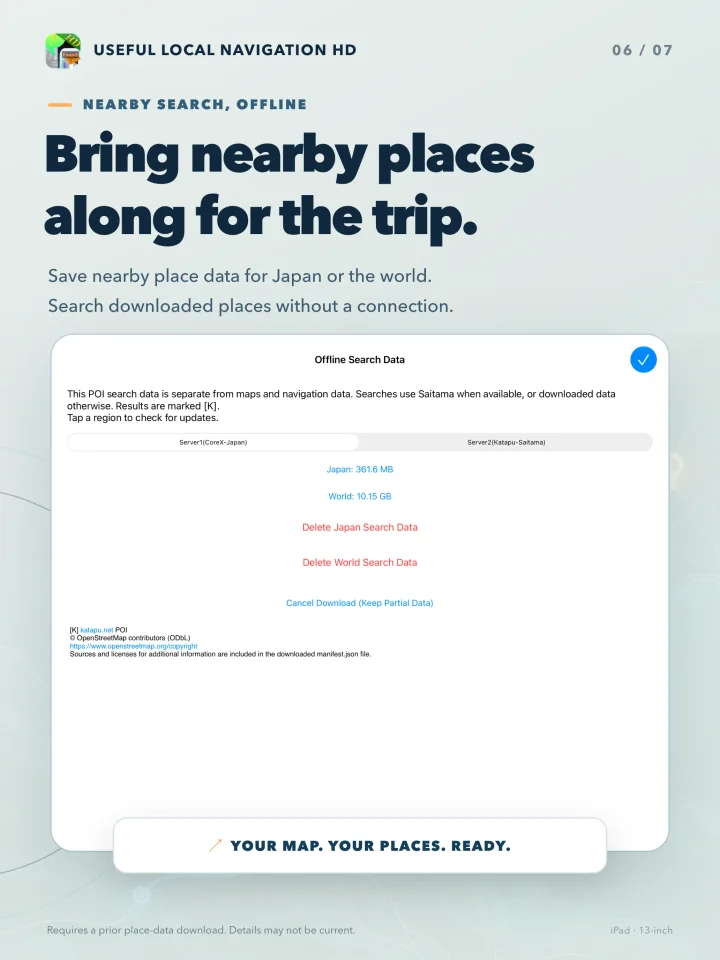
- Import KML or KMZ files from the web and view their spots offline after import.
- Share your current location, search center point, or destination by email with map links, address information, and app launch URL.
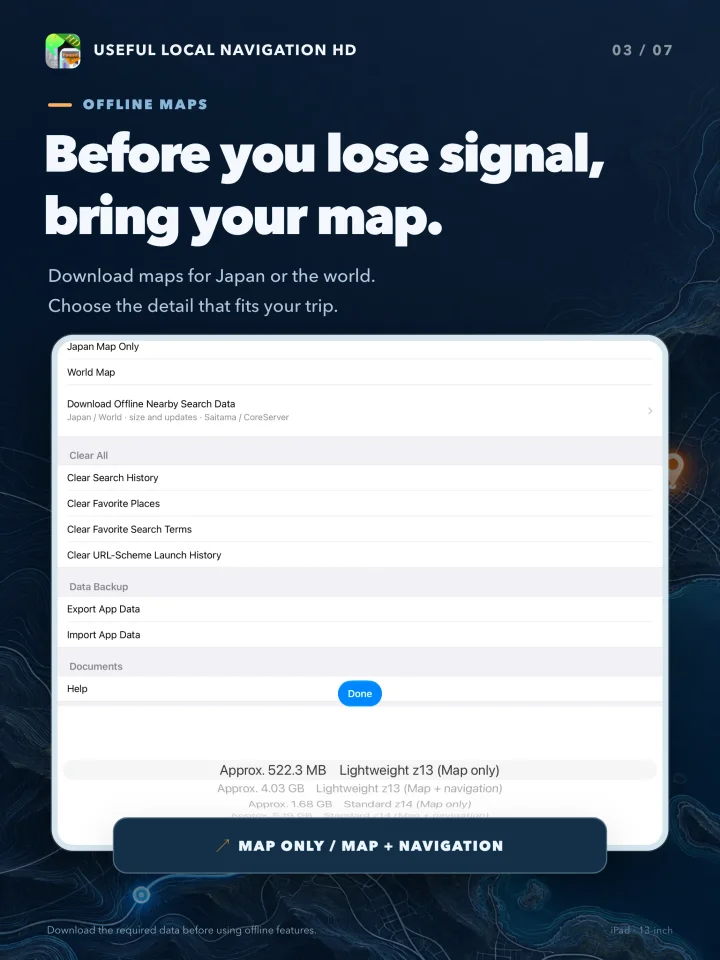
- Download and display offline OSM maps.
Notes:
- Recommended in areas with 3G, 4G, 5G, or Wi-Fi coverage.
- GPS location may be difficult to obtain in some environments, such as indoors.
- Compass direction may be less accurate in some situations, such as inside trains or cars.
- Continued GPS use can increase battery consumption.
What’s new
Version 3.5.5 · Nov 14, 2026
Improved progress displays when importing and exporting app data. Processing status, completion messages, and errors remain available after switching screens.
App privacy
What katapu.net declares on the App Store about how this app handles data.
-
Data used to track you
May be used to track you across apps and websites owned by other companies.
- Identifiers
- Usage data
-
Data not linked to you
May be collected but is not linked to your identity.
- Location
- Contact info
- Contacts
- Identifiers
- Usage data
- Diagnostics
Privacy practices may vary, for example with the features you use or your age.
Information
- Seller
- Katagiri Kikaku Corporation
- Category
- Navigation
- Version
- 3.5.5
- Updated
- Nov 14, 2026
- Released
- Nov 11, 2012
- Size
- 143.4 MB
- Requires
- iOS 15.6 or later
- Age rating
- 4+
- Price
- Free
- Languages
- English, Japanese
- Copyright
- © Katagiri Kikaku Corp.