utter - Dictation, Voice Notes
AI Keyboard, Transcribe, Memos
Designed for iPhone
Free · In-app purchases
- Age rating4+
- CategoryProductivity
- DeveloperThird tech
- LanguagesEnglish+ 9 more
- Size184.3 MB
Links to the official App Store page
Download.org hosts no file of utter - Dictation, Voice Notes. The button opens its official App Store page, published by Third tech. Listing last checked on Nov 24, 2026.
Screenshots
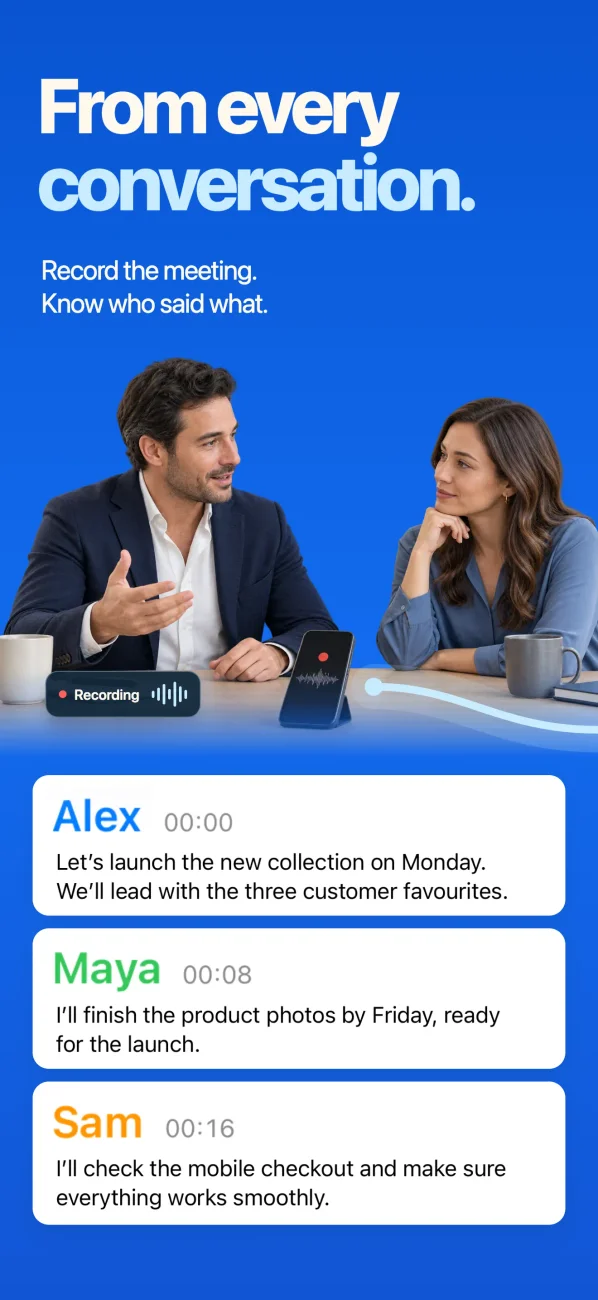
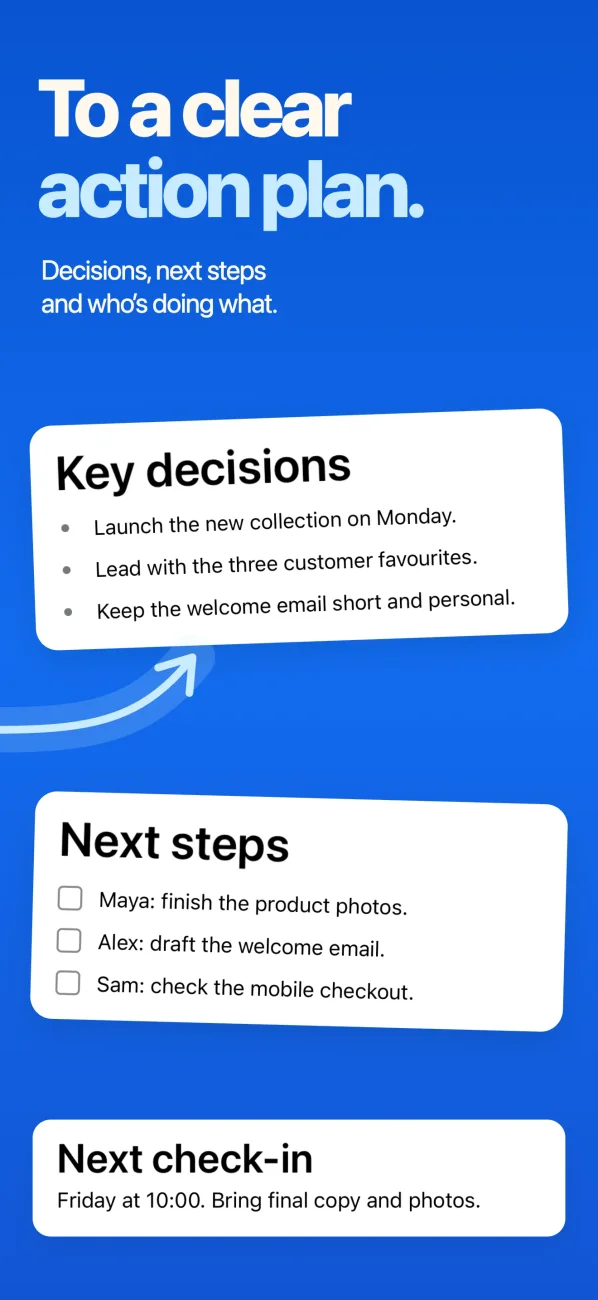
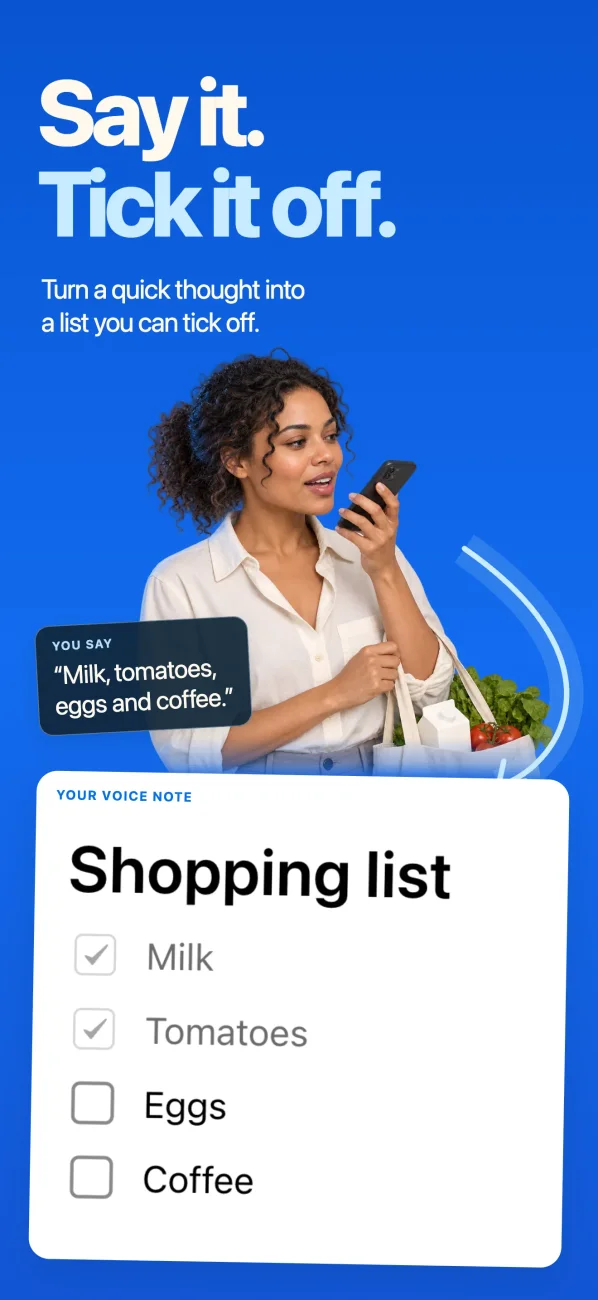
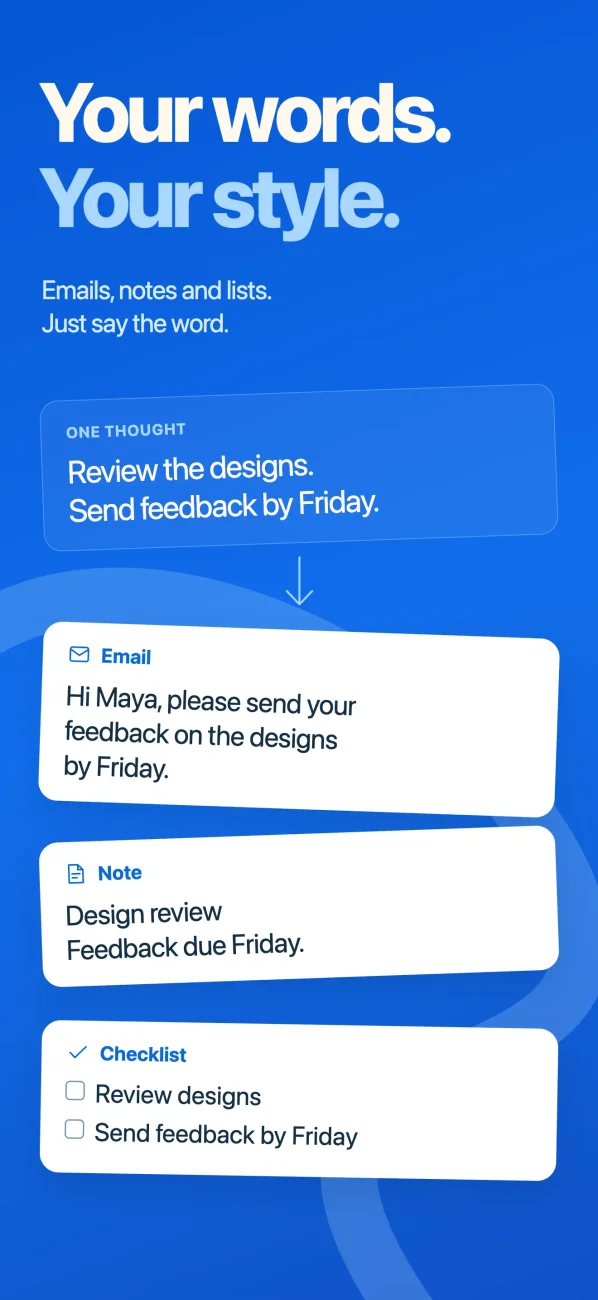

About
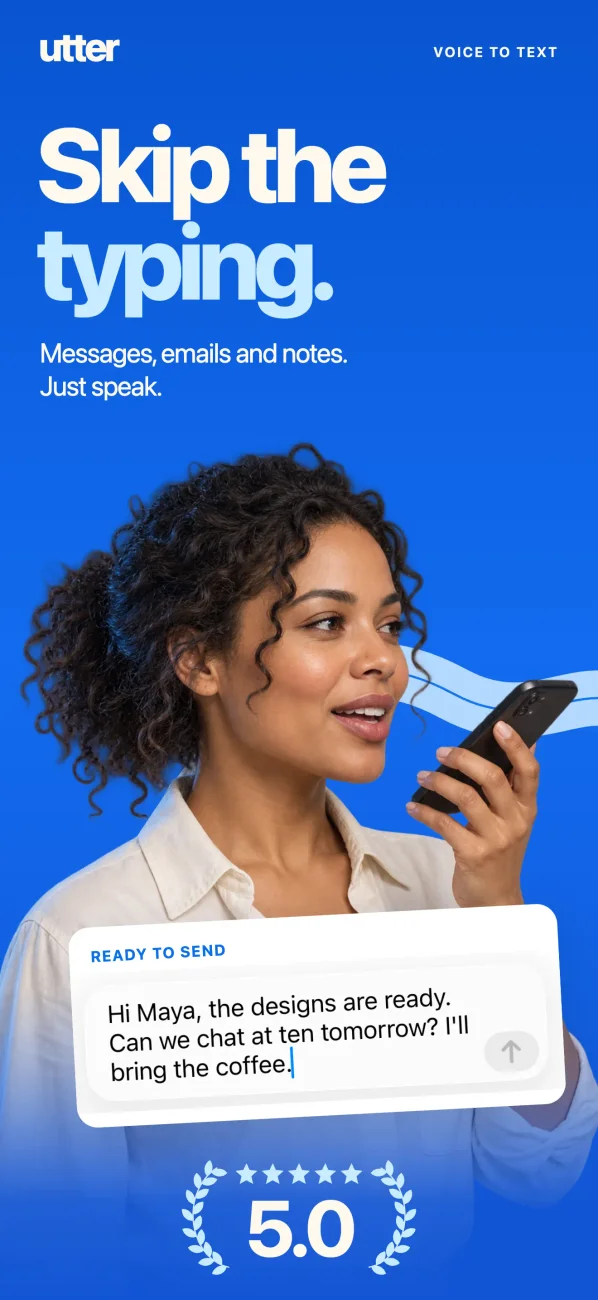
Turn your voice into useful text with Utter. Dictate messages, capture ideas, and transcribe recordings on your iPhone or iPad.
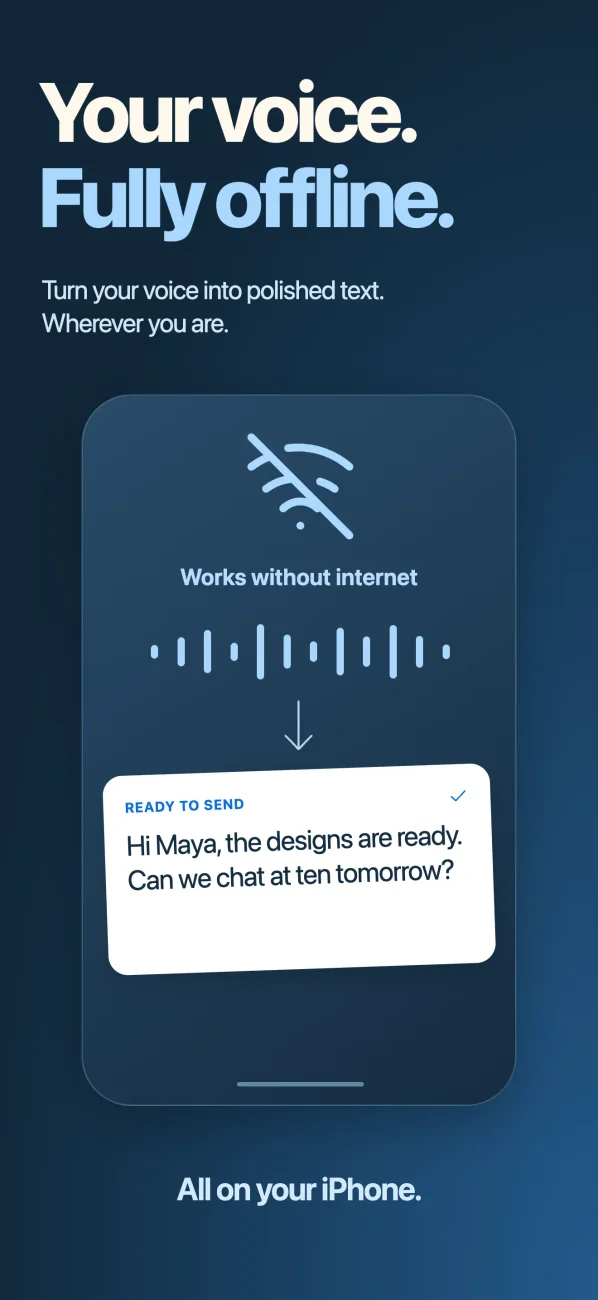
WORK WITHOUT INTERNET
Turn on Offline Mode in Settings on a compatible iPhone to dictate and rewrite without an internet connection. Download the required models once, then process your words on your device.
WRITE WITH YOUR VOICE
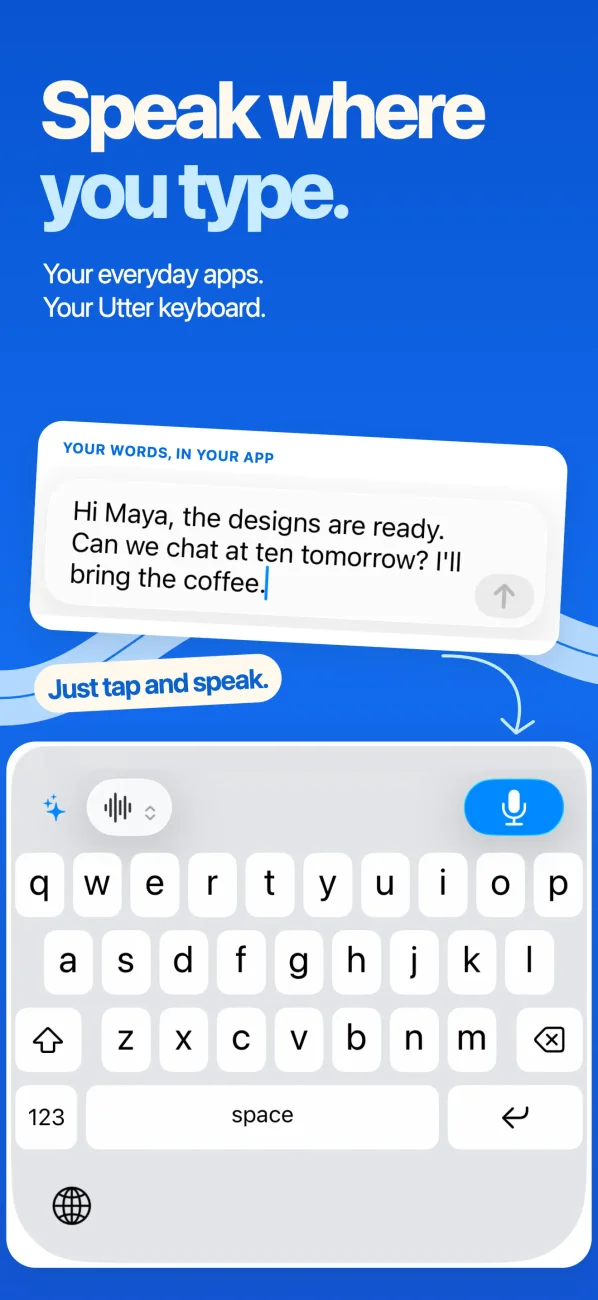
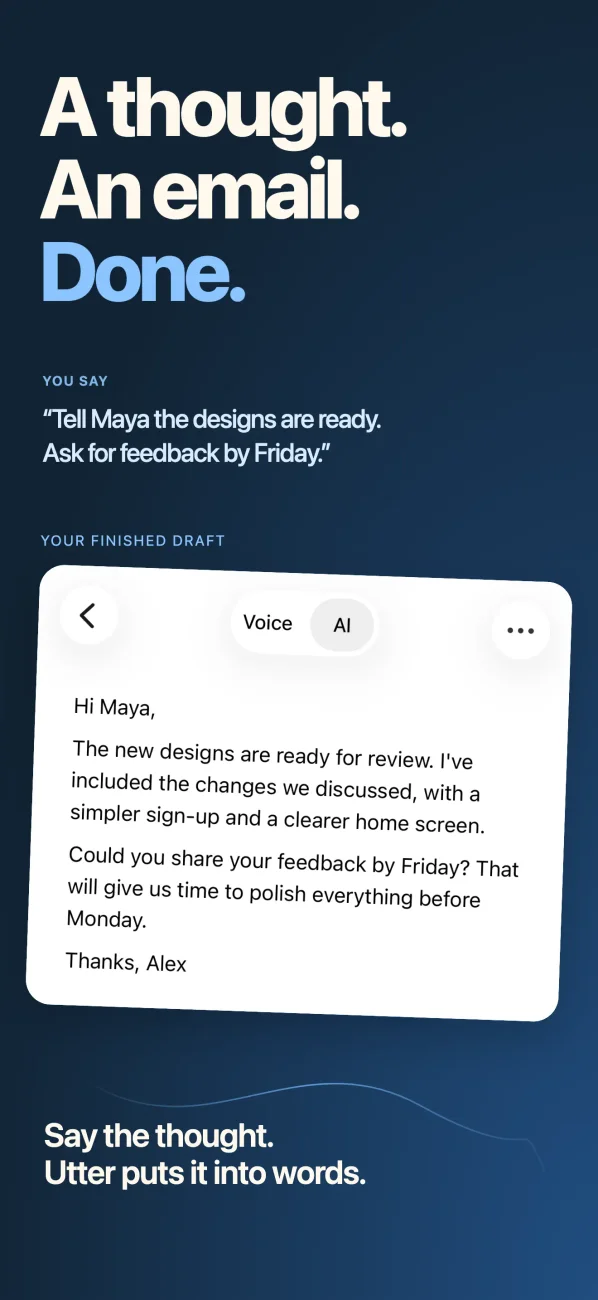
Use the Utter keyboard in apps that support custom keyboards. Speak naturally, then use AI writing tools to clean up, rewrite, or summarise your text. The keyboard requires Full Access.
KEEP YOUR IDEAS TOGETHER
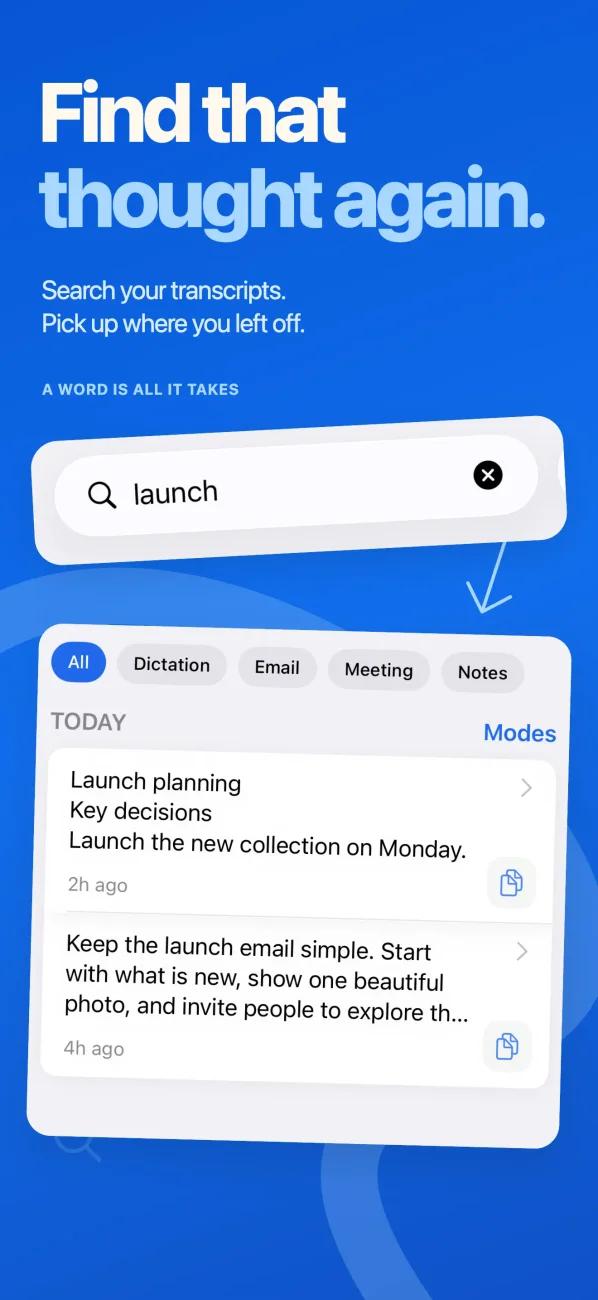
Record voice notes, import audio, and search your transcripts. Add your own vocabulary and choose writing modes for different tasks.
CHOOSE YOUR MODELS
Browse speech and language models, choose defaults, and manage downloads. Use supported on-device models or cloud services, or connect supported providers with your own API key. Availability, languages, live transcription, and speaker labelling depend on the model and device. Cloud models send the content needed for processing to the selected service.
START QUICKLY
Use widgets, Shortcuts, and the share sheet to bring recording and audio import into your everyday workflow.
Some features require Utter Pro or a provider API key.
Terms: https://utter.to/terms
Privacy: https://utter.to/privacy
What’s new
Version 1.14 · Oct 14, 2026
This update improves recording, makes transcripts easier to find and edit, and refines the Utter keyboard and Live Activities.
- Sync audio recordings through iCloud and find transcripts with Spotlight.
- Browse a refreshed model library with clearer choices and more consistent selection.
- Get more natural Smart mode formatting for notes, messages, and emails.
- Enjoy more reliable recording controls when moving between Utter, the keyboard, and other apps.
- Use the keyboard for ordinary typing before enabling Full Access for dictation.
- See updated recording timers, waveforms, and controls on the Lock Screen and Dynamic Island.
- Keep editing formatted transcripts more reliably after returning to Utter.
App privacy
What Third tech declares on the App Store about how this app handles data.
-
Data not linked to you
May be collected but is not linked to your identity.
- Identifiers
- Diagnostics
Privacy practices may vary, for example with the features you use or your age.
Information
- Seller
- Third Tech Ltd
- Category
- Productivity
- Version
- 1.14
- Updated
- Oct 14, 2026
- Released
- Dec 21, 2025
- Size
- 184.3 MB
- Requires
- iOS 18.0 or later
- Age rating
- 4+
- Price
- Free
- In-app purchases
- Yes
- Languages
- English, Arabic, French, German, Hindi, Italian, Japanese, Korean, Portuguese, Spanish
- Copyright
- © 2025 Third Tech
You might also like
-
 BossAI: AI Voice KeyboardDictation & Speech to Text
-
 Aardvark AI: Dictate & JournalSpeak, Reflect, Transcribe.
-
 DictaWiz: AI Keyboard & NotesPrivate Voice to Text Recorder
-
 Whispr: Voice to Text KeyboardPrivate AI Dictation, Offline
-
 Voquill | AI Voice KeyboardType 4x faster with your voice
-
 Cift: The Planner You Talk ToTo-dos & calendar, just say it
-
 Prism NotesCapture thoughts and links
-
 Pala: ADHD Planner & CalendarAI Daily Routine & Focus Timer
-
 Diction: Speech to TextPrivate AI Voice Keyboard
-
 AI Keyboard – ClarifierAIImprove, Translate & Voice