
- Age rating12+
- CategoryProductivity
- DeveloperAleksandr Vlasov
- LanguagesEnglish
- Size81.8 MB
Links to the official App Store page
Download.org hosts no file of Valdis. The button opens its official App Store page, published by Aleksandr Vlasov. Listing last checked on Nov 18, 2026.
Screenshots

About
Valdis is an AI companion that keeps one conversation going across your Mac and iPhone — at home, on a walk, and offline.
Valdis is built natively for macOS and iOS — no Electron, no fake web UI.
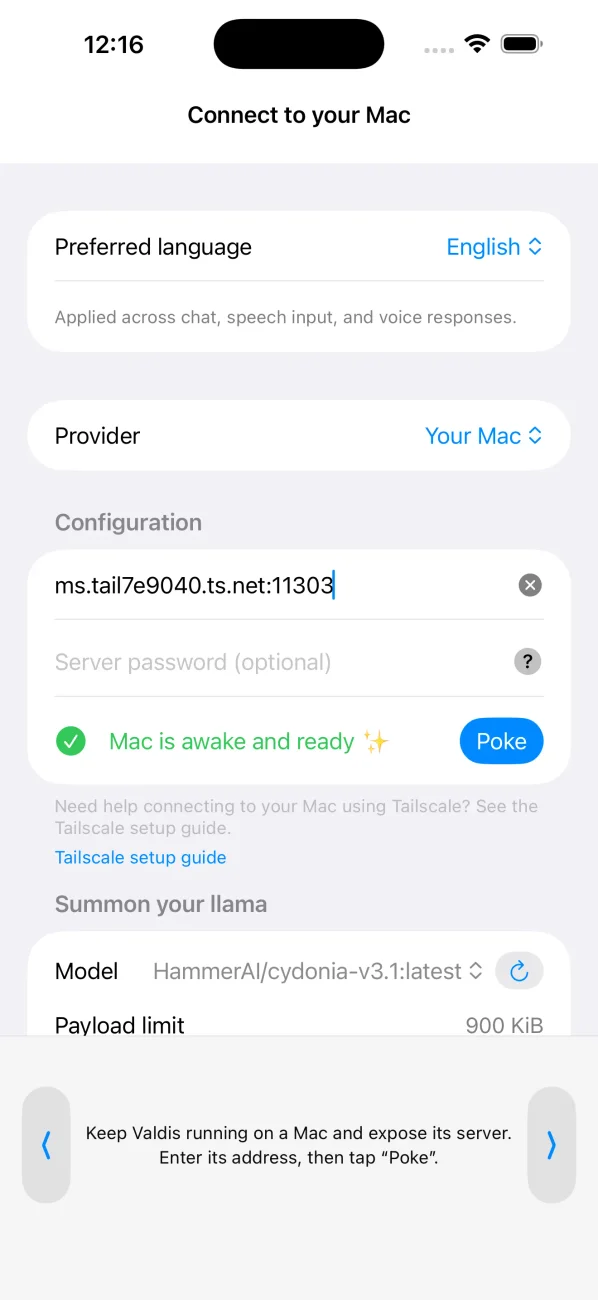
At home, chat in text or voice — with your Mac doing the heavy lifting (local Ollama by default, with LM Studio as a local-first alternative).
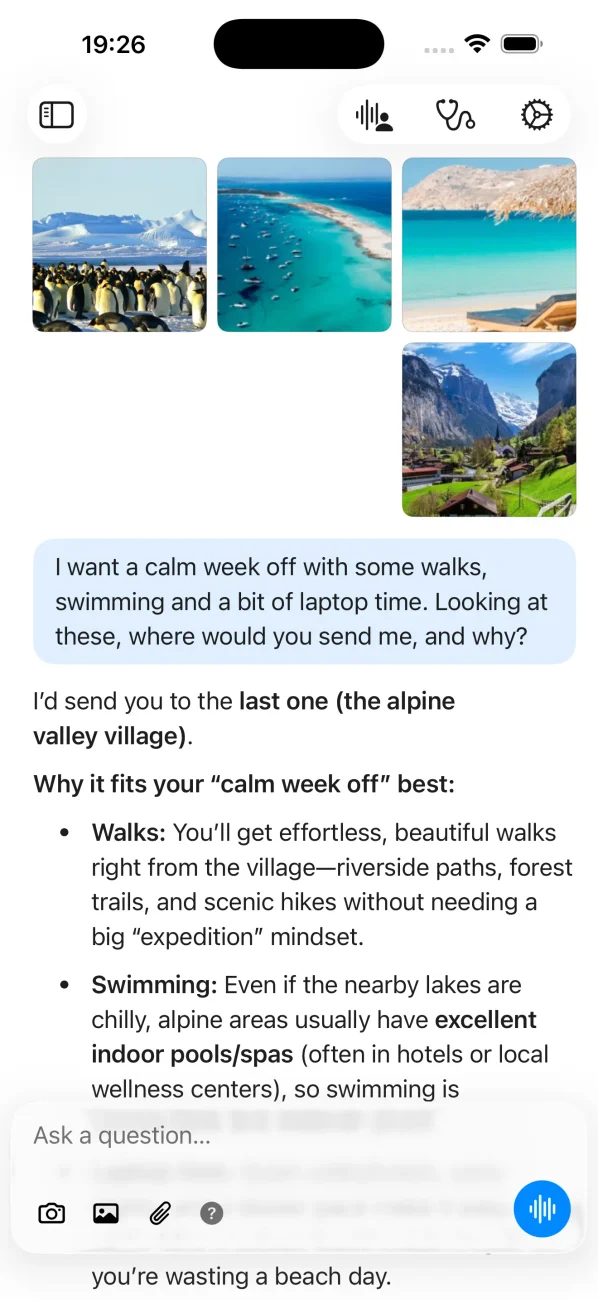
You can also send images in chat — pick from Photos, the camera, files, or paste/drag-and-drop. Valdis passes images to supported multimodal models so you can ask about what you see.
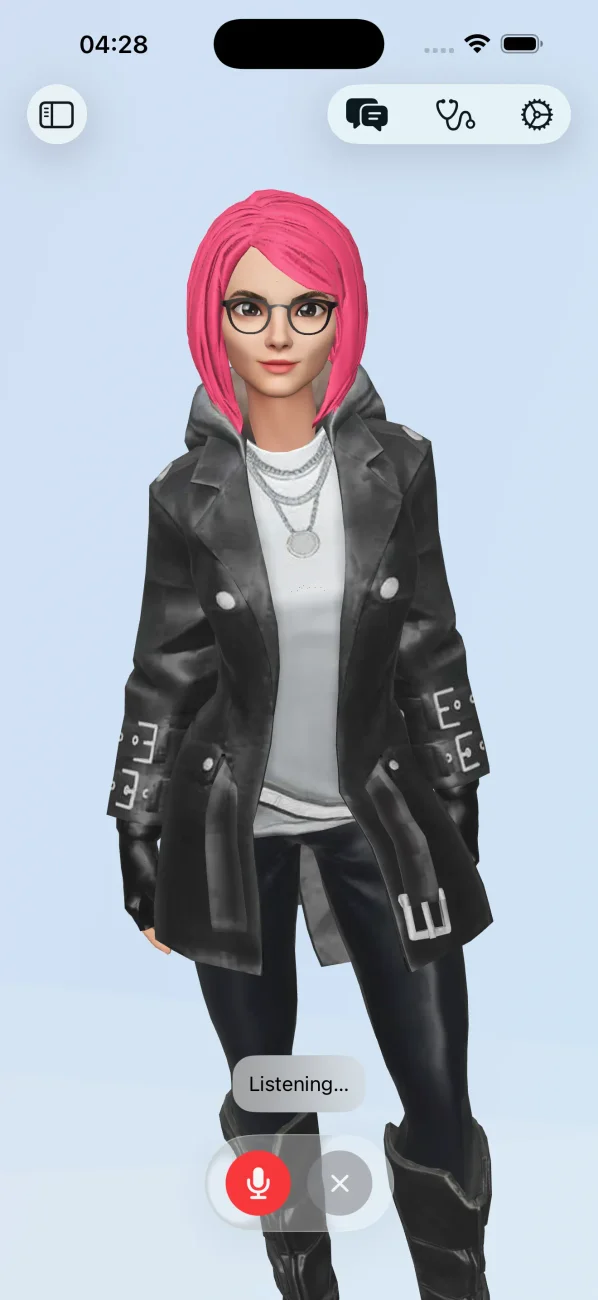
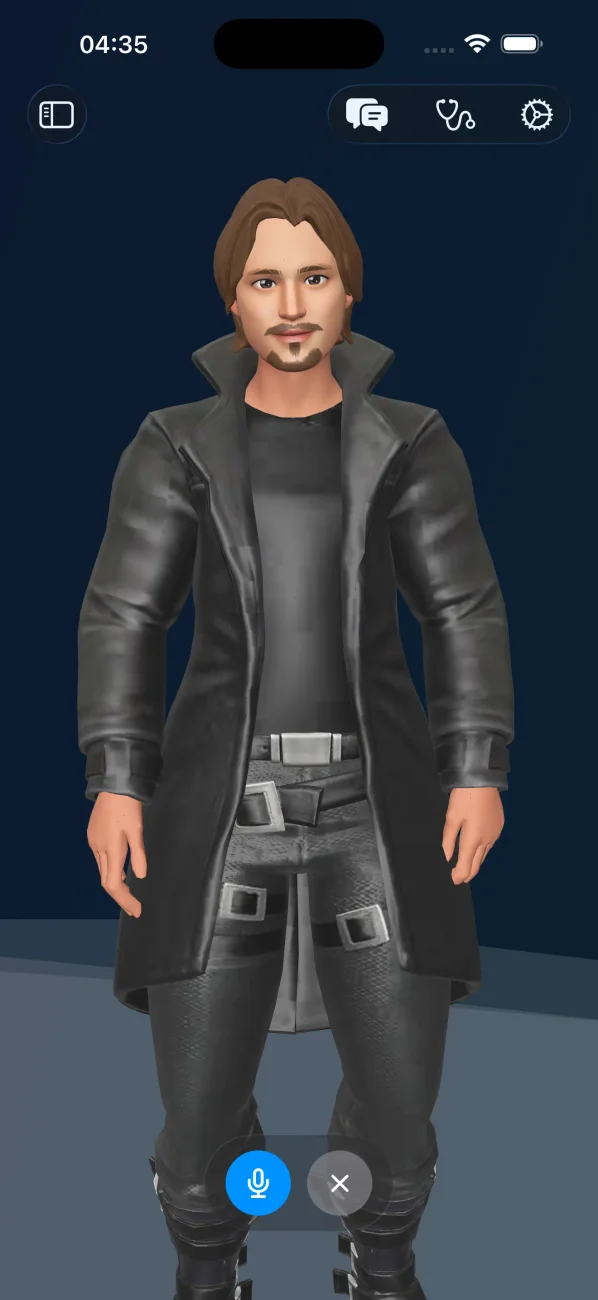
When you step outside, switch to Walk & Talk for hands-free voice.
On a plane or without internet, use Apple’s on-device model (Foundation Models) on supported Apple Intelligence devices.
Back online, switch back to your Mac — or to a cloud provider you choose — and keep going without resetting.
WALK & TALK (HANDS-FREE VOICE)
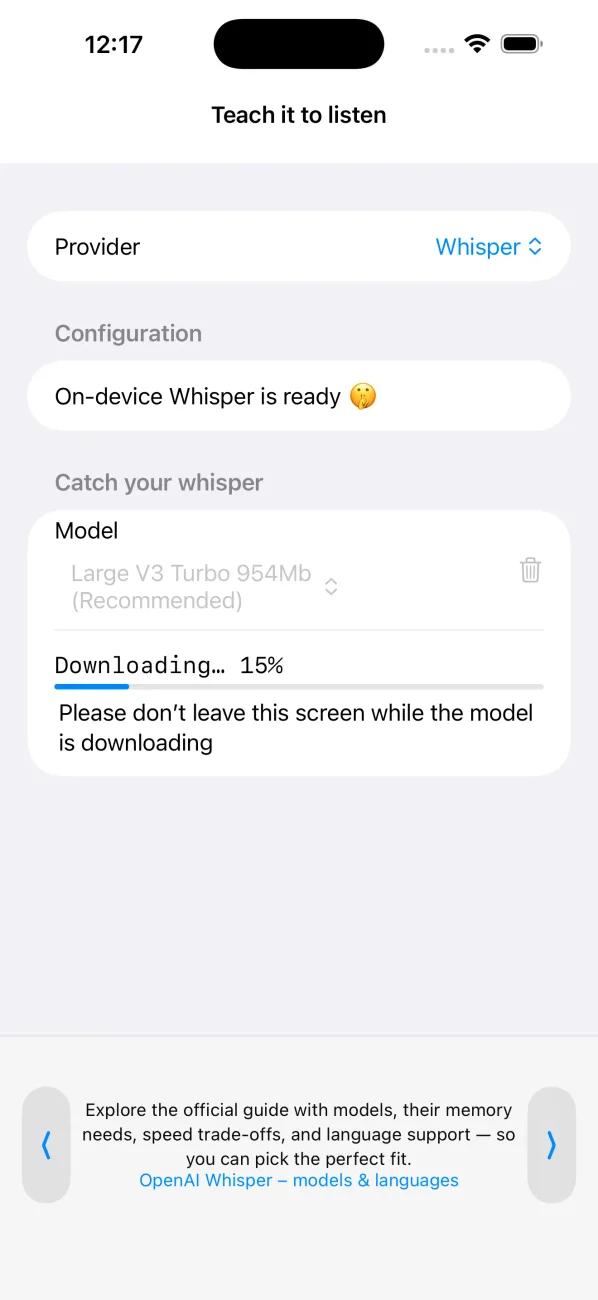
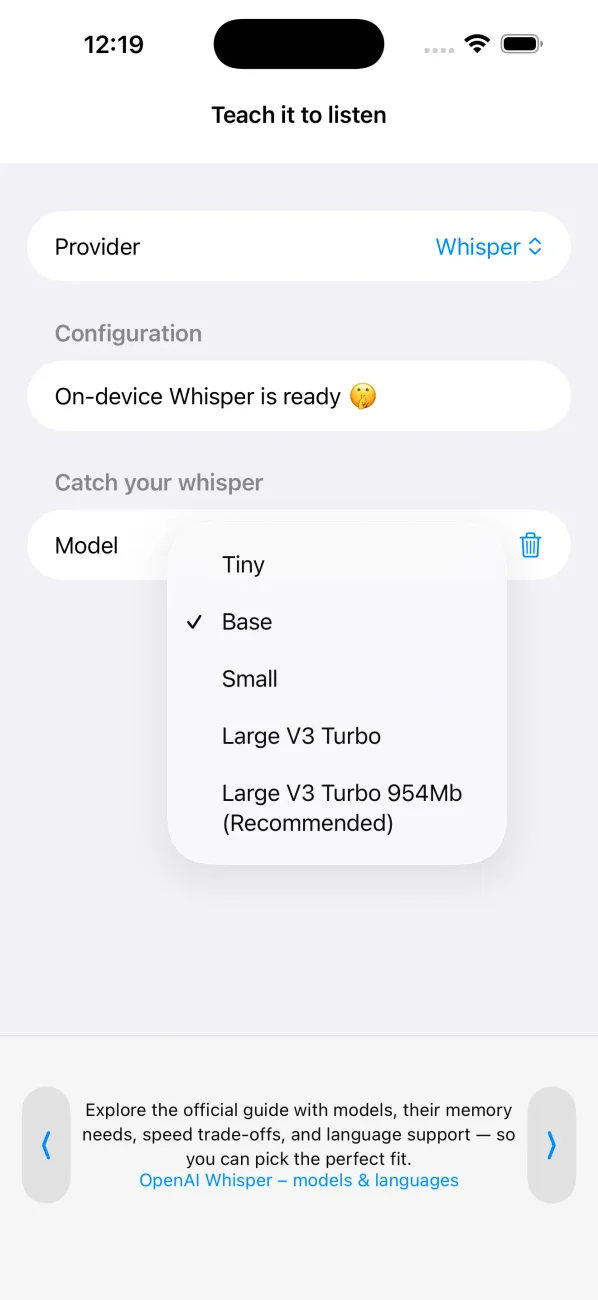
- Real-time voice chat with on-device speech-to-text (WhisperKit)
- Spoken replies (hands-free)
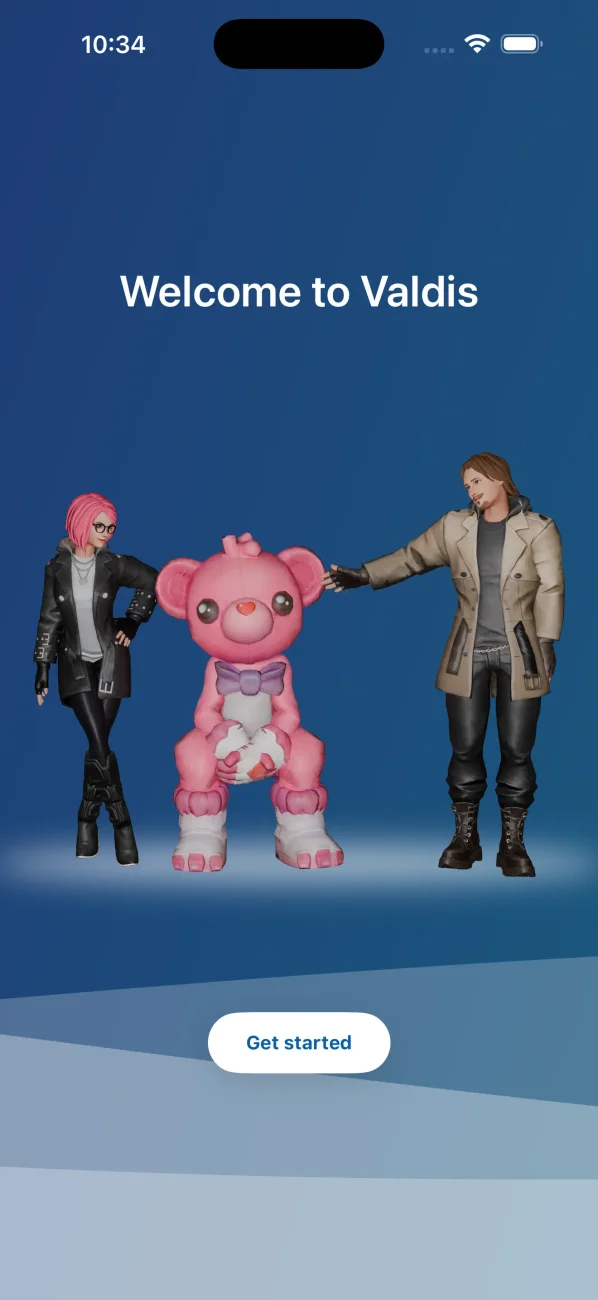
- A 3D avatar with lip-sync and animations (RealityKit)
CONTINUITY THAT DOESN’T RESET
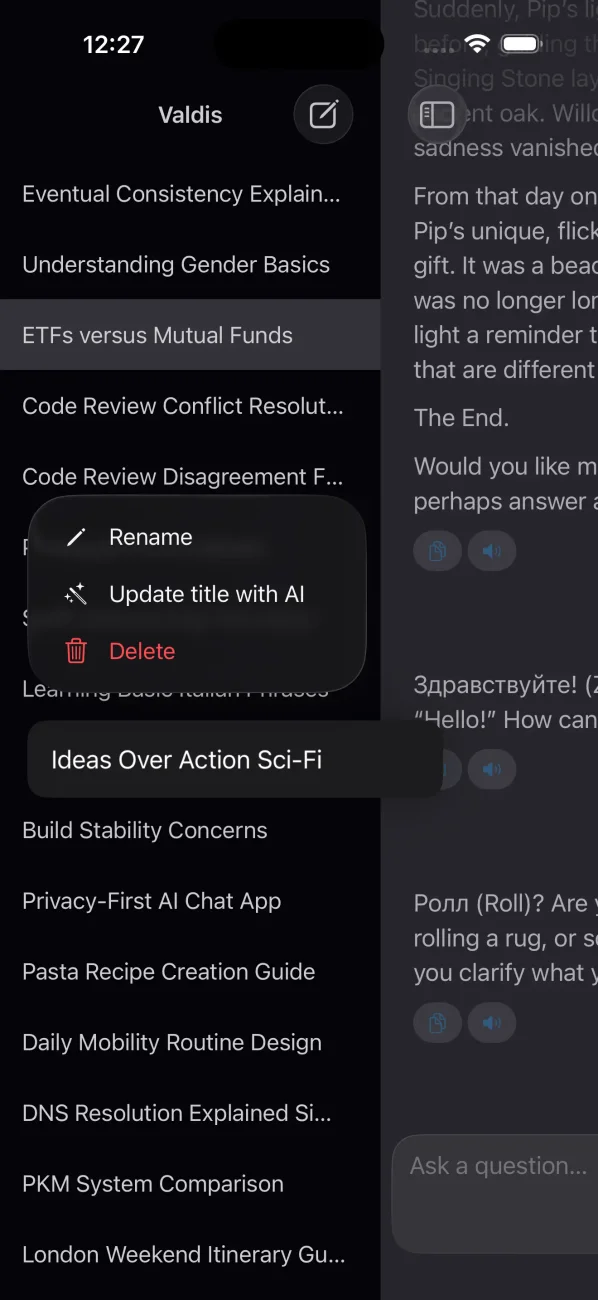
Keep the same conversation going across iPhone and Mac, so you don’t have to repeat yourself.
APPLE ON-DEVICE (FOUNDATION MODELS)
When Apple Intelligence is available, Valdis can use Apple’s on-device model for fast, private replies — even offline.
Requires Apple Intelligence to be enabled in Settings.
MAC-POWERED INFERENCE
Run bigger models on your Mac and talk to them from your iPhone:
- macOS runs local Ollama by default (LM Studio is also supported!)
- Vision models are supported (so you can send images) when the selected provider/model supports it
- Your iPhone can use your Mac for inference while you’re out
REAL-TIME iPHONE ↔ MAC SYNC
Keep your conversation in sync between iPhone and Mac when your iPhone is using your Mac as the provider:
- Your Mac app hosts the server your iPhone connects to
- Works over local network, VPN, or Tailscale
LOCAL FIRST
- No Valdis cloud: Valdis doesn’t have its own servers — sync happens only between your devices when you use your Mac as the provider.
- Your Mac app can act as your backend (and sync host) when your iPhone uses it as the provider.
- Cloud providers are opt-in and used for inference only.
- Zero telemetry: no analytics, no crash reporting.
What’s new
Version 1.8.1 · Jun 21, 2026
Reorganized setup settings.
App privacy
What Aleksandr Vlasov declares on the App Store about how this app handles data.
-
Data not collected
The developer does not collect any data from this app.
Privacy practices may vary, for example with the features you use or your age.
Information
- Seller
- Aleksandr Vlasov
- Category
- Productivity
- Version
- 1.8.1
- Updated
- Jun 21, 2026
- Released
- Jan 29, 2026
- Size
- 81.8 MB
- Requires
- iOS 18.0 or later
- Age rating
- 12+
- Price
- Free
- Languages
- English
- Copyright
- © 2026 Aleksandr Vlasov
You might also like
-
 MethodicaFocus on What Matters
-
 ToodoloProductivity
-
 TagTags – Your Day, TaggedHabits and Goals, Simplified
-
 UnProductivePolls, Missions and Not-ToDos
-
 Archium: document organizerSmart Scan, OCR, Doc Organizer
-
 ChronuliCalm Visual Focus Timer
-
 Copia: Clipboard ManagerCopy, Paste, History & Sync
-
 Takt - Time TrackingKeep your time - work timer
-
 PST Viewer for OutlookOpen OST Files · Email Reader
-
 Cloaked: Private AI LLM ChatOffline Local AI Assistant