- Age rating4+
- CategoryMusic
- DeveloperRyo Togawa
- LanguagesEnglish
- Size16.2 MB
Links to the official App Store page
Download.org hosts no file of VAMonoMkII. The button opens its official App Store page, published by Ryo Togawa. Listing last checked on Nov 17, 2026.
Screenshots



About
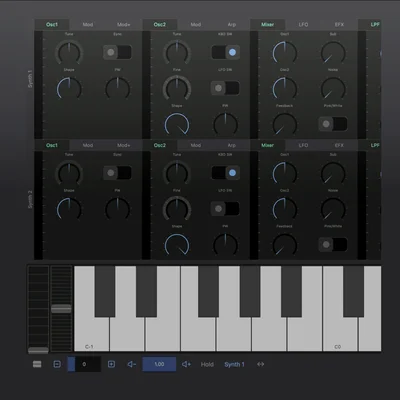
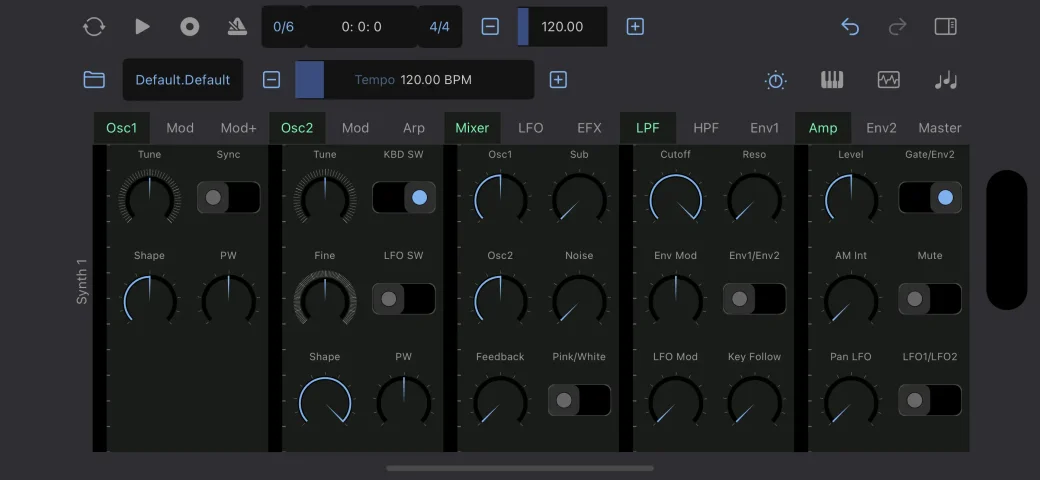
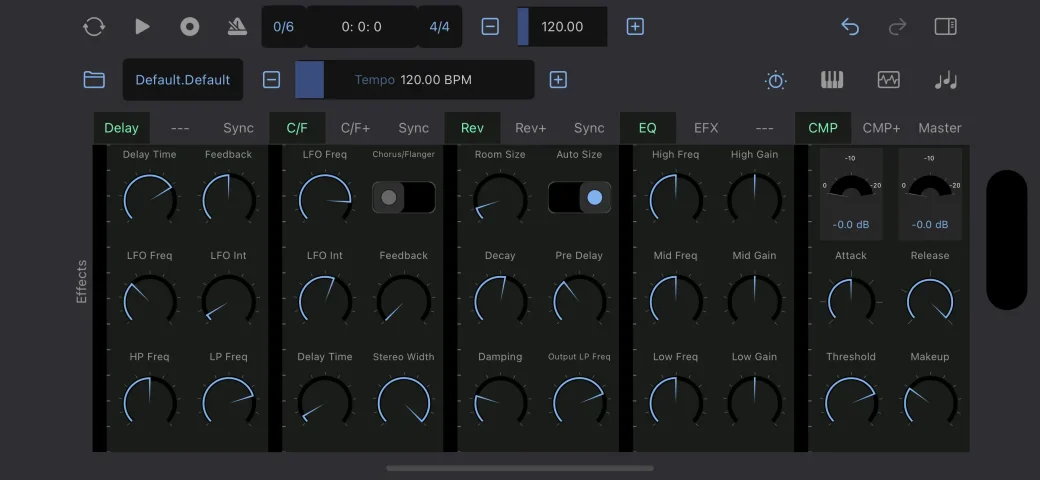
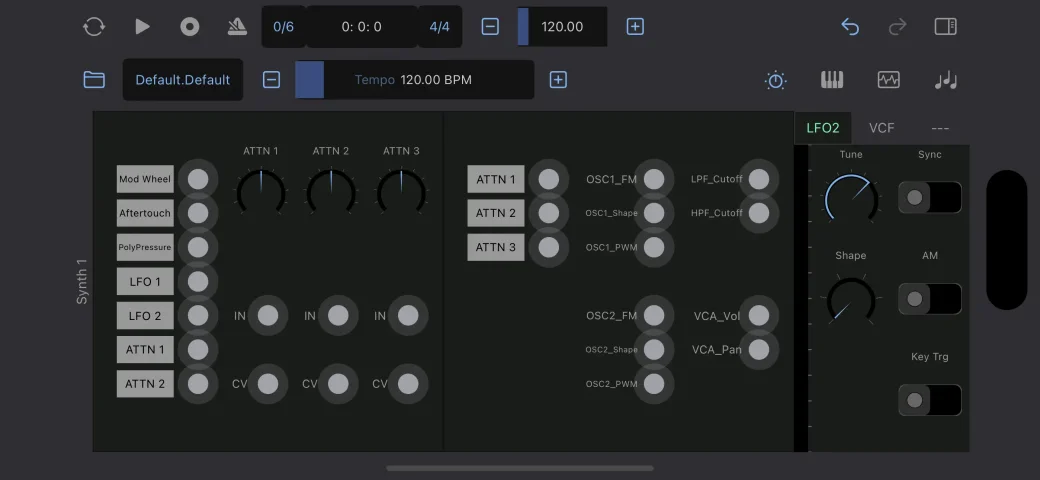
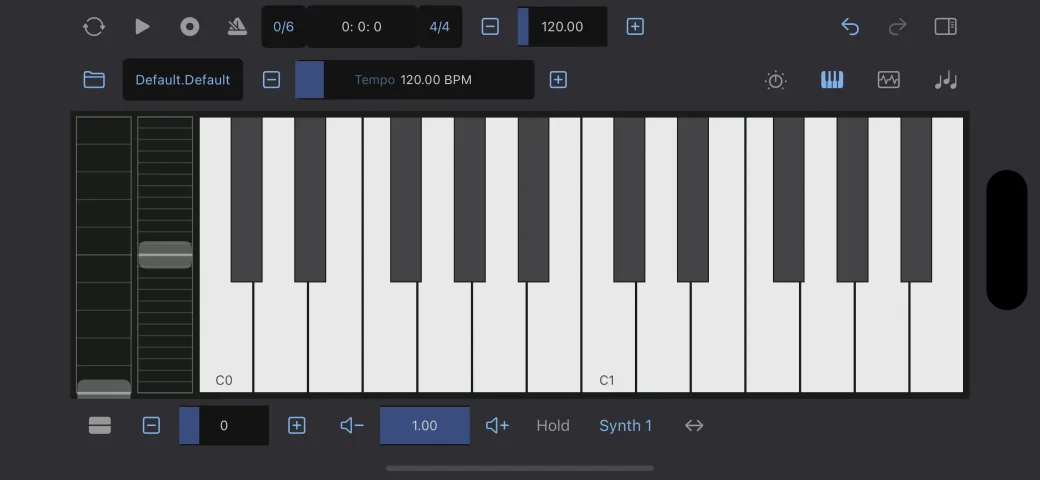
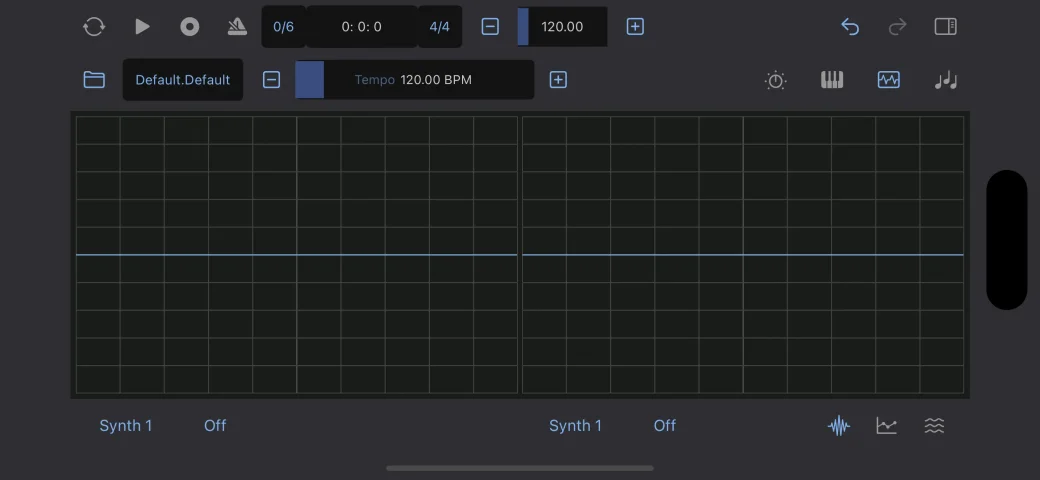
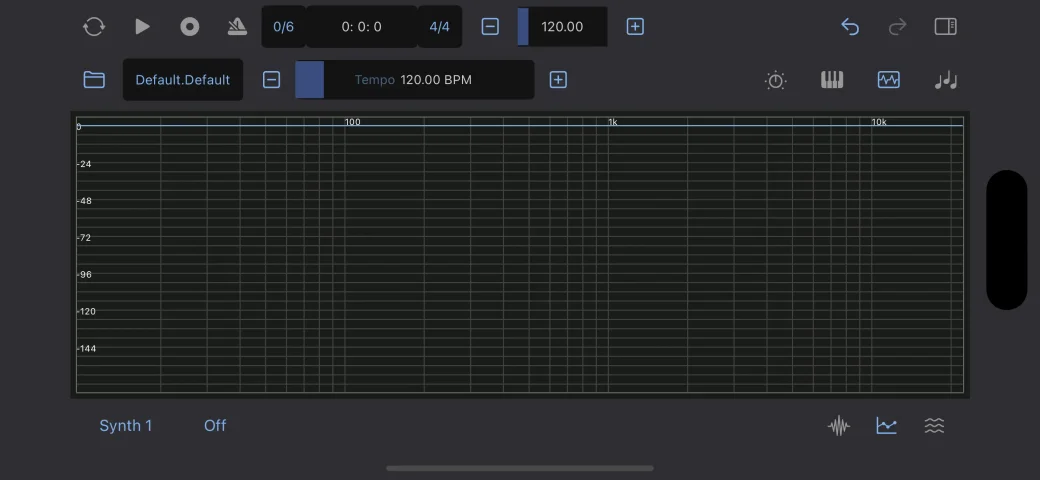
VAMonoMkII is a virtual analog bitimbral synthesizer for iPhone, iPad and Mac. It features two 8 voice synthesizer, effects, sequencer and audio visualization tools. It operates as a stand alone or as an AudioUnit Extension (AUv3). Stand Alone supports Ableton Link, MIDI and audio file export.
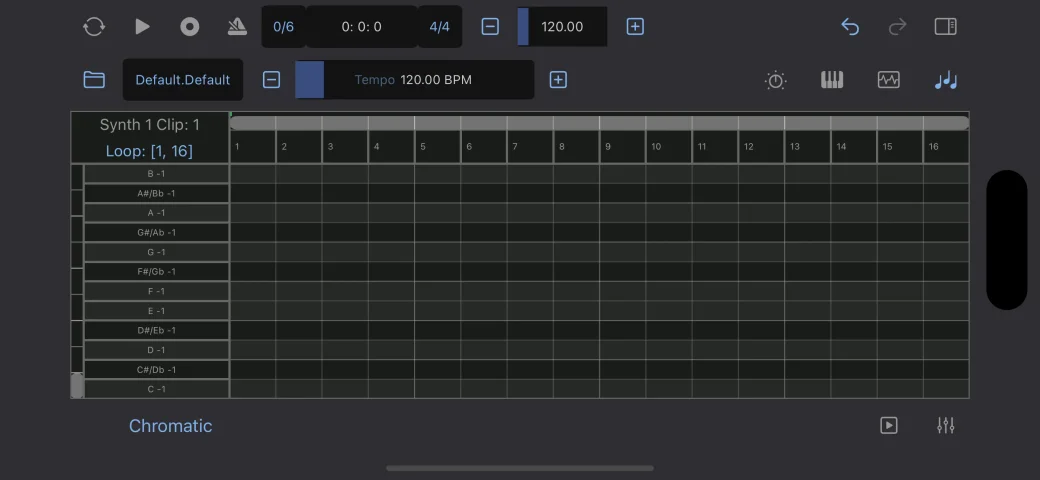
The bitimbral synthesizer consists of two synthesizer, which features two oscillators, two ADSR envelopes, resonant high pass and low pass filter and an amplifier per voice. The oscillators features continuously variable wave shape and wide variety of modulation. The filters are modeled on Transistor Ladder filter circuit and the Sallen-Key filter circuit for classic analog sound. The Effects include delay, chorus, flanger, reverb, eq and compressor. The sequencer features piano roll and parameter automation editor to program 16 bar pattern per clip. Project files can be saved in iCloud Drive, so that the project can be accessed from iPhone, iPad or Mac.
- Main Features -
Virtual analog bitimbral synthesizer
Two type of Lowpass filter, Transistor Ladder model and Sallen-key model.
Maximum 8 voice polyphony. it depends on performance of the device it is running.
Operate as monophonic or polyphonic.
Patch points for modulation.
Support MIDI 2.0
User Interface built by SwiftUI for improved performance.
Built-in Sequencer. 16 bar patterns per clip. Total 8 clips. Piano Roll and Parameter automation.
Support Audio Unit Extension (AUv3)
Works on iPhone, iPad and Mac. Support iCloud Drive to share project files between the platforms.
Audio Export. Linear PCM format (AIFF, WAV and CAF) and compressed format (AAC)
Support Ableton Link, Bluetooth MIDI, MIDI In / Out.
360 bitimbral presets and more.
- System Requirements -
A13 Fusion or above is recommended.
AudioUnit Extension (AUv3) requires host application which support AudioUnit Extension.
AudioUnit Extension is supported by Apple Logic and Apple Garage Band on iOS and macOS. For any other DAW, it depends on the application and some of them don’t support AudioUnit Extension.
Sound may be distorted if CPU of the device doesn't have enough power. If it happens reduce number of voices.
What’s new
Version 1.0.2 · Mar 27, 2026
Version 1.0.2 contains improvements and bug fixes.
- Fixed a problem that UI freezes on some devices with older cpu.
- Fixed a problem that notes hung when gestures are cancelled.
- Fixed a problem that calling all note off reduces available number of voices in some condition.
- Fixed a problem that turn Hold Button off on Keyboard doesn’t turn off playing notes in some condition.
- Added an ability to restore MIDI CC Map.
- Added a voice count option in setting panel to adjust number of voices.
- Fixed a problem of midi note input monitoring.
- Fixed a problem that text color and background color of text input field displayed as white in some circumstances.
App privacy
What Ryo Togawa declares on the App Store about how this app handles data.
-
Data not collected
The developer does not collect any data from this app.
Privacy practices may vary, for example with the features you use or your age.
Information
- Seller
- Ryo Togawa
- Category
- Music
- Version
- 1.0.2
- Updated
- Mar 27, 2026
- Released
- May 24, 2024
- Size
- 16.2 MB
- Requires
- iOS 16.6 or later
- Age rating
- 4+
- Price
- $3.99
- Languages
- English
- Copyright
- © 2024 Ryo Togawa
You might also like
-
 GSDSP Quantum FilterEQ / Filter with Modulation
-
 midifruuzemidi sampler / live effect
-
 KA mini YangQinChinese YangQin instrument
-
 KA mini PercussionsChinese Percussive Instruments
-
 Divided 11 Guitar AmplifierMusic
-
 RingotronThe multiband ring modulator
-
 Gorilla - Bass Studio SuiteVersatile Bass Suite Plugin
-
 ChaosArpChaotic MIDI arpeggiator
-
 HarmonicerHarmonic MIDI Generator
-
 luapselReverse Guitar App & AUv3