
- Age rating4+
- CategoryPhoto & Video
- DeveloperKostas Papadopoulos
- LanguagesEnglish
- Size2.1 MB
Links to the official App Store page
Download.org hosts no file of VantaPlayer. The button opens its official App Store page, published by Kostas Papadopoulos. Listing last checked on Nov 14, 2026.
Screenshots
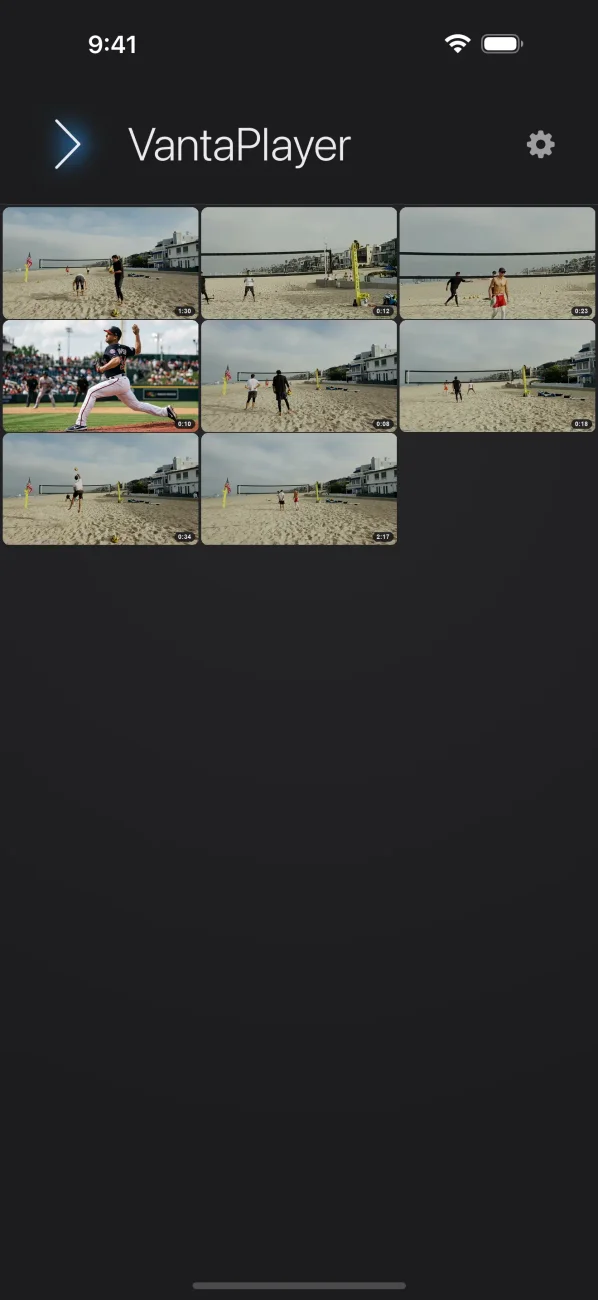


About
Step through any video in your Photos library one frame at a time. Slow it down to a quarter speed, jump back ten seconds, scrub the timeline, do whatever it takes to see exactly what happened in that one moment.
No upload, no account, no subscription. The app reads your existing video library and that's the whole story.
WHAT IT DOES
Frame-by-frame stepping. Swipe across the video to step one frame. Keep holding and the steps pick up to a review-friendly cadence.
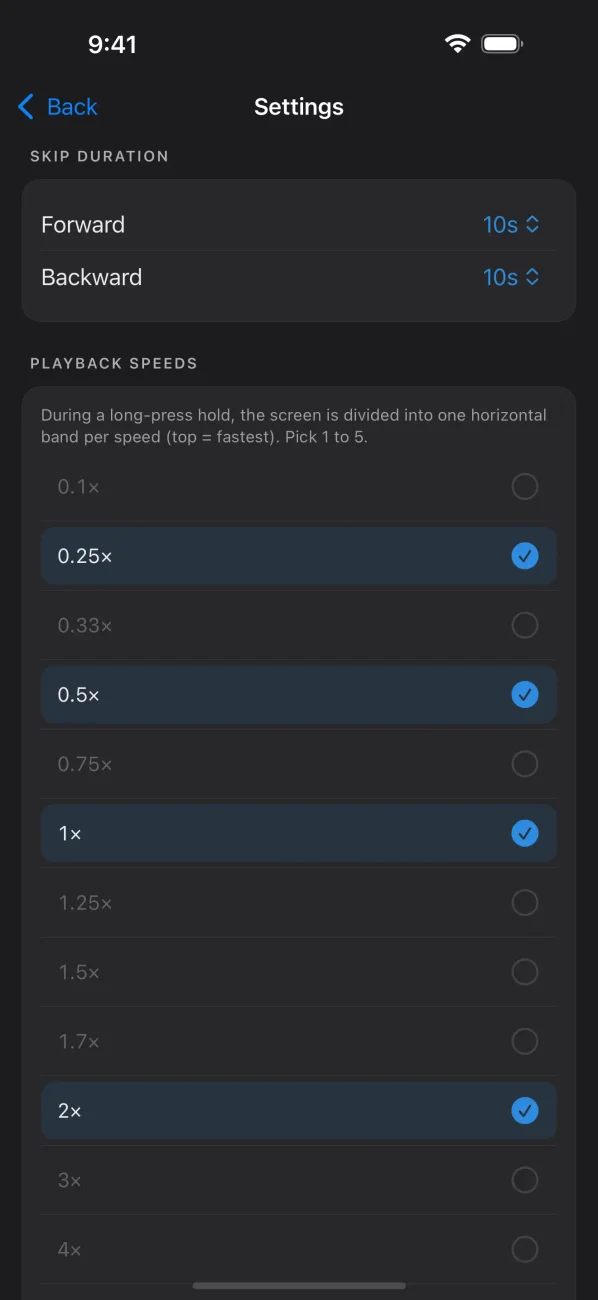
Variable speeds. Long-press anywhere and slide vertically through speed bands (8x, 2x, 1x, 0.5x, 0.25x). Pick which speeds show up in Settings, anywhere from 1 to 5 of them across the 0.1x to 8x range.
Skip ahead or back. Double-tap the left or right edge to jump. Default is 10 seconds, adjustable.
Scrub the timeline. Long-press the center to bring up the gesture overlay with a scrub bar. Drag it. No buffering, no lag.
Reverse playback. Swipe and hold to the left. The video plays backwards at whatever speed you're holding.
Everything stays on your phone. No analytics, no third-party SDKs, no network calls. There is nowhere your video can go because the app has no way to send it.
GOOD FOR
Coaches breaking down game film. Athletes reviewing their swing or form. Dance and martial arts students working through choreography one beat at a time. Editors spot-checking timing before they touch a real timeline. Or anyone who's tired of how YouTube handles the comma key.
REQUIRES
iOS 18 or later. Works on iPhone and iPad. Reads only from the Photos library, no streaming, no file imports.
What’s new
Version 1.0.1 · May 22, 2026
Fixes a bug on iOS 26 where tapping a video thumbnail produced haptic feedback but did not open the player. Thumbnails now open videos reliably on all supported iOS versions.
App privacy
What Kostas Papadopoulos declares on the App Store about how this app handles data.
-
Data not collected
The developer does not collect any data from this app.
Privacy practices may vary, for example with the features you use or your age.
Information
- Seller
- Kostas Papadopoulos
- Category
- Photo & Video
- Version
- 1.0.1
- Updated
- May 22, 2026
- Released
- May 20, 2026
- Size
- 2.1 MB
- Requires
- iOS 18.0 or later
- Age rating
- 4+
- Price
- Free
- Languages
- English
- Copyright
- © 2026 Kostas Papadopoulos
You might also like
-
 TickScrubo: Video Frame ReviewScrub, slow motion, AB loop
-
 SpeedPlay - Video SpeedCustom Speed Video Player
-
 GesturePlay - Video PlayerGesture-Controlled Player
-
 Reelbox - Video PlayerOrganize Videos with Folders
-
 Frame by Frame: Slow Mo VideoDance practice & form analysis
-
 Frame by Frame Video to FramesSave the perfect frame
-
 Video Player-Frame Step & LoopEasy & Slow Motion & Repeat
-
 FanFramePhoto & Video
-
 Video Player - FOCALoop, Offline & Media Player
-
 Fadeo - Instant Film CameraPhotos that develop in 10 min