
VCompress: Video Compressor
Compress & Reduce Photo Size
Designed for iPhone, iPad
Free · In-app purchases
- Age rating4+
- CategoryPhoto & Video
- Developerilya kudravets
- LanguagesEnglish+ 43 more
- Size18.7 MB
Links to the official App Store page
Download.org hosts no file of VCompress: Video Compressor. The button opens its official App Store page, published by ilya kudravets. Listing last checked on Nov 23, 2026.
Screenshots
About
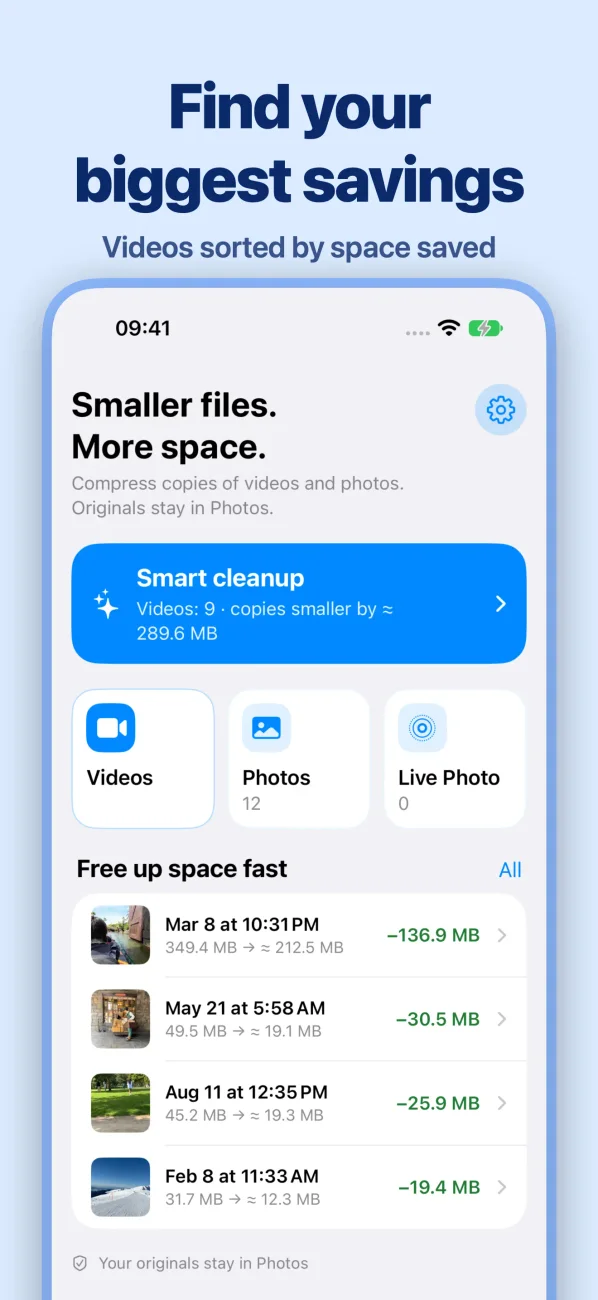
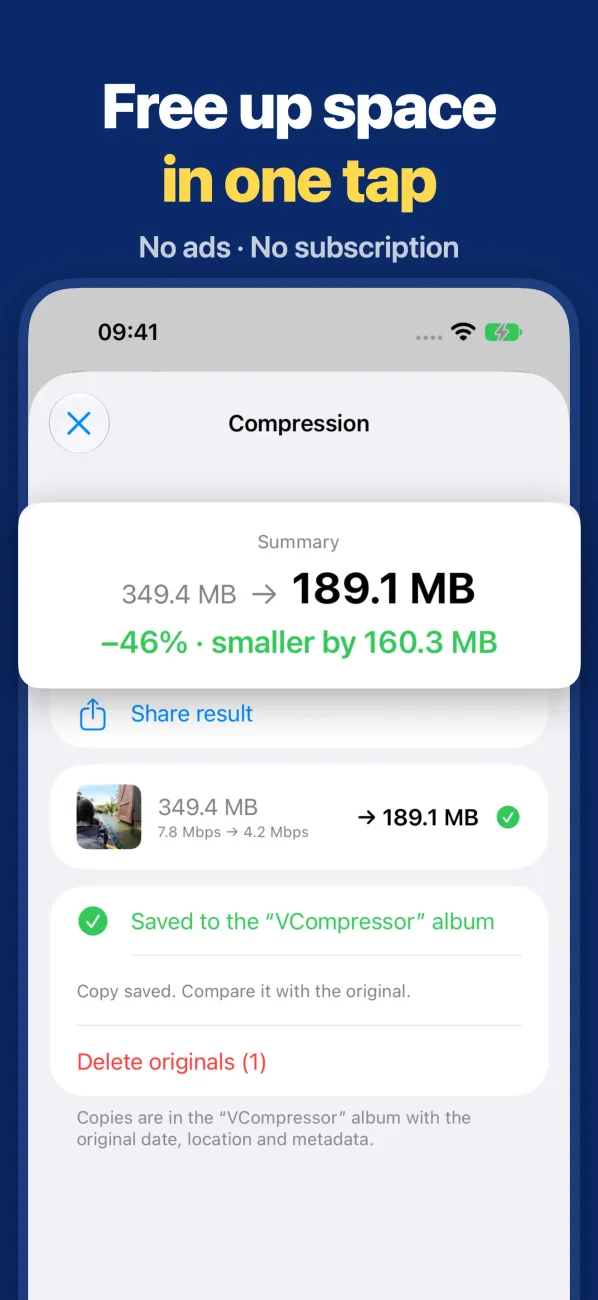
Compress videos and photos on your iPhone or iPad for storage or sharing: 10 videos and 50 photos free every day, no ads, no subscription. Compare video quality before saving. Originals stay in Photos until you choose to delete them.
FREE TO USE. NO SUBSCRIPTION.
Compress up to 10 videos and 50 photos each day for free. Need to process more? VCompressor Pro removes the daily limits with a one-time purchase. Family Sharing is included. Restore purchases in Settings.
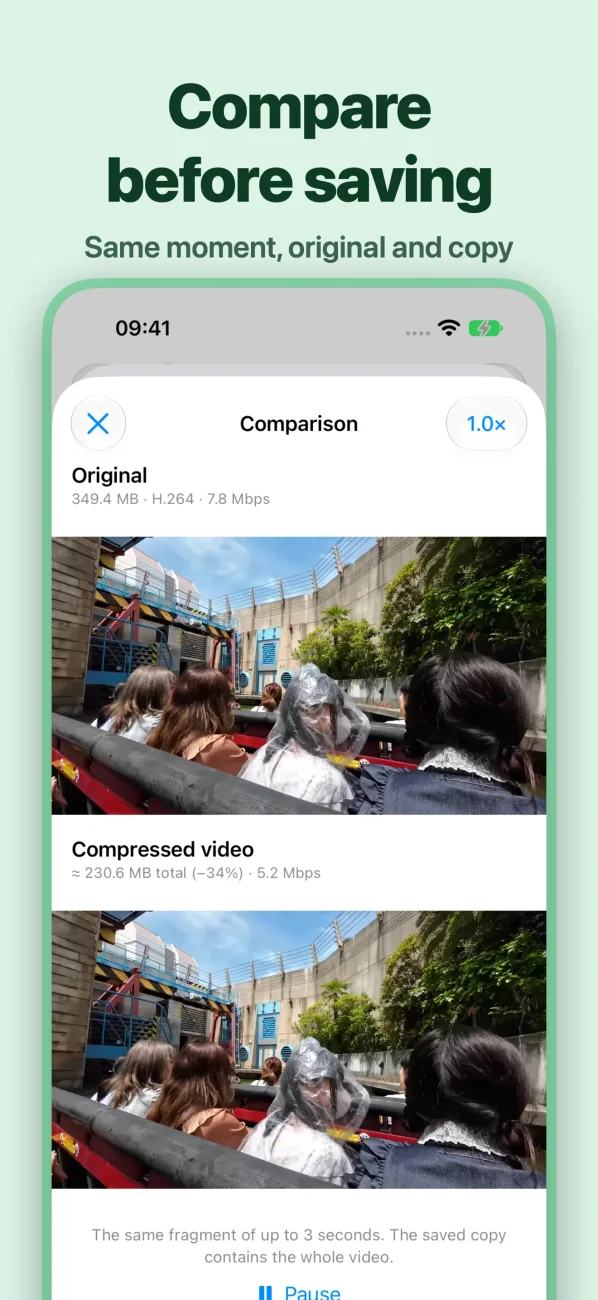
COMPARE BEFORE SAVING
Watch the same short clip from the original and compressed video, play them together and zoom in to check details.
COMPRESS IN BATCHES
Browse by date, album and filters. Copies go to the VCompressor album. Resume unfinished queues without creating completed copies again.
CHOOSE SIZE AND QUALITY
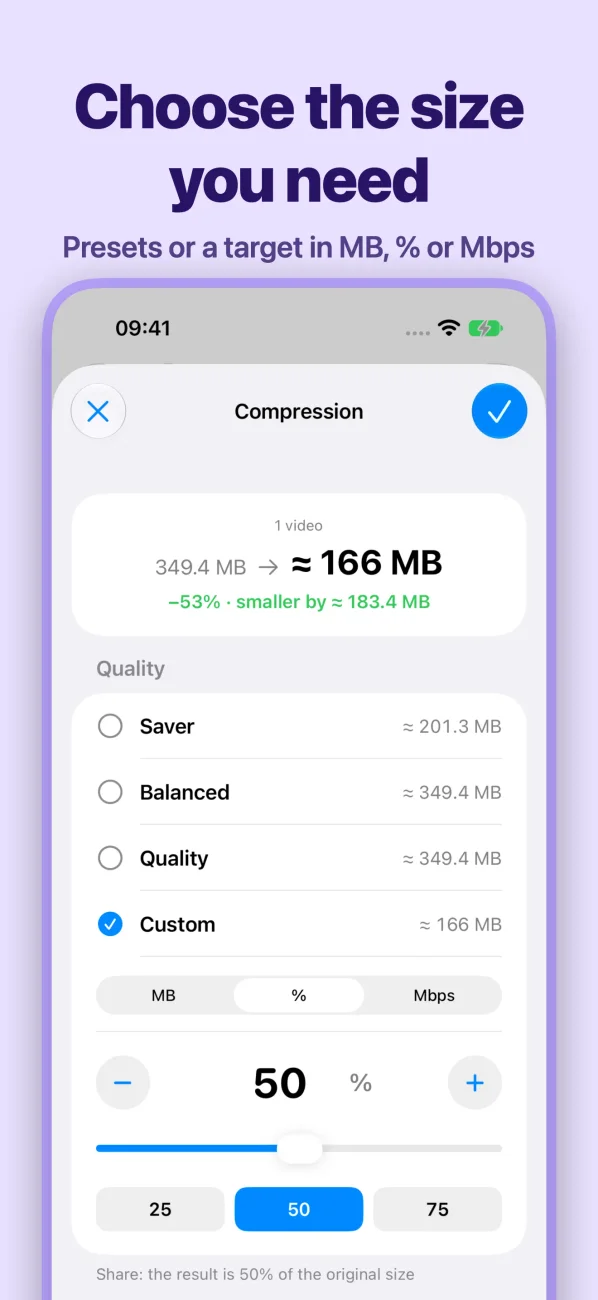
Use a preset or set a target in MB, percent or Mbps. For video, choose HEVC or H.264, audio quality and a frame-rate limit.
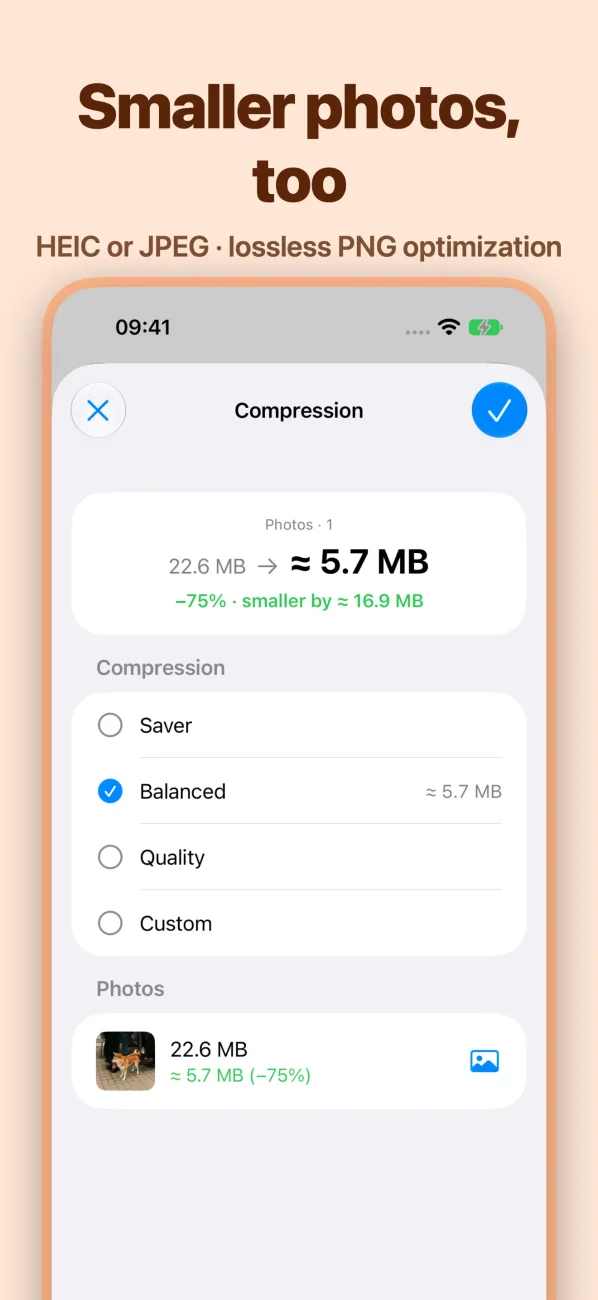
PHOTOS AND LIVE PHOTOS
Supported photos can be saved as HEIC or JPEG with quality and dimension settings. Source PNG files can be optimized losslessly while keeping their dimensions and transparency. A Live Photo becomes a separate still photo without motion or sound. The live original is unchanged.
YOU DECIDE WHAT TO DELETE
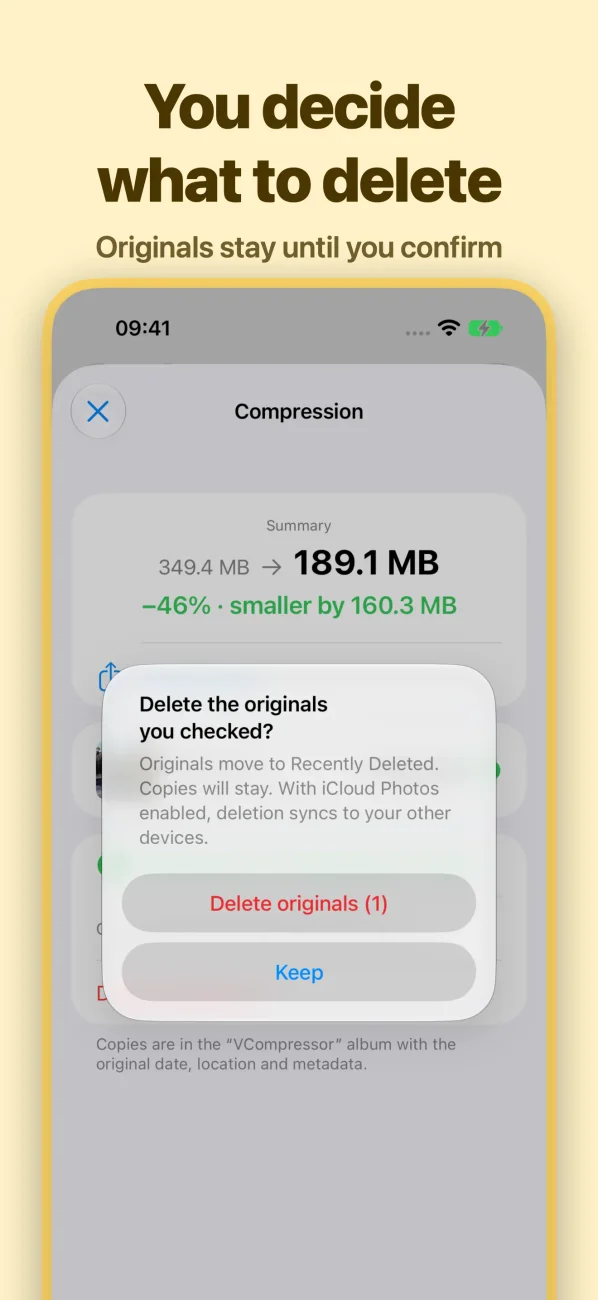
Originals stay in Photos until you confirm deletion. Saving a copy alone does not free storage: both files remain in your library. Deleted originals move to Recently Deleted. With iCloud Photos enabled, deletion syncs to your other devices. Check the saved copy first.
Processing takes place on your device. No account is needed, and files are not uploaded to a developer-operated server for compression. Originals stored only in iCloud need an internet connection. On iPhone and iPad, video compression pauses in the background and resumes when you return.
Supported metadata, including capture date and location, is preserved. Savings depend on the source file and settings; already compact photos may save little space. Re-encoding can reduce quality. Supported HDR video can be kept in HEVC; HDR photos require a compatible gain map and HEIC output. RAW, slow-motion and spatial video, and unsupported HDR or transparency conversions are skipped.
What’s new
Version 1.2 · Nov 10, 2026
New home screen: see how much space your copies have saved and your recent copies, and use Smart cleanup to select every video worth compressing at once. Copies that overshoot a size target are now re-encoded to fit, and size estimates for large photo selections are faster.
App privacy
What ilya kudravets declares on the App Store about how this app handles data.
-
Data linked to you
May be collected and linked to your identity.
- Diagnostics
Privacy practices may vary, for example with the features you use or your age.
Information
- Seller
- ilya kudravets
- Category
- Photo & Video
- Version
- 1.2
- Updated
- Nov 10, 2026
- Released
- Oct 13, 2026
- Size
- 18.7 MB
- Requires
- iOS 17.0 or later
- Age rating
- 4+
- Price
- Free
- In-app purchases
- Yes
- Languages
- English, Arabic, Bengali, Catalan, Croatian, Czech, Danish, Dutch, Finnish, French, German, Greek + 32 more
- Copyright
- © 2026 Ilya Kudravets
You might also like
-
 Video Photo Compressor +Photo Compress & Image Size
-
 Optimo: Compress Photo & VideoDownsize Pics, Keep Quality
-
 Shrinkray: Video CompressorShrink photos for easy sharing
-
 Ninja Video Compress & ConvertVideo Size Reducer & Shrinker
-
 Capture MemoriesCapture Moments Together
-
 Kompress: Video CompressorReduce File Size, Clear Space
-
 Crispy - Video CompressorShrink 4K videos to HD size
-
 VideoFix: HDR Video ConverterHEVC to MP4, FPS & Audio
-
 Stikrr - Your StickersYour stickers ready to use
-
 pCAM Pro - Camera ToolsDoF, FoV, Preview