Vector Logo Maker : Design App
Create Brand Icons & Graphics
Designed for iPhone, iPad
Free · In-app purchases
- Age rating12+
- CategoryGraphics & Design
- DeveloperTakao Sunagawa
- LanguagesEnglish+ 13 more
- Size177.8 MB
Links to the official App Store page
Download.org hosts no file of Vector Logo Maker : Design App. The button opens its official App Store page, published by Takao Sunagawa. Listing last checked on Nov 17, 2026.
Screenshots
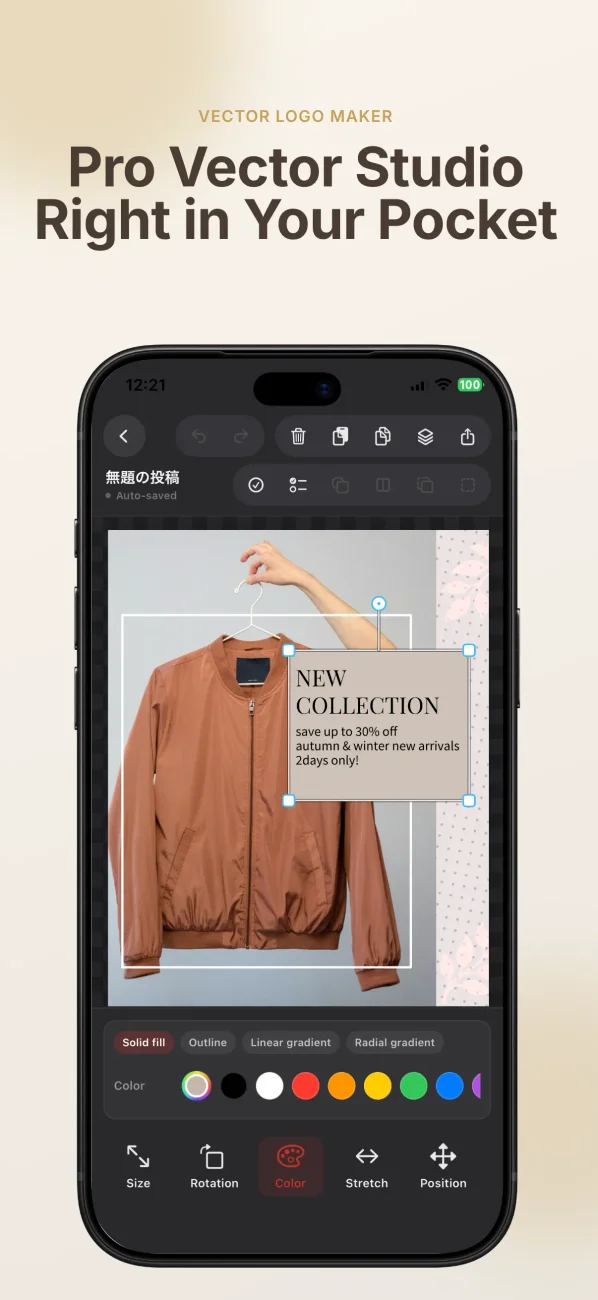
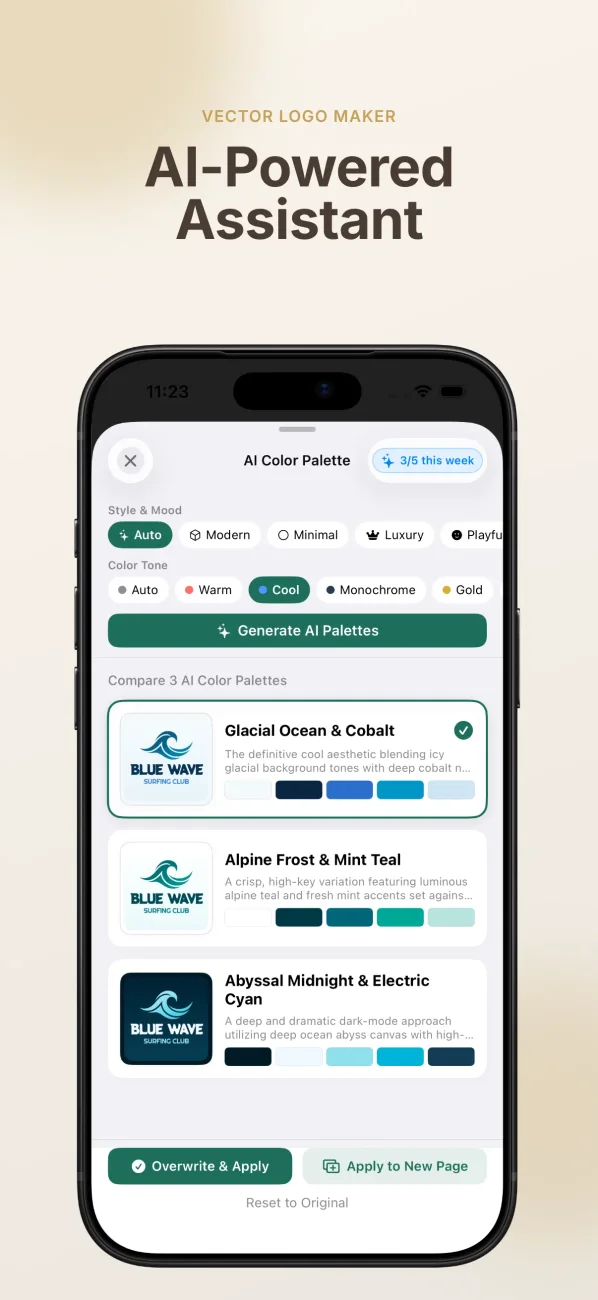
About
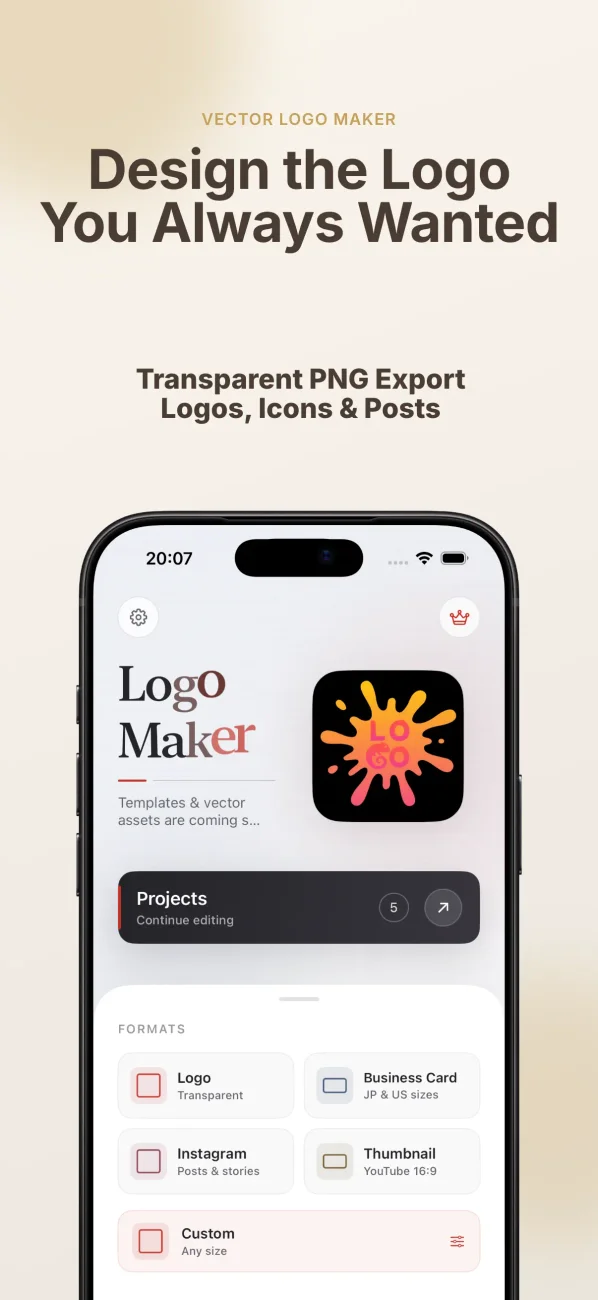
Bring your brand identity to life—from initial logo concept and precision vector editing to crisp SVG and transparent PNG exports. "Vector Logo Maker" is an all-in-one graphic design studio built for shop logos, brand marks, social media icons, and business cards.
Blend expressive typography, geometric shapes, vector artwork, hand-drawn sketches, and photos to build a look that is unmistakably yours. Use AI to spark fresh logo concepts and discover harmonious color palettes in seconds.
Jump right in with free core editing tools—arrange text and shapes effortlessly to turn your vision into reality.
■ Ideal For
・Brand logos for cafes, boutiques, salons, studios, and startups
・Personal branding, creator marks, and handmade craft labels
・Social media profile pictures, channel icons, and headers
・App icons, website favicons, and digital symbols
・Business cards, hang tags, stickers, packaging, and storefront signage
・Custom monograms and emblems combining typography with geometric art
■ Combine Text, Shapes, and Vector Assets
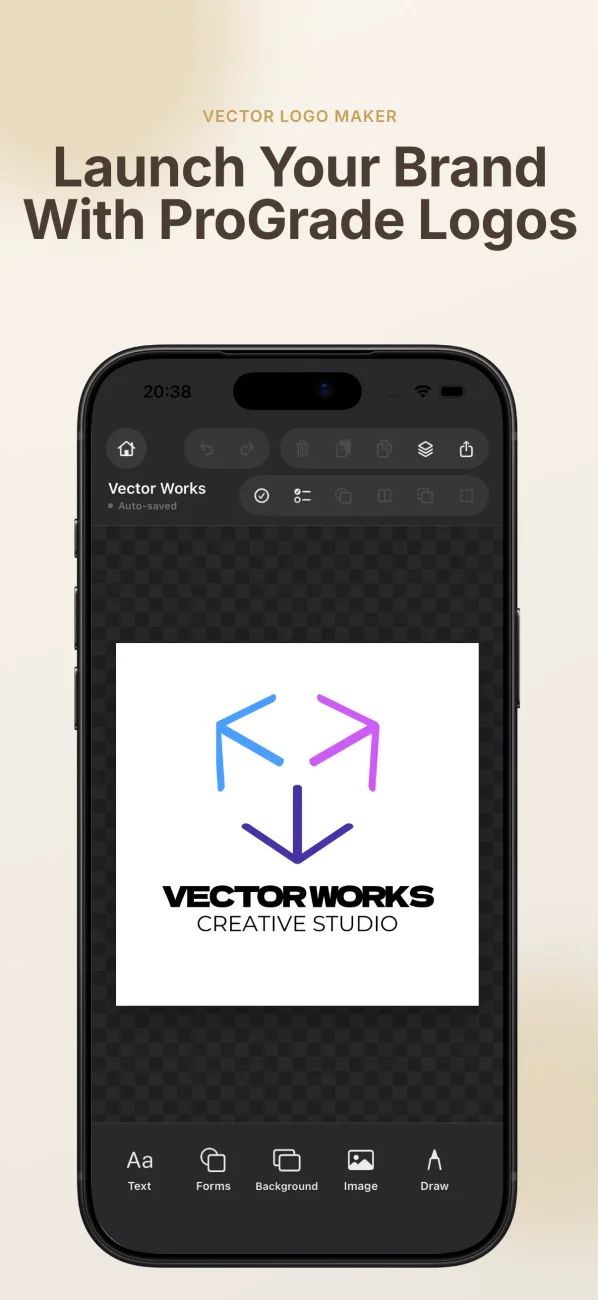
Explore a rich library of fonts, geometric figures, and scalable vector icons. Fine-tune font size, letter spacing, colors, and alignment to capture your brand's vibe.
Take full command with intuitive layer controls: reorder, adjust opacity, add shadows, group elements, and layer in photos or transparent PNGs.
■ Direct Path & Anchor Point Editing
Go beyond standard presets. Directly manipulate vector nodes and Bézier handles to sculpt custom contours, smooth curves, and refine every corner with pinpoint accuracy.
■ Vectorize Images & Sketches
Turn photos and paper sketches into editable vector paths using smart contour tracing. Inspect and polish converted nodes right on the canvas.
*Results vary by image resolution, contrast, and complexity. Manual refinement may be needed.
■ AI-Powered Ideation & Color Palettes
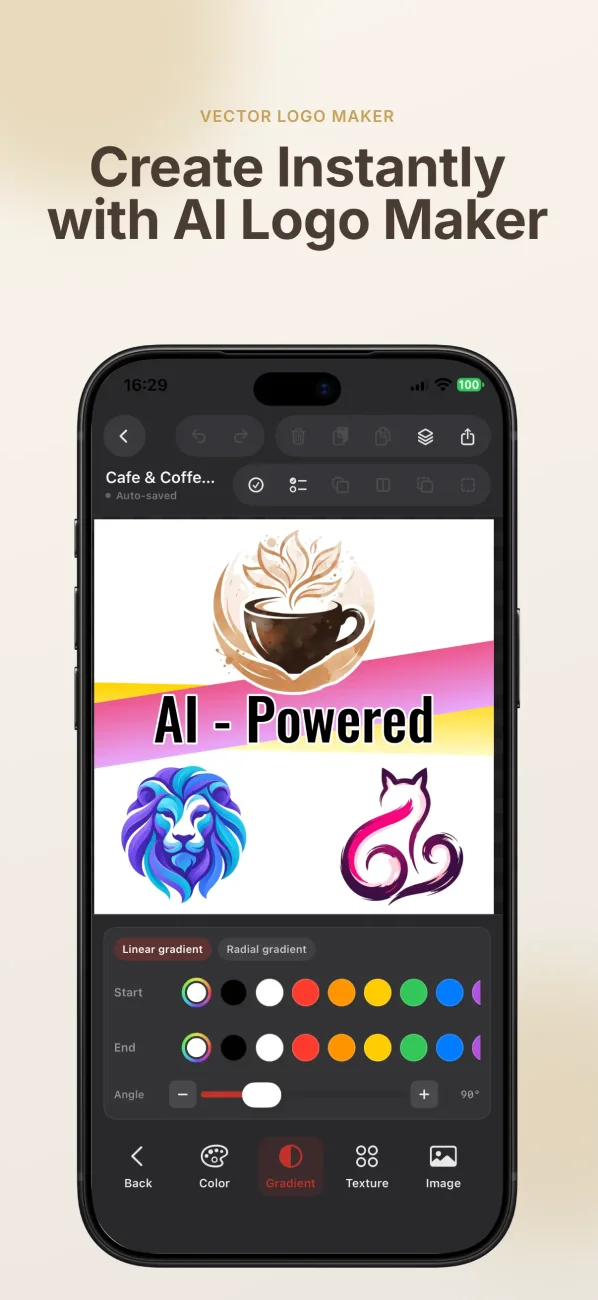
・AI Logo Creator: Select your industry and style to generate inspiring logo concepts on the spot.
・AI Color Palettes: Get curated color schemes tailored to the mood of your design.
*AI images are raster previews rather than native vector paths.
*Requires internet access. For users aged 18 and older.
■ Export as SVG, PNG, PDF & More
Choose the right format for any digital or print workflow:
・SVG: Infinitely scalable vector files for web, print shops, and design software
・Transparent PNG: Clean cutouts ready for websites, social posts, and merch
・PNG & JPEG: High-clarity standard images for quick saving and sharing
・PDF: Print-ready documents for signage, stationery, and handoffs
・MP4: Export animated logo reveals as smooth video clips
・Up to 4x ultra-high resolution output on supported formats
*Embedded raster photos inside SVG/PDF remain pixel-based. Check print guidelines before production.
■ 3D Tilt & Real-World Mockups
Add depth with 3D perspective tilt, and preview your logo on realistic storefront signage and T-shirt mockups.
■ On-Device Storage & Offline Editing
Projects are saved locally on your device, so you can sketch and design offline anytime.
*AI tools, ads, and in-app purchases require internet access.
■ Free Features
Enjoy core editing tools, 1x PNG export, and up to 2 saved projects for free.
Unlock select Pro fonts, vector assets, or exports on demand via rewarded ads.
■ LogoMaker Pro
Create without limits in an ad-free workspace:
・Unlimited project storage slots
・Full access to all Pro templates, Pro fonts, and vector libraries
・Unlimited SVG, PDF, and transparent PNG exports
・Up to 4x ultra-high resolution rendering
・Ad-free access to AI Color Palettes
Available as a Lifetime Purchase, Annual, or Monthly plan.
*AI Logo Creator image generation requires separate credits.
■ Commercial Use
Built-in fonts are licensed for commercial use. Please review terms when using graphic assets or AI imagery. Trademark registration is not guaranteed.
Terms of Use (EULA): https://www.apple.com/legal/internet-services/itunes/dev/stdeula/
What’s new
Version 2.2.2 · Nov 2, 2026
• Added support for Thai, Indonesian, and Vietnamese.
• Fixed an issue where the eyedropper picked a color from the wrong position on the canvas.
• Improved translations and in-app guidance.
App privacy
What Takao Sunagawa declares on the App Store about how this app handles data.
-
Data used to track you
May be used to track you across apps and websites owned by other companies.
- Identifiers
- Usage data
-
Data linked to you
May be collected and linked to your identity.
- Identifiers
- Usage data
-
Data not linked to you
May be collected but is not linked to your identity.
- Purchases
- Diagnostics
Privacy practices may vary, for example with the features you use or your age.
Information
- Seller
- Takao Sunagawa
- Category
- Graphics & Design
- Version
- 2.2.2
- Updated
- Nov 2, 2026
- Released
- Aug 14, 2026
- Size
- 177.8 MB
- Requires
- iOS 17.0 or later
- Age rating
- 12+
- Price
- Free
- In-app purchases
- Yes
- Languages
- English, Dutch, French, German, Indonesian, Italian, Japanese, Korean, Portuguese, Simplified Chinese, Spanish, Thai + 2 more
- Copyright
- © 2026 Takao Sunagawa
You might also like
-
 AI Logo & Design MakerSignature , Tattoo & Art
-
 Mojiatume|もじあつめGraphics & Design
-
 Configure Your SpaceGraphics & Design
-
 Logo Maker : Logo Creator.Create Logo, Design Creator
-
 深度AI改图-无痕改字 P字 智能修图 去水印 AI改字Graphics & Design
-
 AI Logo Maker Logo GeneratorAI Logo Maker Logo Generator
-
 Yuzu - AI avatar for your petCreate Magic Dog Art Portraits
-
 AI Logo Generator Logos MakerCustom gaming design creator
-
 AI SVG Converter : InkscapeSVG Maker - Vector, SVG Editor
-
 Edit Background of PhotoChange backdrop of image