- Age rating4+
- CategoryGraphics & Design
- DeveloperDennis Clay
- LanguagesEnglish
- Size1.4 MB
Links to the official App Store page
Download.org hosts no file of Vector Sketch Limited. The button opens its official App Store page, published by Dennis Clay. Listing last checked on Nov 18, 2026.
Screenshots

About
No ads… No subscription… Free.
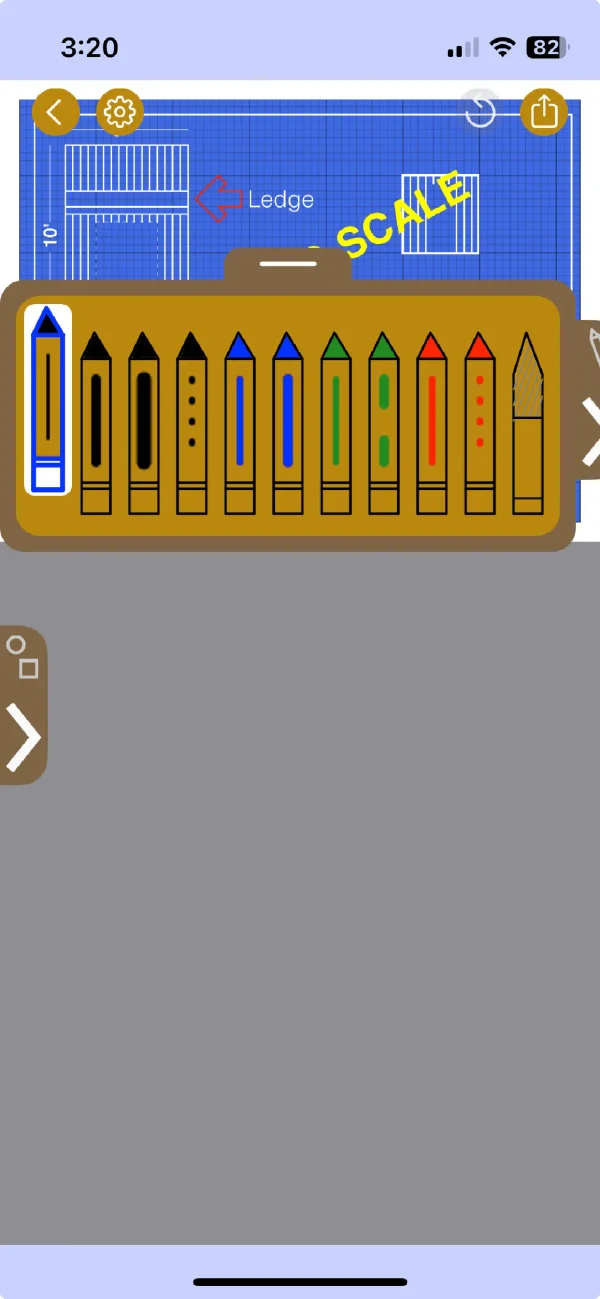
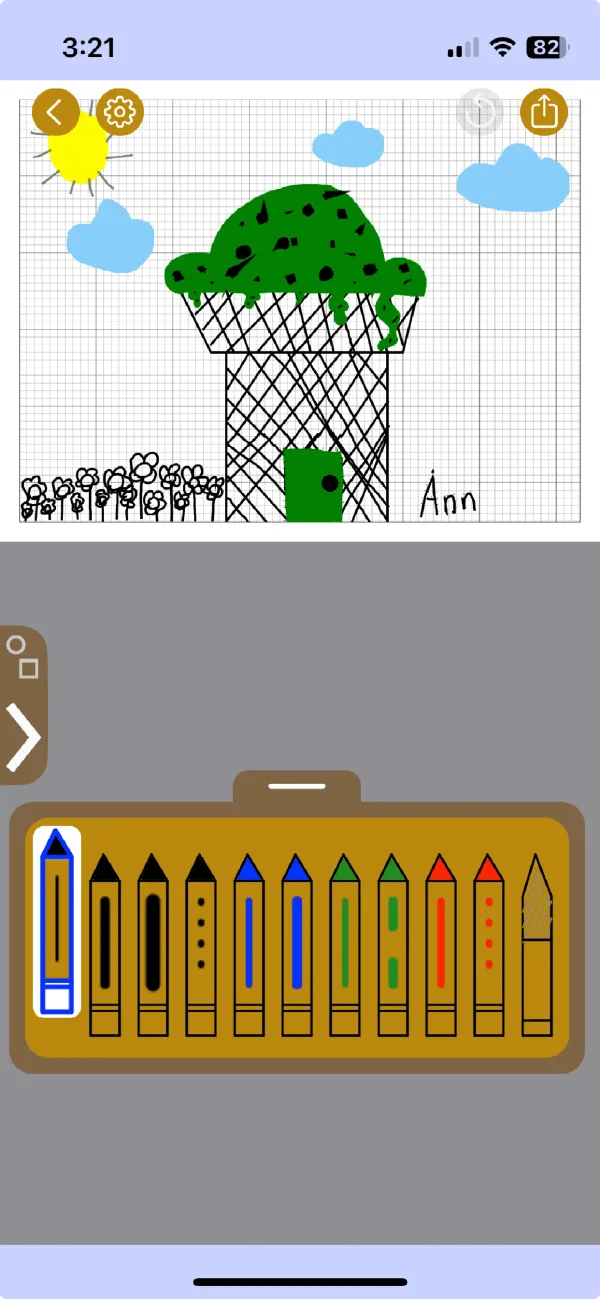
A vector drawing application for the iPad or iPhone that provides a very simple, user friendly interface to draw vector lines, circles, rectangles, and text labels. The shapes can be moved or modified after placement. For example, such as changing the width of the line or the color.
A border line is drawn around the edges of the canvas to represent the drawing area of a standard size sheet of paper (8-1/2 X 11 inches). The canvas is initially displayed showing the entire border, and you can only draw inside of this border. You can use two fingers to zoom in on the canvas, in order to create a more detailed drawing. If you zoomed in such that any portion of the border can’t be seen, then you can use two fingers to pan the canvas around.
A grid is displayed over the canvas to help with alignment. There are a couple of different ways to display this grid, or you can hide it completely if you would rather have a blank canvas. You can also change the background color of the canvas. This can be useful depending on your needs. For example, if you wanted to draw with a WHITE pen, you would probably want a darker background.
Snapping can be turned ON or OFF. When snapping is ON, as you place new shapes on the screen, or move existing ones, the shape is “snapped” to nearest snap point location (on the grid). This allows you to easily align and place various shapes on the canvas. Snap points are invisible, and are located at the intersection of each line in the grid. Snapping can be still be used, even when the grid is "hidden".
Drawings can be printed in landscape, on 8-1/2 X11 inch paper.
What’s new
Version 2.0.1 · Oct 5, 2026
Minor bug fixes.
App privacy
What Dennis Clay declares on the App Store about how this app handles data.
-
Data not collected
The developer does not collect any data from this app.
Privacy practices may vary, for example with the features you use or your age.
Information
- Seller
- Dennis Clay
- Category
- Graphics & Design
- Version
- 2.0.1
- Updated
- Oct 5, 2026
- Released
- Aug 7, 2024
- Size
- 1.4 MB
- Requires
- iOS 26.0 or later
- Age rating
- 4+
- Price
- $0.99
- Languages
- English
- Copyright
- © 2024 Dennis Clay
You might also like
-
 ADHelper2.5D Vector Drawing Assistant
-
 PaintlustratorGraphics & Design
-
 Draw XPThe experimental drawing app
-
 LineForge: Vector SVGDraw, Export SVG & PDF
-
 BladeDraw – Vector DrawingEvery stroke stays editable
-
 Fineline StudiosA new pattern with every touch
-
 MeshArtUnleash Your Inner Artist
-
 AutomataStudioMechanical Motion Designer
-
 Pixel WorksGraphics & Design
-
 Bantam Tools DrawDraw Vectors for Art Machines