- Age rating9+
- CategoryGraphics & Design
- DeveloperSynium Software GmbH
- LanguagesEnglish+ 7 more
- Size50.8 MB
Links to the official App Store page
Download.org hosts no file of VectorAI 2. The button opens its official App Store page, published by Synium Software GmbH. Listing last checked on Nov 8, 2026.
Screenshots

About
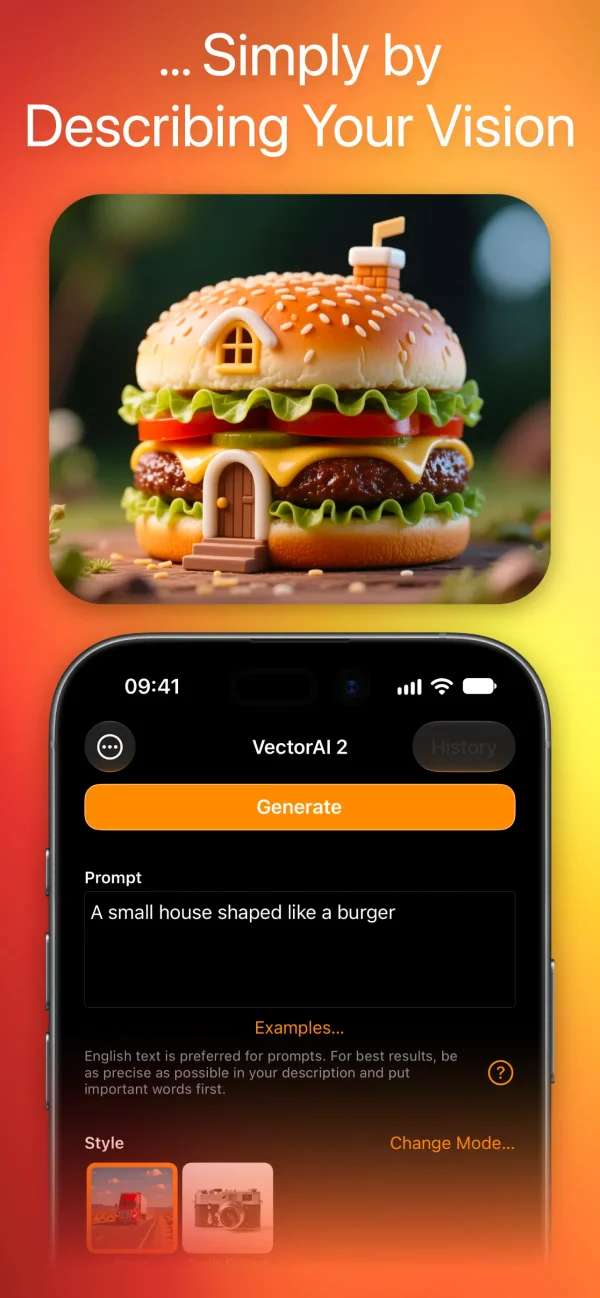
Just say what VectorAI 2 should create for you
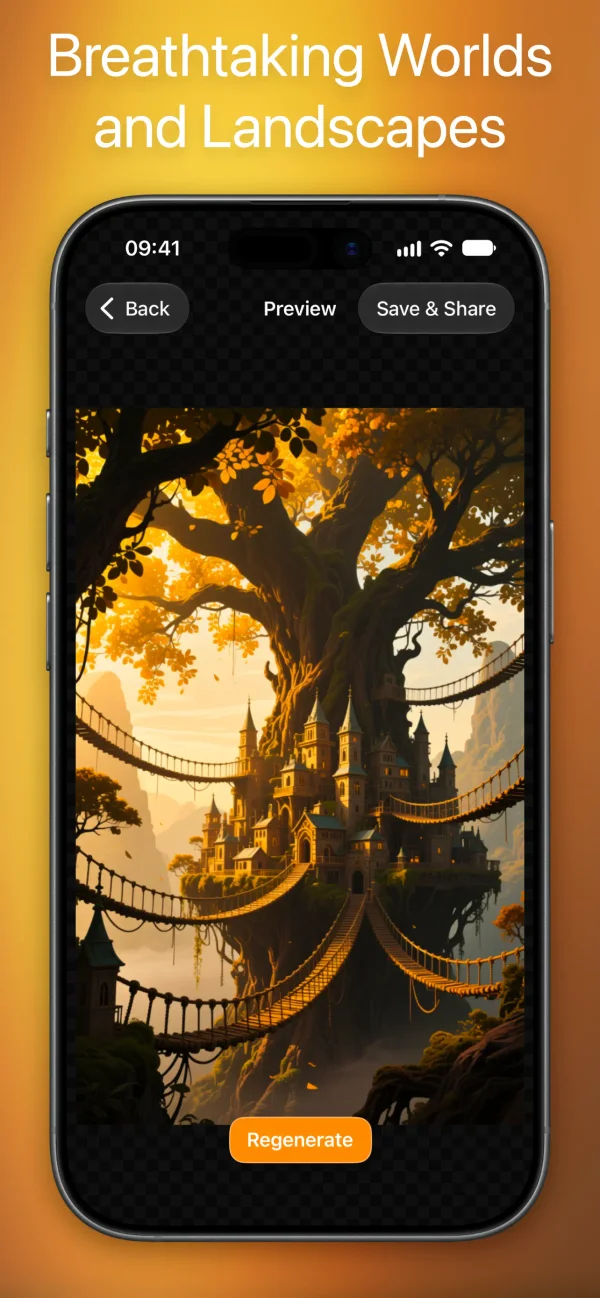
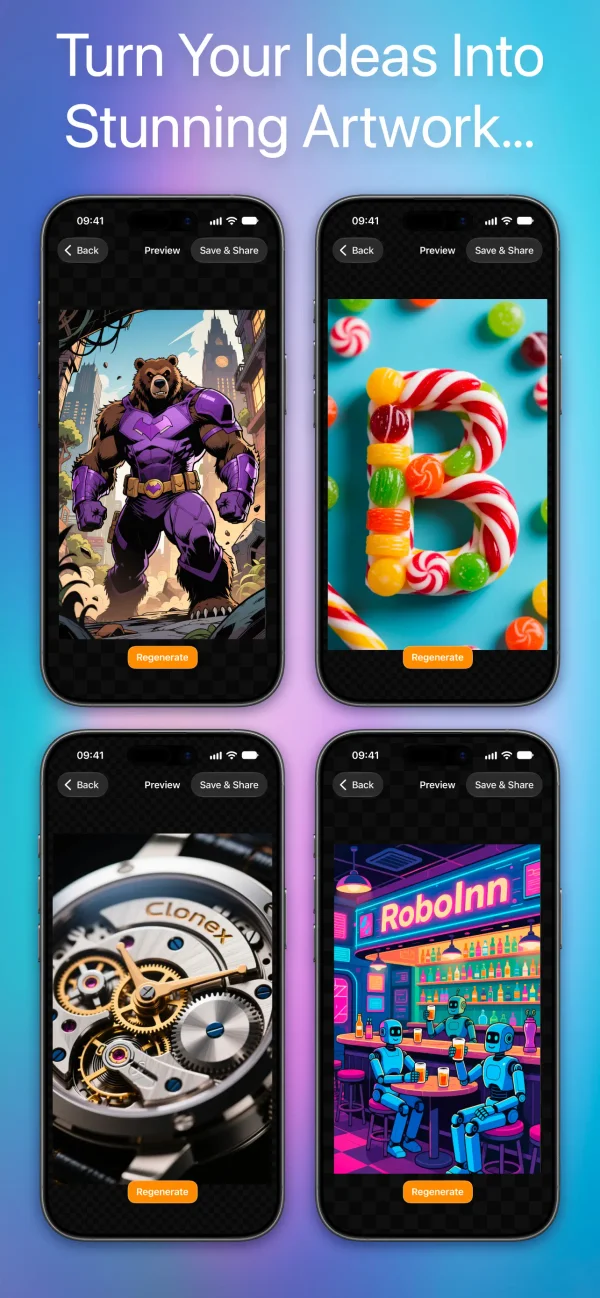
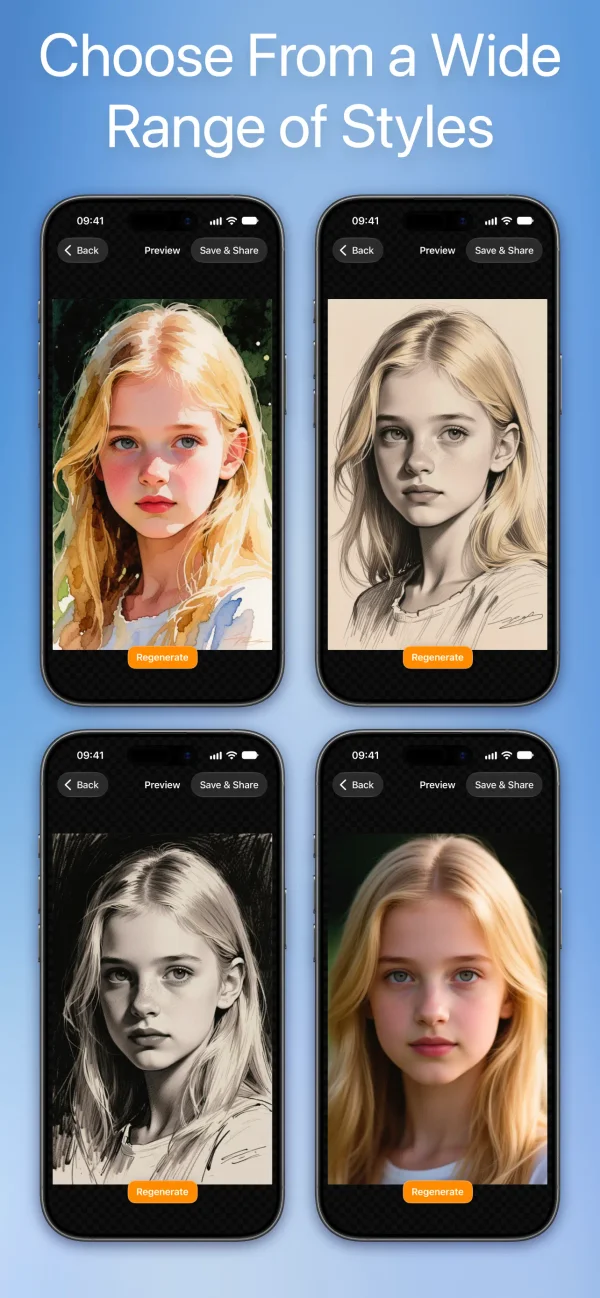
Do you need high-quality graphics quickly, such as an icon for a presentation, a muffin for a party invitation, a stack of gifts and balloons for a birthday card, or a landscape image for your next video project? With VectorAI 2, you simply describe what you want to see — and the app turns your text into impressive artwork.
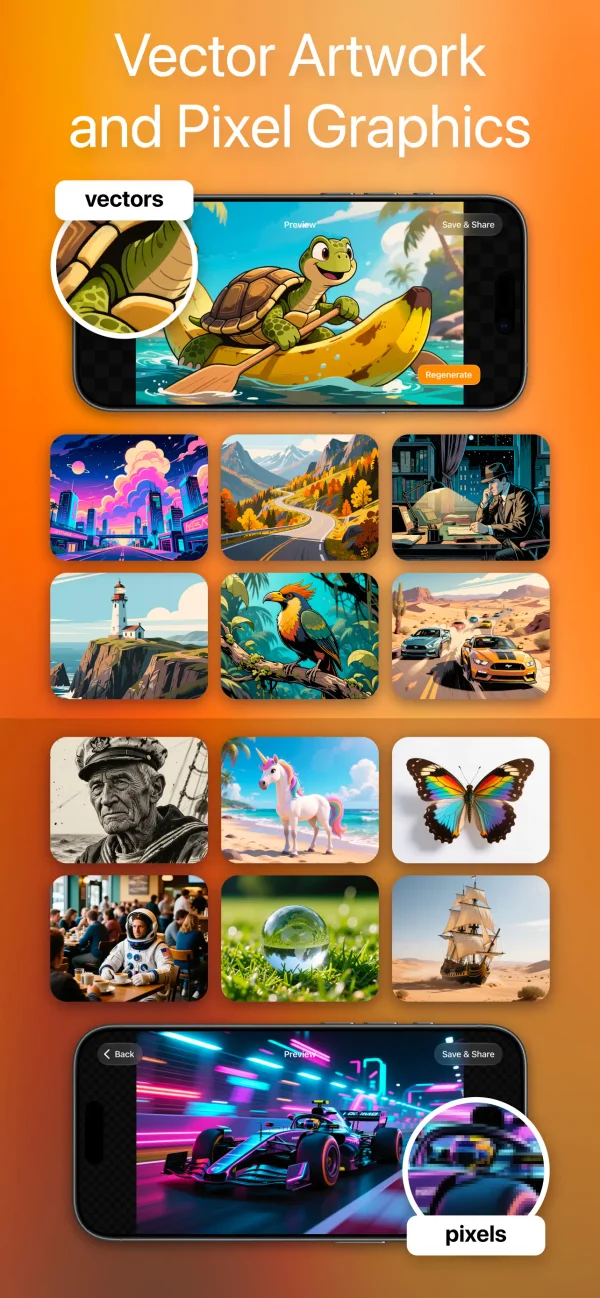
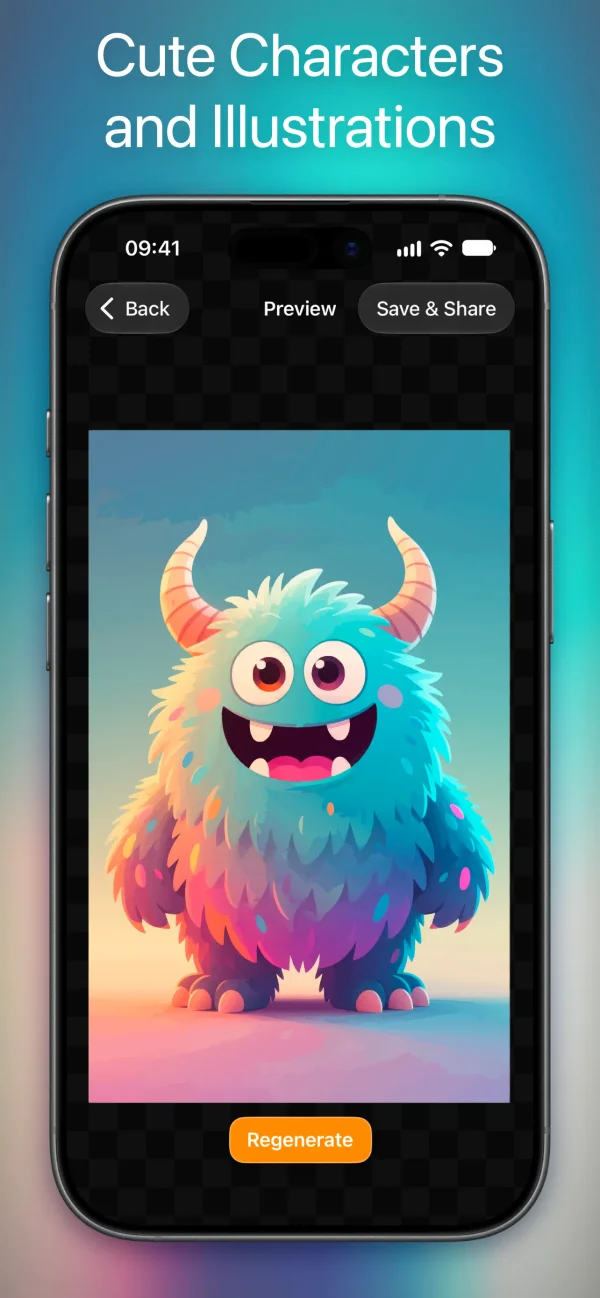
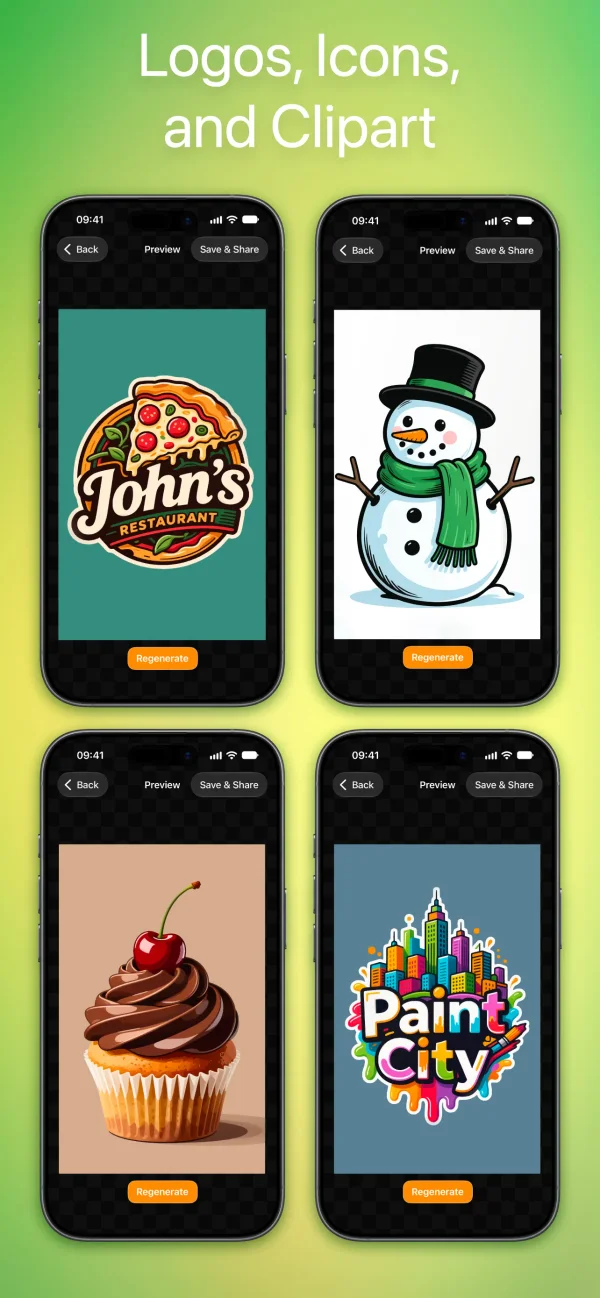
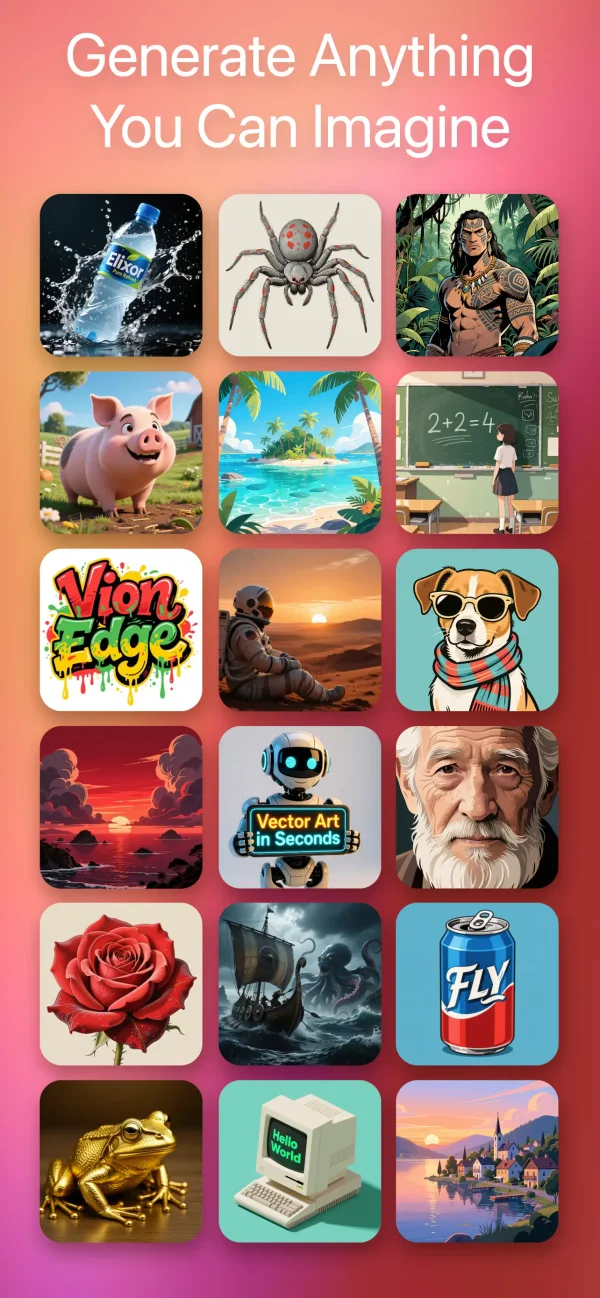
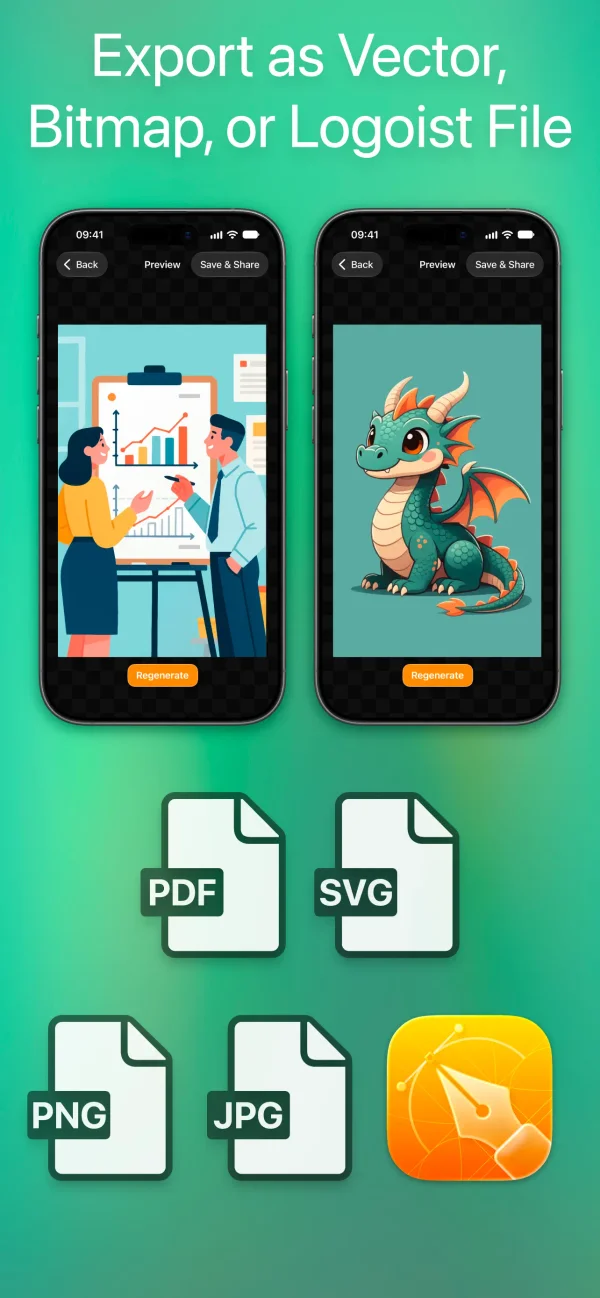
VectorAI 2 uses a completely new AI model for creating both vector-based and pixel-based images. It can generate logos, clipart, illustrations, icons, scenes, and even realistic artwork. The more precisely you describe the result you want, the more control you have over the final image.
A different approach to image generation
VectorAI 2 is designed to follow your description as closely as possible. Instead of freely adding extra ideas or replacing missing information with guesses, it focuses on the details you provide.
This gives you more control, but it also means that precise prompts lead to the best results. For example, a prompt such as “A flag on a flagpole with a green background, a blue dot, and a yellow decoration along the edges” will usually produce a more accurate result than a vague request such as “the flag of country XY” or “the football jersey of club YZ”.
Features
• Create vector-based and pixel-based artwork from text descriptions
• No subscription, unlimited usage
• Generate logos, icons, clipart, illustrations, scenes, and realistic images
• Choose from a wide range of styles
• Create images in different aspect ratios
• Use detailed prompts, including visible text or labels within the image
• Export your results in common vector and image formats, including PDF, SVG, PNG, and JPG
• Continue editing vector artwork in Logoist 6 or another compatible vector design app
VectorAI or Logoist 6?
VectorAI is also included in Logoist 6, our full vector and graphic design app for Mac, iPad, and iPhone. If you already own Logoist 6, you do not need to purchase VectorAI separately.
The standalone VectorAI app is ideal if you mainly want to create images and vector artwork from text prompts without using the full Logoist design environment. If you want to edit paths, apply advanced styles and effects, build full design projects, or work with 3D features, Logoist 6 is the better choice. Of course, you can also export VectorAI results for use in other apps, but VectorAI artwork is especially well optimised for further editing in Logoist.
App privacy
What Synium Software GmbH declares on the App Store about how this app handles data.
-
Data not linked to you
May be collected but is not linked to your identity.
- Usage data
Privacy practices may vary, for example with the features you use or your age.
Information
- Seller
- Synium Software GmbH
- Category
- Graphics & Design
- Version
- 2.0
- Updated
- Oct 9, 2026
- Released
- Oct 8, 2026
- Size
- 50.8 MB
- Requires
- iOS 18.6 or later
- Age rating
- 9+
- Price
- $9.99
- Languages
- English, Dutch, French, German, Italian, Polish, Russian, Spanish
- Copyright
- © Synium Software GmbH Germany
You might also like
-
 Rindraw: Draw, Sketch & PaintArt, Illustration & Animation
-
 Layer-ArtGraphics & Design
-
 Doodle - Vector DrawingSketchbook with SVG export
-
 VectoraExperimental Vector Studio
-
 Light AnimatorGraphics & Design
-
 Font ShelfInstall fonts you already own
-
 Particle GeneratorParticle Generator to Video
-
 PaintlustratorGraphics & Design
-
 Sable: Pixel • Draw • VectorPixel & vector drawing studio
-
 Lineova: Drawing & PaintingSketch, Vector Art & Animate