- Age rating+4
- CategoryNavigation
- DeveloperJuan Rodriguez
- LanguagesPortuguese+ 8 more
- Size2.0 MB
Links to the official App Store page
Download.org hosts no file of Velocify: Speedometer & HUD. The button opens its official App Store page, published by Juan Rodriguez. Listing last checked on Nov 23, 2026.
Screenshots

About
Velocify turns your iPhone into a GPS speedometer and a 0-60 / 0-100 timer, with a HUD mode that projects your speed onto the windshield.
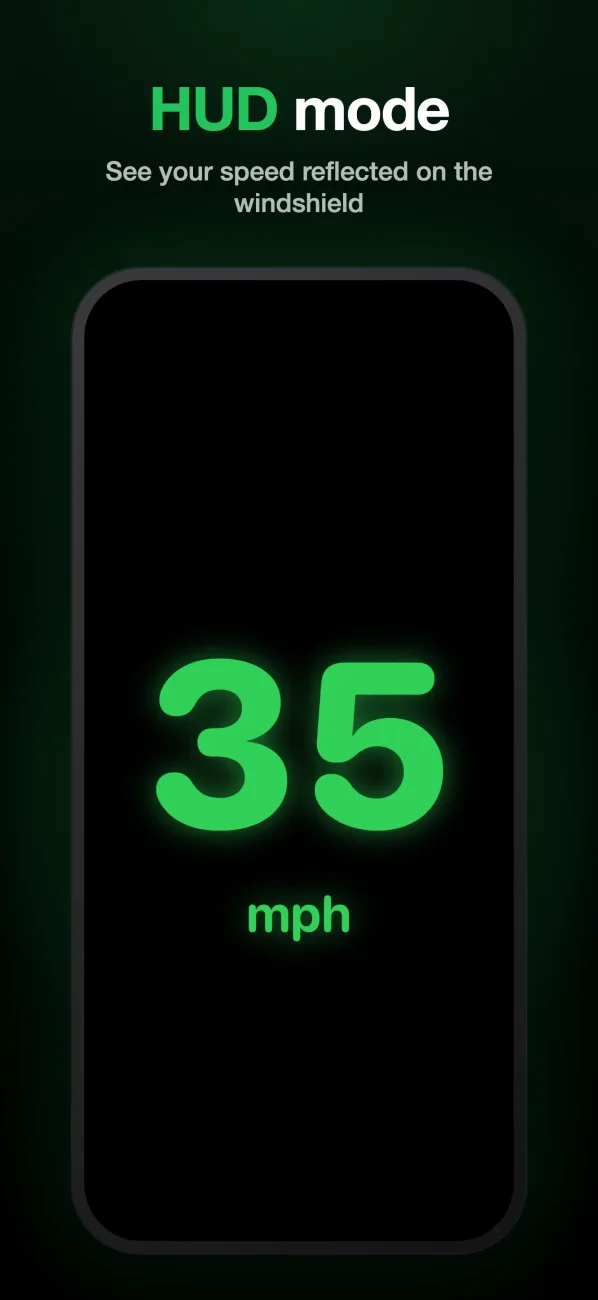
HUD MODE
Place your iPhone on the dashboard and read your speed reflected on the windshield, without looking down. Mirror and rotate the display to fit your car.
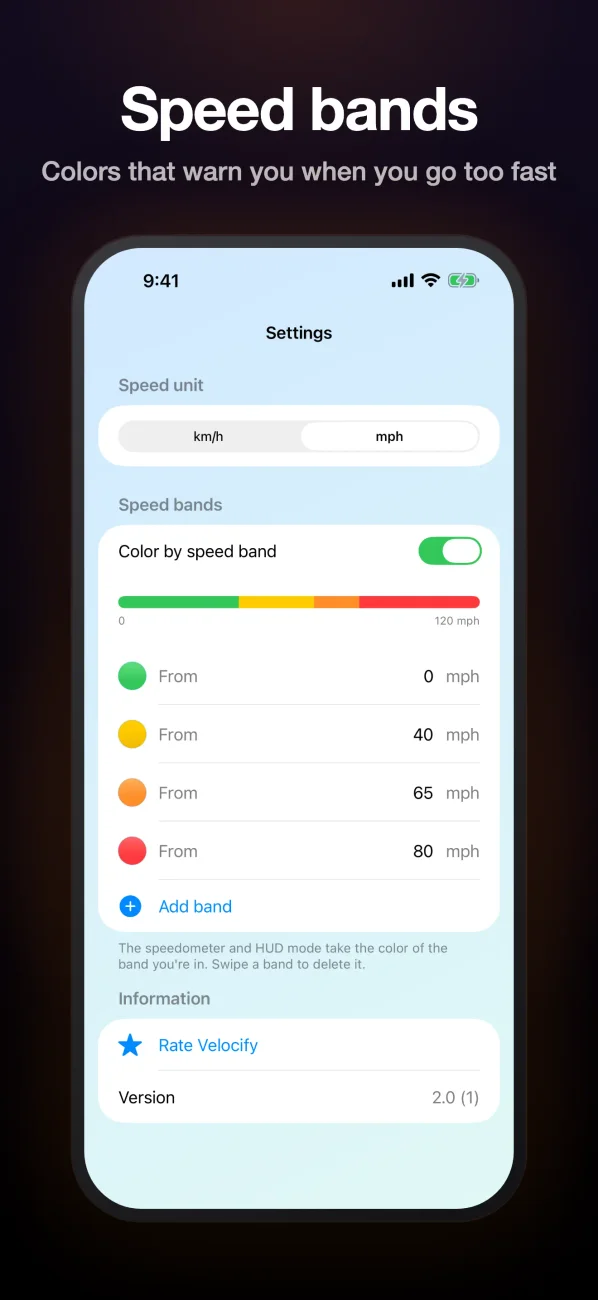
SPEED BANDS
Choose your own speed ranges and colors: green, yellow, orange, red and more. The speedometer and the HUD change color as you drive, so you know at a glance when you're going too fast.
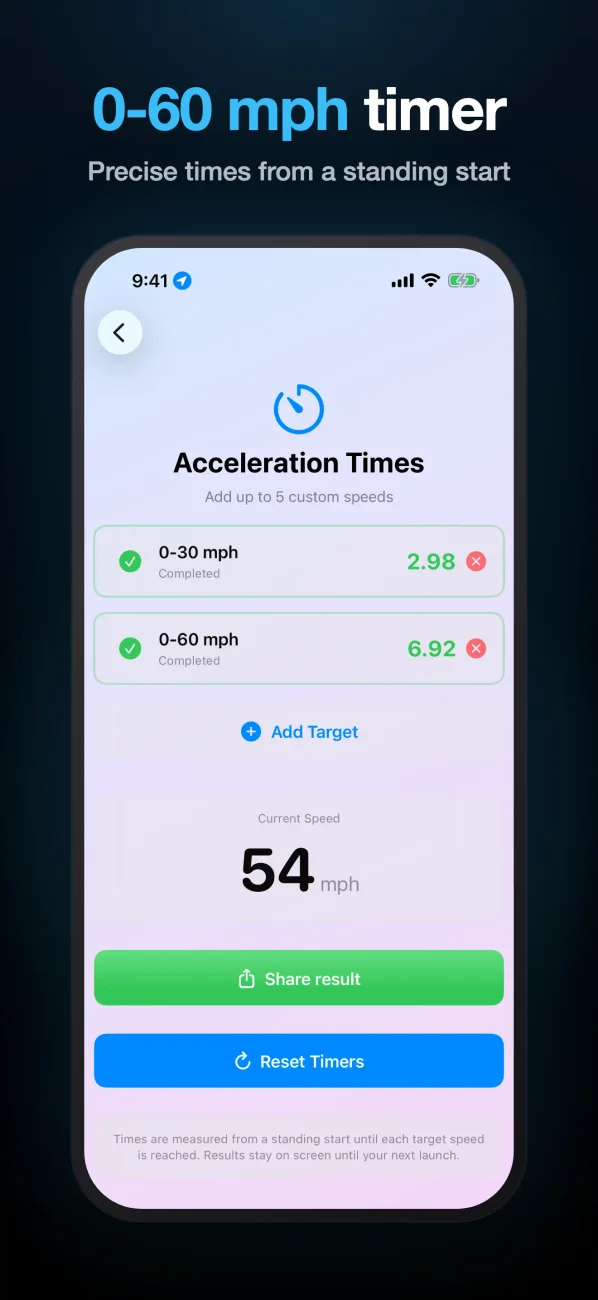
ACCELERATION TIMES
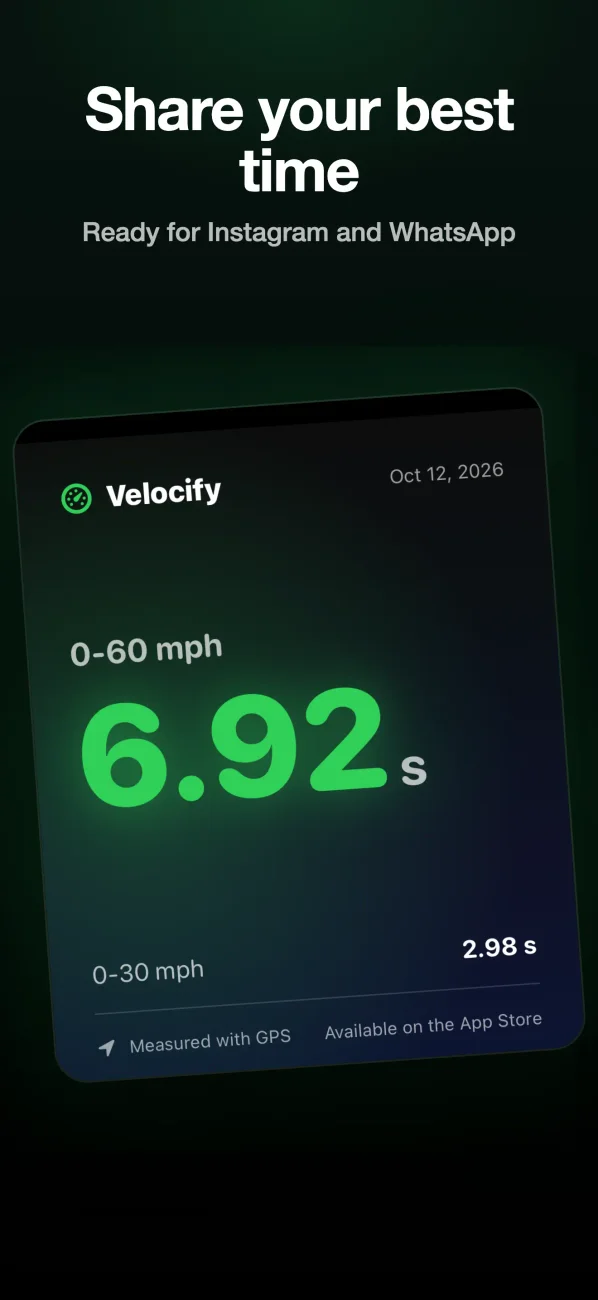
Measure 0-60 mph, 0-100 km/h or up to 5 custom targets from a standing start. Times are calculated from each GPS reading and interpolated between readings for precise results.
SHARE YOUR RESULTS
Turn your best time into an image ready for Instagram, WhatsApp or your car group.
ALSO
• Real-time speed, max speed and trip average
• km/h or mph
• Screen stays on while you drive
• No account, no ads, no tracking
• Available in English, Spanish, French, German, Italian and Portuguese
Always follow traffic laws. Only measure acceleration on closed tracks or where it is safe and legal.
What’s new
Version 2.3 · Nov 10, 2026
Trip History
• Velocify now saves every trip: distance, moving time, top speed and average speed.
• The "Reset" button is now "New Trip": it saves the trip you just finished and starts a new one.
• Your best acceleration times are saved alongside each trip.
• Trips stay on your iPhone — they are never sent to any server.
App privacy
What Juan Rodriguez declares on the App Store about how this app handles data.
-
Data not linked to you
May be collected but is not linked to your identity.
- Identifiers
- Usage data
Privacy practices may vary, for example with the features you use or your age.
Information
- Seller
- Juan Rodriguez
- Category
- Navigation
- Version
- 2.3
- Updated
- Nov 10, 2026
- Released
- Apr 20, 2026
- Size
- 2.0 MB
- Requires
- iOS 18.0 or later
- Age rating
- +4
- Languages
- Portuguese, German, Spanish, French, English, Italian, Polish, Russian, Turkish
- Copyright
- © Juan Rodríguez
You might also like
-
 Lidar EyesYour virtual assistant
-
 Atlas Recharge : Bornes MarocNavigation
-
 Boring SpeedometerA speedometer that talks back
-
 GPS Speedometer – RideRankSpeed Tracker, Trip & Odometer
-
 Pronto Park: Mobility & TravelHotels, Flights, Cars, Parking
-
 3pMaster: Tripmaster RoadbookFollow your roadbook off-road
-
 Metro Live Dhaka: MRT Line 6MRT Line 6 times, fares & 3D
-
 Speedometer GPS: HUD & TripsSpeed Tracker & 0-100 Timer
-
 MapRaceNavigation
-
 ItWhipRent Cars from Local Owners