
Veluck
Encrypted photos & passwords
Designed for iPhone, iPod touch
Free · In-app purchases
- Age rating4+
- CategoryUtilities
- Developer重庆文数科技有限公司
- LanguagesEnglish+ 17 more
- Size114.5 MB
Links to the official App Store page
Download.org hosts no file of Veluck. The button opens its official App Store page, published by 重庆文数科技有限公司. Listing last checked on Nov 14, 2026.
Screenshots


About
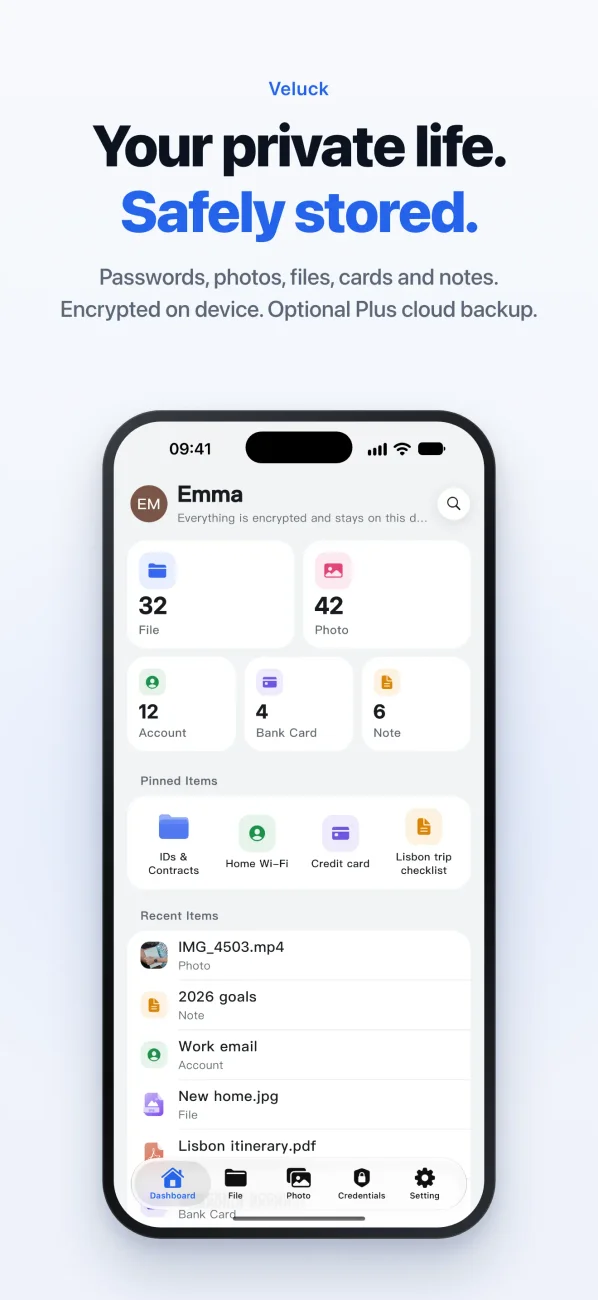
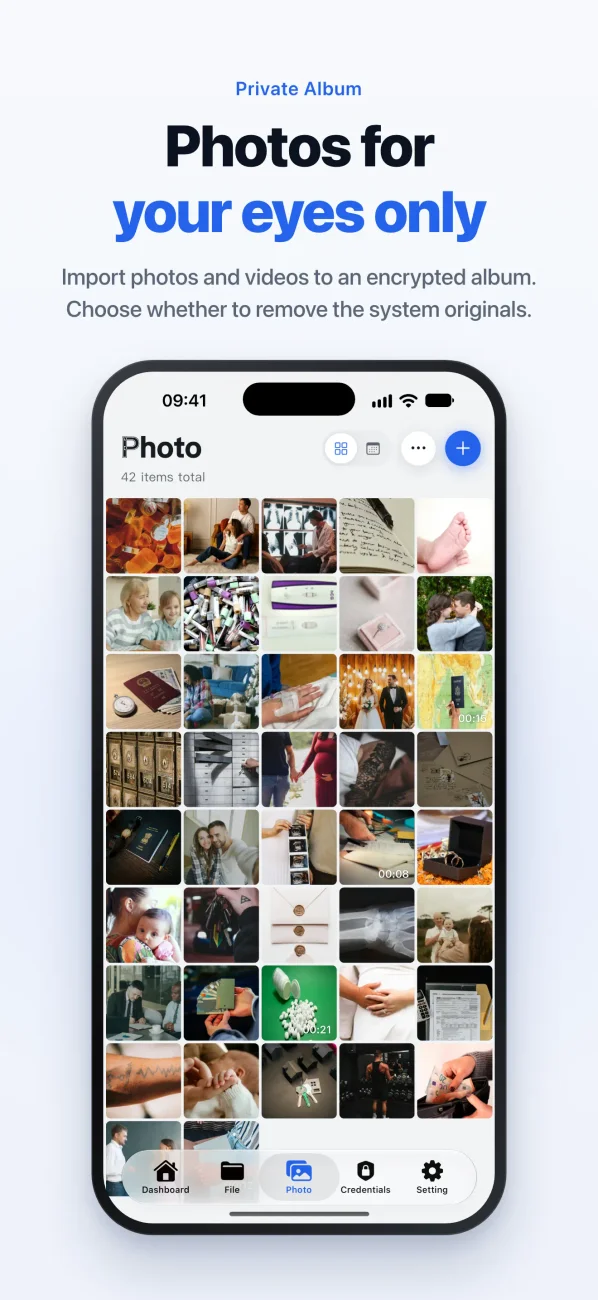
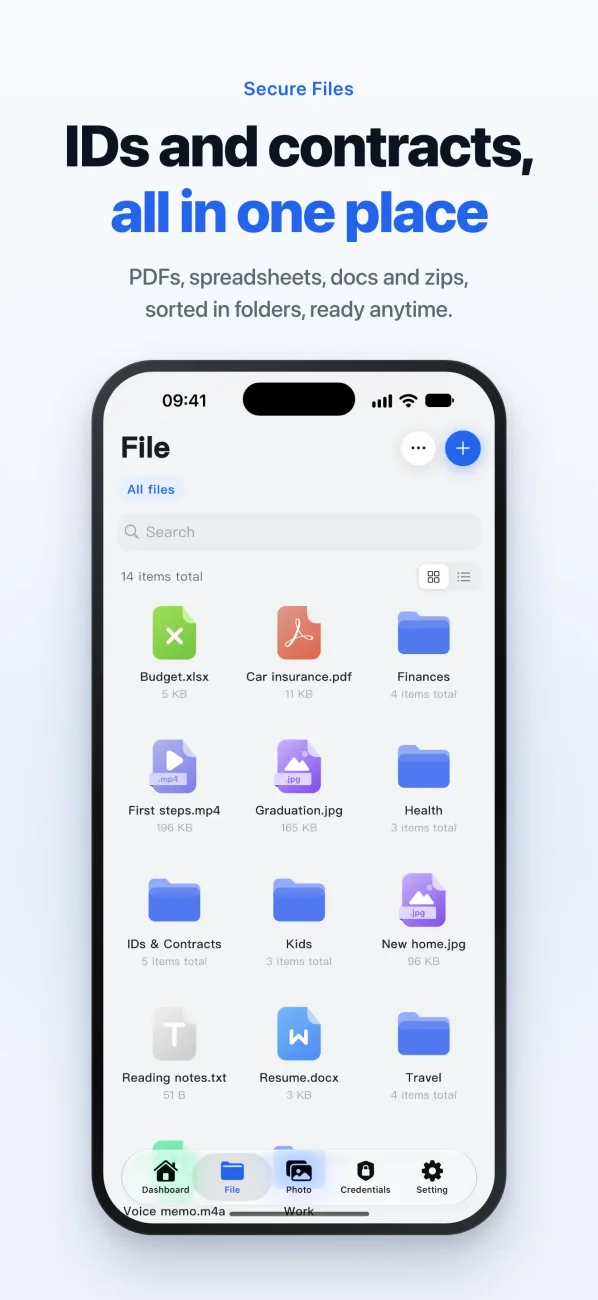
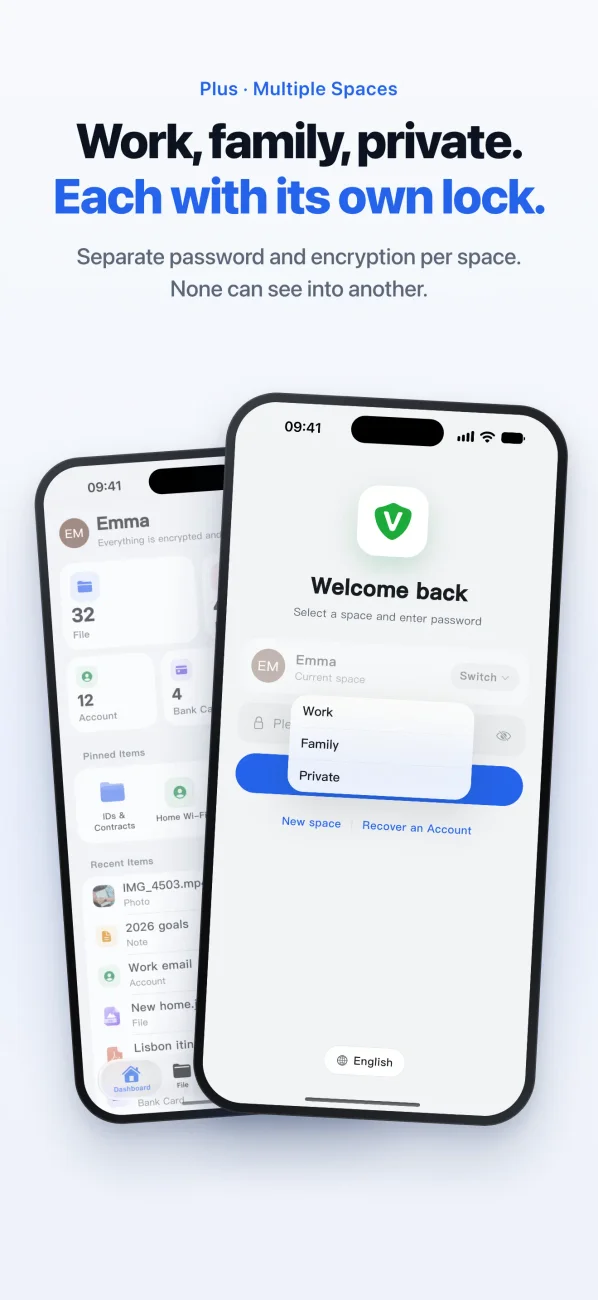
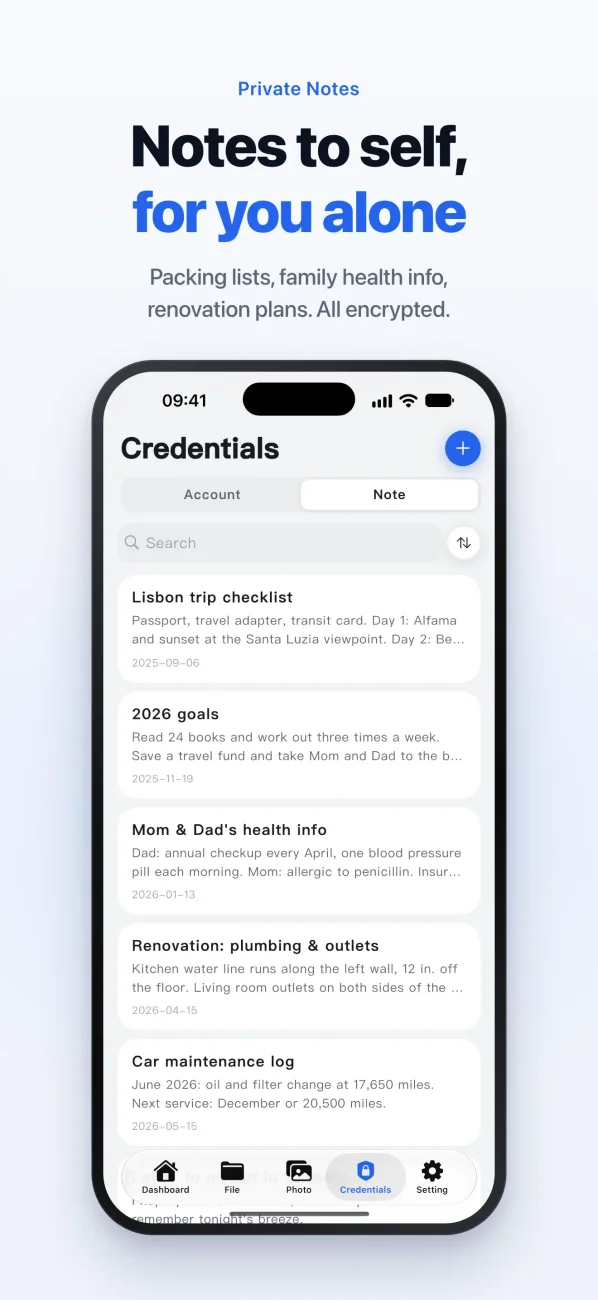
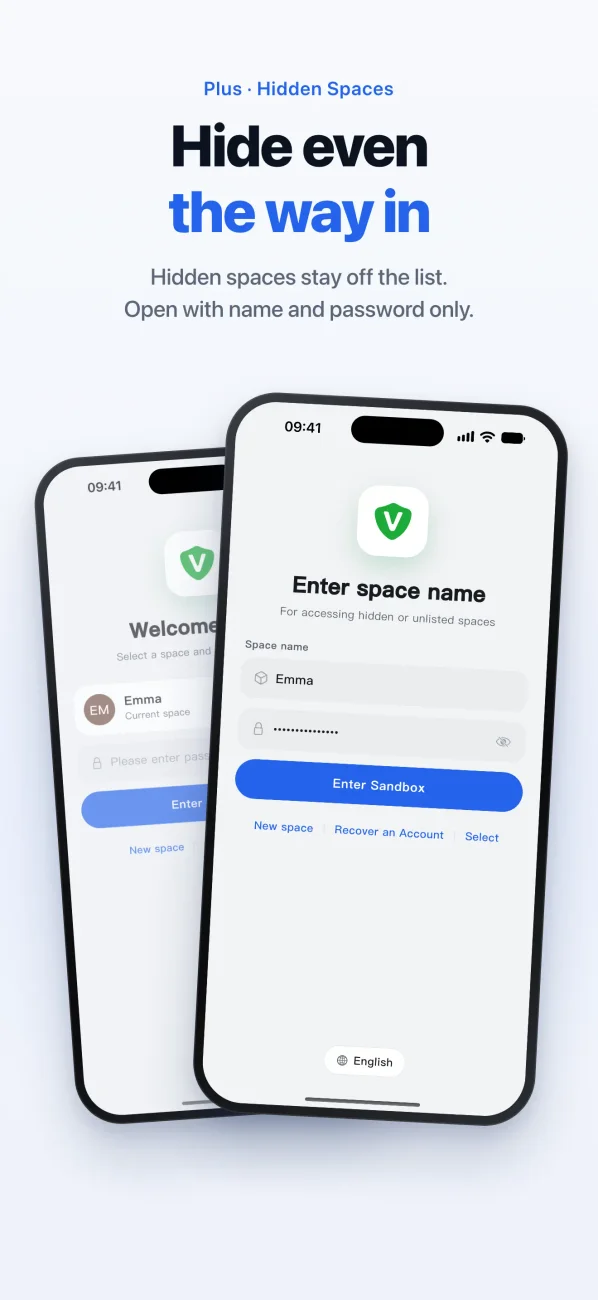
Veluck keeps passwords, bank cards, notes, files, photos and videos in encrypted spaces on your device. No online account is required. Each space has its own password, with optional Face ID or Touch ID. Use iOS Password AutoFill and import from the system share sheet.
BACK UP TO YOUR OWN STORAGE
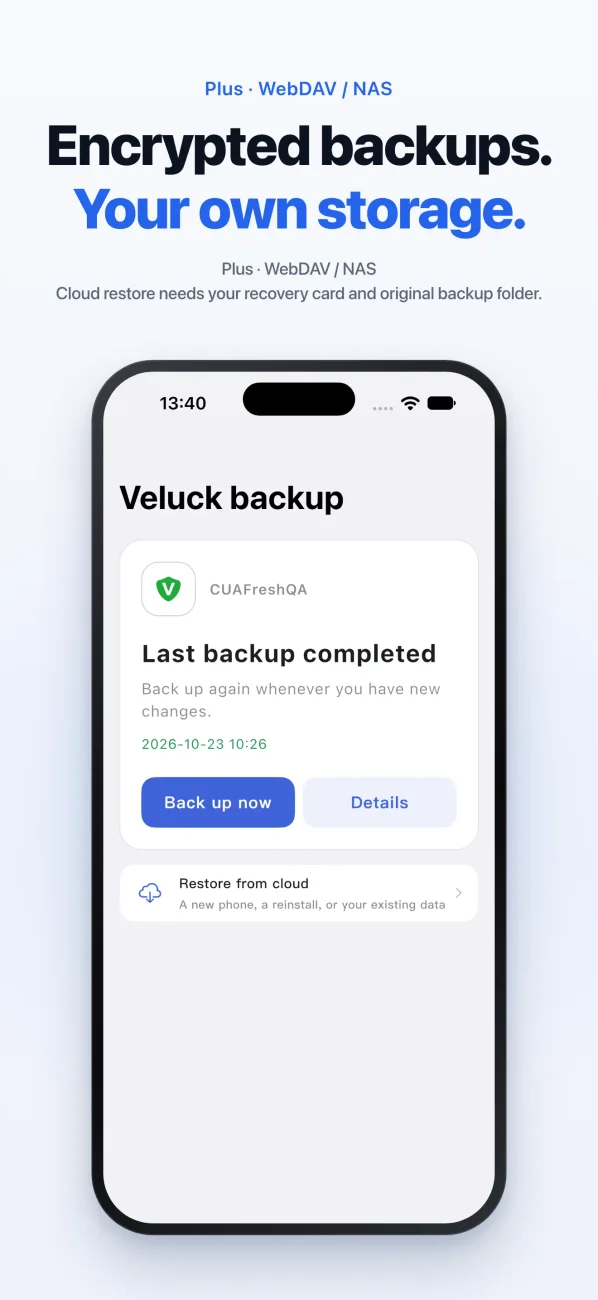
Plus includes built-in WebDAV/NAS backup and restore. Data is encrypted before it is sent directly to the storage you choose. Keep your recovery card and original backup folder safe: both are required for cloud recovery. The developer cannot reset a forgotten password.
FREE AND PLUS
The free tier includes one space with up to 30 passwords, 10 cards, 30 notes, 50 files and 50 media items. Folders do not count as files; a Live Photo counts as one media item. Plus removes these limits, supports multiple spaces and enables cloud backup and restore. Choose a yearly subscription or a one-time lifetime purchase. Prices are shown in the App Store. Existing data remains readable, editable, exportable and deletable if you reach a limit or Plus expires.
Yearly subscriptions renew automatically unless cancelled at least 24 hours before the current period ends. Your Apple Account is charged for renewal within 24 hours before the period ends. Manage or cancel subscriptions in your Apple Account settings. Restore Purchases is available in Settings > Plus.
Privacy: https://www.windata.tech/veluck/en/privacy_policy.html
Terms: https://www.apple.com/legal/internet-services/itunes/dev/stdeula/
What’s new
Version 1.0.5 · Nov 1, 2026
When creating a space, a name that's already taken is now flagged on the first page, and the recovery card no longer keeps extra spaces around the name. Fixed an error that could appear when signing back in after leaving a space. Edits to passwords and cards are now included in backups correctly. Creating or renaming a folder checks for an existing name, and an error on the Documents page in some situations is fixed. Several files shared from another app at once no longer overwrite each other.
App privacy
What 重庆文数科技有限公司 declares on the App Store about how this app handles data.
-
Data used to track you
May be used to track you across apps and websites owned by other companies.
- Purchases
- Identifiers
- Usage data
-
Data linked to you
May be collected and linked to your identity.
- Purchases
- Identifiers
- Usage data
- Other data
Privacy practices may vary, for example with the features you use or your age.
Information
- Seller
- Chongqing Win Data Technology Co., Ltd.
- Category
- Utilities
- Version
- 1.0.5
- Updated
- Nov 1, 2026
- Released
- Oct 18, 2026
- Size
- 114.5 MB
- Requires
- iOS 15.0 or later
- Age rating
- 4+
- Price
- Free
- In-app purchases
- Yes
- Languages
- English, Arabic, Dutch, French, German, Hindi, Indonesian, Italian, Japanese, Korean, Polish, Portuguese + 6 more
- Copyright
- © 2026 Chongqing Win Data Technology Co., Ltd.
You might also like
-
 Photo Hider: Private VaultEncrypted, offline, no account
-
 URL Sanitizer - Check LinksRemove Trackers & Shorten URLs
-
 郵便料金計算Utilities
-
 Private Vault - Local SpaceProtect Photos Videos Notes
-
 Private Folder Vault - SafeHide private video,photo,docs
-
 NullVault: Secret Photo VaultHidden Files, Notes & Video
-
 DailyFlexDaily exercise recorder
-
 QRScan - code scannerFast QR & barcode scanner
-
 CozySheep Focuseasy-to-use focus timer
-
 Healthy Eats Trackerdaily diet log app