- Age rating4+
- CategoryEducation
- DeveloperJohan Rodriguez Ruales
- LanguagesEnglish
- Size24.9 MB
Links to the official App Store page
Download.org hosts no file of Verbal Spectrum. The button opens its official App Store page, published by Johan Rodriguez Ruales. Listing last checked on Nov 12, 2026.
Screenshots
About
Verbal Spectrum is a visual communication app designed to help children express needs, feelings, and ideas using simple, intuitive grids.
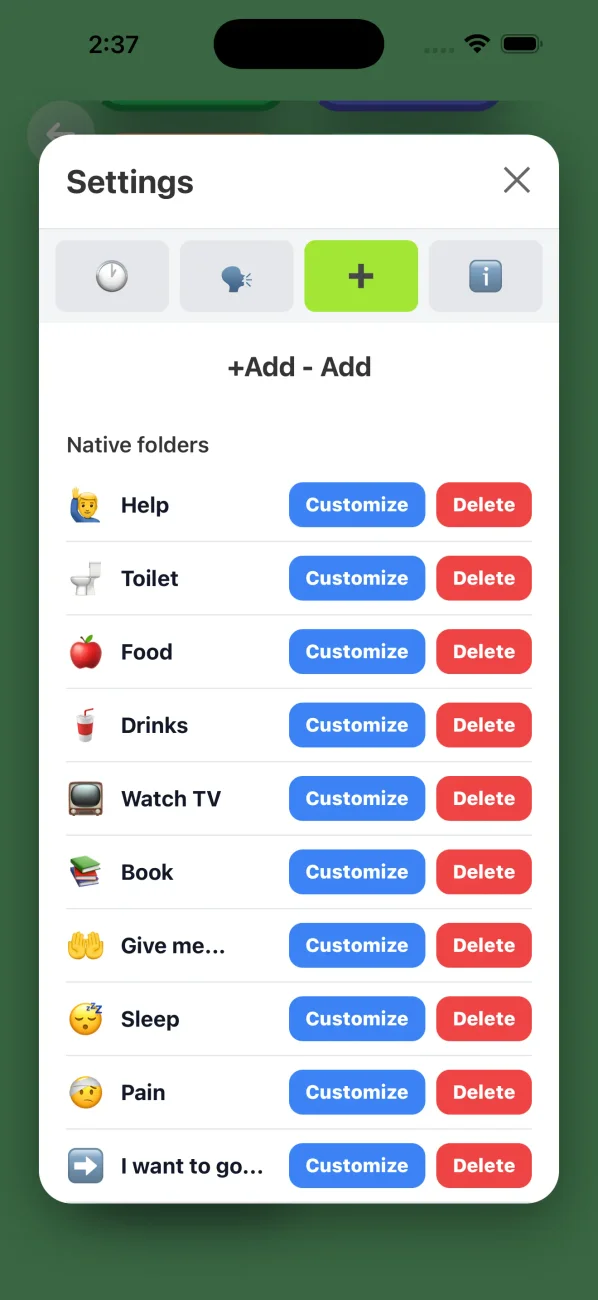
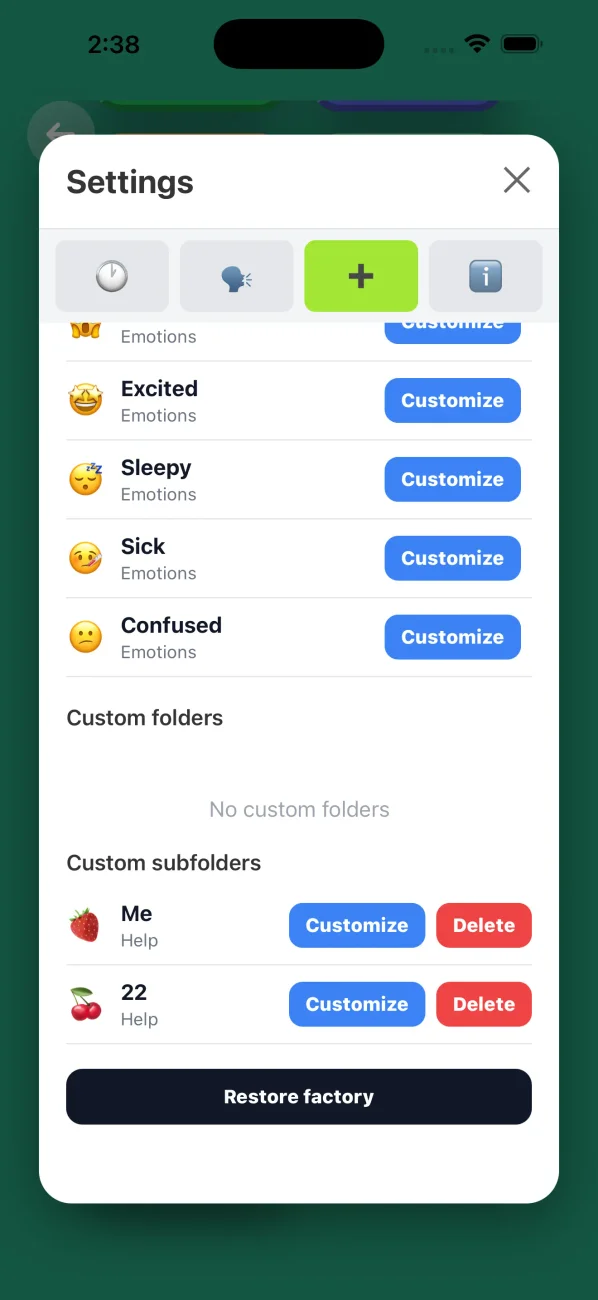
Built with clarity and flexibility in mind, Verbal Spectrum allows families and educators to create custom buttons, folders, and subfolders, organizing content in a way that feels natural, structured, and easy to understand.
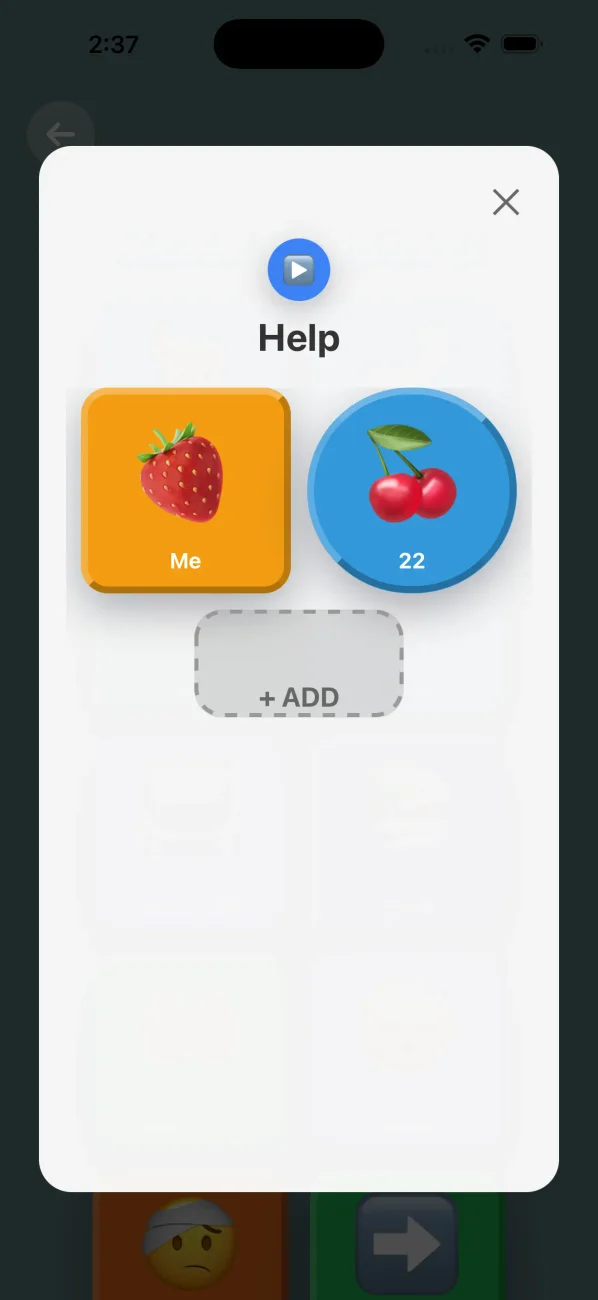
Children interact with large visual icons arranged in predictable grids, making communication more accessible and consistent. Icons can be combined to form phrases and sentences, which can be played with narration, helping connect visual choices with spoken language.
Personalized Organization for Families and Educators
Verbal Spectrum is designed to adapt to different communication needs, allowing parents, caregivers, and educators to personalize content based on daily routines, learning environments, and individual preferences.
Folders and subfolders can be customized to organize communication by home routines, classroom activities, learning goals, or personal interests. Icons, colors, and layouts can be adjusted to match each child’s communication style, creating a familiar and predictable structure that supports understanding and independence.
This flexible organization makes it easy to build personalized communication systems for both home and educational settings.
Learn Folder
The Learn folder introduces guided learning activities using visual categories and structured layouts. It supports exploration of actions, objects, routines, and concepts in a calm and organized environment designed for young learners.
Learn+ — Sentence Building
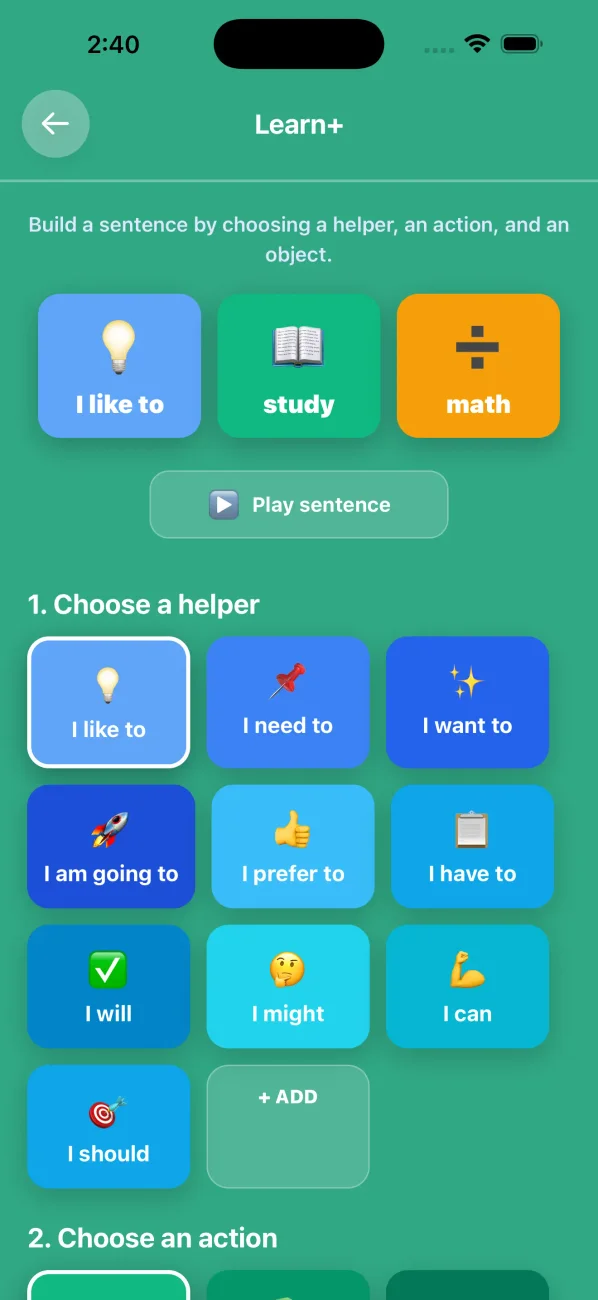
Learn+ expands communication by allowing children to build complete English sentences using a simple and predictable 3-connector structure. This visual scaffolding helps children organize thoughts step by step:
• Helper verb (intent or need):
I want to, I need to, I have to
• Action verb (what to do):
go to, take, finish, eat, play, read
• Object / place / time (where, what, or when):
bed, my room, school, lunch, book, outside
This structure creates clear and repeatable patterns for communication, allowing children to combine icons into meaningful sentences that can be narrated aloud.
Examples:
• I want to go to bed
• I need to finish my lunch
• I have to take my book
• I want to play outside
Key Features
• Visual grid-based communication with clear icons
• Fully customizable buttons, folders, and subfolders
• Personalized organization for home and educational use
• Narrated icons and sentence playback
• Guided sentence building with structured connectors
• Learn and Learn+ folders for organized learning
• Support for multiple languages
• Designed for children, families, and educators
• No ads, no tracking, child-friendly experience
Verbal Spectrum focuses on simplicity, structure, and adaptability, allowing each family or educator to tailor communication to a child’s daily routines, learning environment, and individual needs.
What’s new
Version 1.0.1 · Jan 27, 2026
New features and improvements included in this build:
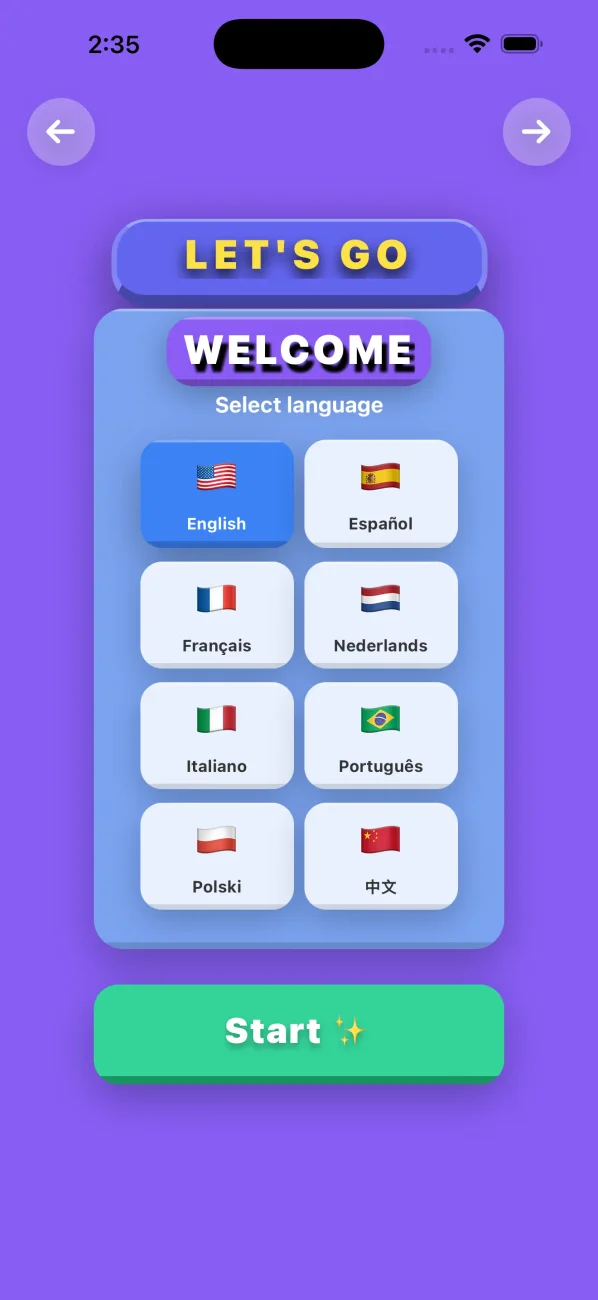
Two new languages have been added: French and Dutch (Nederlands).
Enhancements to the Create button, now offering greater customization:
Ability to define Name, Title, and Shape to improve word conjugation and sentence creation.
New shapes (Square, Circle, and Diamond) have been added to create clearer visual differentiation.
A new Customize button allows full customization of the main folder (name, title, and shape), improving usability for both main folders and subfolders.
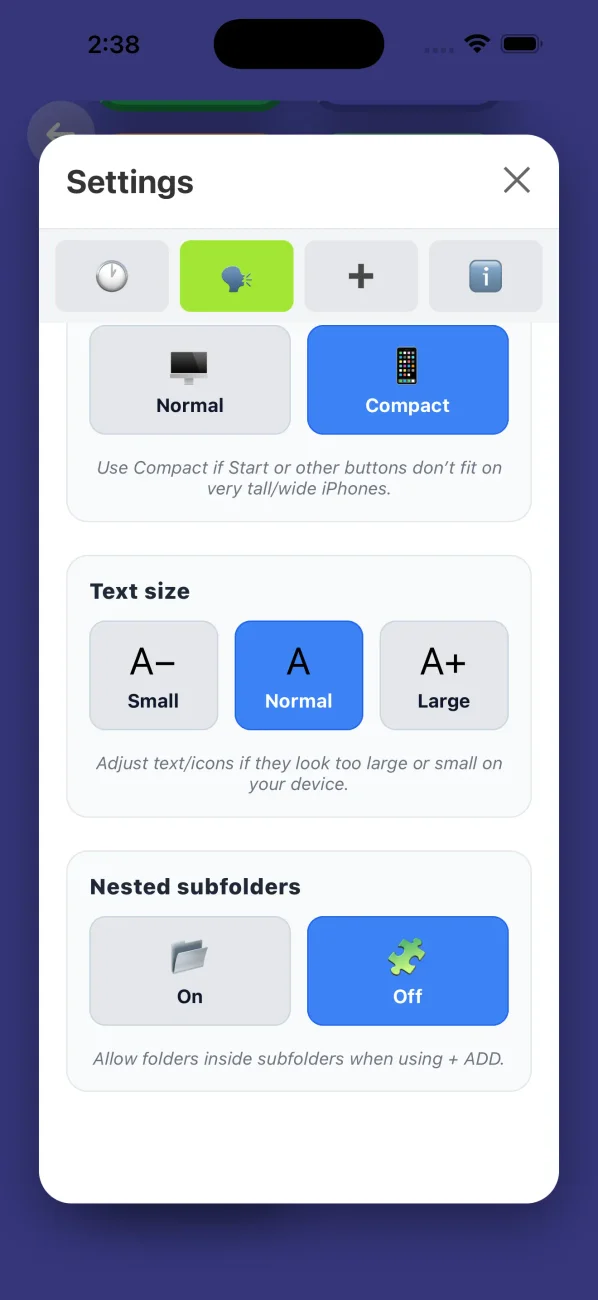
New options available in Settings:
Introduction of Layout Fit, designed to improve resizing on large-screen devices and optimize folder distribution.
Three text size options have been added, dynamically adjusting with folder icon size to ensure more comfortable reading.
New display modes: Small, Normal, and Large, allowing users to tailor the visual experience to their preference.
App privacy
What Johan Rodriguez Ruales declares on the App Store about how this app handles data.
-
Data not collected
The developer does not collect any data from this app.
Privacy practices may vary, for example with the features you use or your age.
Information
- Seller
- Johan Rodriguez Ruales
- Category
- Education
- Version
- 1.0.1
- Updated
- Jan 27, 2026
- Released
- Jan 5, 2026
- Size
- 24.9 MB
- Requires
- iOS 15.1 or later
- Age rating
- 4+
- Languages
- English
- Copyright
- © 2026 Synchronize
You might also like
-
 ComuginatorFamily AAC communication
-
 Switch2GO AACAAC for individuals with CVI
-
 Social Story GeneratorAI Visual Stories for Kids
-
 Spell TapEducation
-
 FluentJoy: Learn SpanishVideo Lessons for Beginners
-
 Model CommunicatorTopic-organized AAC talker
-
 MaTalk AIAI Meets AAC. Speak Naturally
-
 Learn Russian +Russian Language Learning App
-
 Easy Talk AAC | Touch ChatCommunication Board
-
 SocialBlossom: Autism & ADHDSocial Skills, Emotions & Calm