Versa: Comic & Manga Reader
CBZ CBR PDF ZIP Viewer & NAS
Designed for iPhone, iPad, Mac
Free · In-app purchases
- Age rating4+
- CategoryBooks
- Developeryuya takahara
- LanguagesEnglish+ 10 more
- Size59.1 MB
Links to the official App Store page
Download.org hosts no file of Versa: Comic & Manga Reader. The button opens its official App Store page, published by yuya takahara. Listing last checked on Nov 12, 2026.
Screenshots



About
Versa
Comic & Manga Viewer for iPhone / iPad / Mac / Apple TV / Apple Watch
Versa lets you read comics stored on your NAS, in the cloud, or on your device, just as they are.
No copying needed: open files directly from a NAS or PC on the same Wi‑Fi, or from WebDAV and Dropbox.
[WHAT YOU CAN DO]
◆ Read comics straight from your NAS or device
Connect to a NAS or PC over SMB and browse ZIP, CBZ, RAR, CBR, 7Z, CB7, TAR, CBT, PDF, EPUB and image folders. Covers line up on your bookshelf automatically, and large files stream where possible.
◆ Read comics in the cloud (new, Pro)
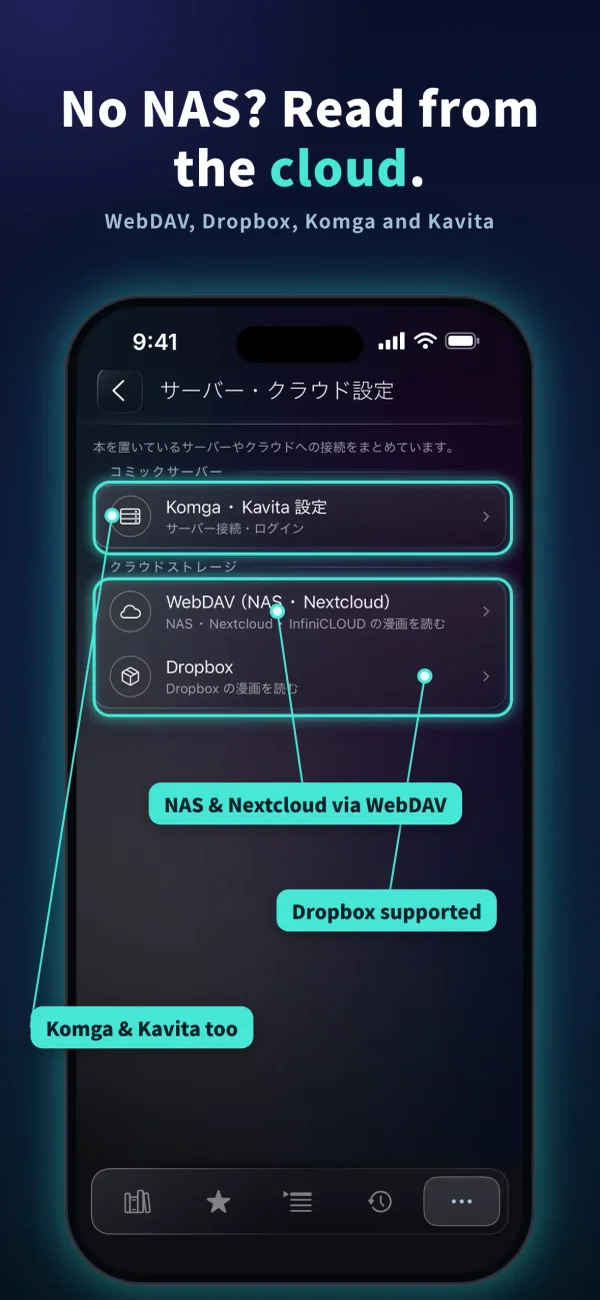
Connect to WebDAV (NAS, Nextcloud, InfiniCLOUD and more) and Dropbox, and add folders straight to your bookshelf. ZIP and CBZ files load only the pages you need, so you can start reading without waiting for a download.
◆ Jump to any page
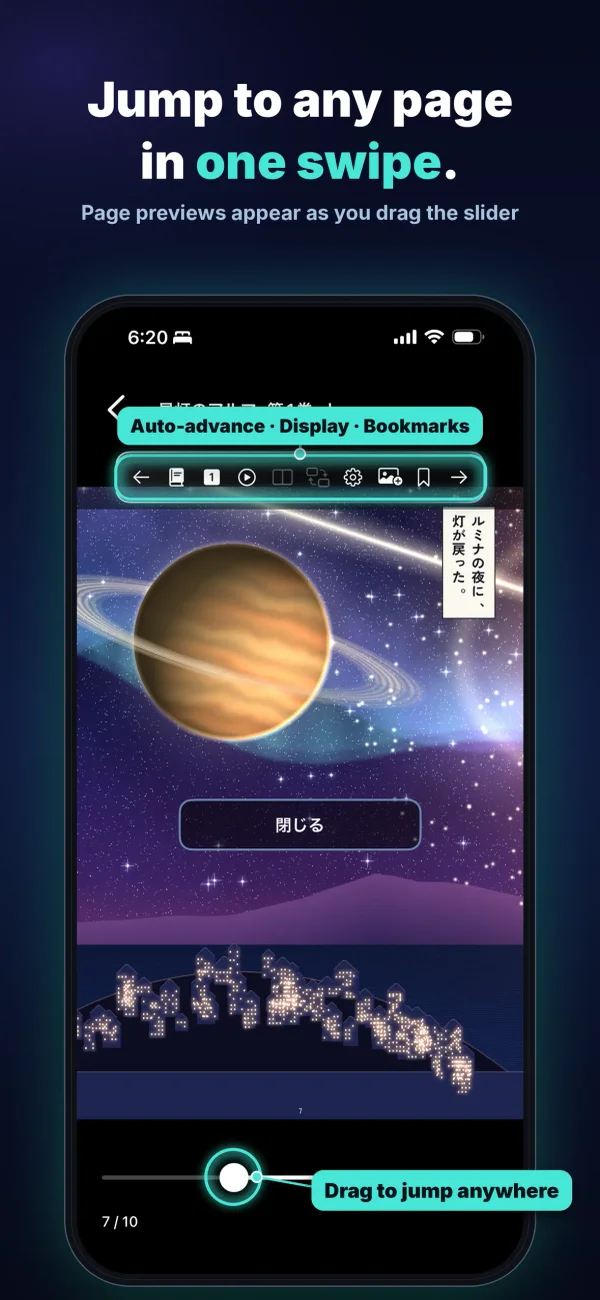
Drag the slider to see page previews and jump straight to the scene you want. Auto page turn, bookmarks and cover thumbnails are one tap away in the menu.
◆ Pick up where you left off
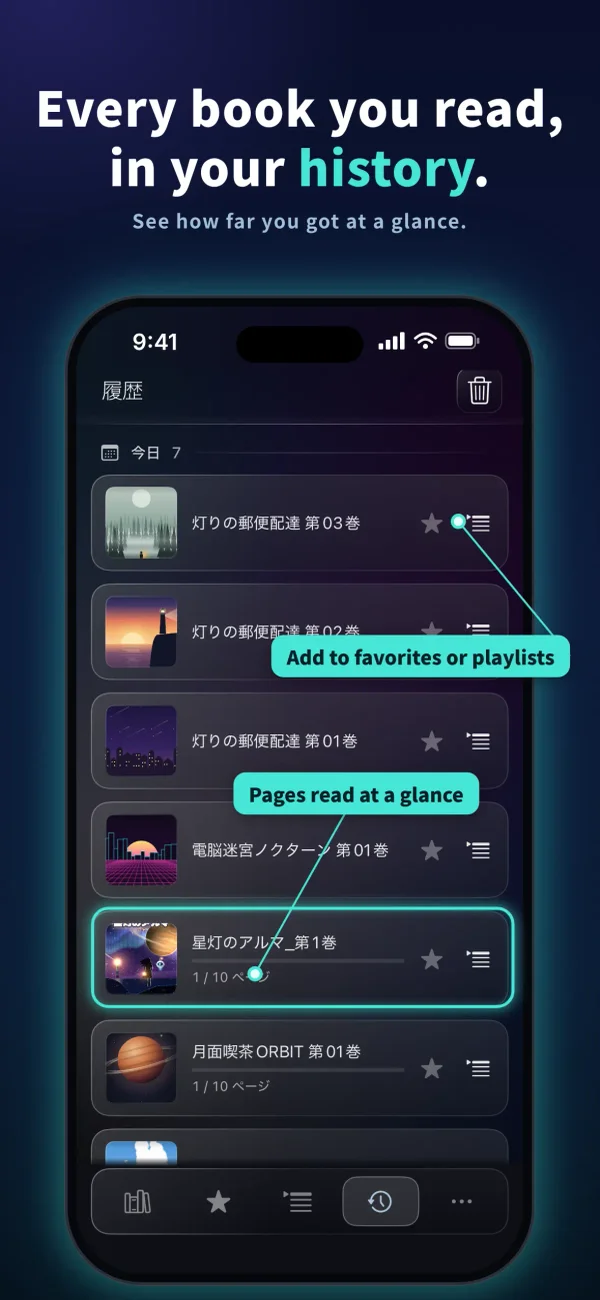
History and "Continue" take you back to your last page, and the list shows how far you have read at a glance. Within the same folder, you can move smoothly to the next or previous volume.
◆ Clean two-page spreads
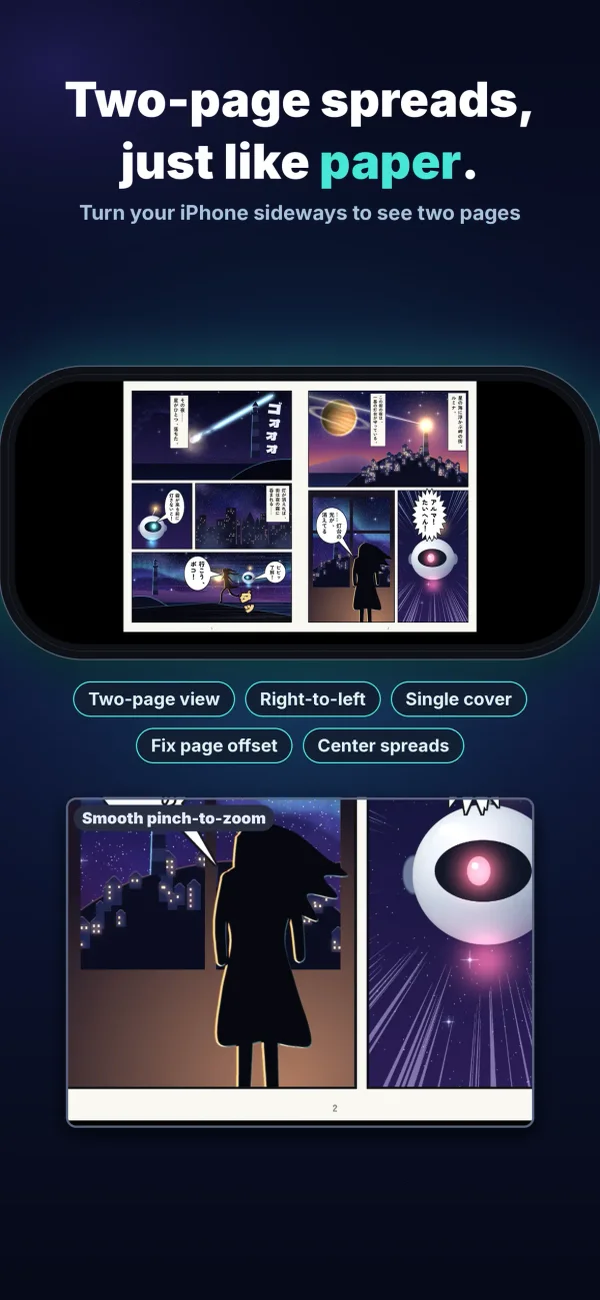
On iPad, Mac and iPhone in landscape, read with two pages side by side. Show the cover on its own or shift pages to fix mismatched spreads. Right-to-left or left-to-right reading and page-turn direction are fully adjustable.
◆ Comfortable novel reading
Read EPUB and text novels in a dedicated novel viewer, with vertical or horizontal text, adjustable font and size, and ruby (furigana) support.
◆ Edit and enhance archives (Pro)
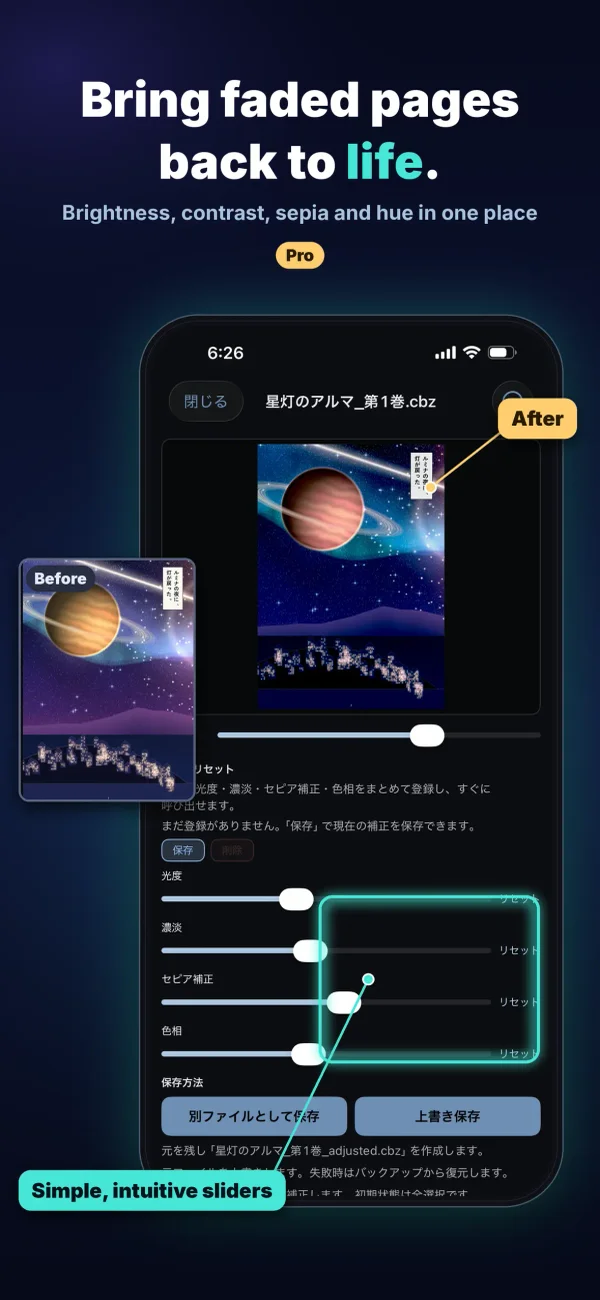
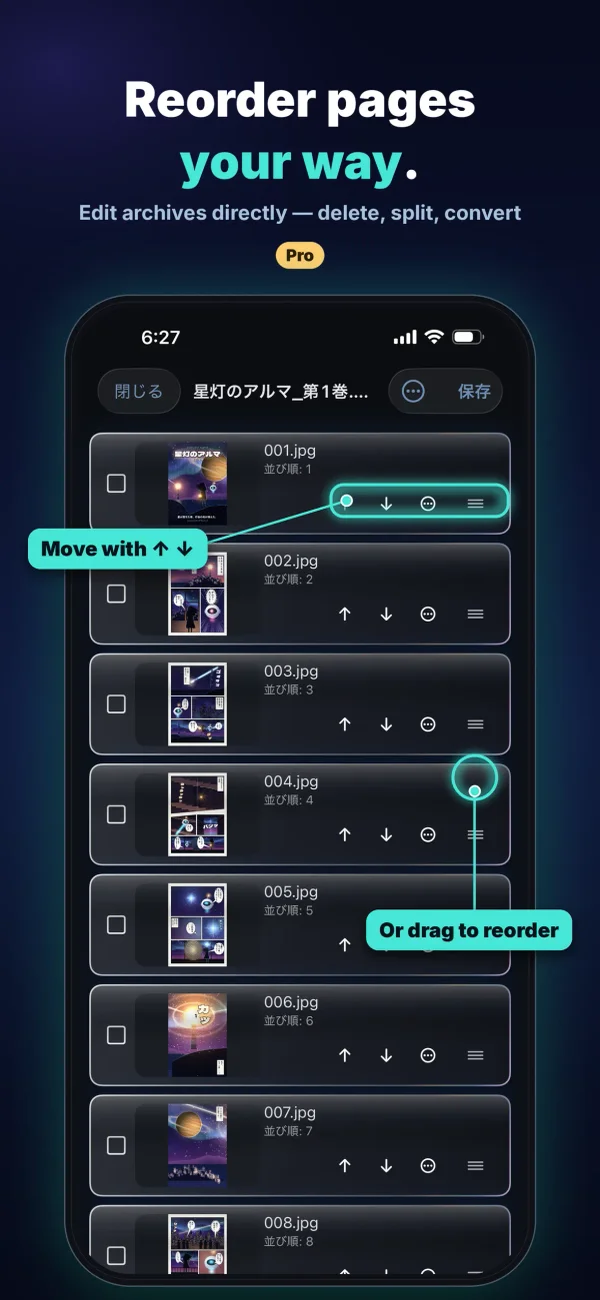
Reorder, delete or split pages in ZIP, EPUB, RAR, PDF and other archives. Adjust brightness, contrast, sepia and hue, upscale images and convert formats. Save your adjustments as presets.
◆ Connected across iPhone, iPad and Mac
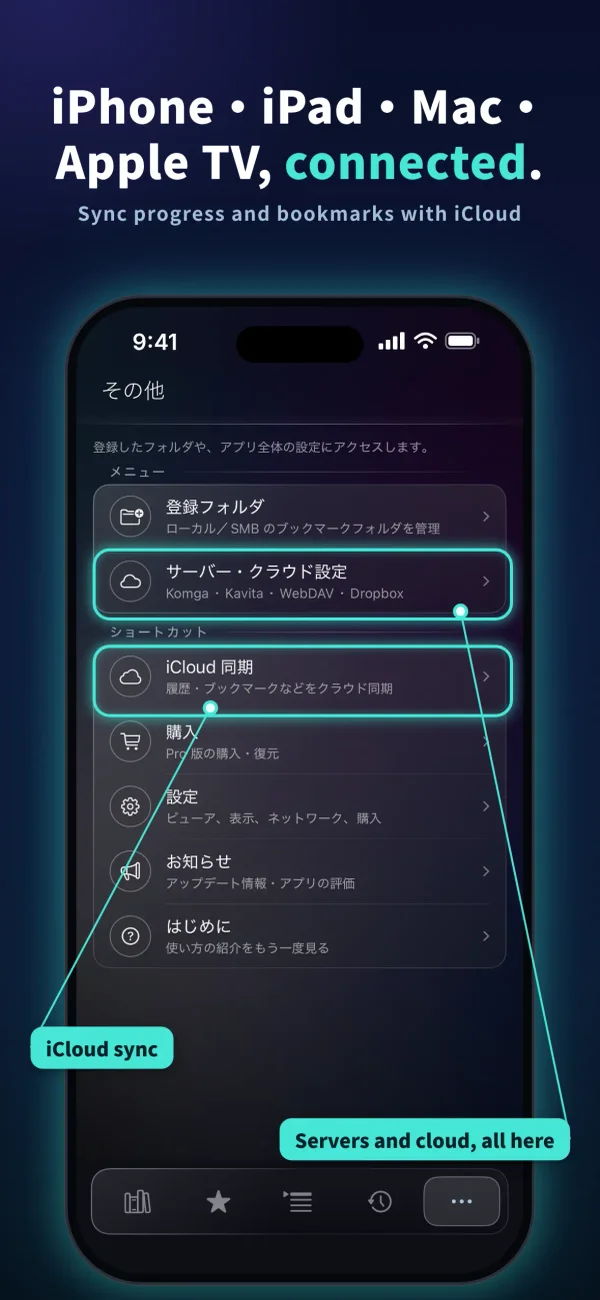
Sync reading progress, bookmarks, history and registered folders with iCloud. Continue on iPad or Mac right where you stopped on iPhone.
◆ On the big screen with Apple TV
Open your bookshelf on your TV and turn pages with the remote.
◆ Read on Apple Watch
Open your iPhone bookshelf from Apple Watch. Turn pages with the Digital Crown and double-tap to zoom. Enjoy a few pages whenever you have a spare moment.
◆ Server integration (Pro)
Open Komga and Kavita libraries from your bookshelf, with offline saving.
◆ Lock your private folders
Protect folders with a passcode or Face ID.
◆ Try it right away with demo books
Demo comics and a demo novel are included, so you can try everything even without a NAS or server.
[SUPPORTED FORMATS]
Image folders / ZIP / CBZ / RAR / CBR / 7Z / CB7 / TAR / CBT / PDF / EPUB / Text (TXT)
[GREAT FOR]
・People who keep their comics on a NAS or in the cloud (WebDAV, Dropbox)
・Anyone who wants the same library on iPhone, iPad and Mac
・Readers who like to fine-tune spreads and page turning
・Fixing faded colors and page order in old scans
[PRICING]
Try every Pro feature free for the first 7 days.
Basic local and SMB reading stays free.
(Free: 1 registered folder, 5 folder bookmarks, 1 playlist)
Pro removes ads and unlocks Komga / Kavita integration, opening books from the cloud (WebDAV, Dropbox), offline saving, unlimited playlists, and archive editing, enhancement, upscaling and format conversion.
Quad-A Digital
What’s new
Version 1.12 · Oct 31, 2026
• Added support for iPhone Duo. Unfolding switches to two-page spreads automatically, and folding switches back to single pages.
• On the unfolded iPhone Duo screen, you can set the number of bookshelf columns separately for portrait and landscape.
• Added a "Camera hole: full screen / avoid" option to the reader settings.
• Ads now disappear as soon as you buy Pro.
• Fixed an issue where images inside folders in ZIP files on a NAS or in the cloud could fail to load (e.g. ZIP files created on Windows).
• Extra files in ZIP files created on a Mac are no longer shown as pages.
App privacy
What yuya takahara declares on the App Store about how this app handles data.
-
Data not collected
The developer does not collect any data from this app.
Privacy practices may vary, for example with the features you use or your age.
Information
- Seller
- yuya takahara
- Category
- Books
- Version
- 1.12
- Updated
- Oct 31, 2026
- Released
- May 18, 2026
- Size
- 59.1 MB
- Requires
- iOS 17.0 or later
- Age rating
- 4+
- Price
- Free
- In-app purchases
- Yes
- Languages
- English, French, German, Hindi, Indonesian, Japanese, Korean, Russian, Simplified Chinese, Spanish, Traditional Chinese
- Copyright
- © 2026 Yuya Takahara
You might also like
-
 ComiNAS - NAS Comics & VideoSMB/WebDAV/OPDS Shelf & Files
-
 Emaki - Manga & Image ViewerTranslate bubbles & read aloud
-
 Manga Folio: NAS Comic ViewerNext-Gen Translation Reader
-
 ComicJet: Comic & Manga ReaderFast CBZ CBR 7Z PDF TXT viewer
-
 Euria Manga, Comic & E-BooksKomga, Kavita & OPDS Reader
-
 Halftone: Comic & Manga ReaderRead from Komga, Kavita & NAS
-
 Pocket Library - Comic ViewerBooks
-
 AirReader: ZIP, CBZ & PDFRead without extracting files
-
 Rukomi - Comic ReaderLocal & Nas comic reading
-
 ShelfStream - Comic ReaderZIP/CBZ/RAR/PDF & Cloud Access