
- Age rating4+
- CategoryCard
- DeveloperPhan Dua Cam
- LanguagesEnglish
- Size12.7 MB
Links to the official App Store page
Download.org hosts no file of Veshand. The button opens its official App Store page, published by Phan Dua Cam. Listing last checked on Nov 17, 2026.
Screenshots

About
Veshand is a private workshop for poker cards. Design a face, keep a deck, lay the cards out on a table, and write down what you see.
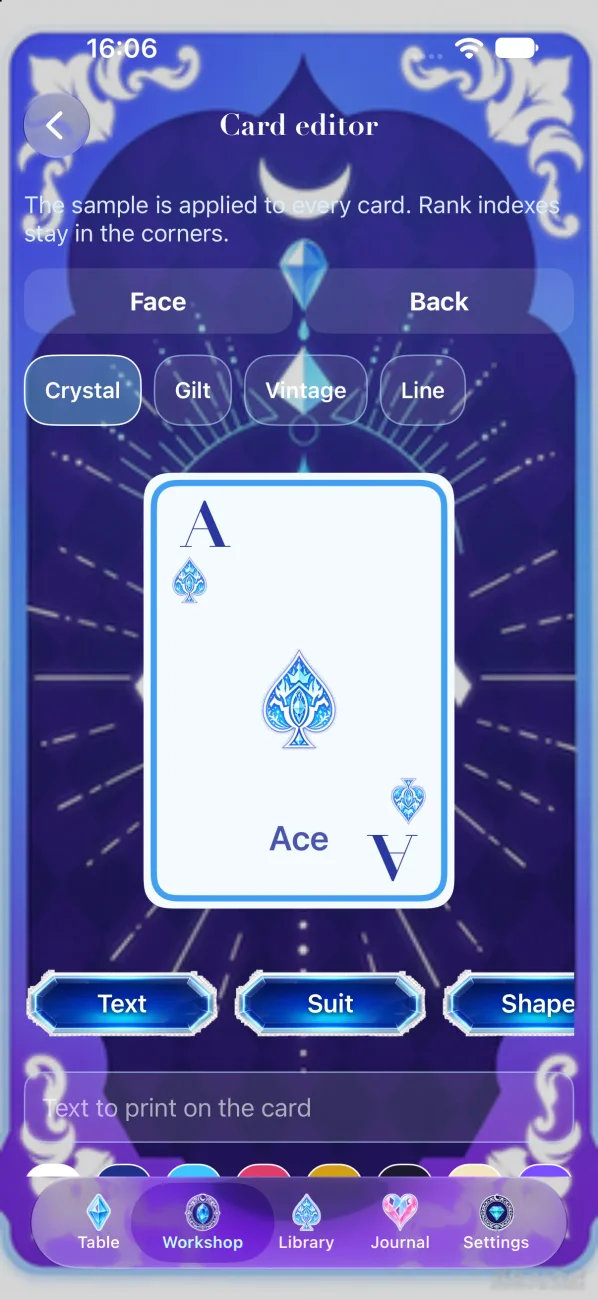
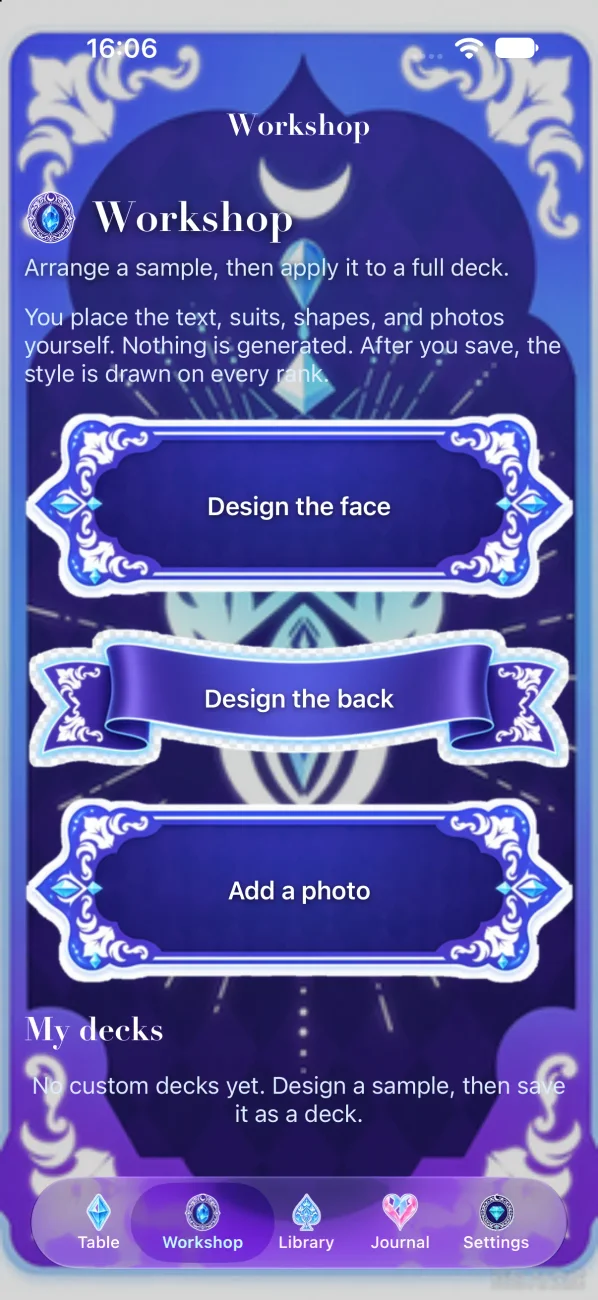
In the Workshop, you place text, suits, shapes, and photos on a sample card yourself. Choose a face style — Crystal, Gilt, Vintage, or Line — and a back: Crest, Moon, Etch, or Plain. When you save, that layout is applied across the deck, with rank indexes left in the corners. Export a single card as a PNG, or the full deck as a PDF, and share it to Files when you want a copy you can print.
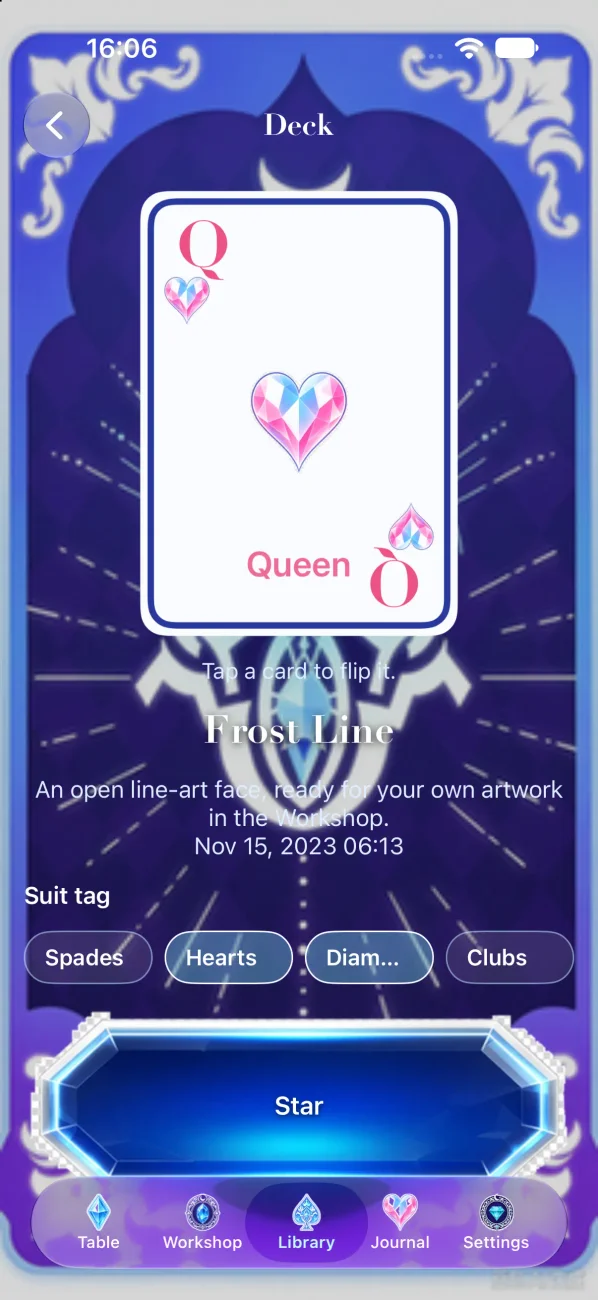
The Library holds four built-in decks alongside the ones you make. Star a deck, tag it by suit, flip a card to see the back, or open the gallery and save a single card to Photos. Custom decks can be renamed, edited, or deleted. Built-in decks stay in the library.
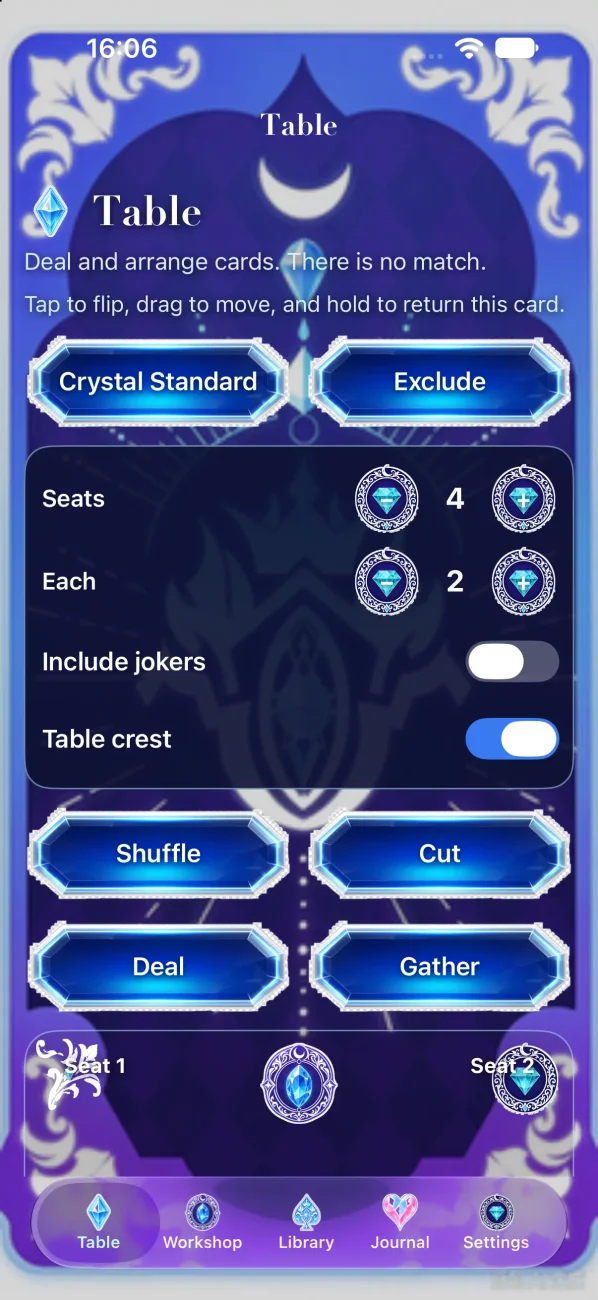
The Table is for laying cards out, not for playing a match. Pick a deck, set up to ten seats, and choose how many cards each seat receives. Shuffle, cut, and deal. Tap a card to flip it, drag it to move it, or hold it to return it to the shoe. You can leave jokers out, remove individual cards from the shoe, and turn the table crest on or off. Save the current table to Photos, or keep it as a journal snapshot.
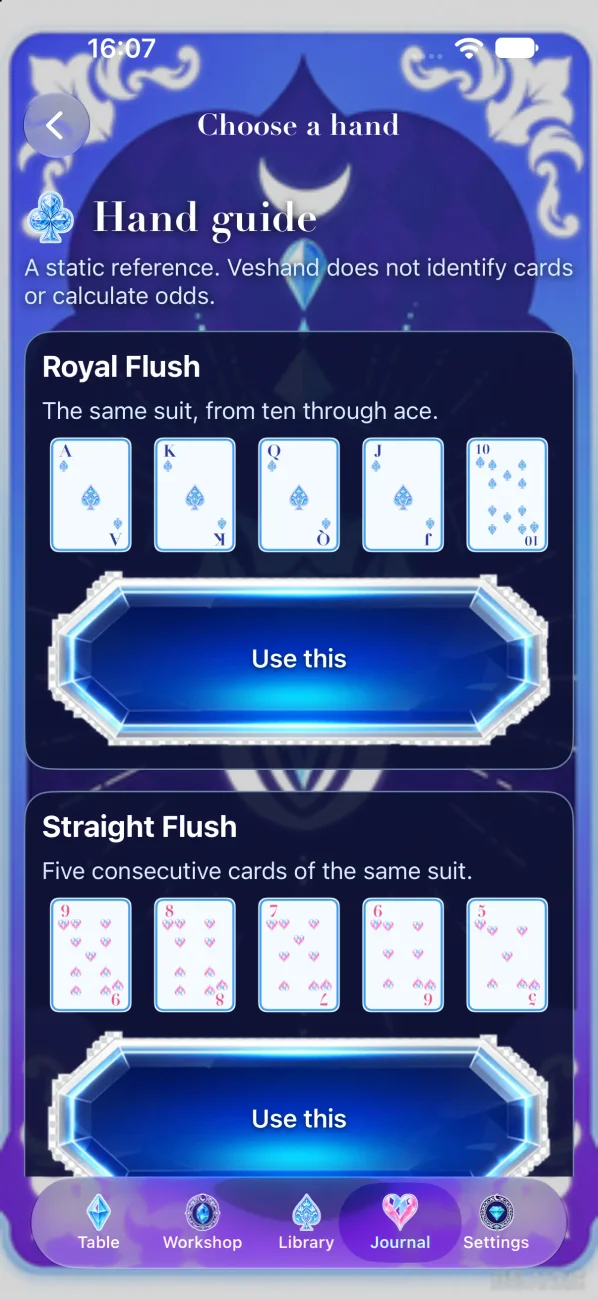
The Journal is where you name a hand, choose a hand from the guide, and leave a note. The hand guide is a static reference. It does not identify cards or calculate odds. You can lock the journal with a passcode or Face ID.
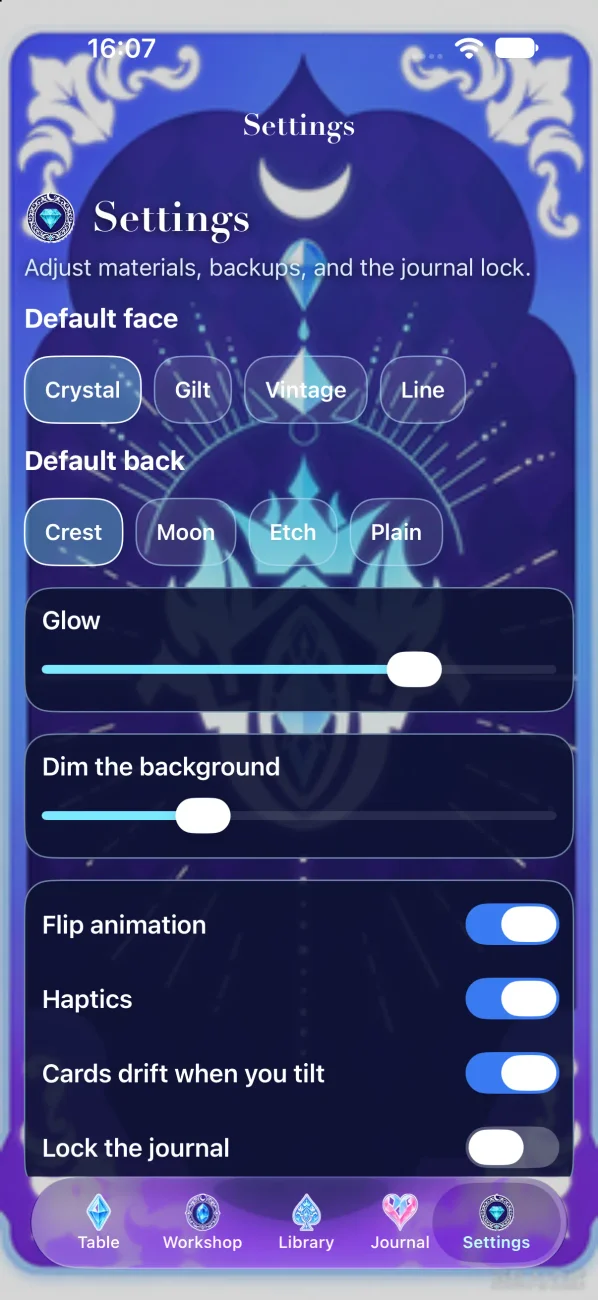
Settings let you set the default face and back, adjust glow and background dimming, and turn flip animation, haptics, and tilt drift on or off. Export a backup of what you have saved, or restore one from Files. Remove images that are no longer used, or delete your custom decks while keeping the built-in sets.
Veshand does not run a match, connect to a server, or offer betting, chip settlement, odds, or card counting. Photo access is used only to place pictures on cards and to save exports. Face ID is used only to unlock the journal.
App privacy
What Phan Dua Cam declares on the App Store about how this app handles data.
-
Data not collected
The developer does not collect any data from this app.
Privacy practices may vary, for example with the features you use or your age.
Information
- Seller
- Phan Dua Cam
- Category
- Card
- Version
- 1.0
- Updated
- Oct 13, 2026
- Released
- Oct 13, 2026
- Size
- 12.7 MB
- Requires
- iOS 15.0 or later
- Age rating
- 4+
- Price
- Free
- Languages
- English
- Copyright
- © @2026 Dinh Nguyen Thuan