- Age rating4+
- CategoryProductivity
- DeveloperSaturn Studio
- LanguagesEnglish
- Size34.3 MB
Links to the official App Store page
Download.org hosts no file of Vibepad. The button opens its official App Store page, published by Saturn Studio. Listing last checked on Nov 18, 2026.
Screenshots

About
Your phone is already on your desk. Make it the one-tap control deck for the work happening on your computer.
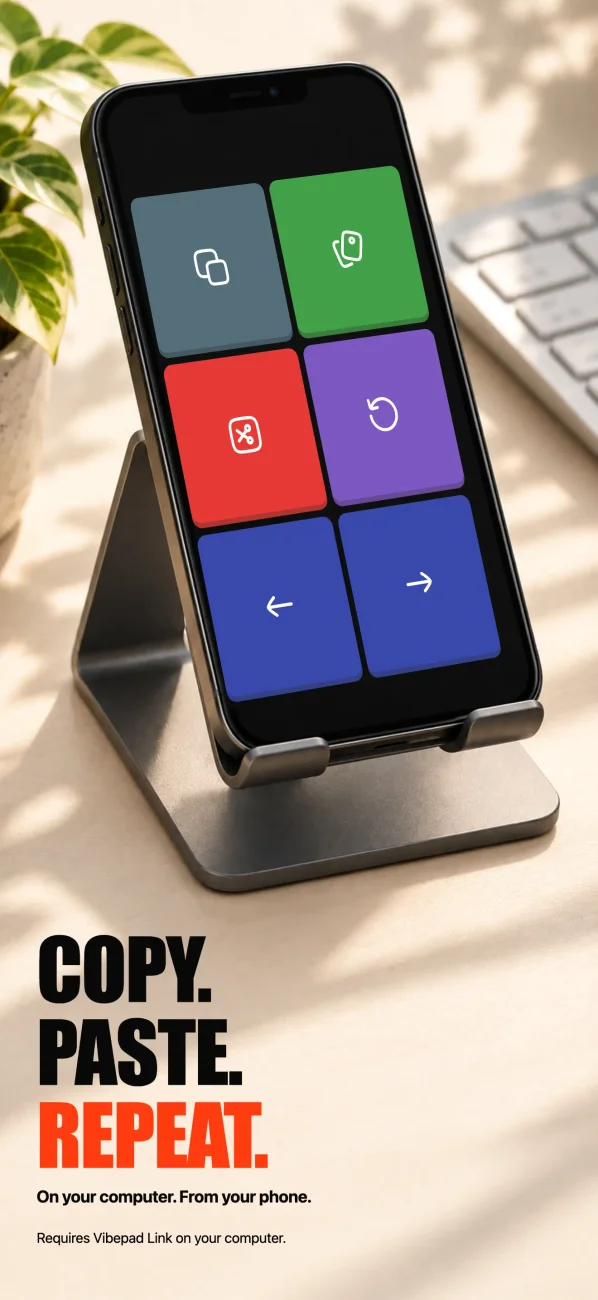
Vibepad turns your iPhone into a customizable Bluetooth macro pad for your computer. Build buttons for AI coding-agent workflows, terminal commands, editing shortcuts, reusable text, and everyday desktop controls—without adding another device to your desk.
One tap for repetitive workflows
Map the same keyboard actions your tools already accept. Create buttons for approval, cancel, navigation, test commands, reusable prompts, and repeatable routines. Vibepad controls the desktop through the shortcuts and text you configure; it does not require a direct integration with any specific app.
Customize every control
- Keyboard shortcuts and hotkeys
- Reusable text snippets
- Multi-step sequences combining shortcuts, text, and delays
- App-aware layouts that switch with the active desktop app
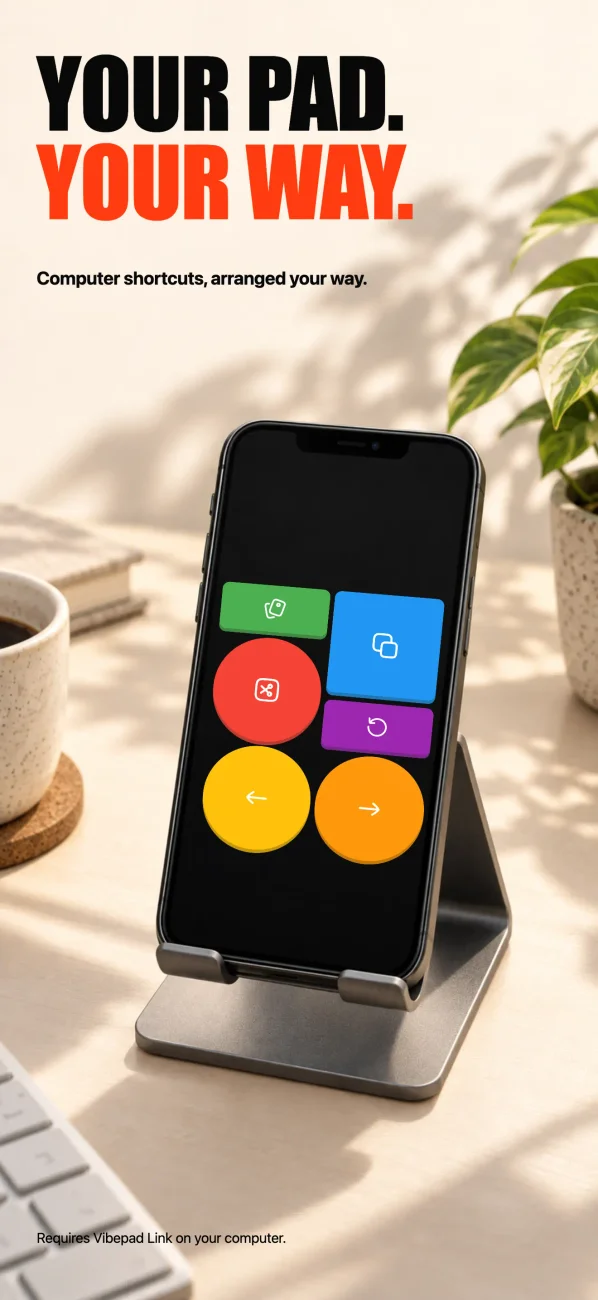
- Drag-and-drop editing with flexible sizes, shapes, colors, and 1,000+ icons
- Portrait and landscape configurations
Work your way
Create multiple layouts for coding, editing, meetings, or everyday shortcuts. Duplicate, import, and export configurations as JSON, or use the web Pad Builder when you want more room to design.
Direct Bluetooth, clear setup
1. Install Vibepad on your iPhone.
2. Install the Vibepad Link companion app on your computer.
3. Pair over Bluetooth Low Energy and start controlling your computer.
Core controls travel directly over Bluetooth, so they do not need Wi-Fi or a cloud account after setup. The lightweight desktop companion is required and runs in the background.
Optional voice input
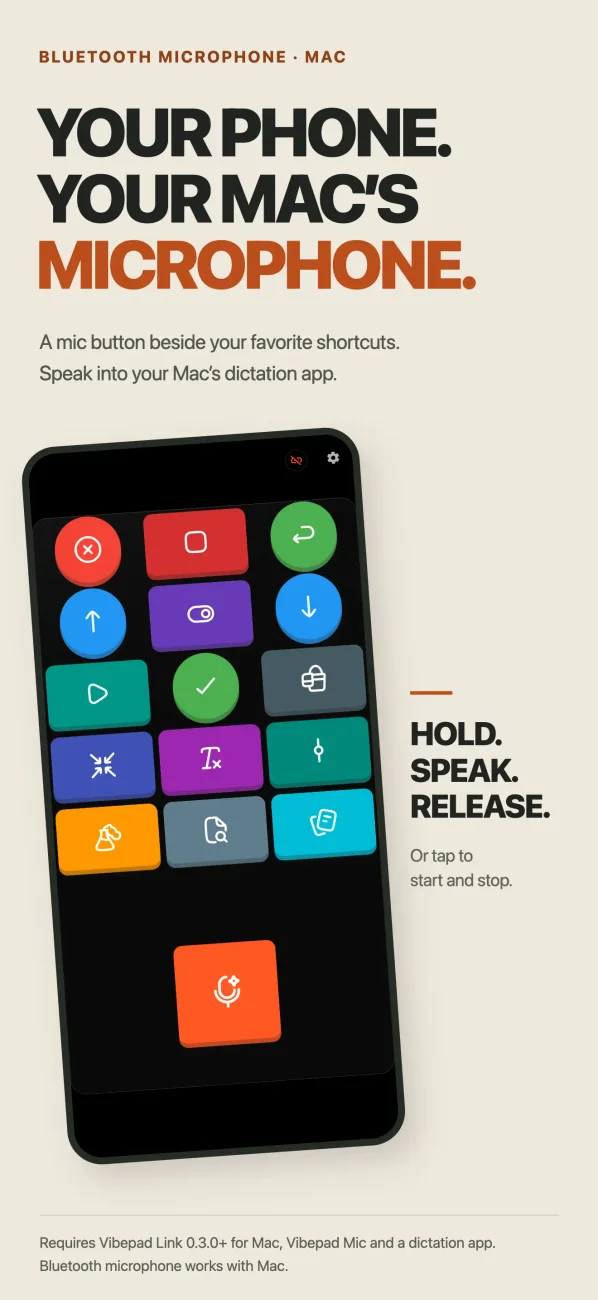
Add a Microphone button to use your phone as a wireless microphone for your computer's dictation app. Audio travels over Bluetooth to the desktop companion, which provides the Vibepad Mic input, and your dictation app turns speech into text. No API key is needed, and Vibepad does not save or upload the audio. Requires Vibepad Link 0.3.0 or later for Mac and the Vibepad Mic driver installed from the helper. Bluetooth microphone is not yet supported on Windows. Tap to start and stop, or hold to talk; optionally trigger your dictation app’s shortcut. Keep Vibepad open while speaking. Your dictation app’s settings determine whether transcription runs locally or in the cloud.
Prefer to transcribe on your phone? A Speech-to-Text button turns speech into text and sends it to your computer. It requires your own OpenAI API key and an internet connection. Your key is stored only on your device.
Build the controls that fit your workflow, then keep them one tap away on the phone you already own.
What’s new
Version 0.9.0 · Nov 13, 2026
Your pad now stays ready on the desk.
• The screen stays on while a pad is connected and dims after a minute without touches. A touch wakes it and still counts as a press. You can turn this off in Settings > Keep screen on.
• The connection to your computer stays up while your iPhone is locked or another app is in front, so the pad responds as soon as you come back.
• Setup is easier: send the Vibepad Link download link to your computer from the connection screen, or choose "Remind me tomorrow" to finish later.
App privacy
What Saturn Studio declares on the App Store about how this app handles data.
-
Data used to track you
May be used to track you across apps and websites owned by other companies.
- Identifiers
-
Data not linked to you
May be collected but is not linked to your identity.
- Usage data
- Diagnostics
Privacy practices may vary, for example with the features you use or your age.
Information
- Seller
- Saturn Studio
- Category
- Productivity
- Version
- 0.9.0
- Updated
- Nov 13, 2026
- Released
- Sep 18, 2025
- Size
- 34.3 MB
- Requires
- iOS 15.0 or later
- Age rating
- 4+
- Price
- Free
- Languages
- English
- Copyright
- © 2026 saturnstudio
You might also like
-
 OverdeckMobile streaming controller
-
 UnyxThe Most Adaptive Controller
-
 Deckboard PRO: Macropad for PCSupercharge your workflow
-
 MemoAmmoYour voice is your power
-
 Gfacility - KioskBetter visitor experience.
-
 Halo: Gentle Habit TrackerSmall steps, no streak guilt
-
 DevHoursSimple time tracking for devs
-
 Magpie: Save Links & PhotosBookmarks, notes & collections
-
 CCO Vibeproductivity for vibe coders
-
 DevDeckSmart Shortcut Deck for Mac