Vibing: Remote & Video
Remote desktop & media player
Designed for iPhone, iPad
Free · In-app purchases
- Age rating17+
- CategoryProductivity
- Developermingyu kim
- LanguagesEnglish+ 4 more
- Size91.3 MB
Links to the official App Store page
Download.org hosts no file of Vibing: Remote & Video. The button opens its official App Store page, published by mingyu kim. Listing last checked on Nov 25, 2026.
Screenshots

About
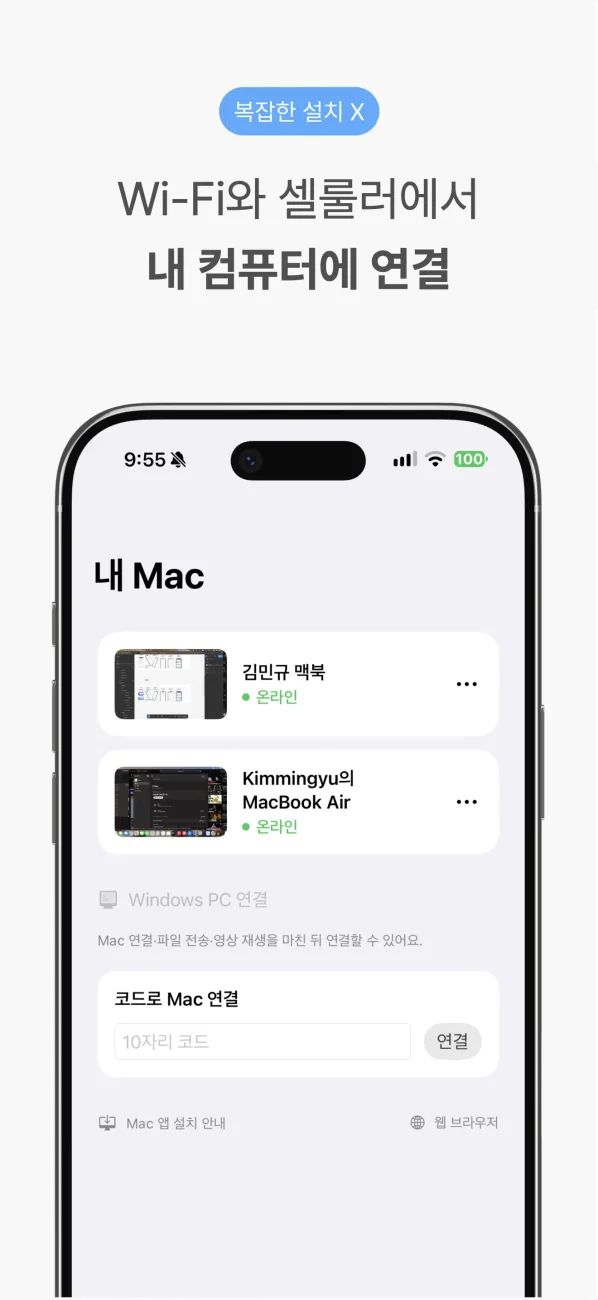
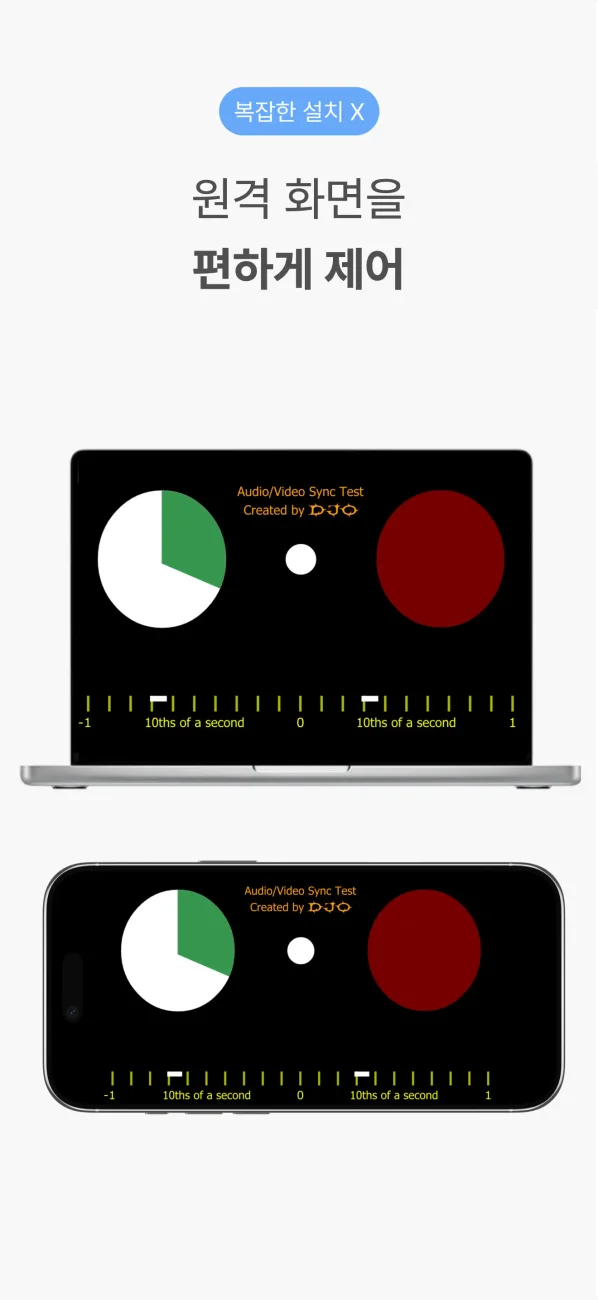
Continue working on your Mac from your iPhone or iPad. Vibing is a minimal remote desktop app for viewing and controlling your own Mac. Edit a document, check a running task, or switch between connected monitors.
The current app interface is primarily in Korean.
• Connect to a Mac signed in to the same Apple account
• Use touch, trackpad controls and a keyboard
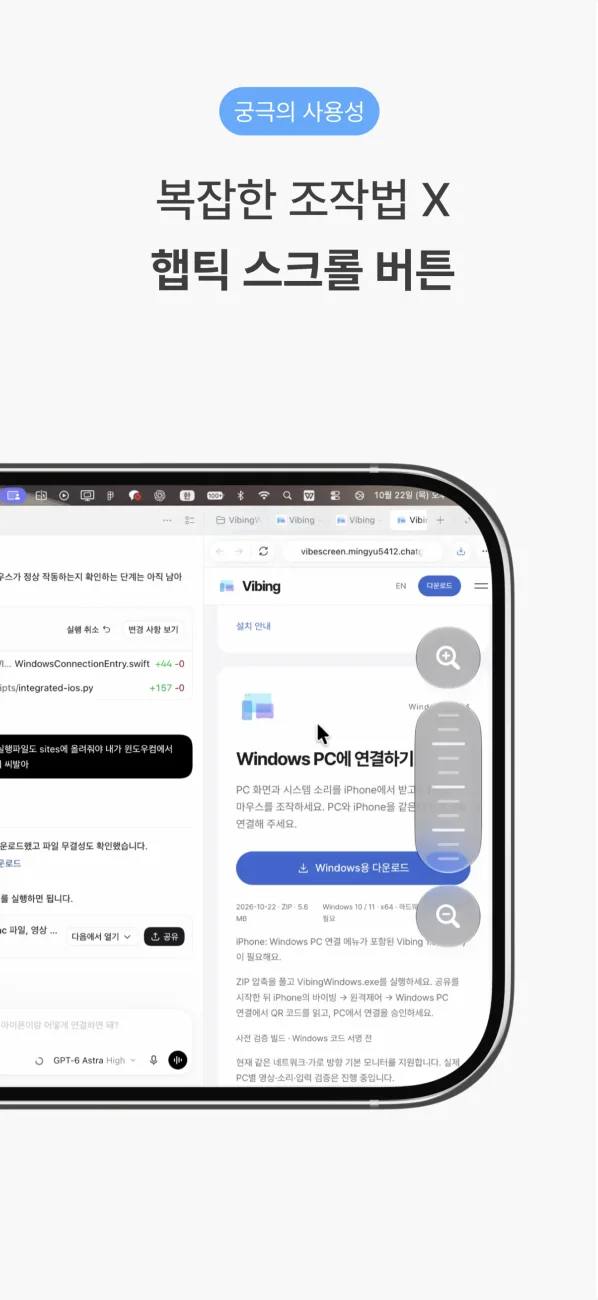
• Switch between connected monitors and zoom the screen
• Adjust quality, resolution, frame rate and bitrate
• Check connection status and the actual connection route
Requires an Apple Silicon Mac running macOS 14 or later, the Vibing Mac companion, and screen recording and remote input permissions. Keep your Mac awake and available. The Mac app guides installation and permission setup.
Connections are encrypted and require device authorization. End access from the Mac at any time. Firewalls and network conditions may prevent direct connections.
The initial release is free and supports direct connections. Relay service is not generally available.
Mac download and setup:
https://vibescreen.mingyu5412.chatgpt.site
Files and video
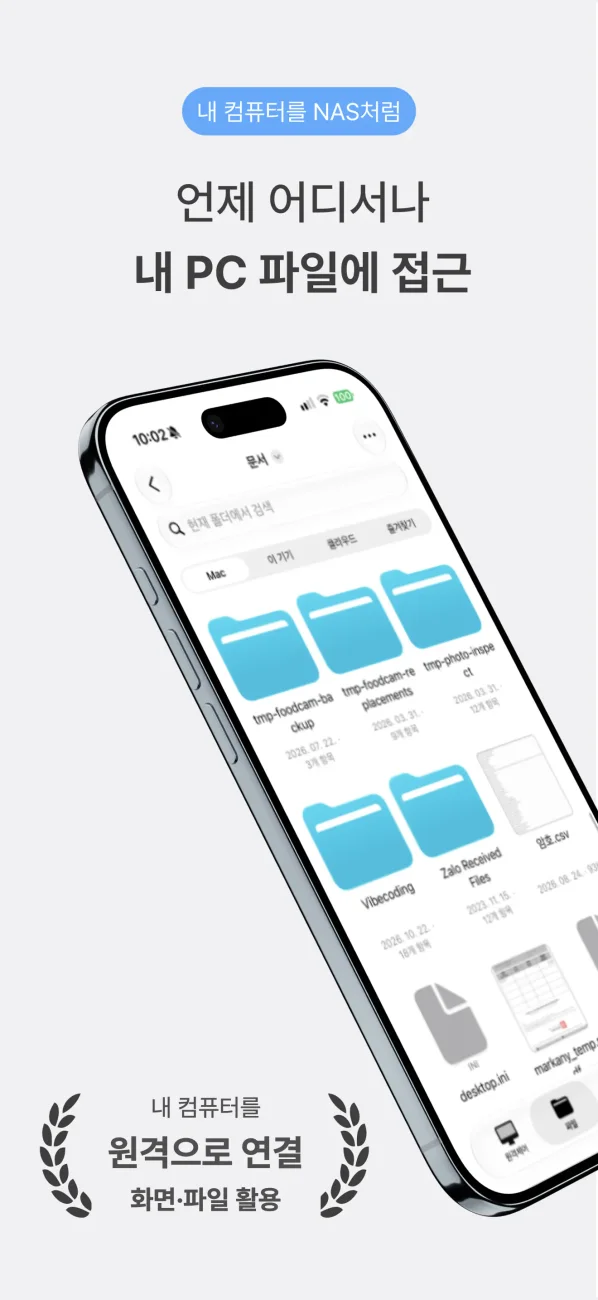
• Browse and download files from your own computer
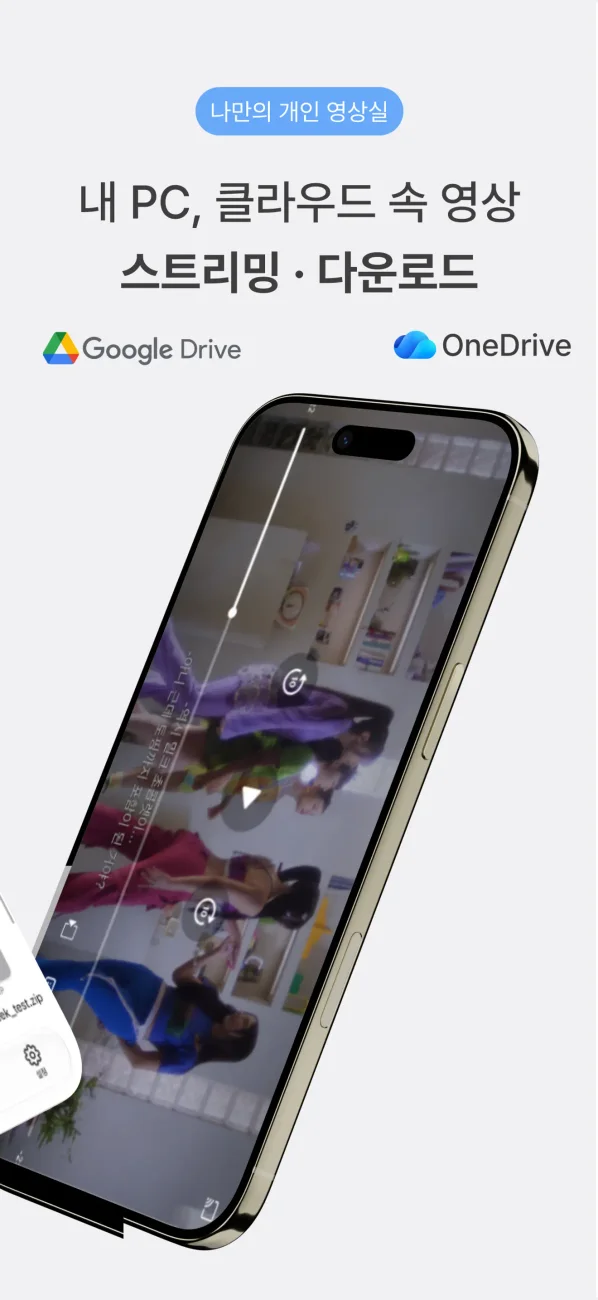
• Play device videos and adjust subtitles
• Connect OneDrive (provider sign-in and permission required)
• Picture in Picture for supported videos
File access is enabled separately on the computer. Playback support varies by format and codec.
Terms of Use
https://www.apple.com/legal/internet-services/itunes/dev/stdeula/
Privacy Policy
https://vibescreen-api-staging.alsrb5412.workers.dev/beta/privacy-en.html
What’s new
Version 1.0.18 · Nov 24, 2026
• Improved connection stability with Windows PCs.
• Improved screen fitting on iPad and recovery when remote video freezes.
• In Labs, you can enable Apple Pencil pressure, tilt and hover, as well as file copy and paste. Availability depends on your device and the computer you connect to.
• When connecting to a compatible Windows PC, choose 4:4:4 color to see small text and color boundaries more clearly.
App privacy
What mingyu kim declares on the App Store about how this app handles data.
-
Data linked to you
May be collected and linked to your identity.
- Purchases
- User content
- Identifiers
- Usage data
- Diagnostics
Privacy practices may vary, for example with the features you use or your age.
Information
- Seller
- mingyu kim
- Category
- Productivity
- Version
- 1.0.18
- Updated
- Nov 24, 2026
- Released
- Oct 8, 2026
- Size
- 91.3 MB
- Requires
- iOS 17.0 or later
- Age rating
- 17+
- Price
- Free
- In-app purchases
- Yes
- Languages
- English, Japanese, Korean, Traditional Chinese, Vietnamese
- Copyright
- © 2026 Vibescreen
You might also like
-
 Spools – Thread ArchiveSave what the feed forgets
-
 Runyour BotProductivity
-
 Routine FacilitatorTiny routines, powerful change
-
 키링 - 나만의 비서Productivity
-
 DepthViz : 3D ScannerMost Accurate scanner on iOS
-
 Whirrik: Remote DesktopRemote access from anywhere
-
 Jot It? – Blank Page NotesOpen it and start writing
-
 Screenshot Manager: ShotnestOrganize & Search by Text
-
 When Should I?: Lunar CalendarLunar birthdays & solar terms
-
 Arky - Your Knowledge CanvasWhere ideas take shape