
Vida+ (Video Player & Manager)
Play, Convert & Manage Media
Designed for iPhone, iPad, iPod touch
Free
- Age rating4+
- CategoryUtilities
- DeveloperKYUNGJA JANG
- LanguagesEnglish+ 4 more
- Size187.1 MB
Links to the official App Store page
Download.org hosts no file of Vida+ (Video Player & Manager). The button opens its official App Store page, published by KYUNGJA JANG. Listing last checked on Nov 14, 2026.
Screenshots

About
Vida+ is a fast, easy-to-use media player that plays and converts almost any video and audio format.
With a player that supports a wide range of codecs and Smart Split designed for iPhone Duo and iPad, you can manage and enjoy your media with ease.
Key Features:
• Powerful Player: Play videos in a wide range of codecs, including H.264, HEVC (H.265), AV1, VP9, and MPEG-1/2/4, without converting them first.
• Subtitle Support: Display SRT, ASS, SSA, VTT, and SMI subtitles and adjust subtitle sync.
• Advanced Playback: Enjoy Picture in Picture (PiP), background playback, playback speed control, and shuffle, and manage video and audio together in a single playlist.
• iPhone Duo Support: The interface adapts to portrait when closed, and to both portrait and landscape when open.
• Smart Split (iPhone Duo and iPad): View your content, side menu, and playlist side by side on one screen. Drag the divider to adjust the layout, or switch to full screen with a single button.
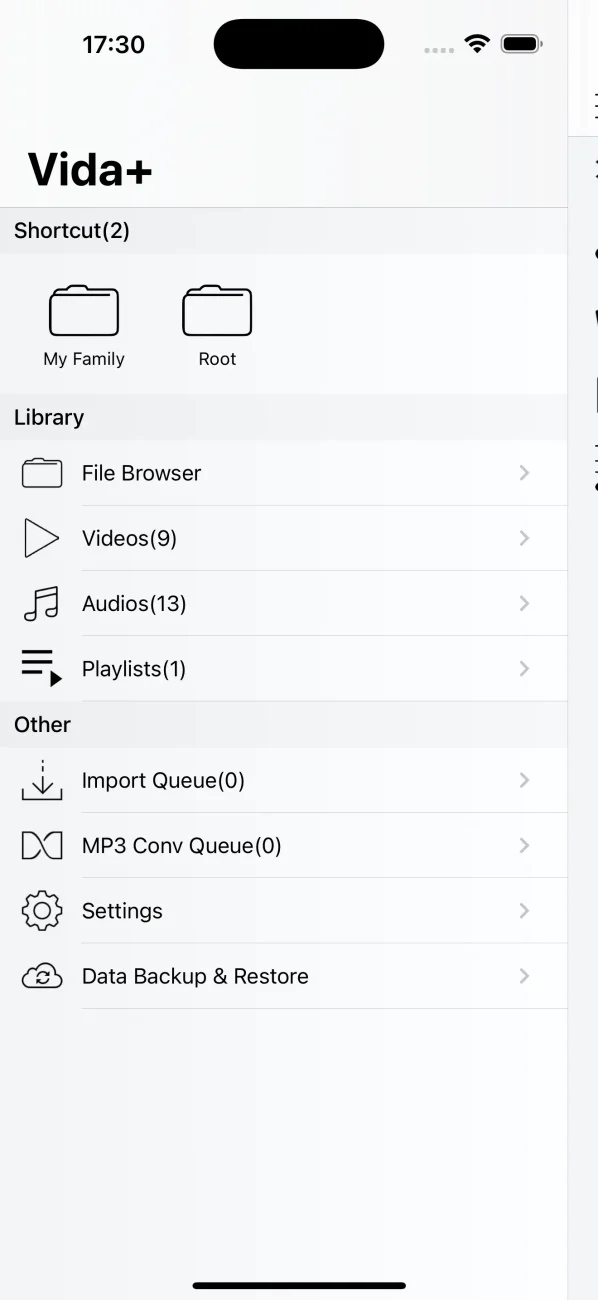
• File Management: Create folders in the file explorer and organize your files hierarchically.
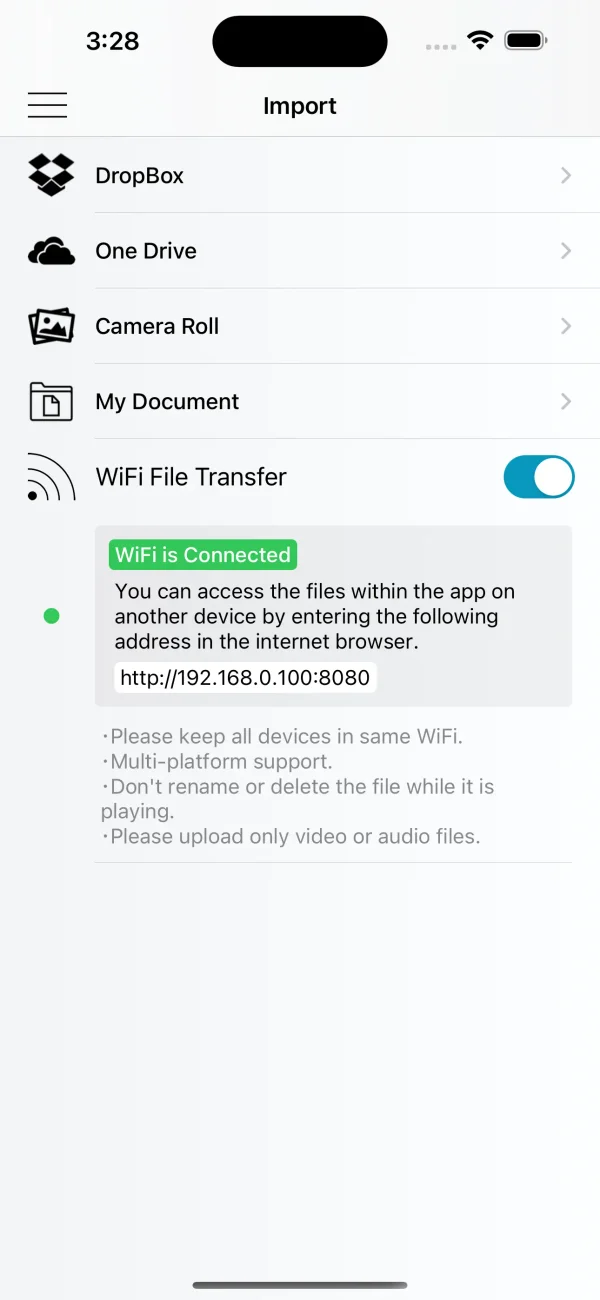
• Flexible Import: Import media from cloud services such as Dropbox and OneDrive, as well as from your Camera Roll and internal documents.
• Wi-Fi File Transfer: Easily transfer files using a browser on a computer connected to the same Wi-Fi network.
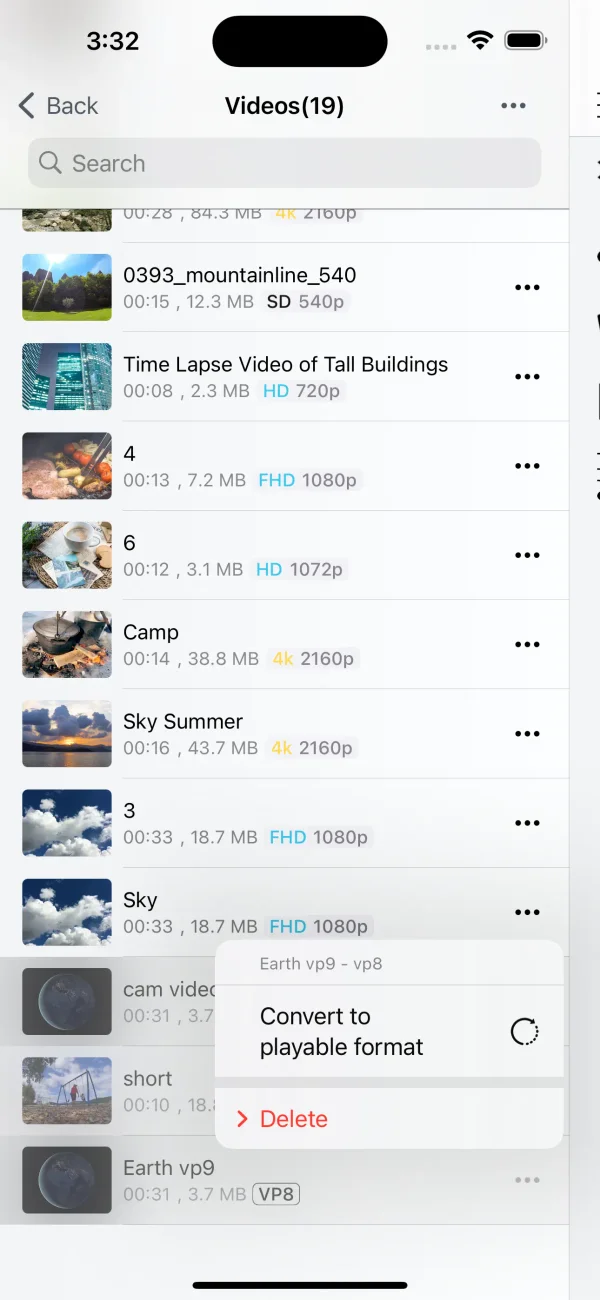
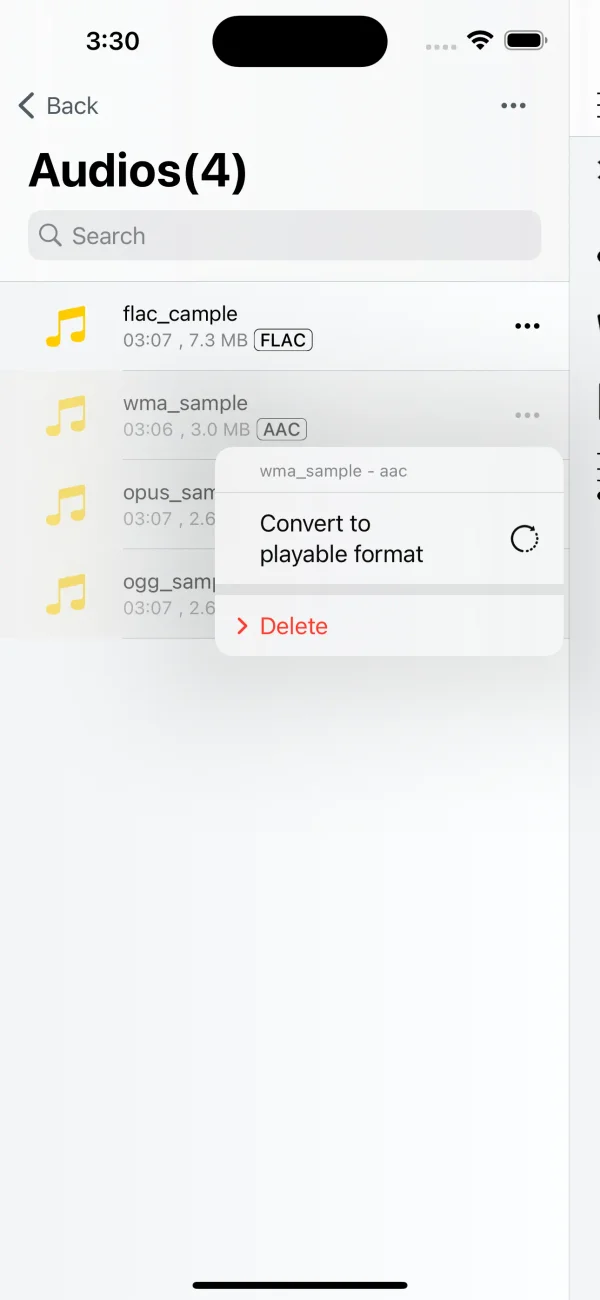
• Media Conversion: Convert almost any format, including MP4, FLV, WEBM (VP8, VP9), MPEG-1/2, MOV, MKV, WMV, AVI, VOB, 3GP, SWF, MP3, AAC, and WAV.
• Audio Extraction: Extract MP3 files directly from videos.
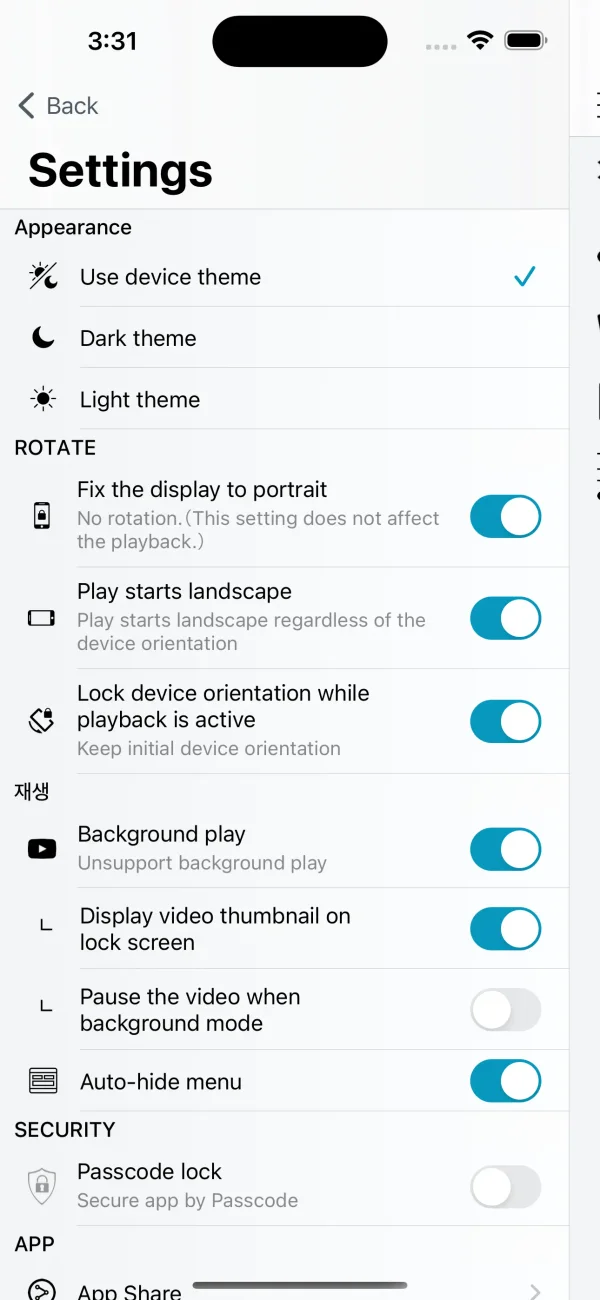
• User-Friendly Interface: Supports dark and light modes, landscape orientation, and passcode lock.
• Data Backup and Restore: Easily back up and restore your database and settings.
• Powerful editing tools: Trim, merge, change speed, reverse, crop & rotate, picture-in-picture, split screen, enhance audio and video, create GIFs, compress files, and edit subtitles, all right inside the app.
What’s new
Version 1.1.9 · Nov 11, 2026
• New media editing tools: convert/extract audio, trim, merge, speed, reverse, crop & rotate, picture-in-picture, split screen, audio & video enhancement, GIF/frame export, compress, and subtitle tools
• Bug fixes and stability improvements
App privacy
What KYUNGJA JANG declares on the App Store about how this app handles data.
-
Data used to track you
May be used to track you across apps and websites owned by other companies.
- Location
- Identifiers
- Usage data
- Diagnostics
-
Data linked to you
May be collected and linked to your identity.
- Location
- Identifiers
- Usage data
- Diagnostics
-
Data not linked to you
May be collected but is not linked to your identity.
- Diagnostics
Privacy practices may vary, for example with the features you use or your age.
Information
- Seller
- KYUNGJA JANG
- Category
- Utilities
- Version
- 1.1.9
- Updated
- Nov 11, 2026
- Released
- Apr 8, 2024
- Size
- 187.1 MB
- Requires
- iOS 15.0 or later
- Age rating
- 4+
- Price
- Free
- Languages
- English, Japanese, Korean, Spanish, Traditional Chinese
- Copyright
- © MTS LLC.
You might also like
-
 BLOKK: Privacy Shield & VPNBrowse Securely & Freely
-
 Ad Blocker Pro: Safari & DNSAd/tracker blocker, secure DNS
-
 Contacts Pro - Backup&RestoreExcel import & Batch delete
-
 Keke: Shell ScreenshotSimple&Easy&Niche&Smooth
-
 Battery 100% AlarmSmart Charge & Battery Alert
-
 AdSpamBlock - Ad BlockerAdblock & Spam: Block Ads
-
 PH: App Locker for your iPhonePhotos hider & Secure folder
-
 Adblocker For YouTube Videoswatch videos without ads
-
 Financial Calculator UltraMortgage, Loan & Scientific
-
 Video Voice Changer ProDub & create sound effect