
Video Compressor & Editor App
Compress, trim, crop
Designed for iPhone, iPad, iPod touch
Free · In-app purchases
- Age rating4+
- CategoryPhoto & Video
- DeveloperAndrii Hulak
- LanguagesEnglish
- Size54.7 MB
Links to the official App Store page
Download.org hosts no file of Video Compressor & Editor App. The button opens its official App Store page, published by Andrii Hulak. Listing last checked on Nov 13, 2026.
Screenshots
About
Need to reduce video size or make quick edits before sharing?
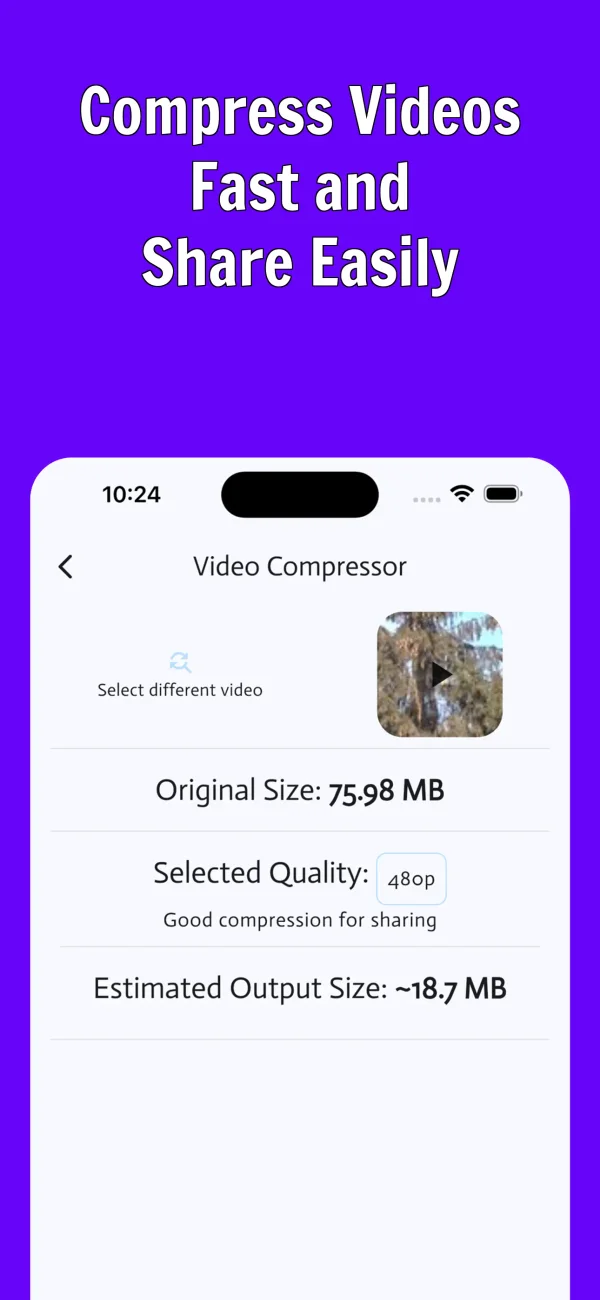
Video Compressor. Easy Editor lets you compress, trim, split, convert, and edit videos fast - fully offline and directly on your device.
No uploads. No accounts. Your videos stay private.
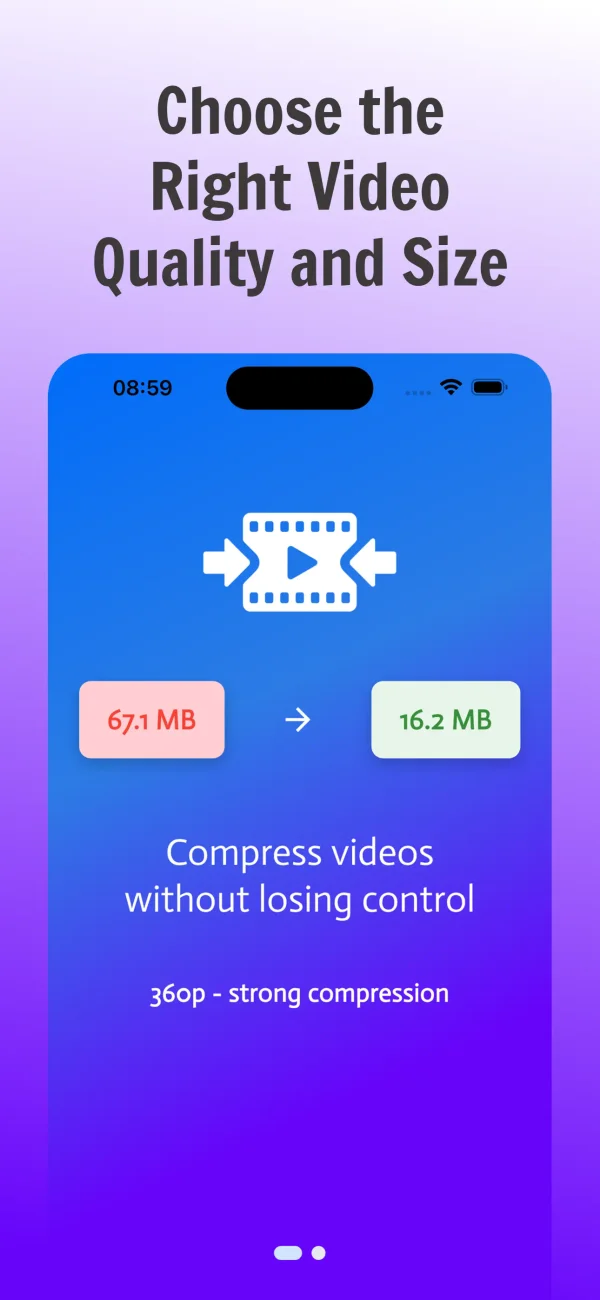
1. Compress videos without losing control
Choose the exact quality you need:
- 1080p (High quality) - clear video with smaller file size
- 720p - balanced quality and compression
- 480p - ideal for sharing
- 360p - strong compression
- 240p - smallest files
Perfect for saving storage, sending videos by messenger, or uploading with size limits.
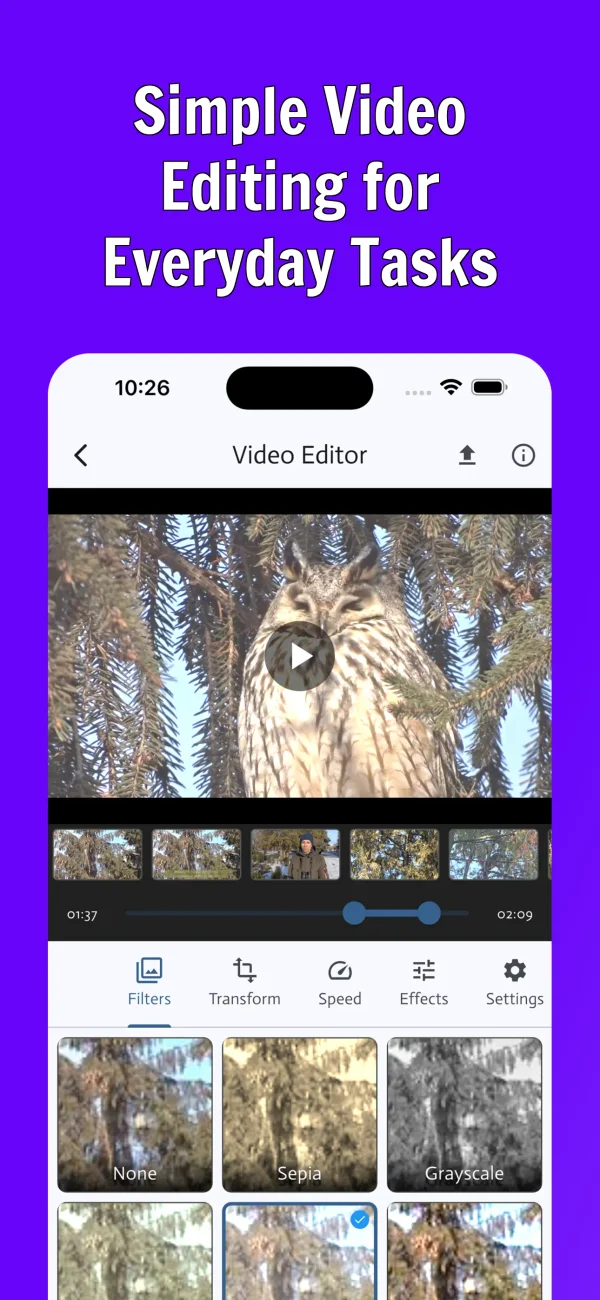
2. Simple video editor for everyday tasks
Edit your videos in seconds:
- Apply filters - Sepia, Grayscale, Vintage, Brighten, Contrast, Cool, Warm
- Rotate and flip videos
- Change playback speed
- Blur sensitive areas
- Mute audio
- Adjust bitrate to control file size
No complex timeline. Just the tools you actually need.
3. Split, resize, and convert videos
- Split long videos into smaller clips
- Resize videos to common resolutions
- Convert videos for better compatibility
- Prepare videos for email, social apps, or cloud storage
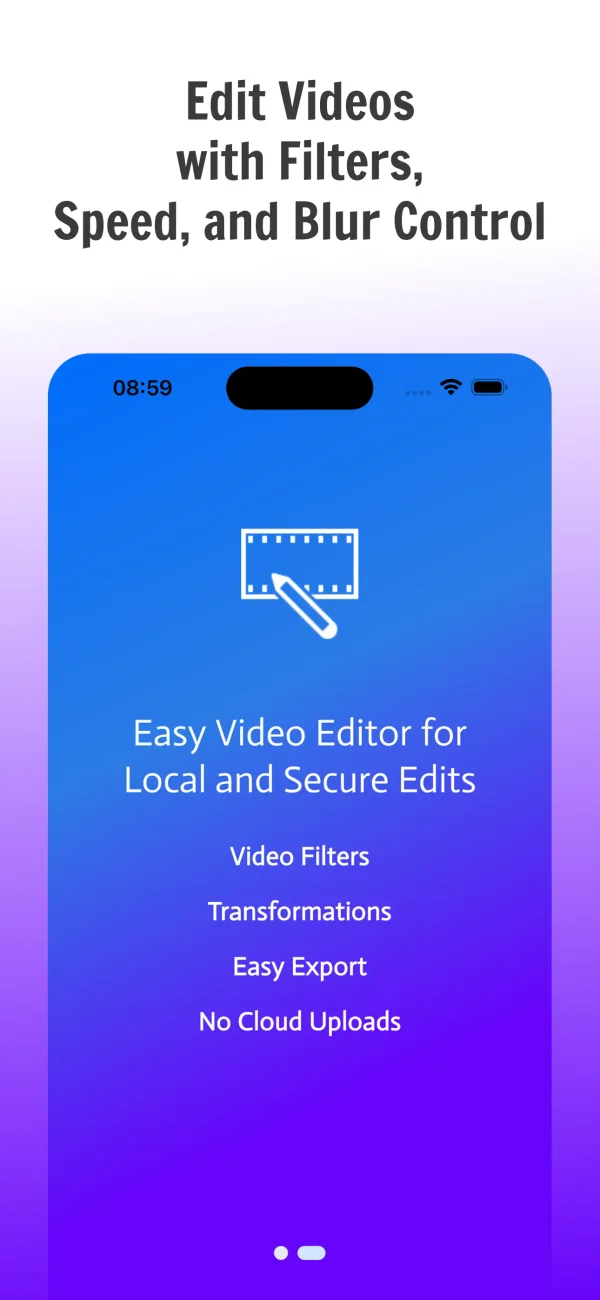
4. Local processing and secure storage
- All compression and editing happen locally
- No cloud uploads
- Works offline
- Your videos remain on your device
This means faster processing and full privacy.
5. Fast sharing
- Share compressed or edited videos instantly
- Works with messaging apps, email, and cloud services
- Smaller files send faster and use less data
6. Why video compression matters
Video files are large. Compression helps you:
- Free up storage space
- Send videos faster
- Reduce mobile data usage
- Avoid upload size limits
- Store more videos on your device
With the right compression level, you keep good visual quality while cutting file size significantly.
7. Designed for speed and ease
- Clean and simple interface
- Fast processing
- Clear quality presets
- Works on older devices
If you need a fast video compressor, an easy video editor, or a simple way to resize and shrink videos, this app is built for you.
____
Privacy Policy - https://video-editor-compressor.web.app/privacypolicy.html
Terms and Conditions - https://video-editor-compressor.web.app/tos.html
LICENSED APPLICATION END USER LICENSE AGREEMENT - https://www.apple.com/legal/internet-services/itunes/dev/stdeula/
What’s new
Version 2.0.2 · Dec 28, 2025
Major upgrade to the compression engine
App privacy
What Andrii Hulak declares on the App Store about how this app handles data.
-
Data used to track you
May be used to track you across apps and websites owned by other companies.
- Purchases
- Identifiers
- Usage data
- Diagnostics
-
Data linked to you
May be collected and linked to your identity.
- Purchases
- Identifiers
- Usage data
- Diagnostics
Privacy practices may vary, for example with the features you use or your age.
Information
- Seller
- Andrii Hulak
- Category
- Photo & Video
- Version
- 2.0.2
- Updated
- Dec 28, 2025
- Released
- Jul 27, 2021
- Size
- 54.7 MB
- Requires
- iOS 13.0 or later
- Age rating
- 4+
- Price
- Free
- In-app purchases
- Yes
- Languages
- English
- Copyright
- © 2025
You might also like
-
 Video Editor All in OneMP3 Converter, Trim & Compress
-
 Video Compressor : Size Reduce#1 Video Compressor
-
 CatCompressorVideo Compressor
-
 CompressX - Video CompressorVideo Compressor
-
 Video Editor : Slow-Mo VideoVideo Maker : Cut & Join Video
-
 Photo & Video CompressorPhoto Video Resizer
-
 Video Compressor Compact VideoVideo Merge, Video Editor
-
 Video Compressor .Video resizer, compress videos
-
 Video Compressor: reduce sizeCompress Video Size Compressor
-
 Photo Compressor: AI CleanerReduce Video Size, Clean Files