
Video Compressor – Save Space
Shrink File Size, Keep Quality
Designed for iPhone, iPad
Free · In-app purchases
- Age rating4+
- CategoryPhoto & Video
- DeveloperHaruki Sugaya
- LanguagesEnglish+ 32 more
- Size13.9 MB
Links to the official App Store page
Download.org hosts no file of Video Compressor – Save Space. The button opens its official App Store page, published by Haruki Sugaya. Listing last checked on Nov 23, 2026.
Screenshots
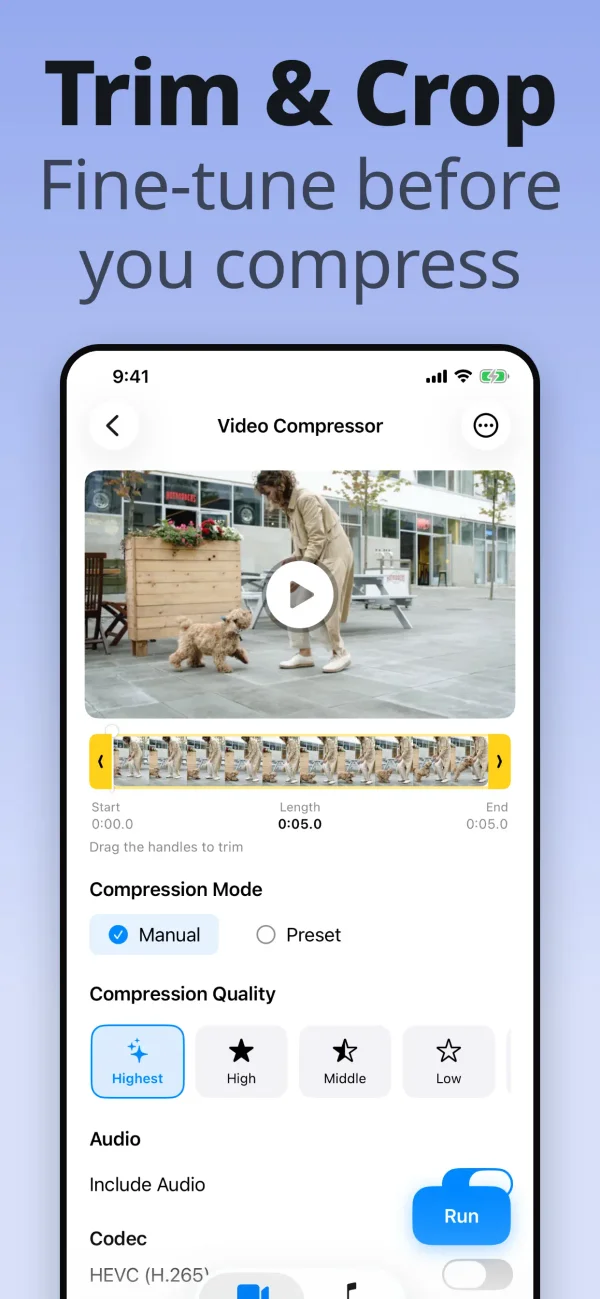
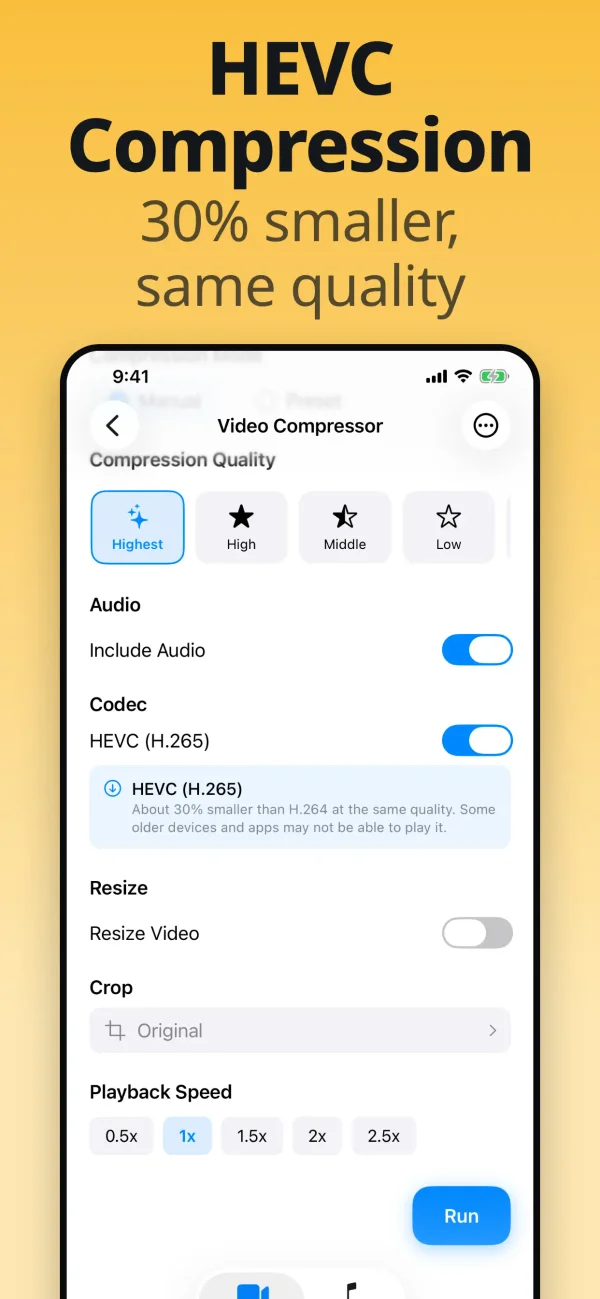
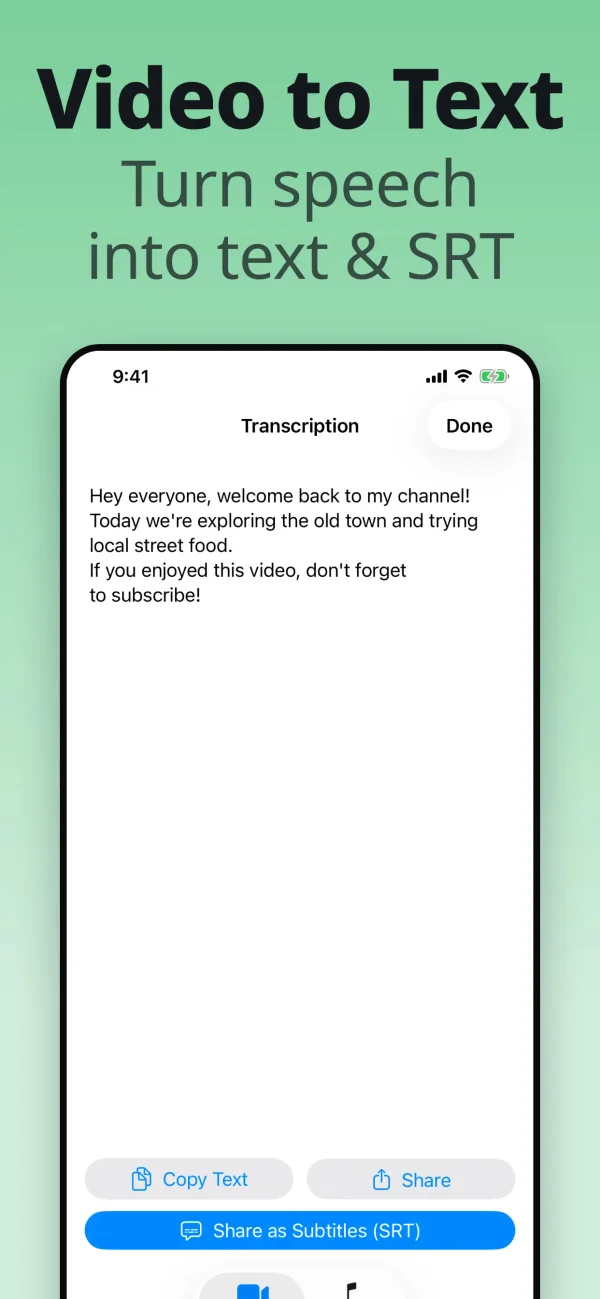
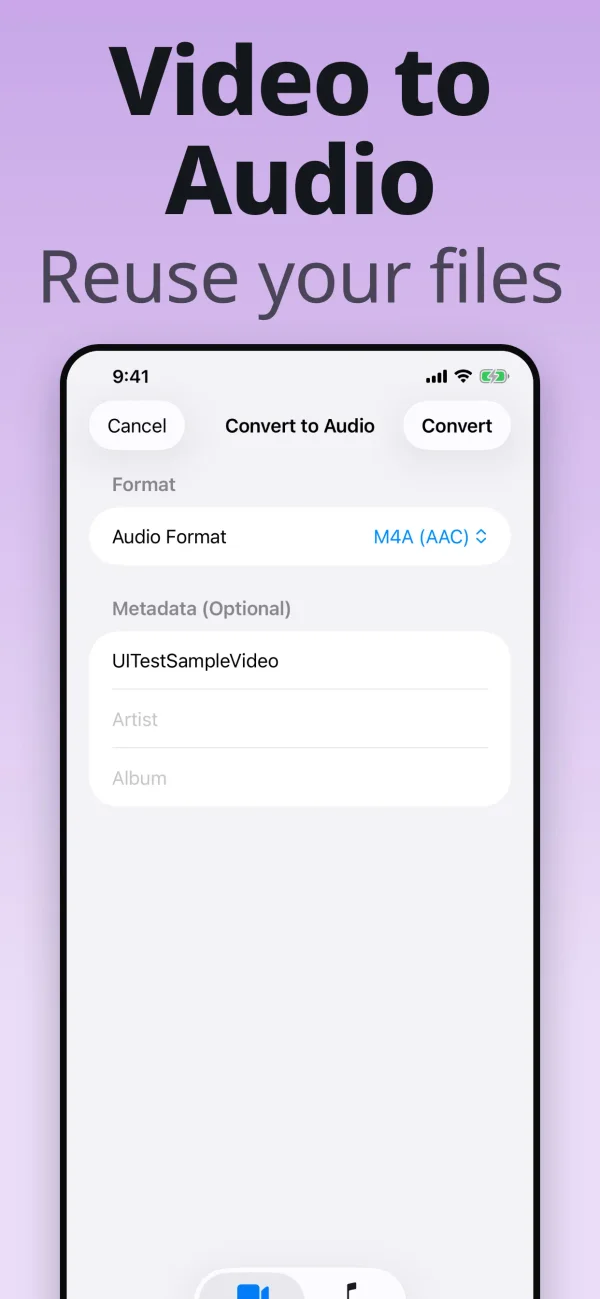
About
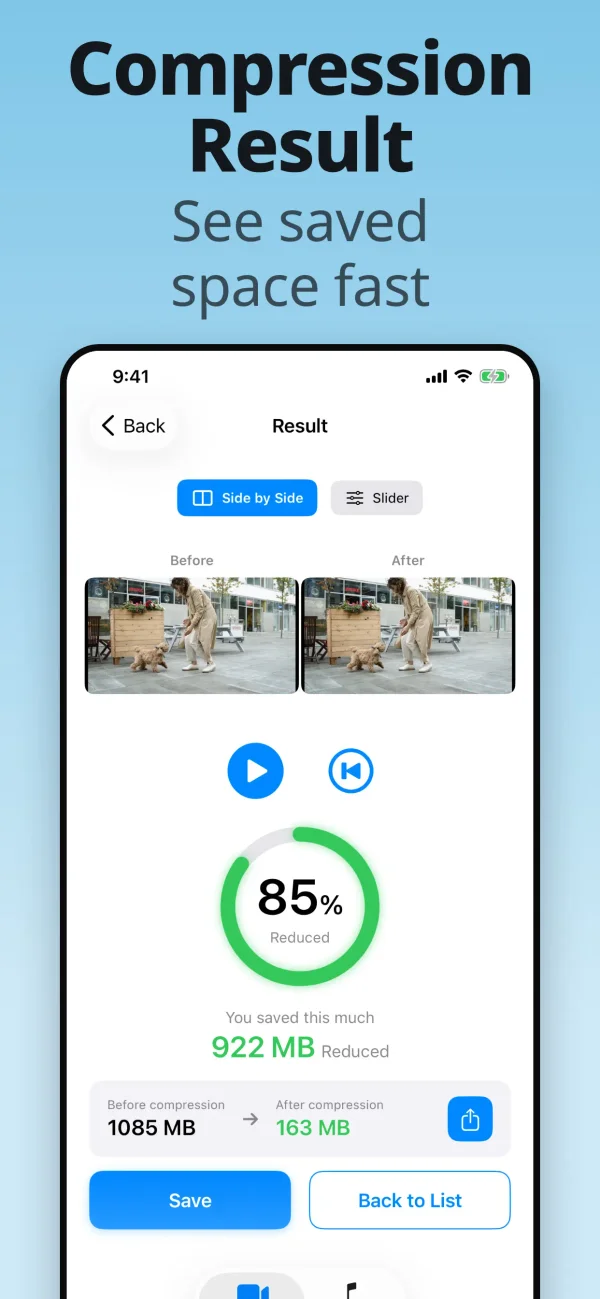
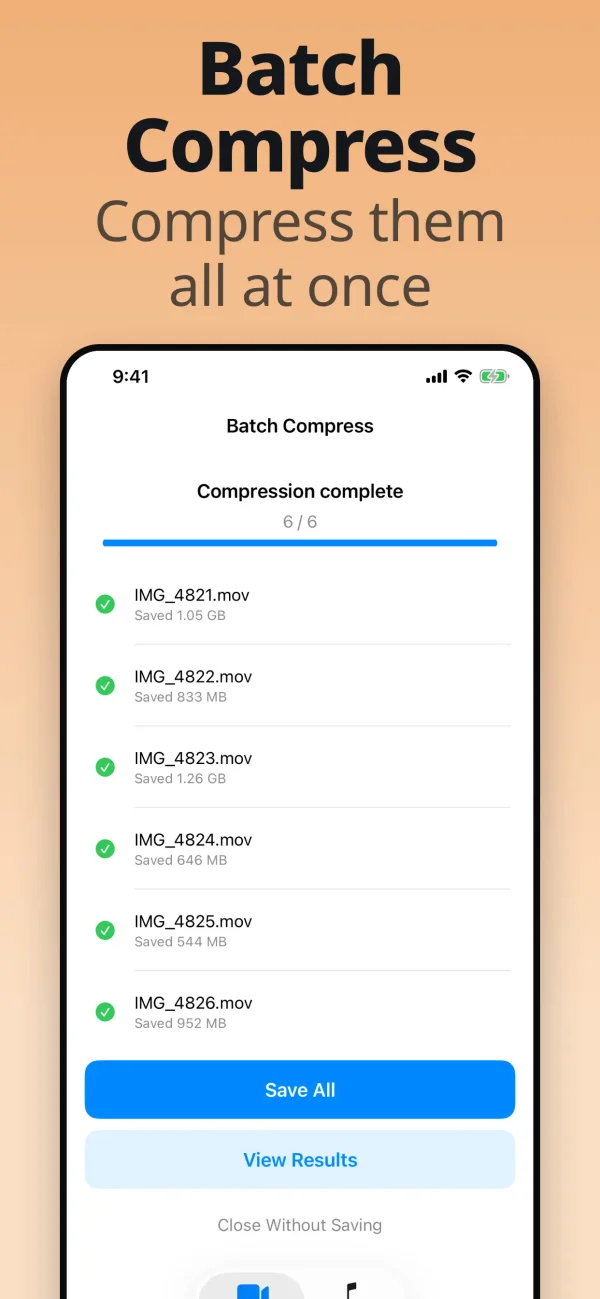
Free up storage without losing quality. Video Compressor – Save Space cuts file size by up to 90% while keeping HD detail, letting you process batches of clips with smart presets that do the heavy lifting.
Why creators choose us
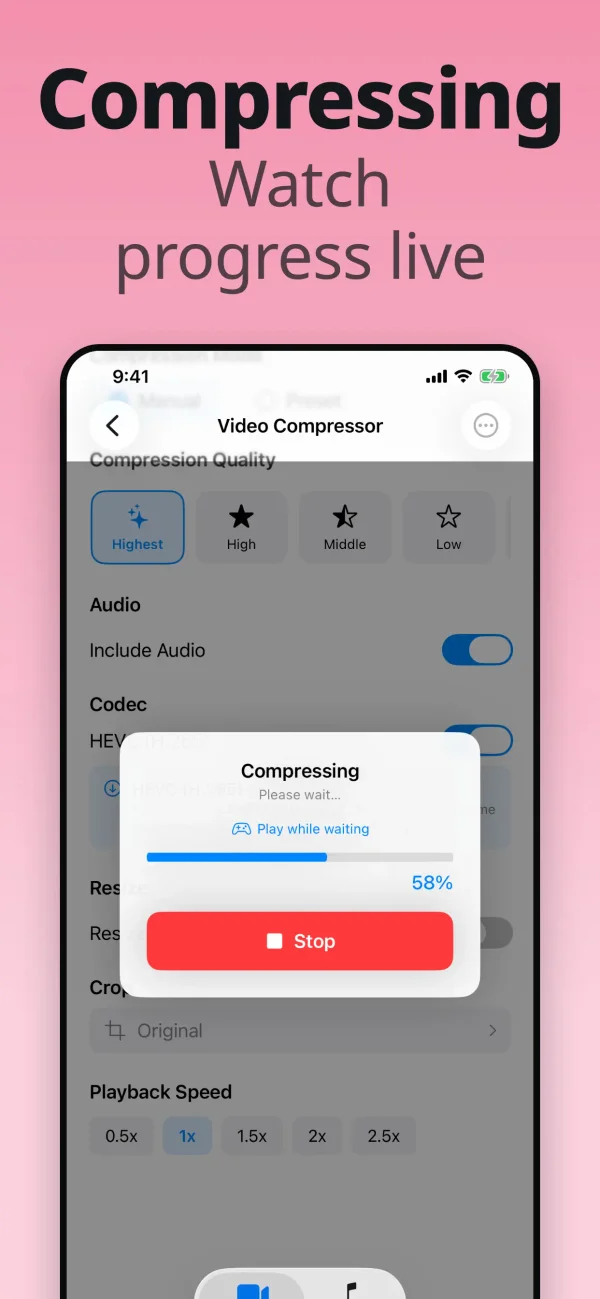
- One-tap presets from Highest to Smallest with real-time size estimates.
- Side-by-side preview to compare original and compressed versions instantly.
- Advanced bitrate, resolution, and frame-rate controls when you need them.
Track your savings
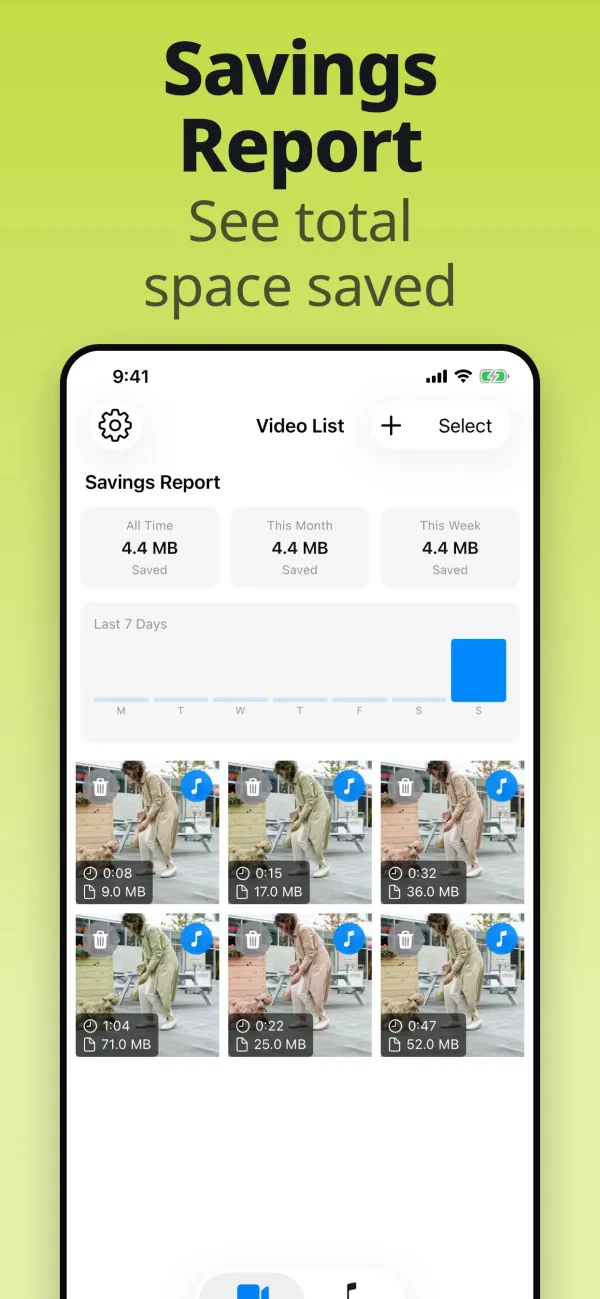
- Savings Report shows all-time, monthly, and weekly totals at a glance.
- A 7-day bar chart lets you see daily compression trends.
- Home Screen widget keeps your total savings visible without opening the app.
- Smart notifications remind you of savings and suggest new compressions.
Perfect for
- Sending long clips over chat or email without hitting limits.
- Backing up travel videos without maxing out cloud storage.
- Sharing 4K footage that still looks sharp on social media.
Start compressing now and keep every memory without the storage stress.
Pro features
- Remove all ads and unlock unlimited batch compression.
- Set exact output size or target percentage from 1% to 99%.
- Preserve metadata and export directly to Files, Photos, or cloud drives.
What’s new
Version 5.1 · Nov 6, 2026
What's New in v5.1
- New: for videos compressed without edits, tap Delete Original after saving to free up space — the capture date, location and favorite move to the compressed copy
- New: Sort by Largest to see your biggest videos first, with an estimate of the space compressing them could free
- Premium: delete the originals together after Batch Compress → Save All
- Minor improvements and stability fixes
App privacy
What Haruki Sugaya declares on the App Store about how this app handles data.
-
Data used to track you
May be used to track you across apps and websites owned by other companies.
- Location
- Usage data
- Diagnostics
-
Data not linked to you
May be collected but is not linked to your identity.
- Location
- Usage data
- Diagnostics
Privacy practices may vary, for example with the features you use or your age.
Information
- Seller
- Haruki Sugaya
- Category
- Photo & Video
- Version
- 5.1
- Updated
- Nov 6, 2026
- Released
- Dec 15, 2022
- Size
- 13.9 MB
- Requires
- iOS 17.6 or later
- Age rating
- 4+
- Price
- Free
- In-app purchases
- Yes
- Languages
- English, Arabic, Catalan, Croatian, Czech, Danish, Dutch, Finnish, French, German, Greek, Hebrew + 21 more
- Copyright
- ©︎ Haruki Sugaya
You might also like
-
 VIBit - Compress Video & ImageCompress and resize the video
-
 compress video size reducerBulk compress photo and videos
-
 Video Compressor: Shrink VidsResize, Reduce & Convert MP4
-
 Video Compressor : Size Reduce#1 Video Compressor
-
 Video Compressor: reduce sizeCompress Video Size Compressor
-
 Focus Video - Video CompressorConvert video music picture
-
 Photo Compressor: AI CleanerReduce Video Size, Clean Files
-
 Compress Video - split,shrinkcut,trim,reduce album size
-
 Video Compressor - Shrink VidsCompress & Save memory space
-
 Video Compressor Shrink VideoReduce File Size & Save Space