
Video Compressor - ShrinkIt
Compress Videos
Designed for iPhone, iPad, iPod touch
$4.99
- Age rating4+
- CategoryPhoto & Video
- DeveloperMobin Akhter
- LanguagesEnglish+ 31 more
- Size24.5 MB
Links to the official App Store page
Download.org hosts no file of Video Compressor - ShrinkIt. The button opens its official App Store page, published by Mobin Akhter. Listing last checked on Nov 6, 2026.
Screenshots

About
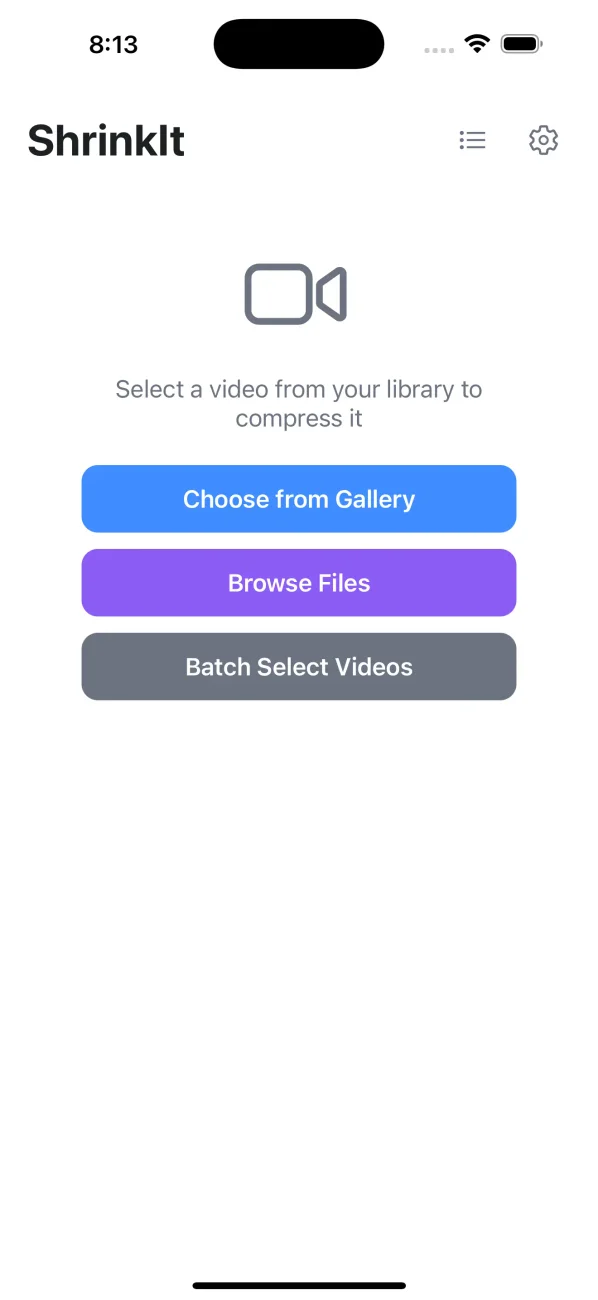
ShrinkIt shrinks videos on your iPhone so you can free up storage and share clips through email or messaging apps without hitting size limits.
KEY FEATURES
Smart Video Compression
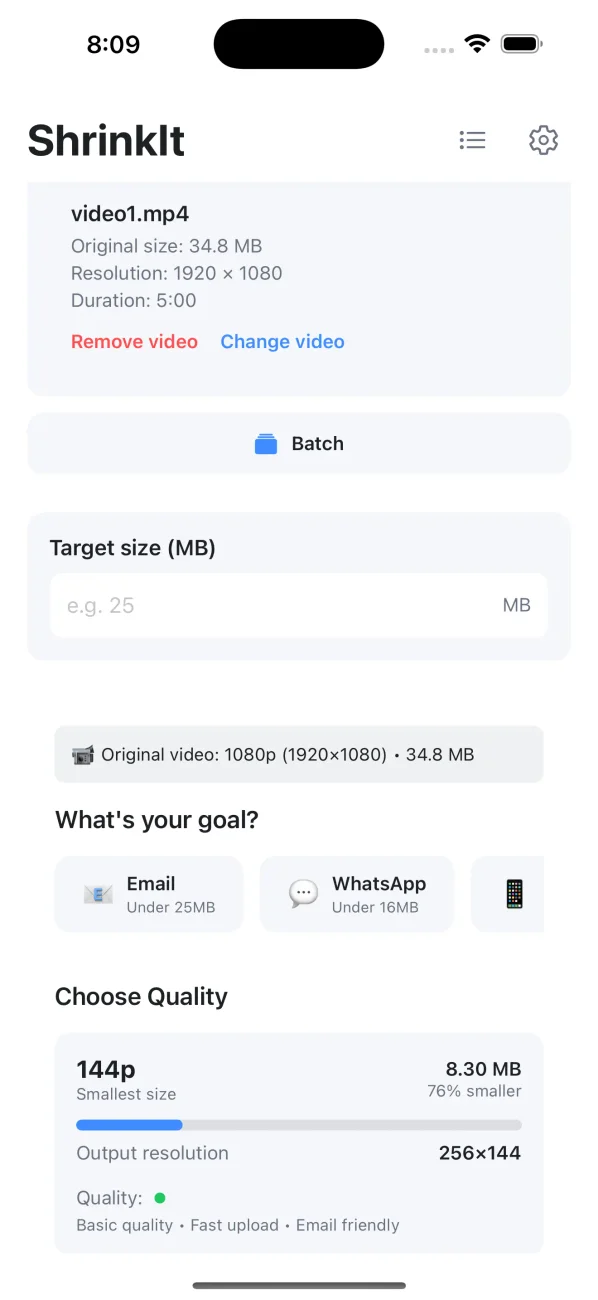
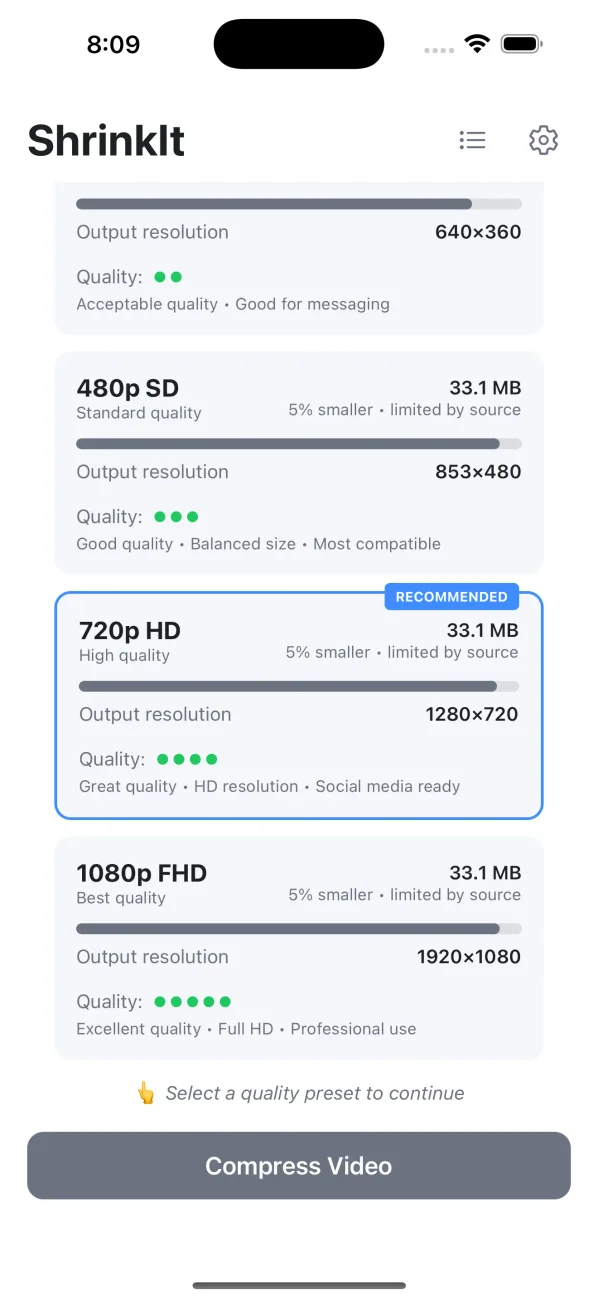
Five quality presets or a custom target file size. Up to 90% size reduction at the lowest setting.
Quality Presets
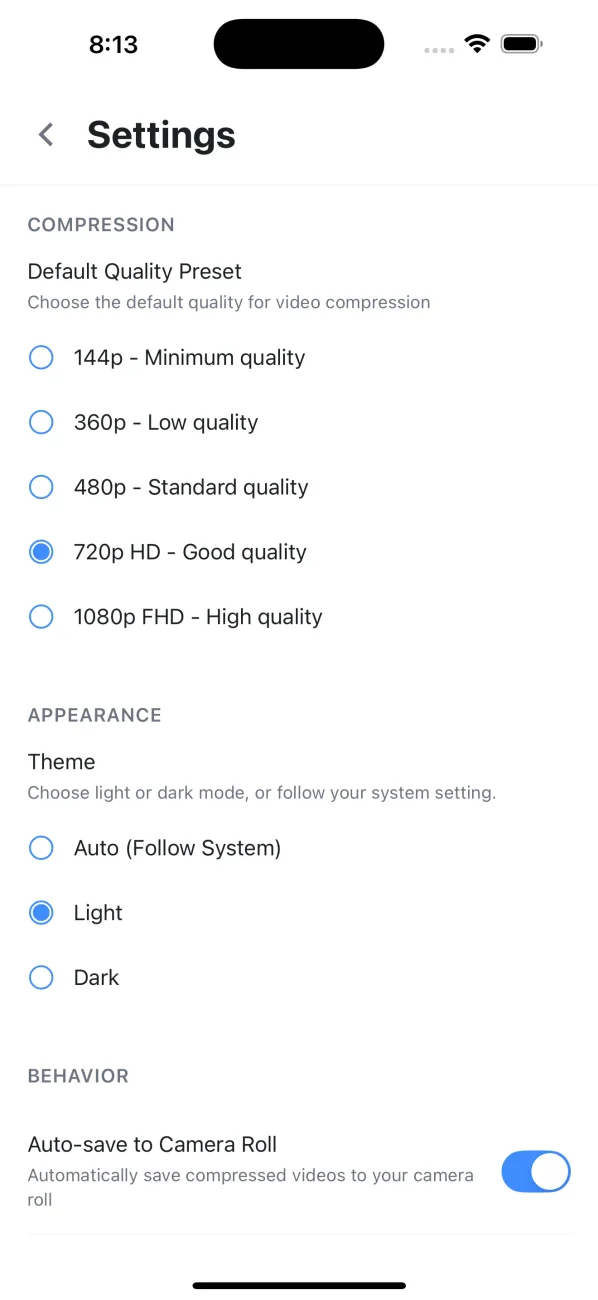
- 1080p Full HD: Minimal compression, maximum quality
- 720p HD: Balance of quality and size
- 480p SD: Standard quality for everyday use
- 360p: Smaller files for messaging
- 144p: Maximum compression for minimal storage
Target Size Control
Set a target in MB. ShrinkIt picks compression settings to land near it. Useful for email attachments or platform upload limits.
Batch Queue
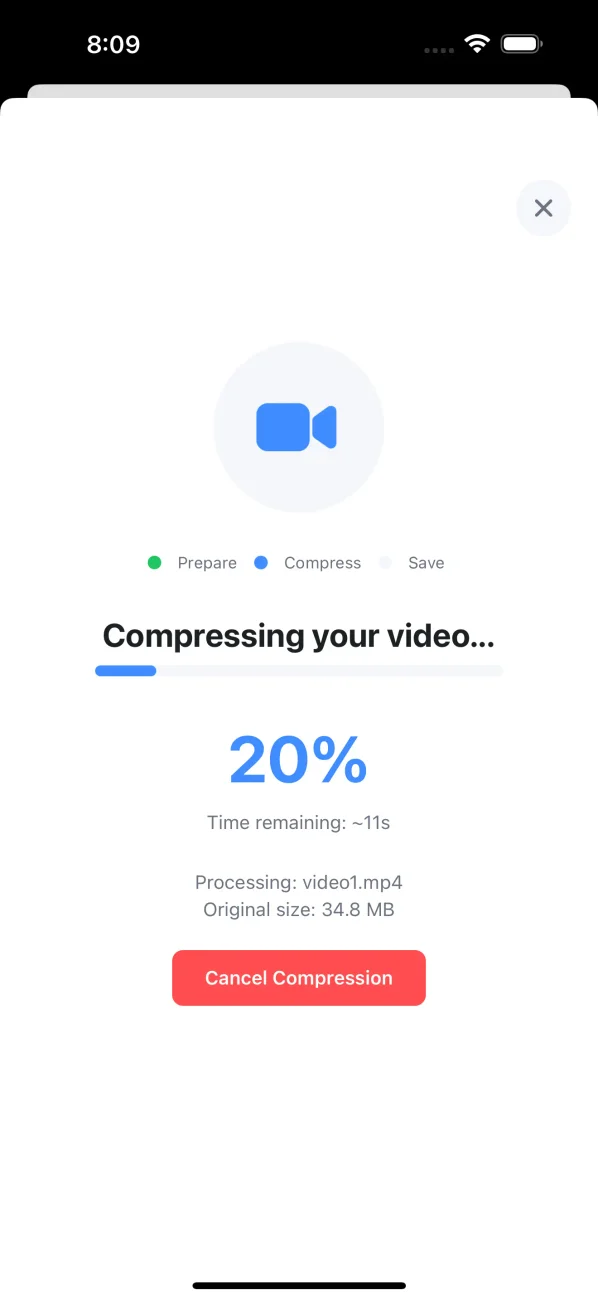
Queue multiple videos and let them process one after another. Pause and resume any time.
Real-Time Progress
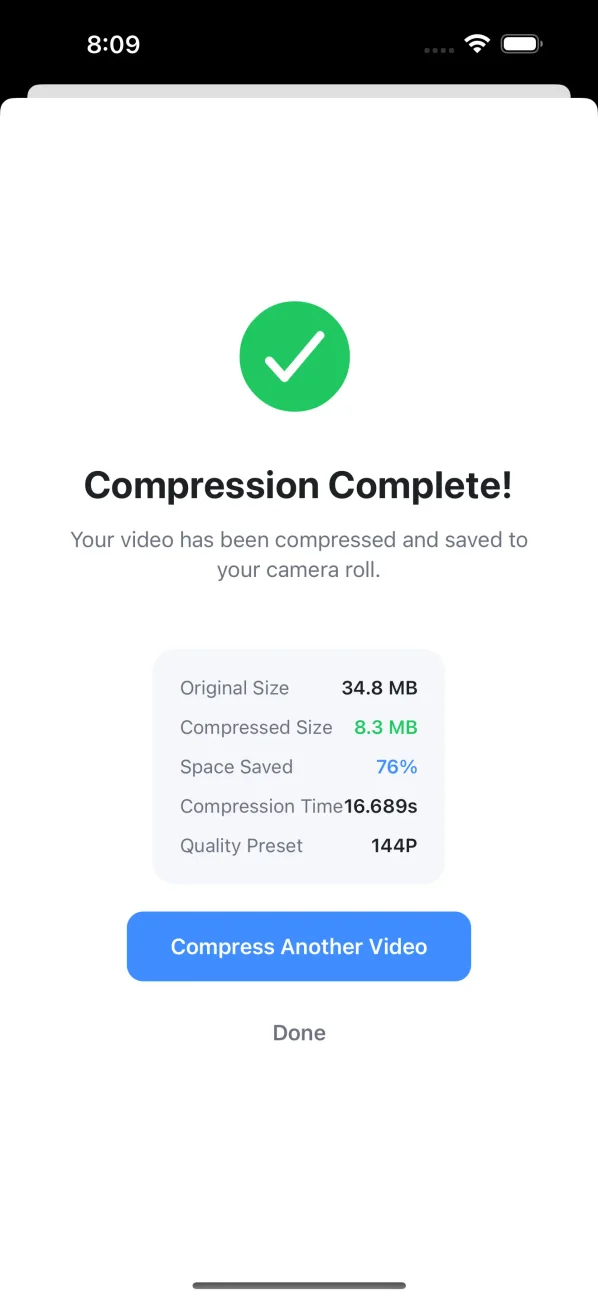
See original size, compressed size, space saved, and elapsed time per video.
Dark Mode
Auto-follows system settings or pick light/dark manually.
Privacy First
All processing runs on your device with Apple's AVFoundation. Videos never leave your iPhone. No account, no internet required.
WHY SHRINKIT
Save Storage
Compression often saves 50–80% on phone-recorded videos. Save gigabytes per shoot.
On-Device
Hardware-accelerated using your iPhone's video encoder. No upload, no waiting on a server.
Quality You Control
Pick a preset or a target size — ShrinkIt won't make decisions for you.
Good for:
- Freeing up iPhone storage
- Email attachments under 25 MB
- WhatsApp / iMessage / Telegram
- Trimming iCloud storage costs
- Smaller backups
WORKFLOW
1. Pick videos from Photos or Files
2. Choose preset or target size
3. Queue multiple if needed
4. Optionally auto-save to Photos when done
TECHNICAL
- Supports MP4, MOV, HEVC, and most iPhone-recorded formats
- Hardware-accelerated AVFoundation encoder
- Memory-aware — refuses files too large for your device
- Maintains original aspect ratio
- Output: H.264 MP4, up to 1080p, SDR
- HDR sources are converted to SDR
STORAGE TRACKING
- Total space saved across all compressions
- Number of videos compressed
- Compression history (last 50)
OPTIONS
- Default quality preset
- Auto-save to Photos toggle
- Delete original after compression
- Light / dark / auto theme
- Pause queue when app goes to background
Note: ShrinkIt needs Photos access to import and export videos. All processing is local.
What’s new
Version 2.1.0 · Jun 2, 2026
Minor bug fixes
Localization added
App privacy
What Mobin Akhter declares on the App Store about how this app handles data.
-
Data not collected
The developer does not collect any data from this app.
Privacy practices may vary, for example with the features you use or your age.
Information
- Seller
- Mobin Akhter
- Category
- Photo & Video
- Version
- 2.1.0
- Updated
- Jun 2, 2026
- Released
- Sep 2, 2025
- Size
- 24.5 MB
- Requires
- iOS 15.1 or later
- Age rating
- 4+
- Price
- $4.99
- Languages
- English, Arabic, Croatian, Czech, Danish, Dutch, Finnish, French, German, Greek, Hebrew, Hungarian + 20 more
- Copyright
- © 2026 Mobin Akhter. All rights reserved.
You might also like
-
 Video Compressor - ResizerReduce File Size, Save Space
-
 ImageFlux: Multiple ExposureDouble Exposure & RAW Blending
-
 Video Edit Tools. Video EditorVideos, Shorts, AI Captions
-
 Studio Velvet: Video EditorVideo Editing and Captions
-
 AutoAlign: Scan & StraightenAI Scanner: Ask Your Documents
-
 Screen Recording ™Photo & Video
-
 Snapure+: Secure Photo CleanerFast, Private Photo Cleaning
-
 Photo and Video Collage MakerGrid, Scrapbook & Photo Strip
-
 Private Photo Vault - KakaboxHidden Secret photos & videos
-
 HEIC Converter: JPG, TIFF, PDFImage Size Resolution Changer