
Video Compressor: TryCompress
Free up storage in one tap
Designed for iPhone
Free · In-app purchases
- Age rating4+
- CategoryUtilities
- DeveloperAI DIGITAL
- LanguagesEnglish
- Size70.9 MB
Links to the official App Store page
Download.org hosts no file of Video Compressor: TryCompress. The button opens its official App Store page, published by AI DIGITAL. Listing last checked on Nov 18, 2026.
Screenshots

About
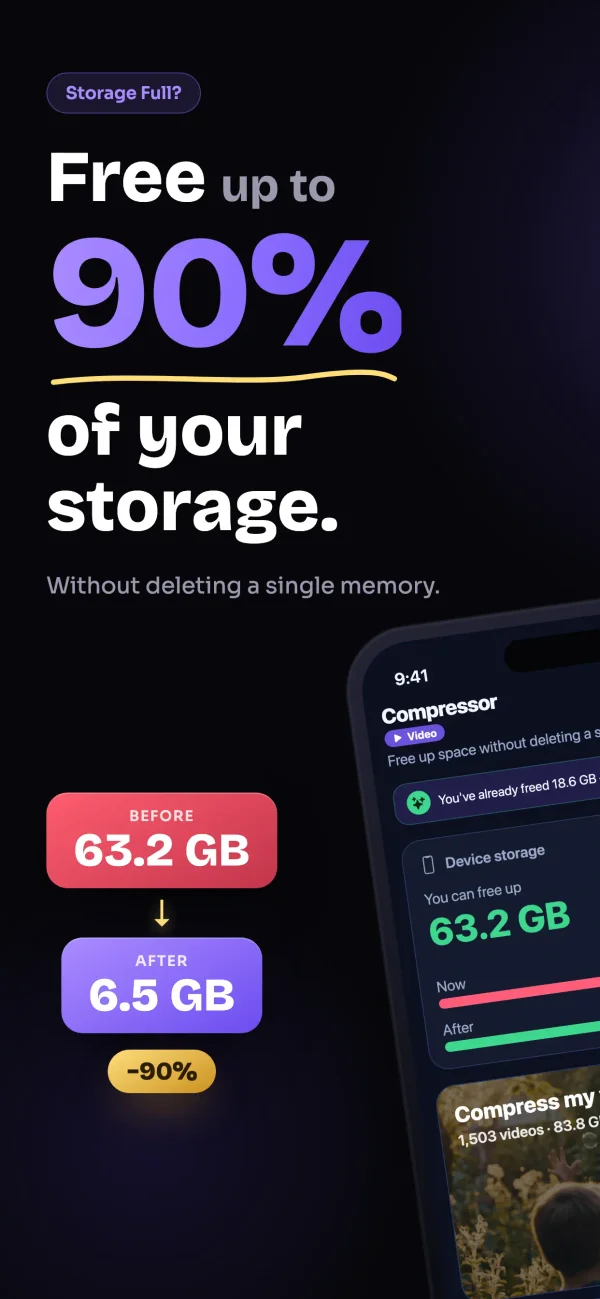
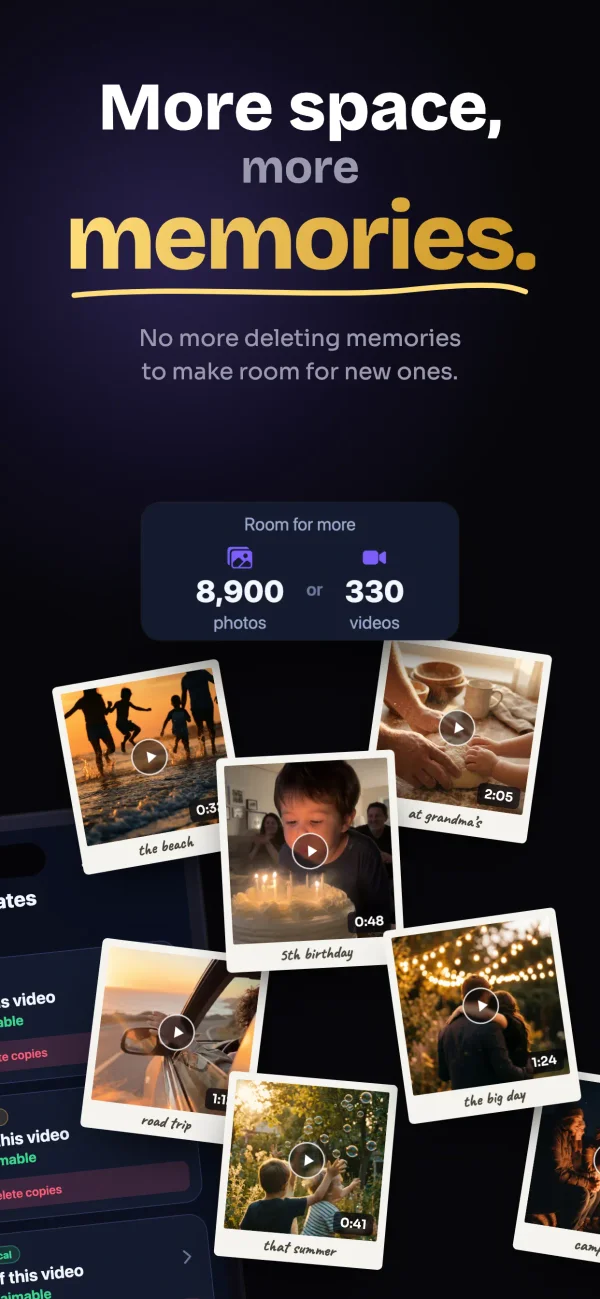
"Storage Almost Full." You know that message. And you know the worst part: having to choose. Delete the videos you love, or give up on filming new moments because there's no room left.
VideoCompressor ends that choice. It shrinks the videos already on your phone so you keep every memory AND get the space to capture new ones, with no quality you'll ever notice on a phone screen. No more deleting what matters just to free up a few gigabytes.
Everything happens on your iPhone. Your videos are never uploaded to our servers, never seen by anyone.
WHAT'S INSIDE
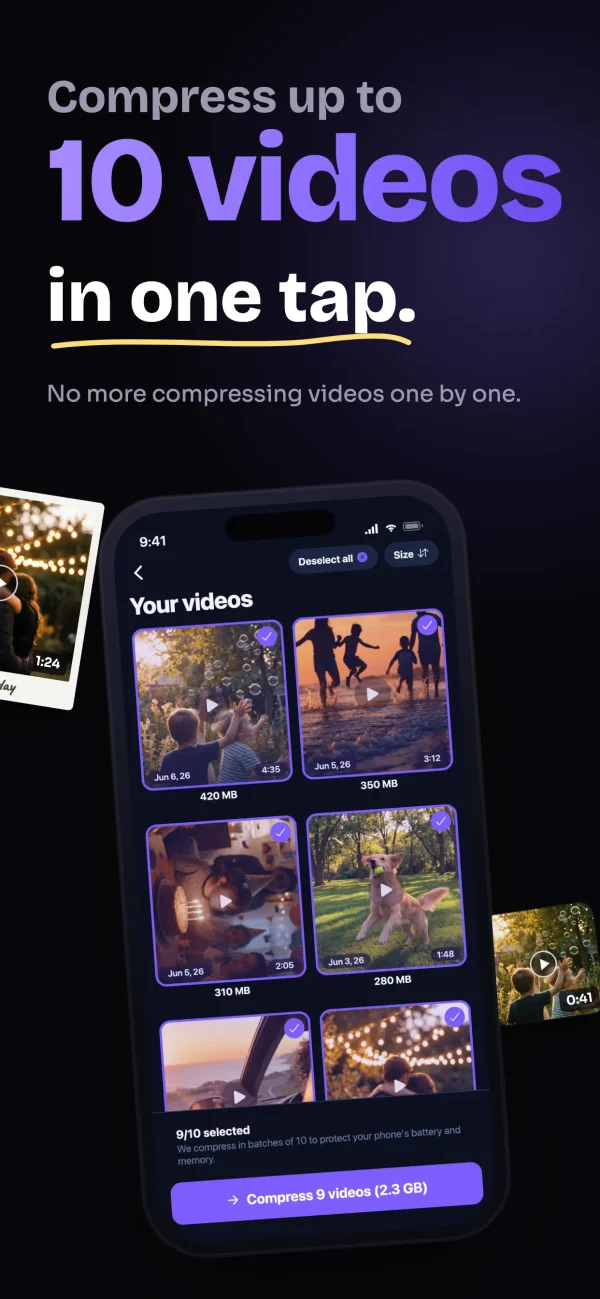
Compress 10 videos at once — Most apps make you do it one by one. Slow and tiring. Here you select up to 10 videos and compress them all in a single tap. Choose your level too: Minimum (near-original quality), Medium (good balance), Max (most space saved). One minute of 4K can eat hundreds of MB, so the space adds up fast, often up to 90% per video.
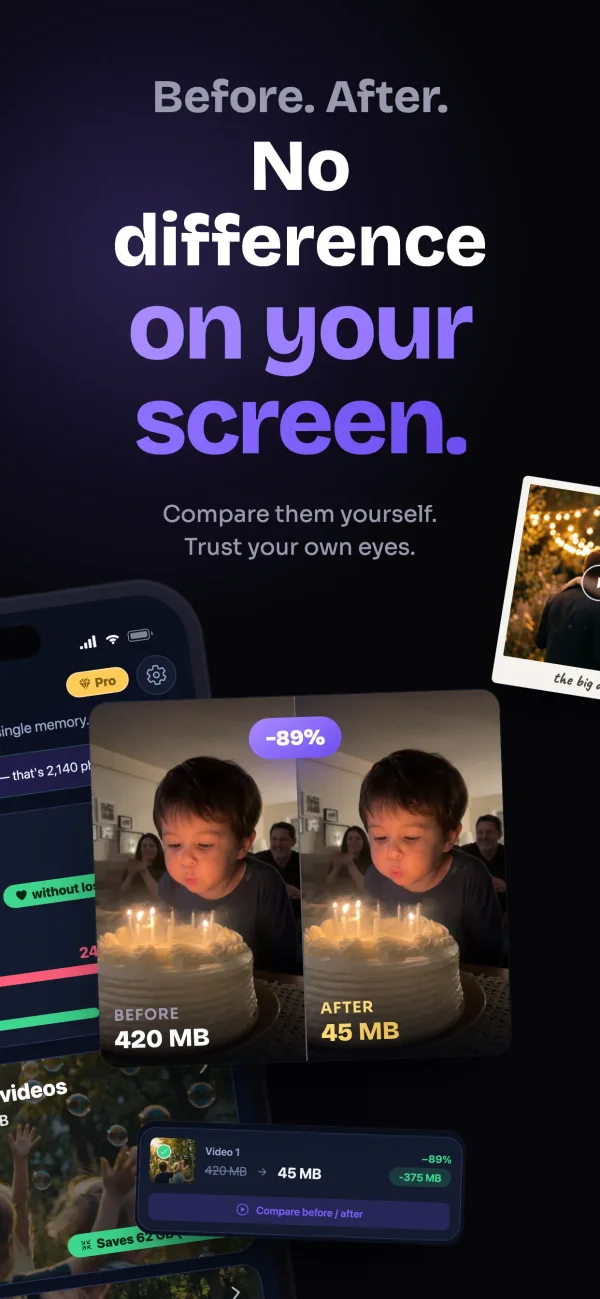
See the result before you commit — The app shows the new size next to the original and lets you compare before and after. On a phone screen the eye can't tell the difference, so you decide with your eyes, not a guess.
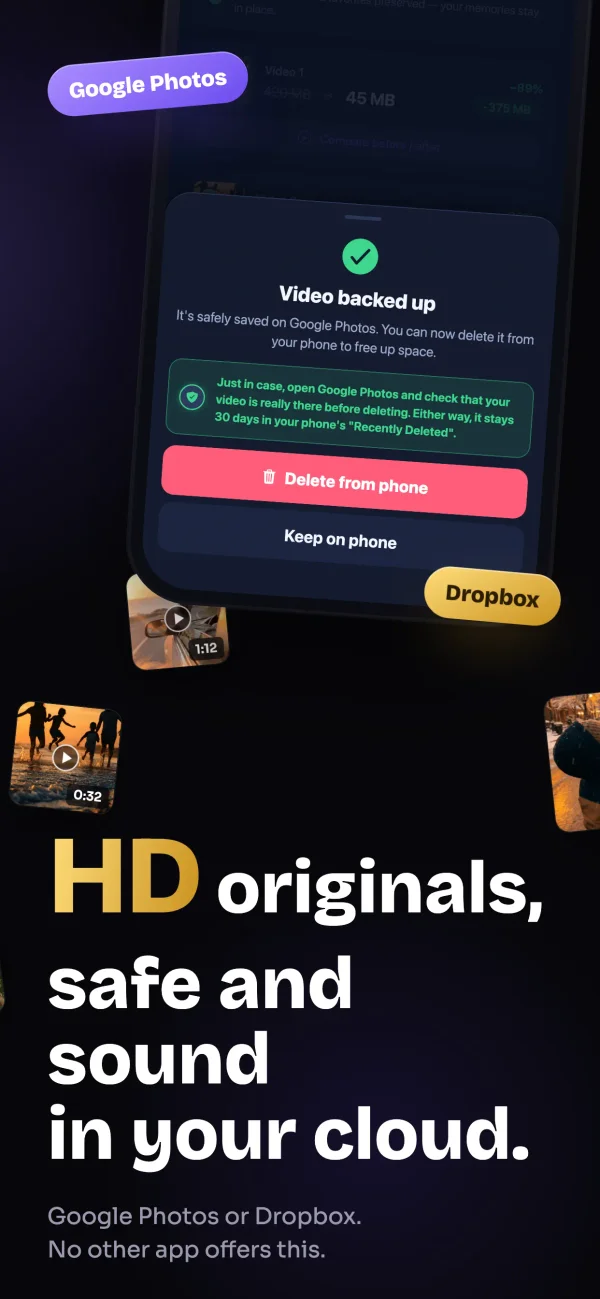
Keep your originals in HD on your own cloud — Something no other compressor offers. Before you delete, save the full-quality original to your own Google Photos or Dropbox, with on-screen confirmation. Your phone gets the light version, your cloud keeps the HD one. To your account only, never to us.
Find duplicates draining your storage — Scans your library, spots near-identical videos, and tells you how much space you'd reclaim by clearing them.
Your memories keep their context — Date and location metadata are preserved on every compressed video.
Track the space you've won back — A running total shows how much storage you've reclaimed over time.
Keep it tidy, with zero ads — A built-in cache cleaner frees temporary files, without touching your videos or backups. And nothing ever gets between you and your storage: no ads, no account, no sign-up.
HOW IT WORKS
1. Pick your videos, or let the app find what's taking the most room.
2. Choose your compression level and see exactly how much space you'll save.
3. Compress in seconds on your device. Optionally back up the originals to your cloud in HD, then delete them to reclaim the space.
PRIVATE BY DESIGN
VideoCompressor was built around one idea: your privacy first. Compression runs entirely on your iPhone and works offline. We never collect your videos, store them, or look at them. The only thing that ever leaves your phone is a video you choose to back up, sent straight to your own cloud account.
FREE TO START
The free version unlocks every feature, up to 10 GB of space freed in total. To keep saving space beyond that, upgrade to Pro with a yearly or weekly subscription.
Subscriptions are billed through your Apple account and renew automatically unless canceled at least 24 hours before the end of the period. Manage or cancel anytime in your Apple account settings.
Terms of Use: https://www.trycompressor.com/legal/terms
Privacy Policy: https://www.trycompressor.com/legal/privacy
More space, never delete a memory again. Download VideoCompressor today.
What’s new
Version 1.0.2 · Jul 24, 2026
This update focuses on speed and reliability:
• Sharper thumbnails and smoother video galleries.
• Compression recovers cleanly after interruptions or time in the background.
• Cloud backups can now be canceled safely and restarted later without affecting videos already uploaded.
• More reliable duplicate handling and fixes for videos that sometimes failed to start compressing.
App privacy
What AI DIGITAL declares on the App Store about how this app handles data.
-
Data used to track you
May be used to track you across apps and websites owned by other companies.
- Identifiers
-
Data linked to you
May be collected and linked to your identity.
- Identifiers
-
Data not linked to you
May be collected but is not linked to your identity.
- Purchases
- Usage data
Privacy practices may vary, for example with the features you use or your age.
Information
- Seller
- AI DIGITAL (Apps)
- Category
- Utilities
- Version
- 1.0.2
- Updated
- Jul 24, 2026
- Released
- Jun 17, 2026
- Size
- 70.9 MB
- Requires
- iOS 16.4 or later
- Age rating
- 4+
- Price
- Free
- In-app purchases
- Yes
- Languages
- English
- Copyright
- © AI Digital
You might also like
-
 Video Compress - Save SpacePrivacy-First Compression
-
 MediaShrink: Video CompressorReduce file size, save storage
-
 Textura - Text to ImageText to image, made for all
-
 Video Compressor Toolkit - VCTEasily Trim, Cut & Crop Videos
-
 Video Compressor : CompressMeCompresse videos - save space
-
 Video Compressor: Resize, SaveCompress Videos: Media Resizer
-
 Squooshy: File CompressorCompress photos, videos & PDFs
-
 Compressly: Video CompressorShrink File Size, Keep Quality
-
 Video Compressor & TranscoderFast video compression tools
-
 Compress Video: ReduceSave space and send