
Video Converter - Compressor
Cut Trim Merge Reverse Resize
Designed for iPhone, iPad
Free · In-app purchases
- Age rating9+
- CategoryUtilities
- DeveloperZerOnes
- LanguagesEnglish
- Size12.4 MB
Links to the official App Store page
Download.org hosts no file of Video Converter - Compressor. The button opens its official App Store page, published by ZerOnes. Listing last checked on Nov 12, 2026.
Screenshots
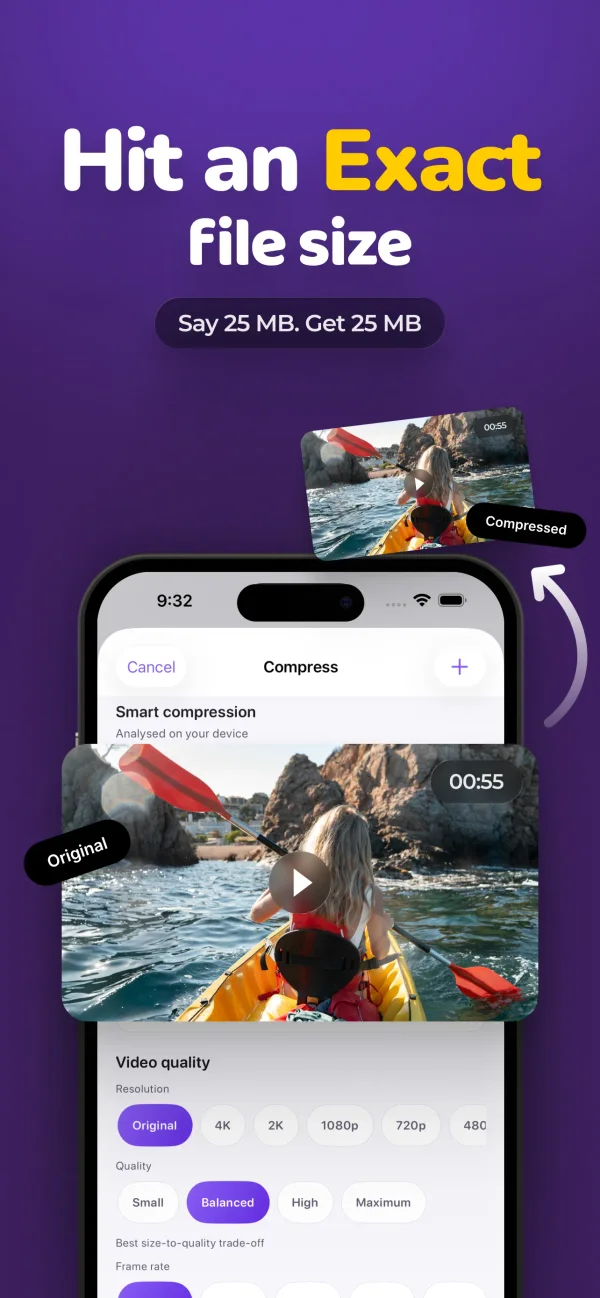
About
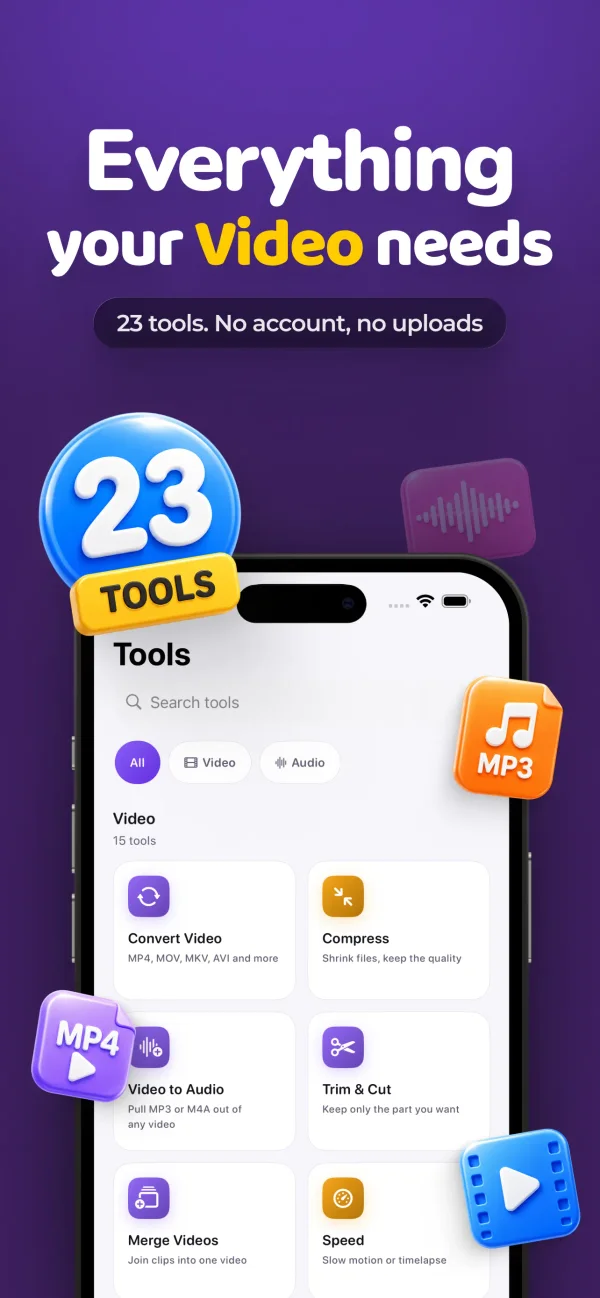
This app is made to quickly convert videos to all possible video formats or audio formats! The app has all the possible items for video editing
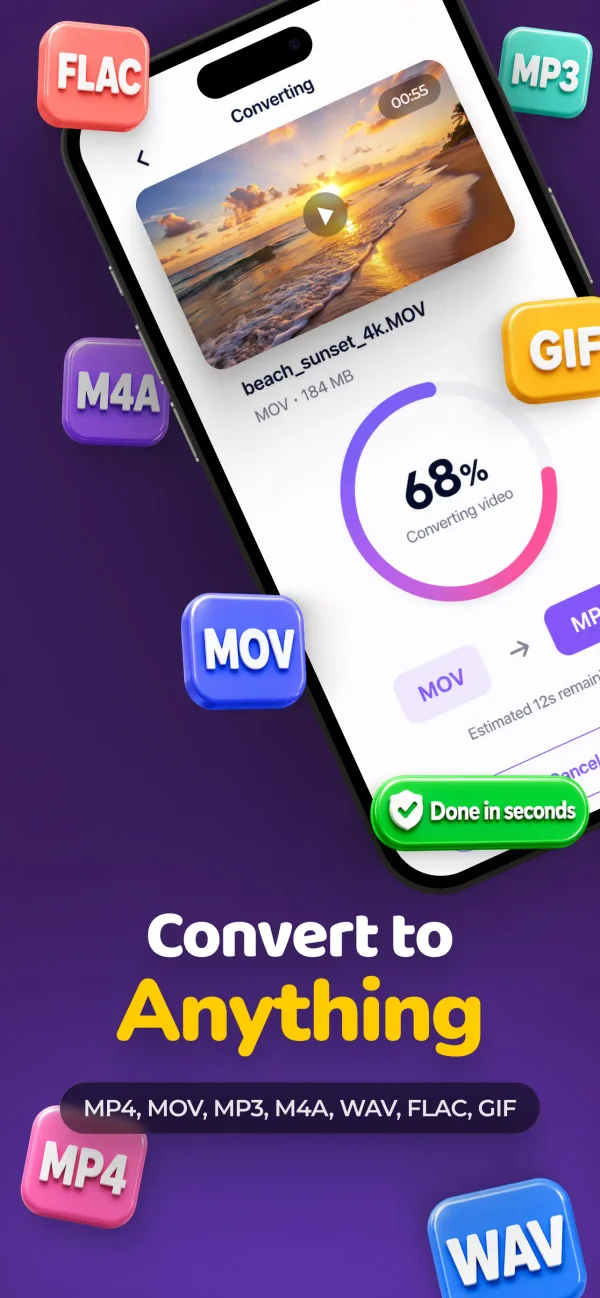
You can convert video in this simple way
1. Select your input file for the video
2. Choose your output format ( MP4, MP3, AVI, M4A etc. )
3. Convert! It will only take a few seconds.
4. Save your file, or open it in your favorite app!
Here are the features of the app you can do:
- Convert video
- Compress video / Video Compressor
- Trim Video / Video Trim
- Merge video / Video merger
- Extract audio / Audio Extractor
- Reverse video
- Rotate video / Video Rotate
- Video Thumbnail / Thumbnail video
- Supports many formats, codec conversion
- Compress videos in High Quality, Smallest size
- Rotate & Flip Video: Apply 90-degree clockwise/anticlockwise or 180-degree rotation and Flip videos vertically or horizontally.
- Frame Rate: Choose from any predefined frame rates or put any custom frame rate.
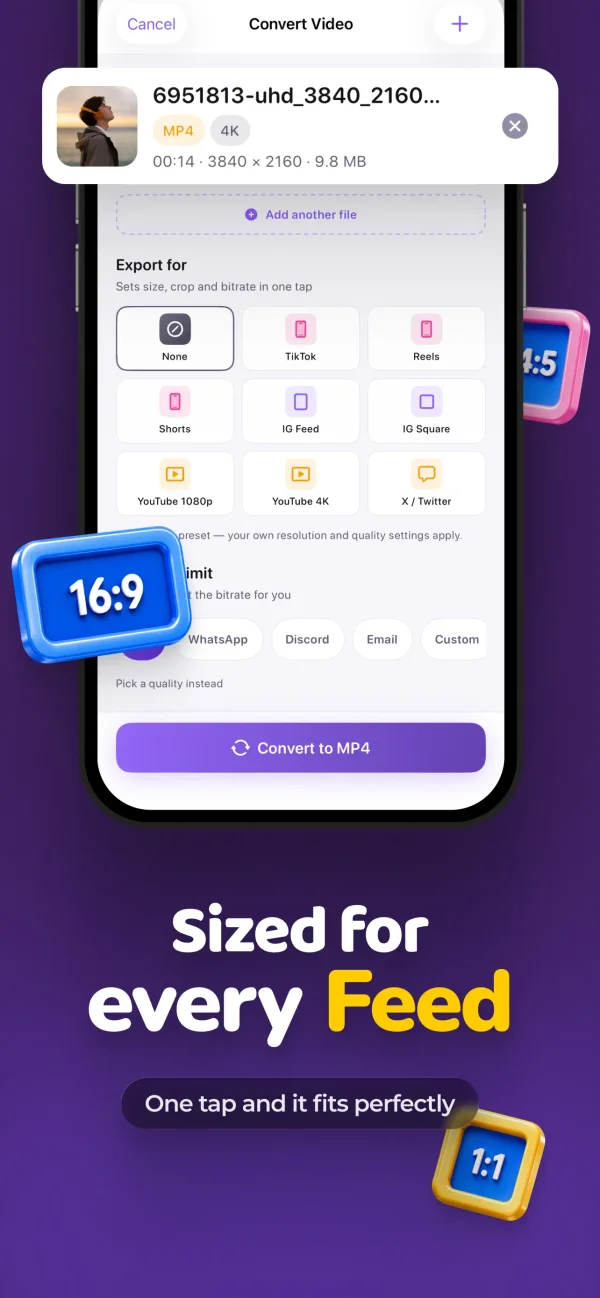
- Resolution: Choose from a predefined 4K resolution to 240P or put any custom resolution.
- Audio Track: Choose from existing video tracks and extract audio.
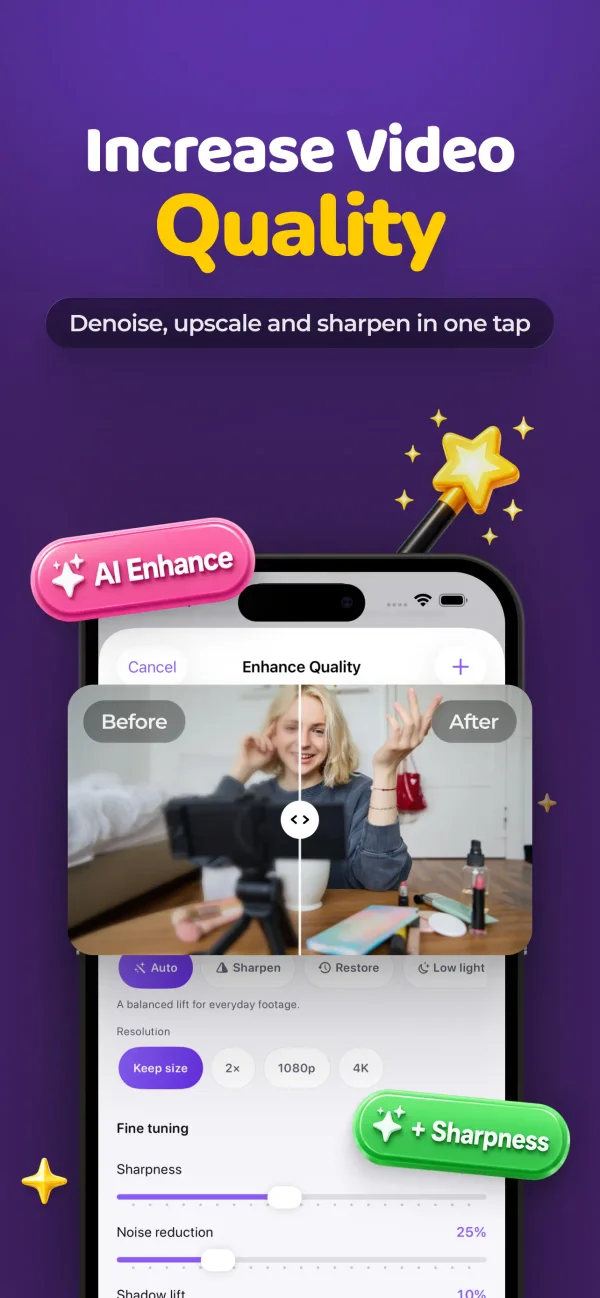
- High Quality: We have compression algorithms to compress your video keeping the nearly original video quality.
After conversion, you can immediately AirDrop your files to other devices right to your Mac or other phone devices.
Conversions usually take less than 15 seconds depending on the size of the video!
Below are the video and audio output formats you can choose from:
MP4, MP3, WEBM, GIF, MOV, WMV, 3G2, AAC, AVI, FLAC, FLV, M4A, MKV, WAV, MPG,AMR
You can convert from dozens of input formats, here are some of the most popular formats we support converting from:
MOV, MP4, WEBM, M4A, AVI, TS, MTF, GIF, WMV, MP3, MKV MPG, 3GP and many more!
Save, Share or View your converted videos in your favorite apps immediately.
The app has the support for local conversions for many all the conversion types. These conversions don't require an internet, and are usually done almost instantly! This video editor app also lets you trim/cut both videos as well as merge your video files.
Privacy Policy: https://onlinebuilder.biz/videoConverter/PrivacyPolicy.html
Terms of Use: https://onlinebuilder.biz/videoConverter/termsOfUse.html
What’s new
Version 1.5.0 · Aug 18, 2026
- Bug Fixes
App privacy
What ZerOnes declares on the App Store about how this app handles data.
-
Data not collected
The developer does not collect any data from this app.
Privacy practices may vary, for example with the features you use or your age.
Information
- Seller
- ZerOnes
- Category
- Utilities
- Version
- 1.5.0
- Updated
- Aug 18, 2026
- Released
- Sep 6, 2023
- Size
- 12.4 MB
- Requires
- iOS 16.0 or later
- Age rating
- 9+
- Price
- Free
- In-app purchases
- Yes
- Languages
- English
- Copyright
- © ZerOnes
You might also like
-
 Remux - Video ConverterVideo Compressor & Converter
-
 Converter PDF - Photo ReaderPhotos & Document Scanner App
-
 QR Code Generator and ScannerQR Creator & QR Reader
-
 TV Remote Controlㅤfor Roku, Firestick, Samsung
-
 Ntflx Controller: Game ControlUniversal Remote for Smart TV
-
 QR Code・Barcode Scanner ReaderPrice Scan: Smart Generator
-
 QR Code Reader: Price Scan AppProduct Scanner, Barcode Check
-
 Remove Objects. Image EditorMagic Cut Out, Photo Eraser
-
 Remote for Samsung TV: GapsterUniversal Smart Control
-
 File & PDF Converter - EditorConvert, Scan & Reader Files