
Video Cutter - 動画分割アプリ
動画をSNSで共有しやすい5分や2分単位に分割
Designed for iPhone, iPad, iPod touch
- Age rating4+
- CategoryPhoto & Video
- Developerplusvision
- LanguagesJapanese+ 1 more
- Size71.3 MB
Links to the official App Store page
Download.org hosts no file of Video Cutter - 動画分割アプリ. The button opens its official App Store page, published by plusvision. Listing last checked on Nov 12, 2026.
Screenshots
About
The developer has not provided this text in your language.
Video Cutterは、長い動画を指定した時間で自動分割し、写真アプリに保存するアプリです。
SNSやメッセージアプリで動画を送るとき、長すぎてそのまま送れなかった経験はありませんか? Video Cutterを使えば、動画を好きな長さに分割してすぐに送れます。
【主な機能】
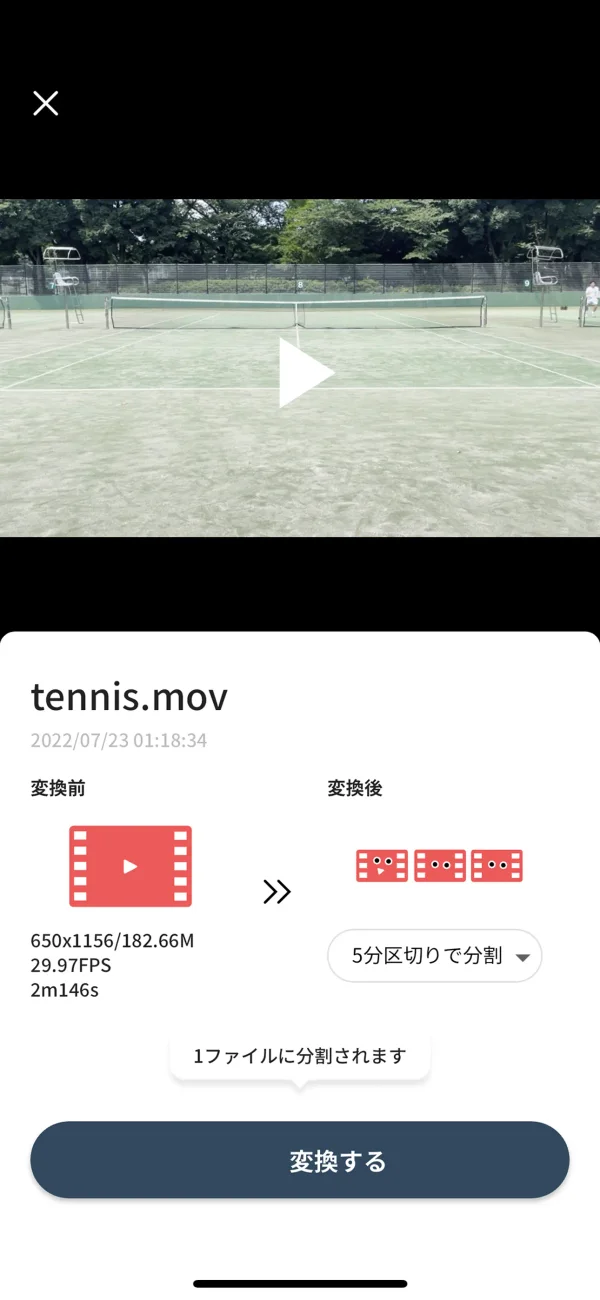
- 動画を1分〜30分の範囲で自由に分割
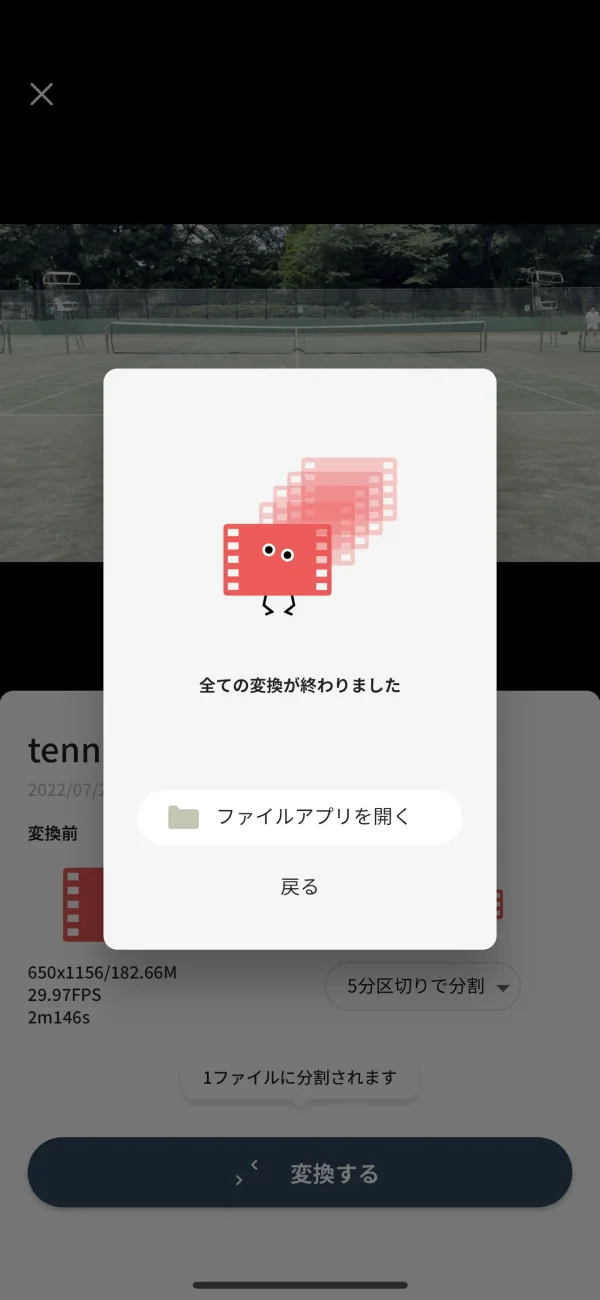
- 分割した動画は写真アプリに自動保存
- プレビュー再生で内容を確認してから分割
- 好きな位置から分割を開始可能
- 全画面プレビュー再生に対応
- シークバーで再生位置をすばやく移動
- 分割した動画を連続再生で確認
- 連続再生リストの動画を1つのファイルに結合して保存
- iPadに対応
- 日本語・英語の2言語に対応
【使い方】
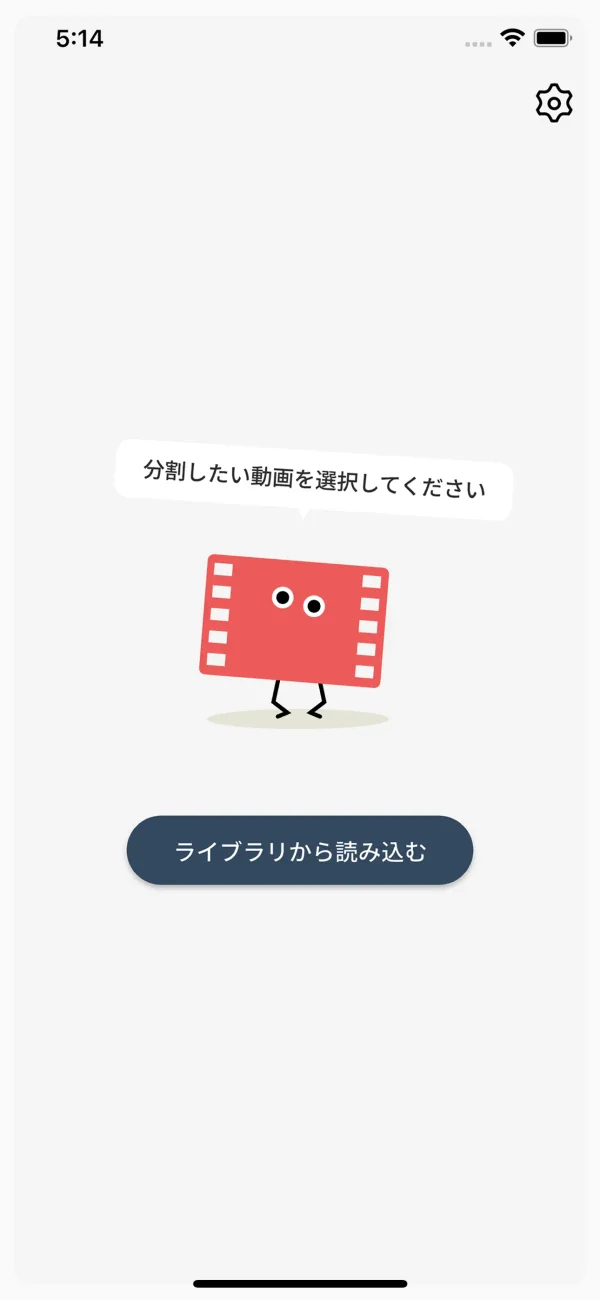
1. 「ライブラリから読み込む」で動画を選択
2. 分割時間を設定(デフォルトは5分)
3. プレビューで内容を確認
4. 「変換する」をタップ
5. 分割された動画が写真アプリに保存されます
SNSやメッセージアプリの動画時間制限がある場面で役立ちます。
Video Cutter automatically splits long videos into shorter clips at your chosen duration and saves them to your photo library.
Ever had a video that was too long to send via social media or messaging apps? Video Cutter lets you split it into the right length and share it instantly.
[Key Features]
- Split videos freely from 1 to 30 minutes
- Split videos are automatically saved to your photo library
- Preview playback to check content before splitting
- Start splitting from any position in the video
- Fullscreen preview playback
- Seek bar for quick navigation
- Continuous playback of split videos
- Merge videos from the playlist into a single file and save
- iPad support
- Supports English and Japanese
[How to Use]
1. Tap "Load from the library" to select a video
2. Set the split duration (default: 5 minutes)
3. Preview the content
4. Tap "Convert"
5. Split videos are saved to your photo library
Perfect for any platform with video length restrictions.
What’s new
Version 1.5 · Aug 6, 2026
- 写真アプリで回転などの編集をした動画を選択すると、読み込みに失敗して画面が止まる問題を修正しました。動画の選択画面を新しくし、編集済みの動画も読み込めるようになりました。
- 動画の分割が完了しないことがある問題を修正し、分割処理を高速化しました。
- 動画の読み込み中に進捗率を表示するようにしました。
- 写真へのアクセスが許可されていない場合に、設定を案内する画面を表示するようにしました。
- ボタンを連続でタップすると同じ画面が複数開く問題を修正しました。
- そのほか、安定性の向上を行いました。
- Fixed an issue where videos edited in the Photos app, such as rotated ones, failed to load and left the screen stuck. The video picker has been redesigned so edited videos now load correctly.
- Fixed an issue where splitting could fail to finish, and made splitting faster.
- Added a progress percentage display while loading a video.
- Added a guidance screen when photo library access is not allowed.
- Fixed an issue where tapping a button repeatedly opened duplicate screens.
- Other stability improvements.
App privacy
What plusvision declares on the App Store about how this app handles data.
-
Data not collected
The developer does not collect any data from this app.
Privacy practices may vary, for example with the features you use or your age.
Information
- Seller
- PLUS VISION, K.K.
- Category
- Photo & Video
- Version
- 1.5
- Updated
- Aug 6, 2026
- Released
- Aug 27, 2023
- Size
- 71.3 MB
- Requires
- iOS 15.5 or later
- Age rating
- 4+
- Languages
- Japanese, English
- Copyright
- © 2026 PlusVision Inc.
You might also like
-
 Simple Video SplitterPhoto & Video
-
 Video Splitter - VSplitterSplit video by seconds/number
-
 シンプル動画分割 - 撮影したビデオを簡単に分割できるアプリPhoto & Video
-
 WakeWake: Easy Video SplitterSplit & cut videos by time
-
 SplitVideoAppPhoto & Video
-
 Video Splitter - かんたん動画分割Split Videos into 2-Min Clips
-
 VTrimmer - Trim Video EditorTrim Video to the Exact Second
-
 Compress Video - split,shrinkcut,trim,reduce album size
-
 FA VideoSplitterSplit videos for FamilyAlbum
-
 Simple Video CutterVideo Clipping