- Age rating4+
- CategoryPhoto & Video
- DeveloperPhilip Braham
- LanguagesEnglish
- Size2.2 MB
Links to the official App Store page
Download.org hosts no file of Video Recorder Lite. The button opens its official App Store page, published by Philip Braham. Listing last checked on Nov 20, 2026.
Screenshots




About
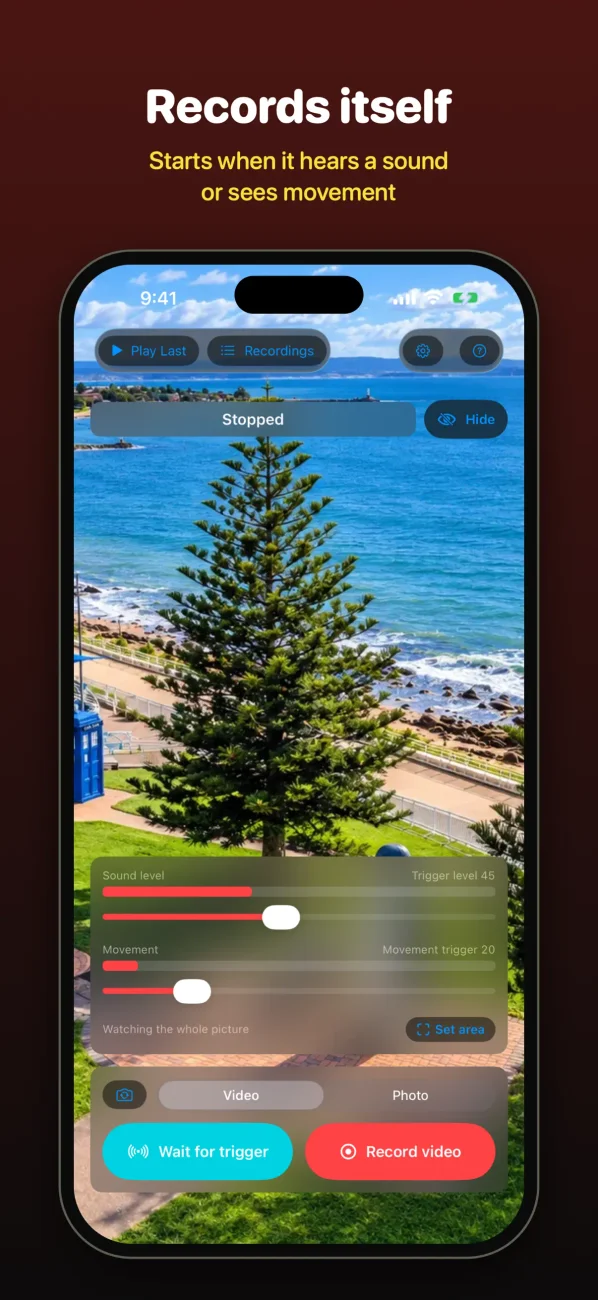
Video Recorder with Trigger Lite starts recording by itself when it hears a sound. Set the level, tap Wait for trigger, and leave it. It’s for everything you can’t sit and wait for: wildlife in the garden at night, a dog that barks while you’re out, a noise you want to catch in the act.
SET IT AND LEAVE IT
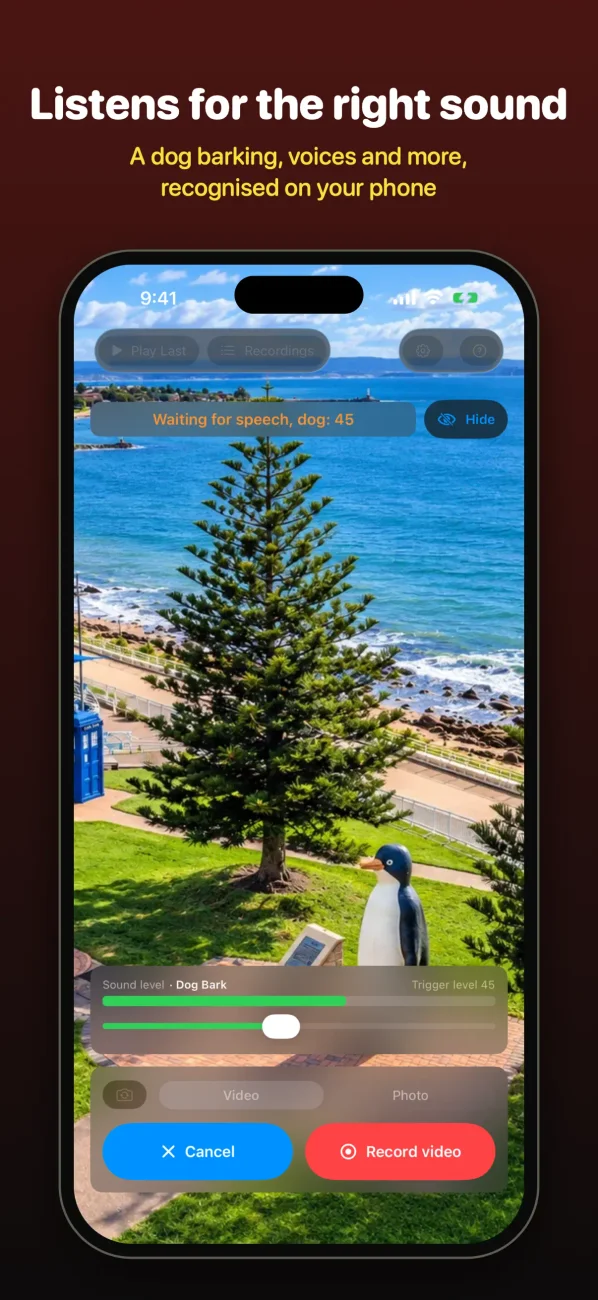
• A live sound level bar with the trigger slider right underneath, on the same scale, so it’s easy to set the trigger just above the background noise.
• Re-trigger: get ready for the next sound as soon as a recording ends.
RECORD YOUR WAY
• Record for a set length, or continuously until you stop.
• A countdown before starting, with optional sounds, and an optional torch flash.
• Front or back camera, and recordings level with the horizon however the phone is held.
• Hide the controls for a clear view of the picture while you wait or record.
YOUR RECORDINGS
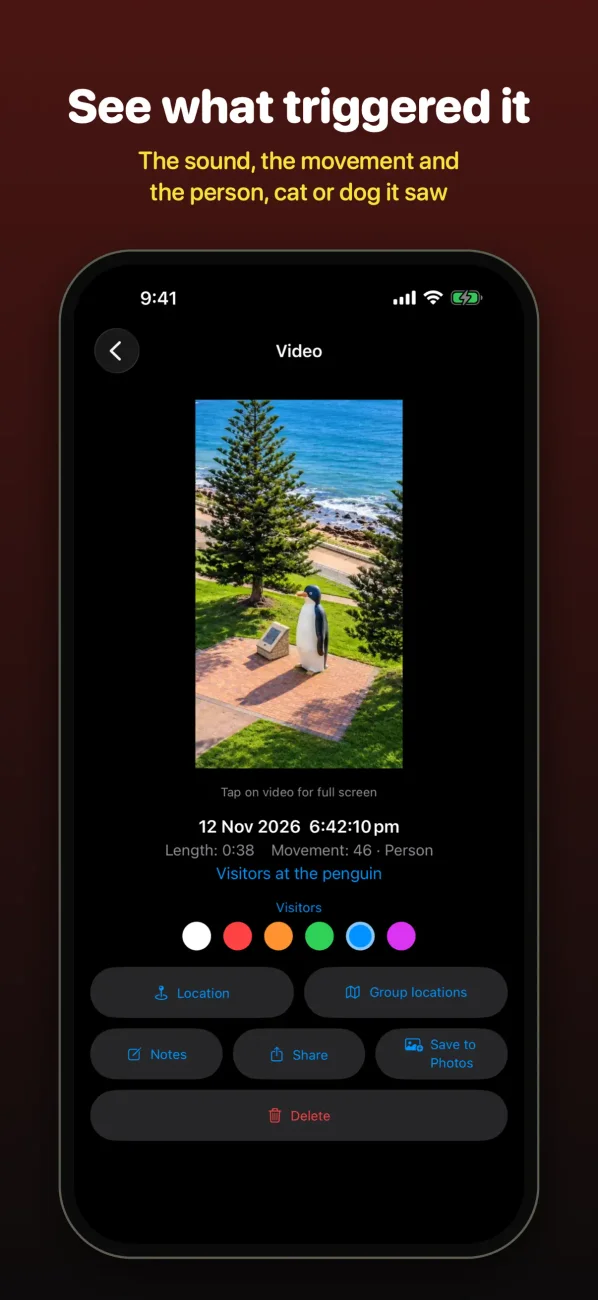
• Thumbnails, notes and six colour groups, sorted by date, length or group.
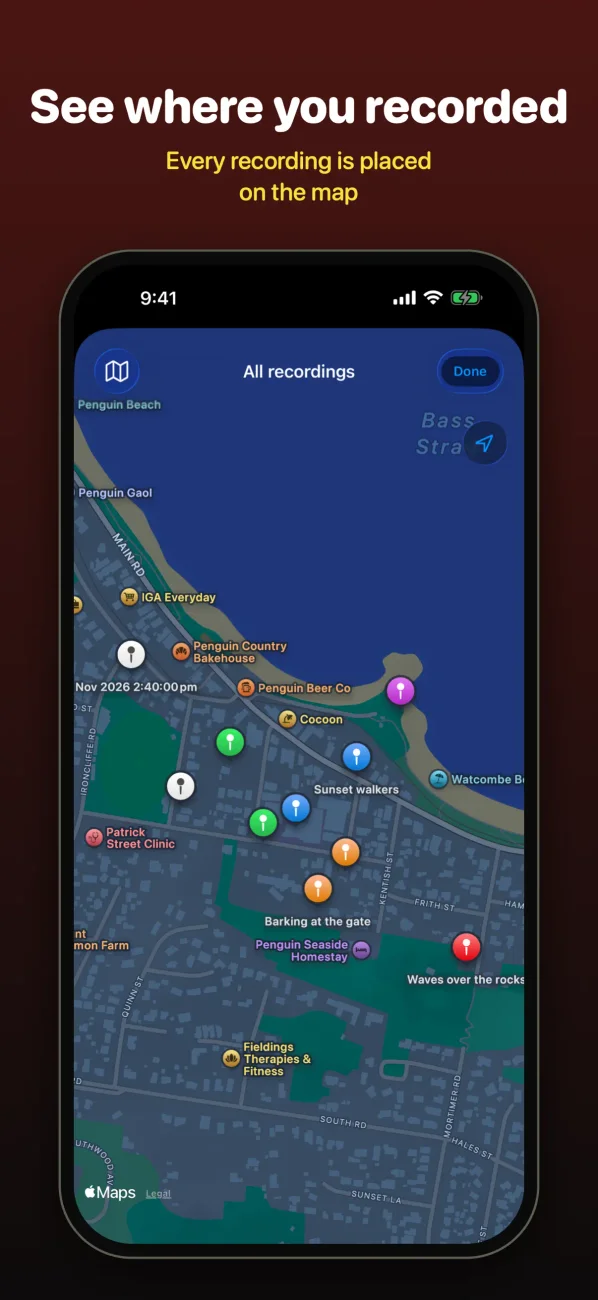
• See where each recording was made on a map.
• Share or save to Photos.
• Recently Deleted keeps deleted recordings for 30 days, so a mistake can be undone.
MADE FOR iPHONE AND iPAD On iPad your recordings list and playback sit side by side, with larger controls on the main screen.
LITE AND THE FULL VERSION The Lite version triggers on sound, records video, and keeps up to 10 recordings at a time.
The full version adds:
• Triggering on movement in the picture, as well as or instead of sound.
• A detection area: watch only part of the picture.
• Triggering only when people, cats or dogs move.
• Triggering only on chosen sounds, such as a dog barking or voices.
• Photos as well as video.
• No limit on recordings.
• Selecting and sharing several recordings at once.
Try them all free for 24 hours, once, whenever you like — everything you record is kept afterwards.
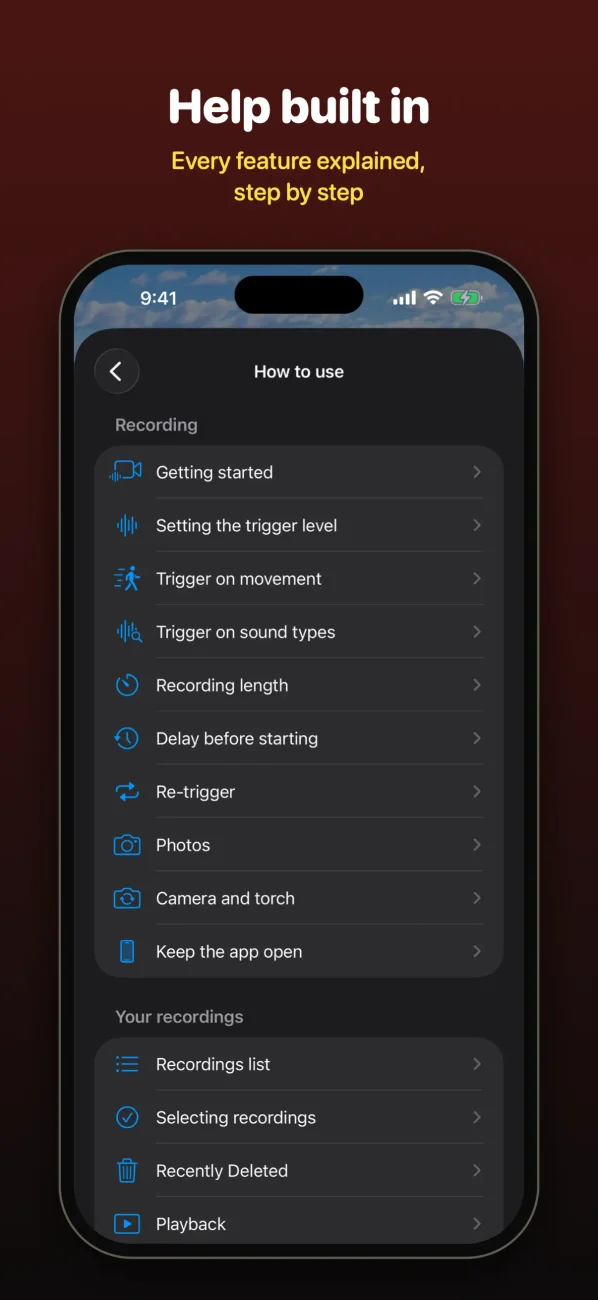
HELP BUILT IN A step-by-step guide to every feature is in the app: tap the question mark.
Please note: iOS only lets apps use the camera while they’re on the screen, so keep Video Recorder open while it waits. The screen stays on, so for long waits plug the phone in.
Location is optional and is only used to show where your recordings were made.
What’s new
Version 3.0.1 · Nov 18, 2026
In this version:
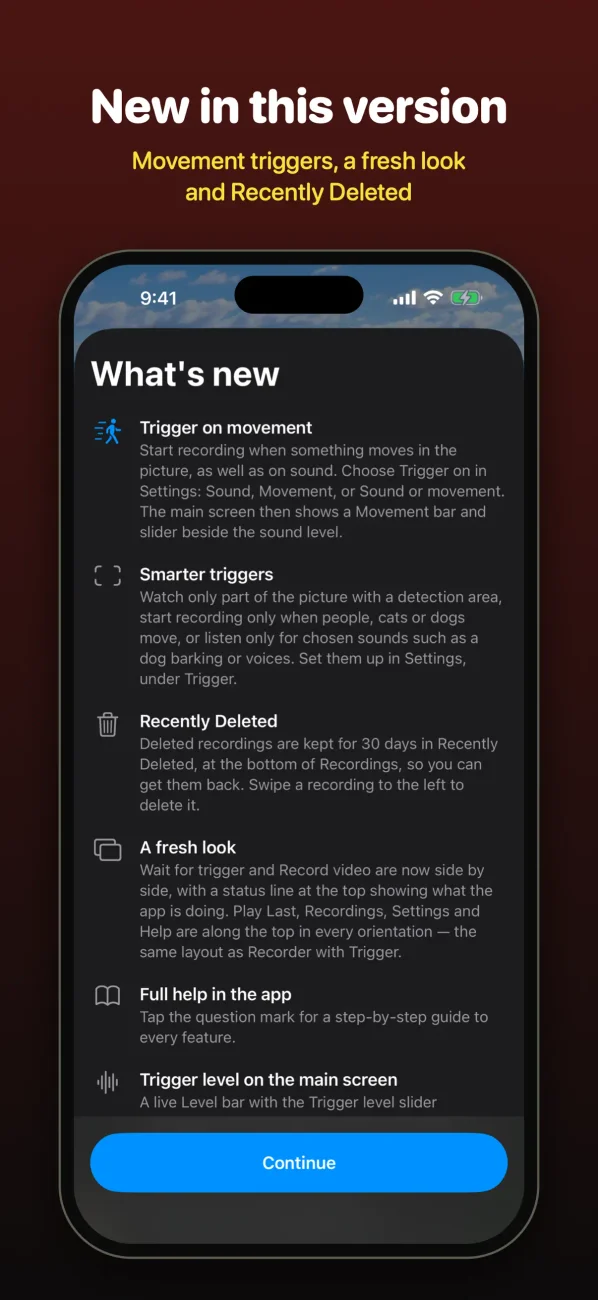
• Triggering on movement is now part of the full version. Lite triggers on sound, as it always has. Try movement, and every other full-version feature, free for 24 hours from Settings.
• Settings, the main screen and Help now show clearly what’s in Lite and what’s in the full version.
• Small fixes and improvements.
App privacy
What Philip Braham declares on the App Store about how this app handles data.
-
Data not collected
The developer does not collect any data from this app.
Privacy practices may vary, for example with the features you use or your age.
Information
- Seller
- Philip Braham
- Category
- Photo & Video
- Version
- 3.0.1
- Updated
- Nov 18, 2026
- Released
- Dec 10, 2025
- Size
- 2.2 MB
- Requires
- iOS 17.6 or later
- Age rating
- 4+
- Price
- Free
- Languages
- English
- Copyright
- © 2026 Philip Braham
You might also like
-
 POSD: Pose GuidePoses, direction and light
-
 Halora: Selfie Ring Light CamScreen Fill Light & Mirror
-
 DualCamProPhoto & Video
-
 AI Hairstyle Try On: PhotyaiHair Style, Color & Makeup
-
 filtrly, Enhance your picturesPro designed photo enhancement
-
 Homy: Security CameraSmart Home Monitor
-
 Video Buffer Pre-Recorder 4KDual Camera Sports Highlights
-
 Screen Recorder: Capture AudioFace Reaction & Recording
-
 Phonitor: Home Security CameraOld iPhone baby & pet monitor
-
 Ultra Zoom 200x CameraTelescope HD Clear Lens