
- Age rating12+
- CategoryPhoto & Video
- Developerbigeframe
- LanguagesEnglish
- Size5.5 MB
Links to the official App Store page
Download.org hosts no file of Video Scrubber Pro. The button opens its official App Store page, published by bigeframe. Listing last checked on Nov 12, 2026.
Screenshots
About
Inspect any video one frame at a time.
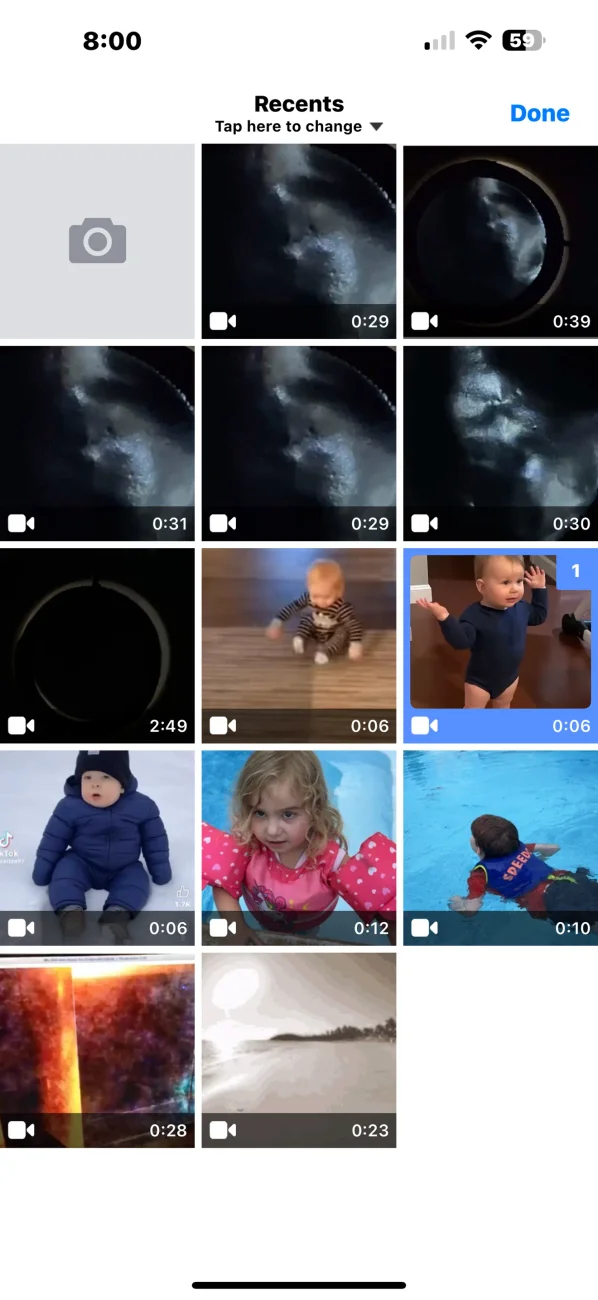
Video Scrubber Pro turns your phone into a precision review tool. Load a clip from your library, then step through it frame by frame — forward, backward, or at a steady inspection speed — and mark, annotate, capture and share whatever you find.
WHO USES IT
• Courtroom and evidence review — prepare and present footage for depositions, hearings and case review. Walk through dashcam, security or incident video frame by frame, mark the moments that matter, and export stills with the frame number burned into the image.
• Ghost hunting and paranormal research — the original reason this app exists. Works alongside our Ghost Science Kit for anomaly hunting.
• Coaches and athletes — break down a swing, a serve, a stride or a lift one frame at a time, then draw straight onto the frame to show exactly what to fix.
• Debate, teaching and presentations — put the clip up on a television and drive the analysis from your phone while the room watches.
• Social media creators — record a short reel of your own frame-by-frame breakdown, with the app's controls trimmed off automatically.
• Anyone who needs to see what actually happened between two frames.
FRAME-ACCURATE PLAYBACK
• Step exactly one frame forward or back
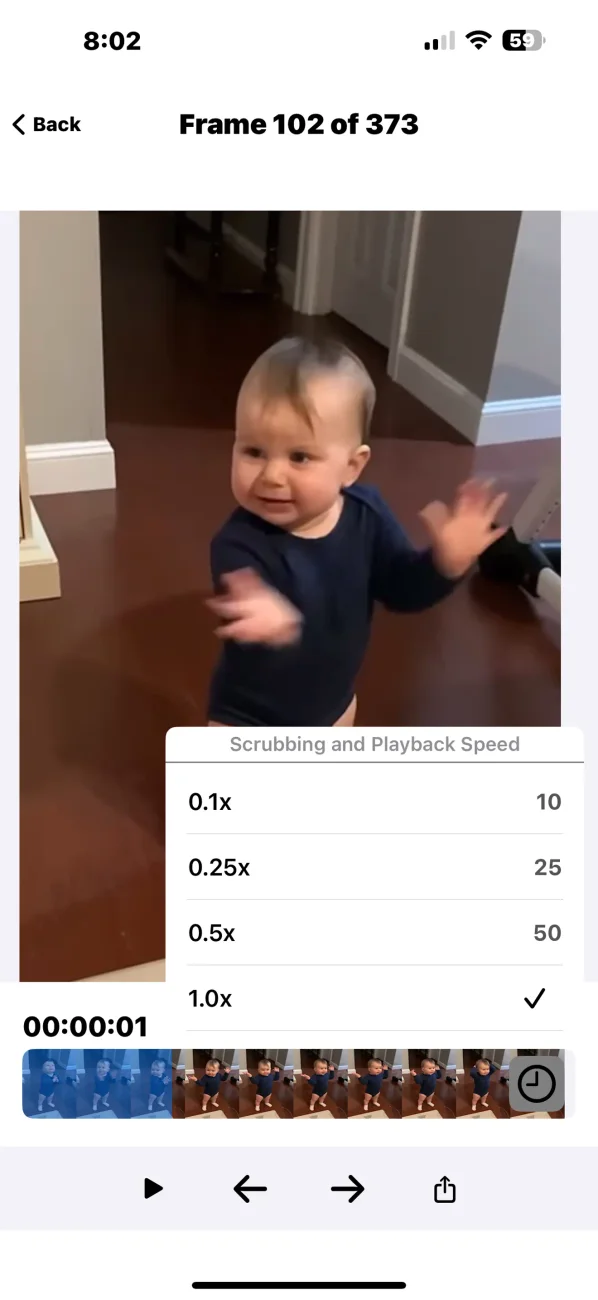
• Six speeds, from normal down to one frame every three seconds
• Live time code and frame counter, so you always know where you are
• Thumbnail timeline you can drag with one finger
INSPECT
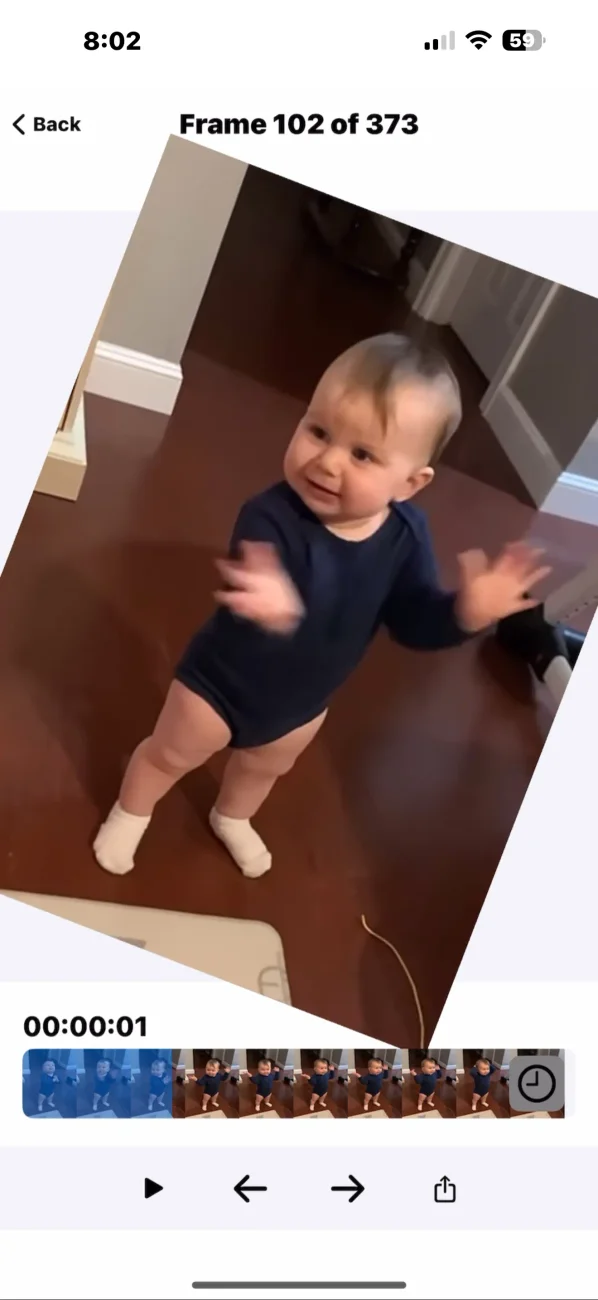
• Pinch to zoom up to 12x, plus rotate and pan
• Draw over the video in green to circle or point out detail
• Face scanning sweeps the clip and marks frames containing faces
MARK AND RETURN
• Drop a mark on any frame and jump between marks with one button
• Clear marks or drawings individually or all at once
CAPTURE AND SHARE
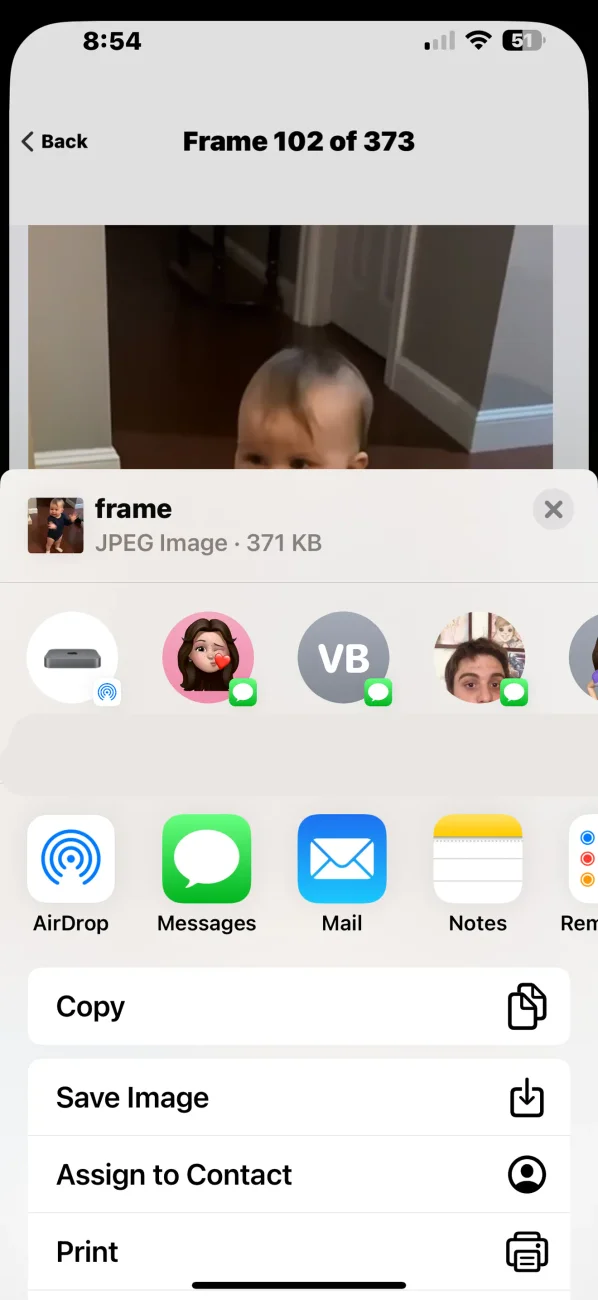
• Save the current frame exactly as it appears — zoom, rotation and annotations included — with the frame number stamped on
• Save to Photos, share it, or send it to a wireless printer
• Extract — mark a start and end frame and record just that section, at whatever speed you choose
• Make Reel — record 15 or 30 seconds of your screen to share your analysis, with the controls trimmed off the finished video
ON THE BIG SCREEN
• Send a clean picture to a television over HDMI or AirPlay, with rotation and fill controls
• Picture in Picture keeps the video playing while you use other apps
A full user guide is built into the app under Settings ▸ Help.
Your videos stay on your device.
What’s new
Version 2.0 · Aug 6, 2026
Video Scrubber Pro
ver 2
What's New
Frame-by-Frame Speeds — Four new inspection rates hold each frame still and step to the next, so nothing is skipped or blurred.
Mark & Goto — Flag any frame with a yellow mark on the timeline and jump straight back to it later.
Draw — Annotate directly over the video in green to circle or point out detail.
Frame Capture — Save the current frame exactly as you see it — zoom, rotation and drawings included — with the frame number stamped on.
Extract — Mark a start and end frame and record just that region at whatever speed you choose.
Make Reel — Record 15 or 30 seconds of your screen to share a find, with the controls trimmed off the finished video.
Face Scanning — Sweeps the whole clip and marks every frame containing a face.
TV Output — Send a clean picture to a television over HDMI or AirPlay, with rotation and fill controls.
Picture in Picture — Float the video in a small window and keep it playing while you use other apps.
App privacy
What bigeframe declares on the App Store about how this app handles data.
-
Data not collected
The developer does not collect any data from this app.
Privacy practices may vary, for example with the features you use or your age.
Information
- Seller
- Bigeframe
- Category
- Photo & Video
- Version
- 2.0
- Updated
- Aug 6, 2026
- Released
- Apr 7, 2025
- Size
- 5.5 MB
- Requires
- iOS 18.2 or later
- Age rating
- 12+
- Price
- $4.99
- Languages
- English
- Copyright
- © 2026
You might also like
-
 AM Night CamBetter Night Photos, Simply
-
 LunaLens: Night Vision CameraLong Exposure & Slow Shutter
-
 Night Vision Cam FXStylized Night Vision Camera
-
 Lit Cam : Light and CameraBest macro and night camera!
-
 Frame Exporter ProExtract Perfect Video Frames
-
 Video Frame GrabberㆍStillFrameSave video frame to HQ image
-
 TickScrubo: Video Frame ReviewScrub, slow motion, AB loop
-
 Printfit: Print Photos to SizeActual size on A4 & Letter
-
 MoonScope Camera 1000x HDHD Zoom Moon & Sky Camera
-
 Kamera: Night Vision CameraLiDAR, Low Light, Dark Photo