
Video Speed Control Vmotion
Game your video motion slomo
Designed for iPhone, iPad, iPod touch
Free · In-app purchases
- Age rating17+
- CategoryPhoto & Video
- DeveloperPhilip Kohn
- LanguagesEnglish
- Size37.4 MB
Links to the official App Store page
Download.org hosts no file of Video Speed Control Vmotion. The button opens its official App Store page, published by Philip Kohn. Listing last checked on Nov 15, 2026.
Screenshots
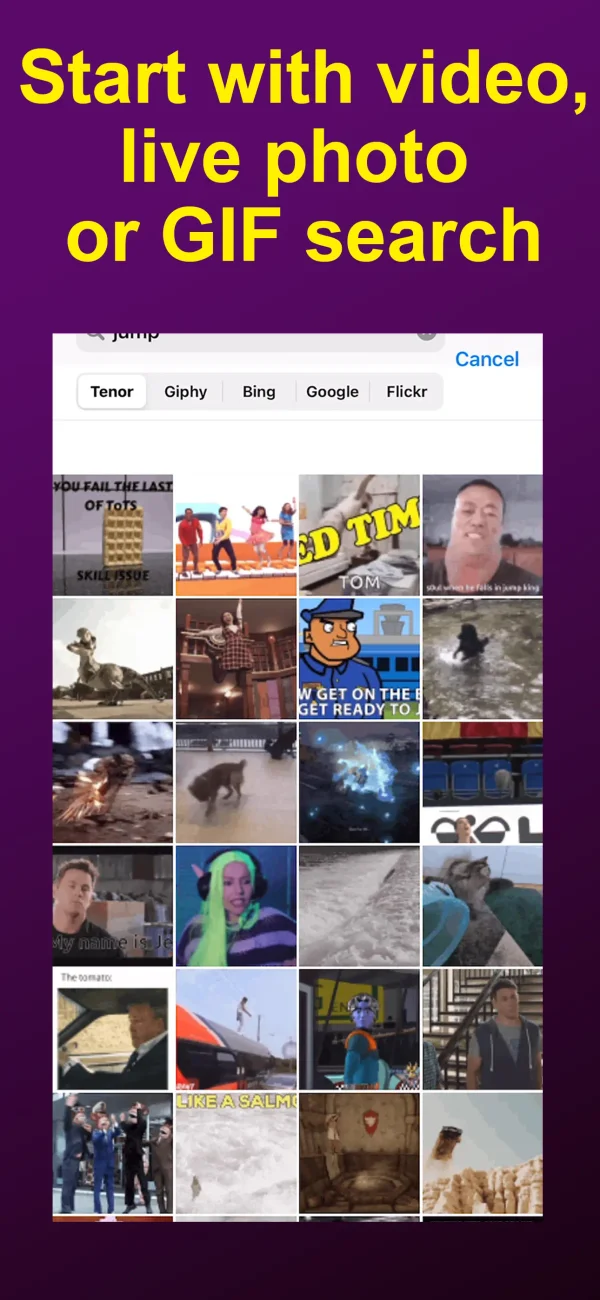
About
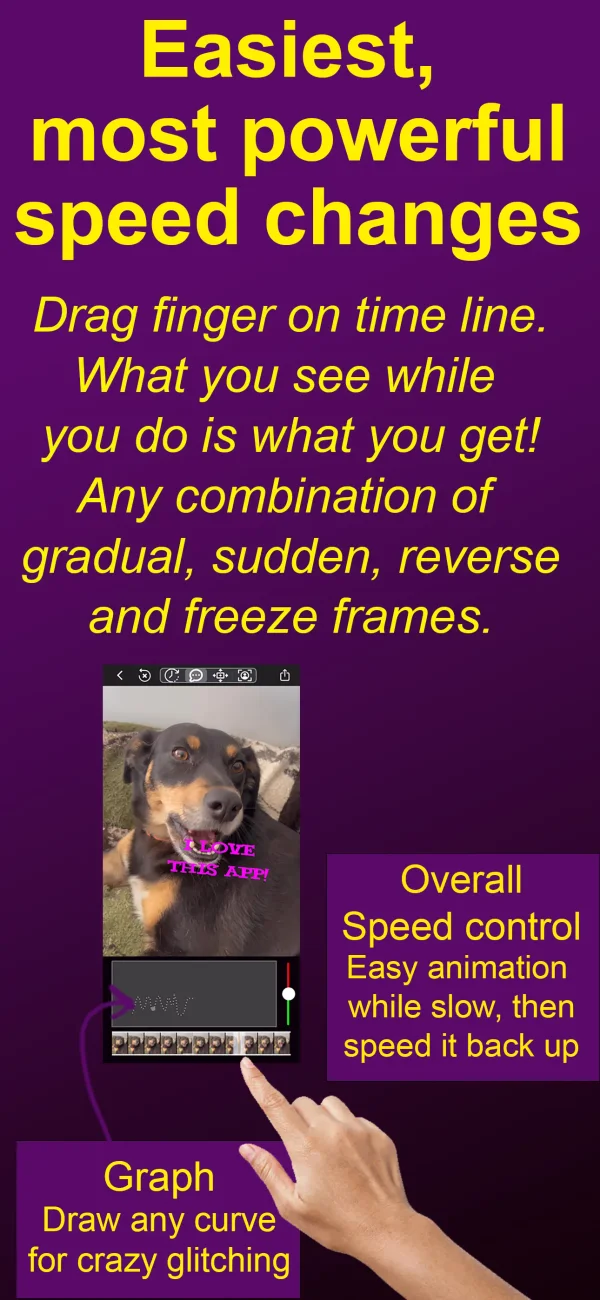
Create outstanding original transformations of your video, live photos or popular GIF memes. Change speed continuously to slow down or freeze frame on the best parts, then reverse over it a few times to make it even funnier! You can do any time warp that you can imagine, even make animals look like they are talking. And it is SUPER EASY! As you move your finger along the time line you will see the video animate at the speed and direction you move your finger. What you see while you do this is what you will get! If you don't like it, just do it again until you get it perfect. There is also a graph that you can directly draw directly on to make unique glitch effects.
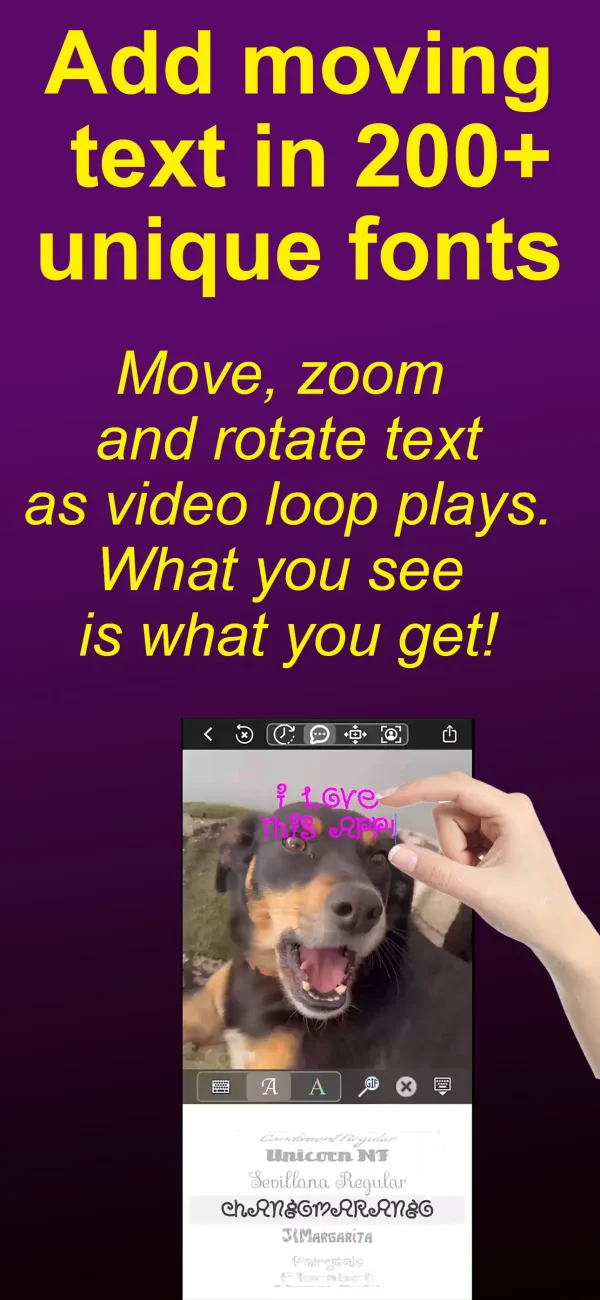
Express your feelings by adding text in over 200 unusual fonts. Then make your text dance around in sync with your video. Just drag the text the way you want it to move. Pinch to make it grow, shrink or rotate.
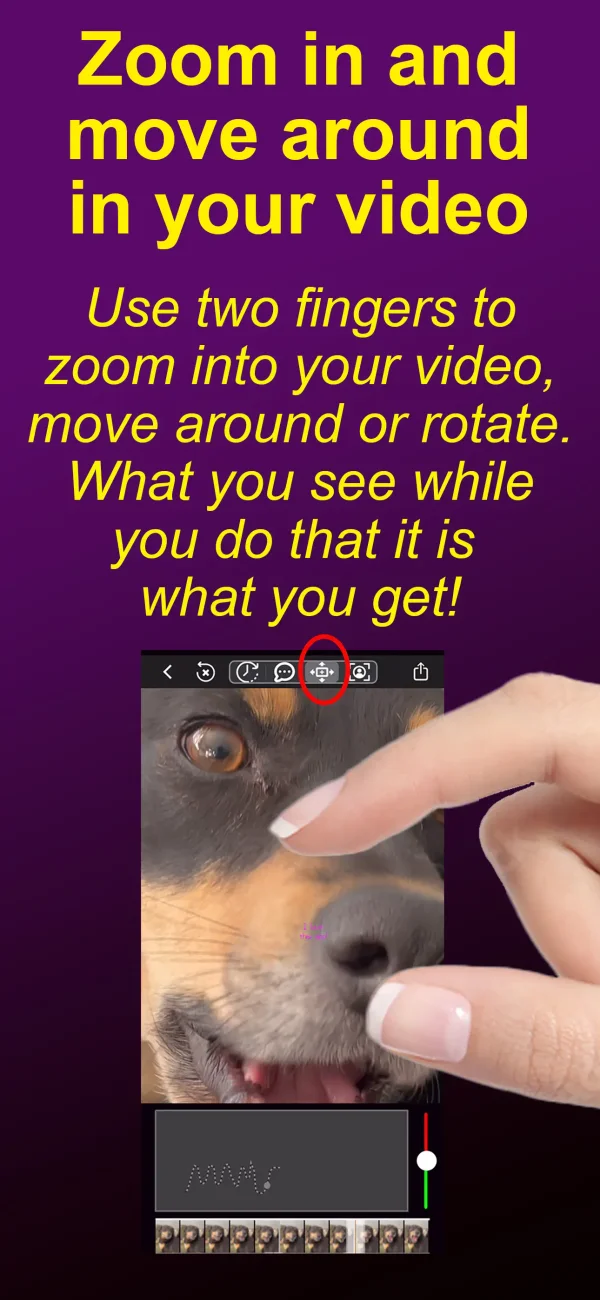
Tell your story by zooming into the video and moving or rotating within the part you want to focus on. Zoom in on your friend's reactions and move between their faces. All you have to do is use 2 fingers to zoom, rotate or pan within the video as it plays.
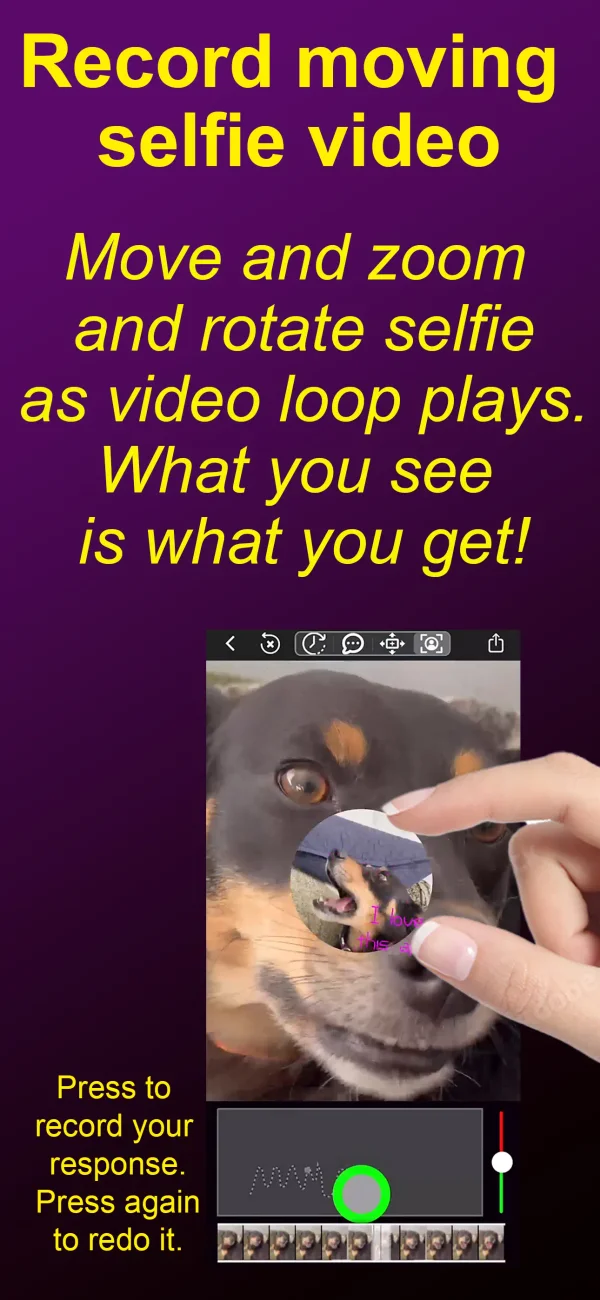
You can even record a video selfie bubble showing your own reaction as the video plays. Make your video bubble move around, expand, contract, and rotate by simply dragging or pinching it the way you'd like it to move.
To make really fancy changes, you can slow down the whole video loop with the speed slider to the right of the graph. Then you can make your animation while everything is playing slowly. Then simply speed it up again before sharing. Your friends will wonder how you did it!
- Start with any video, live photo, regular photo, or GIF search on popular websites.
- Change speed in literally any combination of ways: gradual, sudden, glitch, freeze, reverse.
- Scrub time slider, what you see while you do that is what you'll get..
- Scrub again until you get it right.
- Get fine time control on longer videos by dragging up and away from the time slider.
- Draw directly on graph to change transformation of output video time on x-axis to original video time on y-axis.
- Touch anywhere on graph to change that part, creating unique glitch effects.
- Touch right end of graph and drag to the left to erase from end of the graph.
- Use speed slider to the right of graph to slow down the video loop allowing even easier control of effects you are drawing. Then speed it back up again before sharing it.
- Add text in crazy (and normal) fonts. As the video plays, make it move around by dragging it or make it expand, contract and rotate by pinching it.
- Zoom into the video and move the cropping frame around to focus on different parts of the video. Pinch to zoom in and out or rotate and shake the whole video to create earthquake effects.
- Record a selfie video circle that shows your reaction as the video plays. Then make that video circle move, expand, contract or rotate in the video simply by dragging or pinching it.
- Copy any video or GIF from your social media and autopaste to add new text, selfie, time effects or whole video zoom and pans. VideoSpeed will ask if you'd like to paste it automatically.
- Share or save as video, or as high quality GIF.
- GIFs are optimized using the best desktop level algorithms to reduce data costs and pop up faster when received.
- NOTE: a watermark will appear on the video. You can pay a small amount to make unwatermarked video.
Terms of Use: https://www.apple.com/legal/internet-services/itunes/dev/stdeula
What’s new
Version 4.01 · Feb 27, 2024
Now you can share your creations for free. There will be a watermark that you can remove for a small fee.
Many bugs were squashed, esp. in the time line view.
Video scrubbing is a lot smoother.
Higher resolution and longer output GIF and video on devices with more memory.
Added watermark, so all features are free and you can optionally remove the watermark.
App privacy
What Philip Kohn declares on the App Store about how this app handles data.
-
Data not linked to you
May be collected but is not linked to your identity.
- Usage data
- Diagnostics
Privacy practices may vary, for example with the features you use or your age.
Information
- Seller
- Philip Kohn
- Category
- Photo & Video
- Version
- 4.01
- Updated
- Feb 27, 2024
- Released
- Nov 3, 2016
- Size
- 37.4 MB
- Requires
- iOS 15.0 or later
- Age rating
- 17+
- Price
- Free
- In-app purchases
- Yes
- Languages
- English
- Copyright
- © No Box Art LLC, 2024
You might also like
-
 Slow Motion : Video EditorMake Slow Fast Motion Video
-
 Slow Fast Reverse Motion VideoAll Video Motion Effects
-
 Video Slow Fast Speed EditorSlo motion reverse video maker
-
 Slow Motion Video EditReverse Movie FX
-
 Video Editor Slo Mo MakerTrim, Merge, Slow-Fast Motion
-
 Reverse Cam- Slow Motion VideoPhoto & Video
-
 reverse video editor movie fxReverse video, Loop video App
-
 Rewind: Reverse Video EditorPlay & Replay Backwards Vids
-
 Slow Motion Video Speed EditorFast & Slowmo - Change Speed
-
 Reverse Video: Trim & RewindVideo Reverse & Rewind