
Video Trim, Flip, Reverse
Crop, Speed & GIF Export
Designed for iPhone, iPad
In-app purchases
- Age rating4+
- CategoryPhoto & Video
- DeveloperHue Nguyen
- LanguagesJapanese+ 9 more
- Size7.8 MB
Links to the official App Store page
Download.org hosts no file of Video Trim, Flip, Reverse. The button opens its official App Store page, published by Hue Nguyen. Listing last checked on Nov 14, 2026.
Screenshots

About
One video in, five tools, one export. No account, no watermark, no limits.
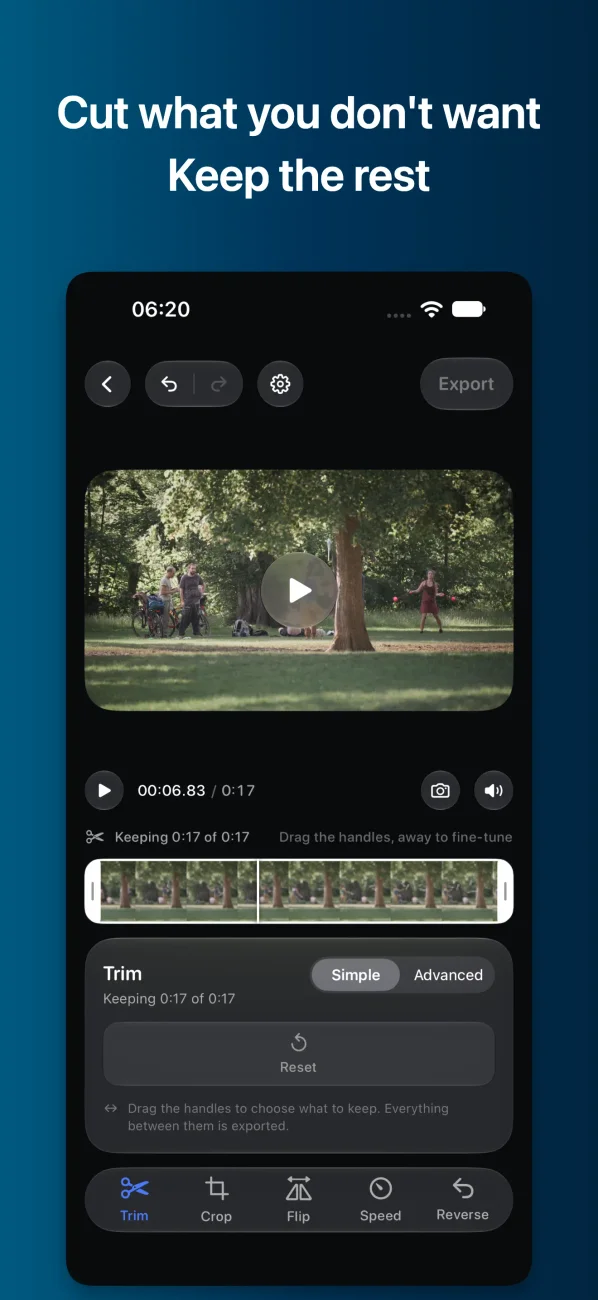
TRIM — cut a clip down to the part that matters. Drag the handles or split at the playhead; delete what you don't want and the rest joins into one continuous video.
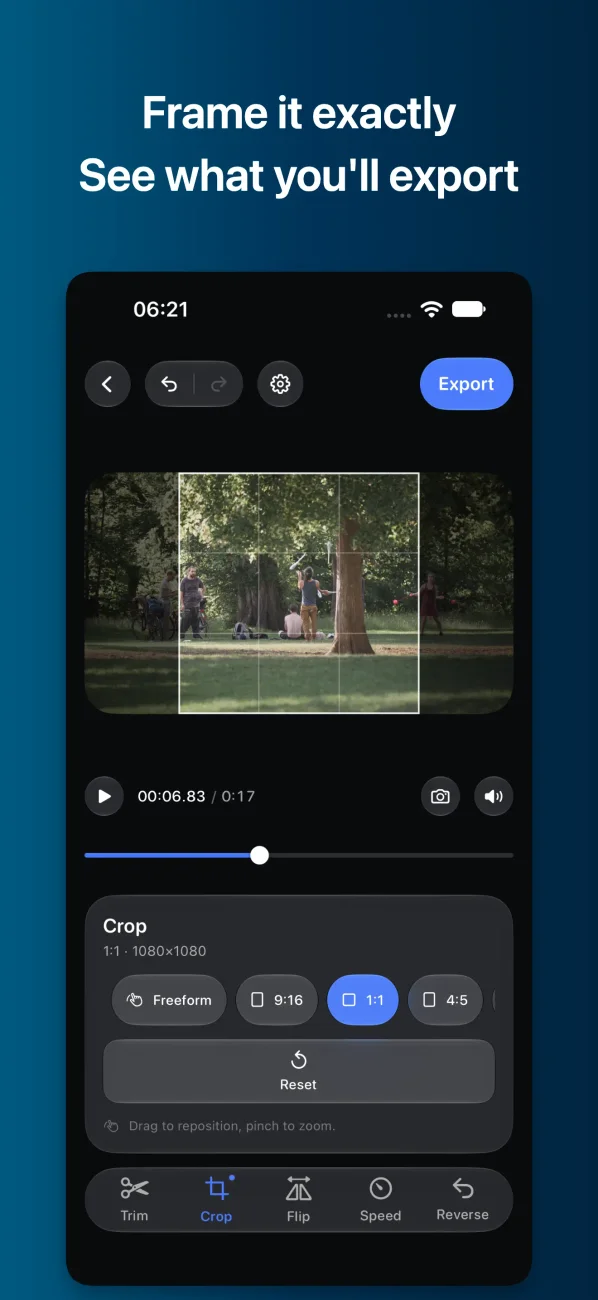
CROP — 9:16, 1:1, 4:5, 16:9 or freeform. See exactly what you'll export while you frame it, never a guess.
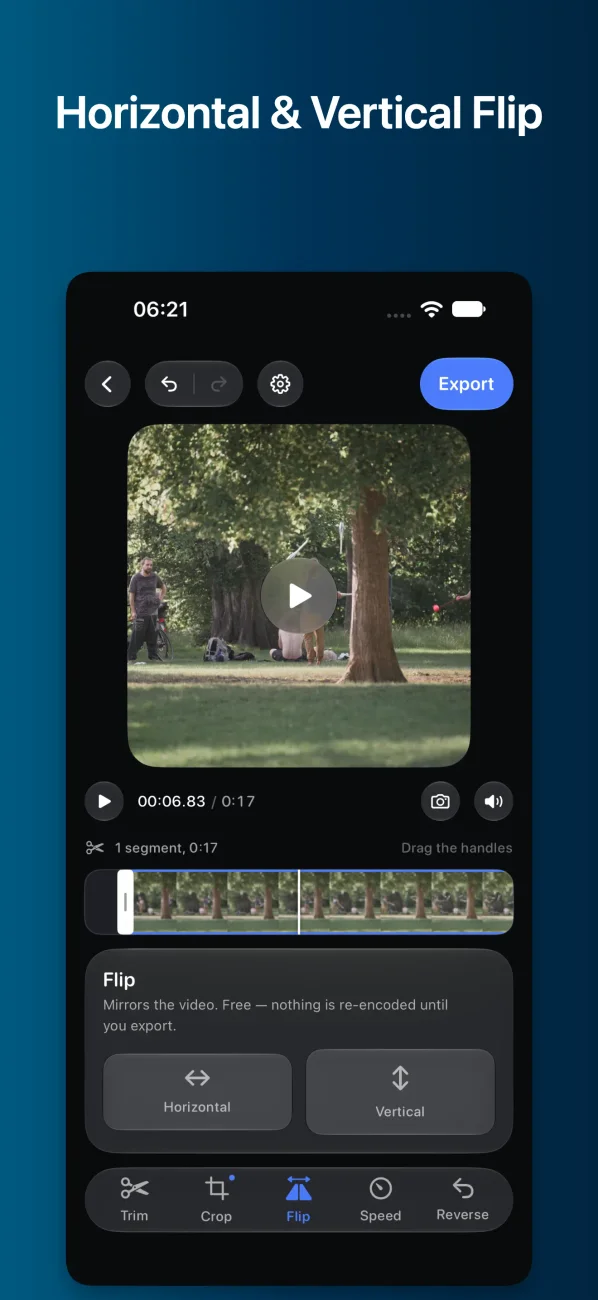
FLIP — horizontal or vertical, one tap.
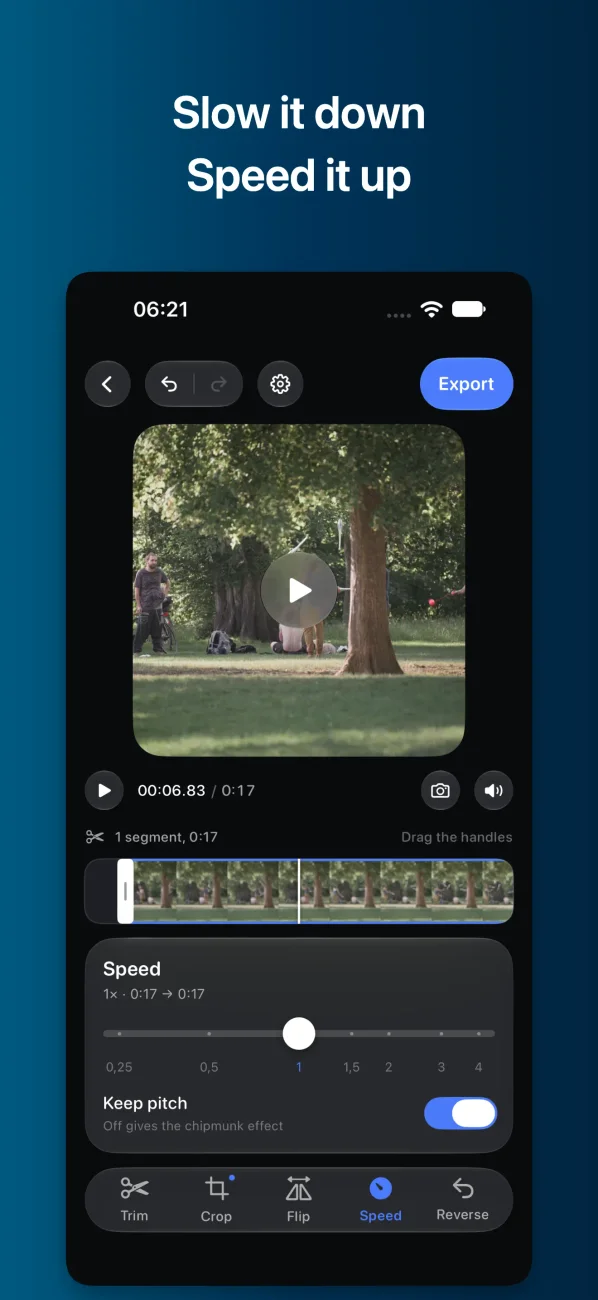
SPEED — 0.25x to 4x with a Keep Pitch switch, so a voice sped up doesn't turn into a chipmunk unless you want it to.
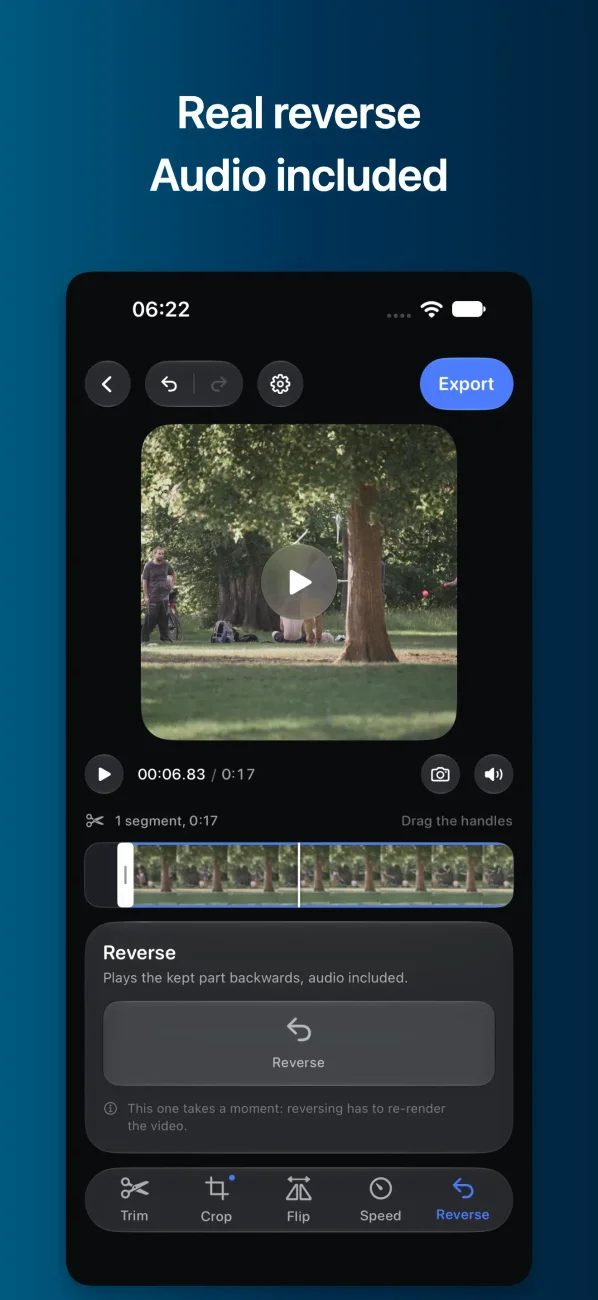
REVERSE — real frame-accurate reverse, audio included, not just a visual trick.
Every tool works together in a single export pass. Trim, crop, flip, speed and reverse the same clip and it renders once — you never export, reimport, and edit again.
EXPORT YOUR WAY
• Video (MP4) — original quality or scaled to 1080p/720p, with an H.264 compatibility switch for older devices and apps.
• GIF — presets built for messaging or social, or set your own size and frame rate.
• Audio only (M4A) — pull the sound out on its own.
Save to Photos, share directly, or save to Files.
PRIVACY BY DESIGN
No account, ever. Nothing is uploaded — every edit happens on your device, and nothing you import is kept after you export. No third-party trackers or ad SDKs.
FREE TO USE
Every tool above is free, with no export limit and no watermark. Advanced trim — cutting a clip into multiple pieces and dropping the ones you don't want — is a Pro feature (auto-renewing weekly or one-time lifetime purchase, with a free trial on weekly).
Terms of Use: https://mygems.app/term
Privacy Policy: https://mygems.app/privacy
App privacy
What Hue Nguyen declares on the App Store about how this app handles data.
-
Data not collected
The developer does not collect any data from this app.
Privacy practices may vary, for example with the features you use or your age.
Information
- Seller
- Hue Nguyen
- Category
- Photo & Video
- Version
- 1.0
- Updated
- Sep 28, 2026
- Released
- Sep 28, 2026
- Size
- 7.8 MB
- Requires
- iOS 18.0 or later
- Age rating
- 4+
- In-app purchases
- Yes
- Languages
- Japanese, Italian, Dutch, Spanish, German, French, Portuguese, Simplified Chinese, English, Korean
- Copyright
- © 2026 MyGems
You might also like
-
 Splitify - Cut Your VideosCut long videos for socials
-
 Video Cutter and Merger ProCut, Trim, Split & Merge Video
-
 Slim: Photo & Video CompressFree up storage, keep quality
-
 かるムービーPhoto & Video
-
 Rewind - Reverse Your VideosBackward Video & Reverser
-
 VideoReverser: Reverse VideoReverse Audio & Live Wallpaper
-
 Video Compressor - VixpressFile Size Reducer, Shrink MP4
-
 Subly: Subtitle MakerAuto Subtitles for Videos
-
 Cut Video AppSplit Videos into Perfect Bits
-
 Slow Motion Video Editor SpeedSpeed Up, Time Lapse & Slo Mo