
VideoBox - Cloud Video Player
Dropbox, GoogleDrive, OneDrive
Designed for iPhone, iPad
Free · In-app purchases
- Age rating4+
- CategoryUtilities
- DeveloperYajing Qian
- LanguagesEnglish+ 17 more
- Size130.8 MB
Links to the official App Store page
Download.org hosts no file of VideoBox - Cloud Video Player. The button opens its official App Store page, published by Yajing Qian. Listing last checked on Nov 25, 2026.
Screenshots

About
VideoBox is the all-in-one video downloader, media player and file manager for cloud storage services. Download, stream and organize your movies, TV shows and video clips — all in one app.
Cloud Storage & Media Server:
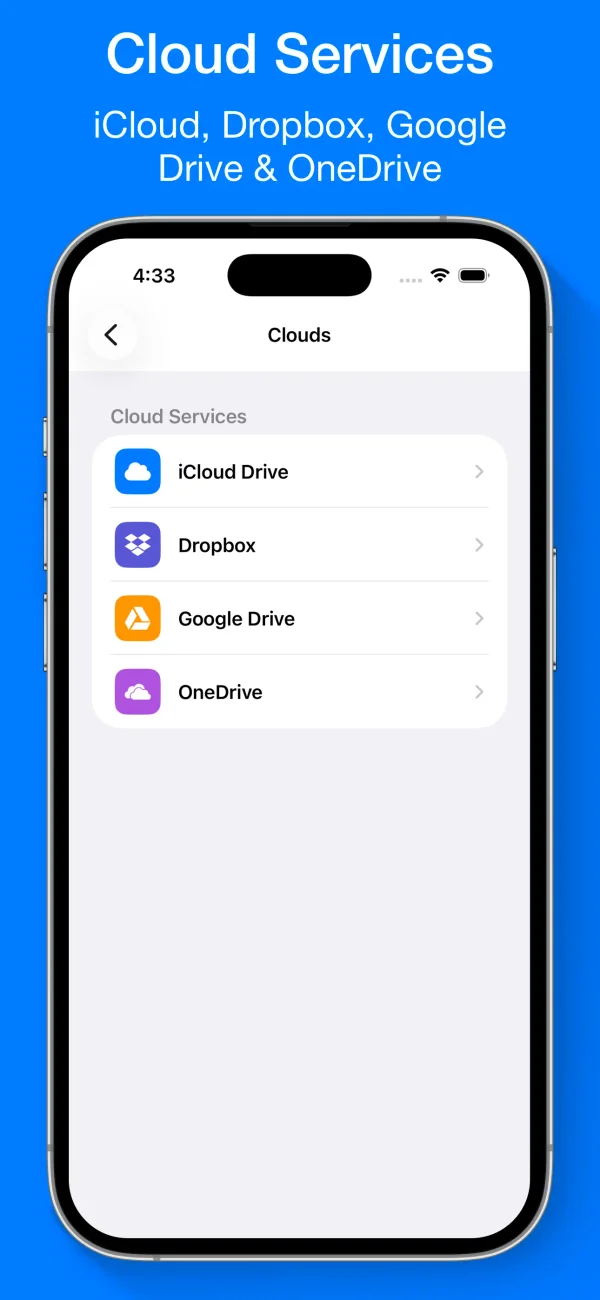
- Download and stream videos from iCloud Drive, Dropbox, Google Drive and OneDrive.
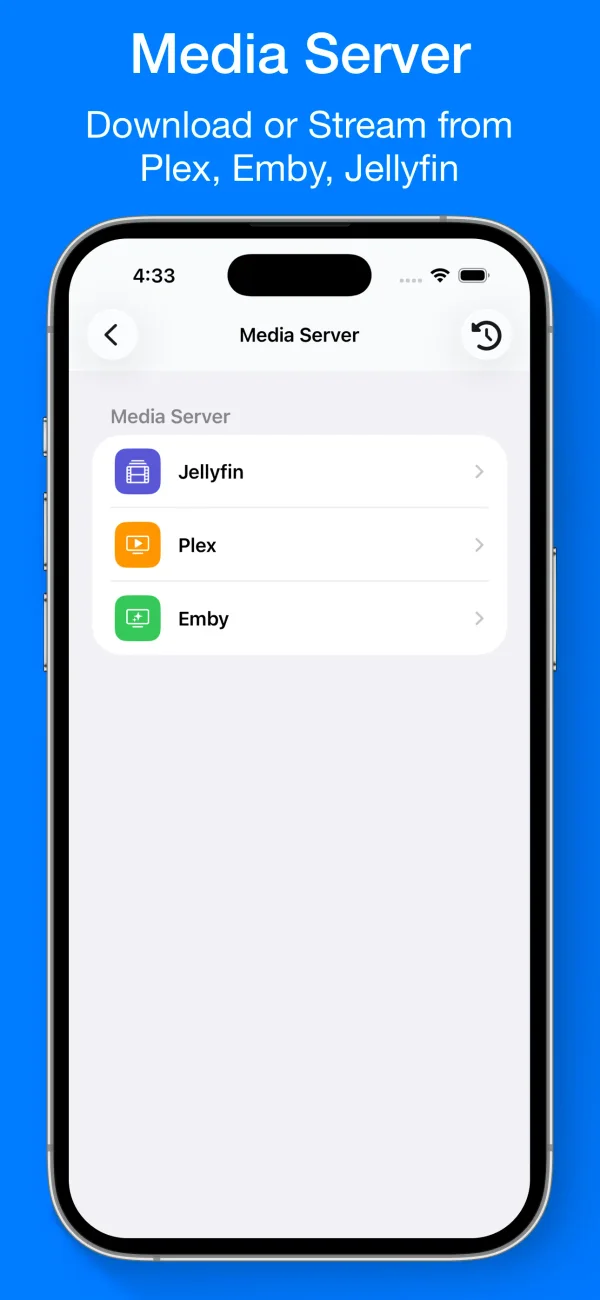
- Browse and play from your Plex, Emby or Jellyfin media server.
- Watch videos via DLNA, SMB, FTP, WebDAV and network streaming (M3U8/RTSP/RTMP).
- Transfer files over Wi-Fi from your computer or other devices.
Powerful Video Player:
- Play any format: MP4, MKV, AVI, FLV, RMVB, MOV, 3GP, DIVX, H.264, HEVC and more.
- Picture-in-Picture (PiP) and background audio playback.
- Auto play next episode — perfect for binge watching.
- Adjustable playback speed, subtitles (SRT/ASS) and audio track selection.
Video Tools:
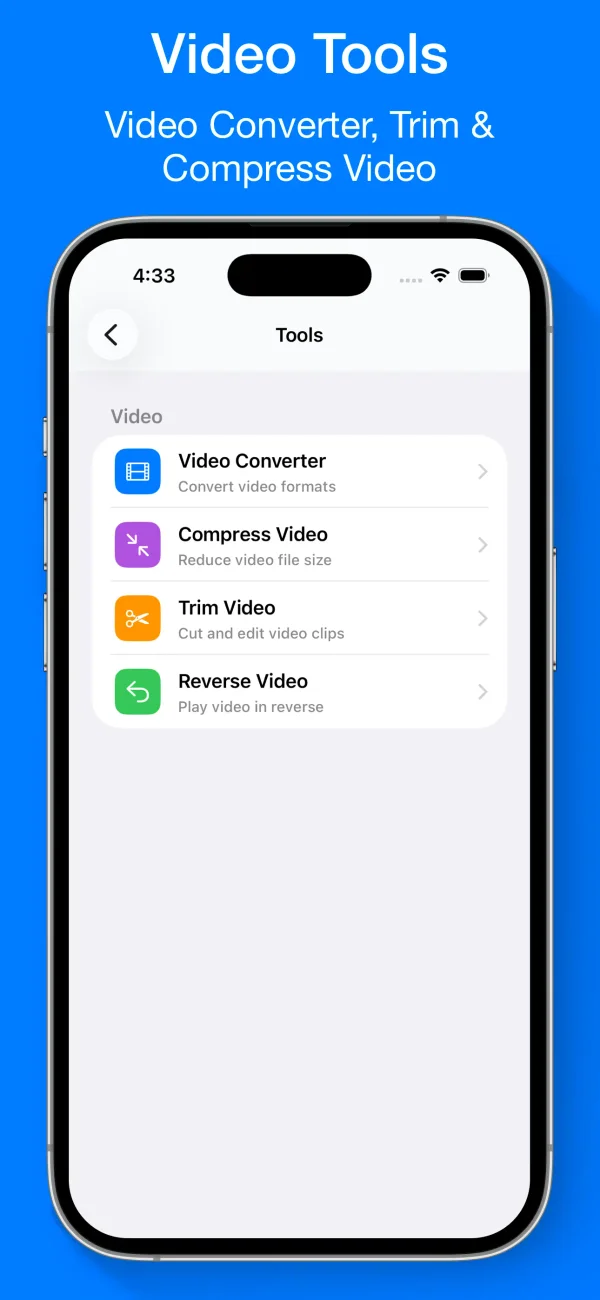
- Built-in video converter — convert between formats easily.
- Trim, compress and reverse video clips.
File Manager:
- Create folders, rename, move, copy and delete files with ease.
- Import videos from the Files app, Photo Library or Camera Roll.
- Save and export videos to your Photo Library.
- iTunes File Sharing and USB transfer support.
Privacy & Security:
- Lock the app with Passcode, Touch ID or Face ID.
- Keep your private videos safe and hidden.
SUBSCRIPTION:
Payment will be charged to iTunes Account at confirmation of purchase. Subscription automatically renews unless auto-renew is turned off at least 24 hours before the end of the current period. Account will be charged for renewal within 24 hours prior to the end of the current period at the rate of the selected plan. Subscriptions and auto-renewal may be managed by going to Account Settings after purchase.
Terms of Service: https://www.ipopapp.com/terms-of-service/
Privacy Policy: https://www.ipopapp.com/privacy-policy/
What’s new
Version 3.6 · Nov 3, 2026
- Bug fixes and performance improvements.
App privacy
What Yajing Qian declares on the App Store about how this app handles data.
-
Data used to track you
May be used to track you across apps and websites owned by other companies.
- Identifiers
- Usage data
-
Data not linked to you
May be collected but is not linked to your identity.
- Identifiers
- Usage data
Privacy practices may vary, for example with the features you use or your age.
Information
- Seller
- Yajing Qian
- Category
- Utilities
- Version
- 3.6
- Updated
- Nov 3, 2026
- Released
- Nov 4, 2015
- Size
- 130.8 MB
- Requires
- iOS 16.0 or later
- Age rating
- 4+
- Price
- Free
- In-app purchases
- Yes
- Languages
- English, Dutch, French, German, Indonesian, Italian, Japanese, Korean, Polish, Portuguese, Russian, Simplified Chinese + 6 more
- Copyright
- © YAJING QIAN
You might also like
-
 Video + : Player for CloudElegant Cloud Media Player
-
 MT Browser - File Manager, IDMSecure Browser & Downloader
-
 Phone Drive Pro: File ManagerDocuments, ZIP & PC Transfers
-
 iTransfer - File Transfer ToolFTP, FTPS, SFTP, Cloud Drives
-
 Video Player - Play & ManagePlay Music & Video Offline
-
 IDM - Download ManagerOffline Media Browser & Docs
-
 Player Master - Video PlayerVideo Music Media Player
-
 DManager IDMInternet Download Manager
-
 FirePlayer: player 4 MediaFireaudio equalizer, cloud music
-
 File Manager - Zip & UnzipPlayer | Cloud | Code Editor