
VideoCompressor - Shrink Clip
Reduce File Size & Convert MP4
Designed for iPhone, iPad, iPod touch
Free
- Age rating4+
- CategoryPhoto & Video
- DeveloperPenghui Zhao
- LanguagesEnglish+ 14 more
- Size27.7 MB
Links to the official App Store page
Download.org hosts no file of VideoCompressor - Shrink Clip. The button opens its official App Store page, published by Penghui Zhao. Listing last checked on Nov 20, 2026.
Screenshots
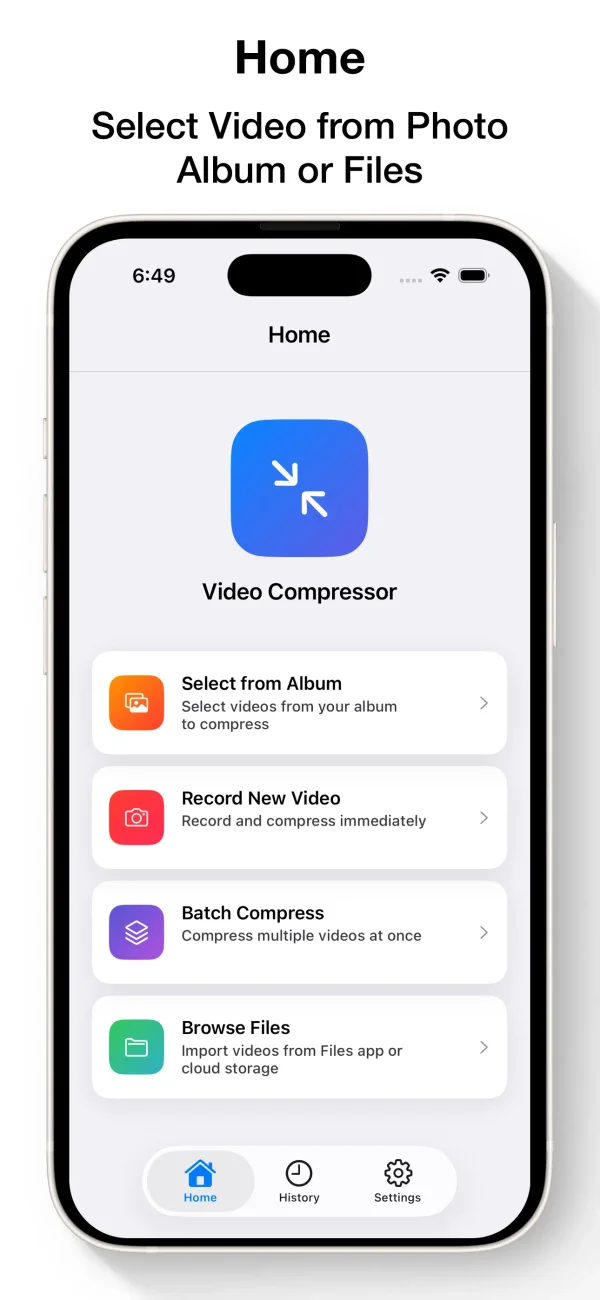
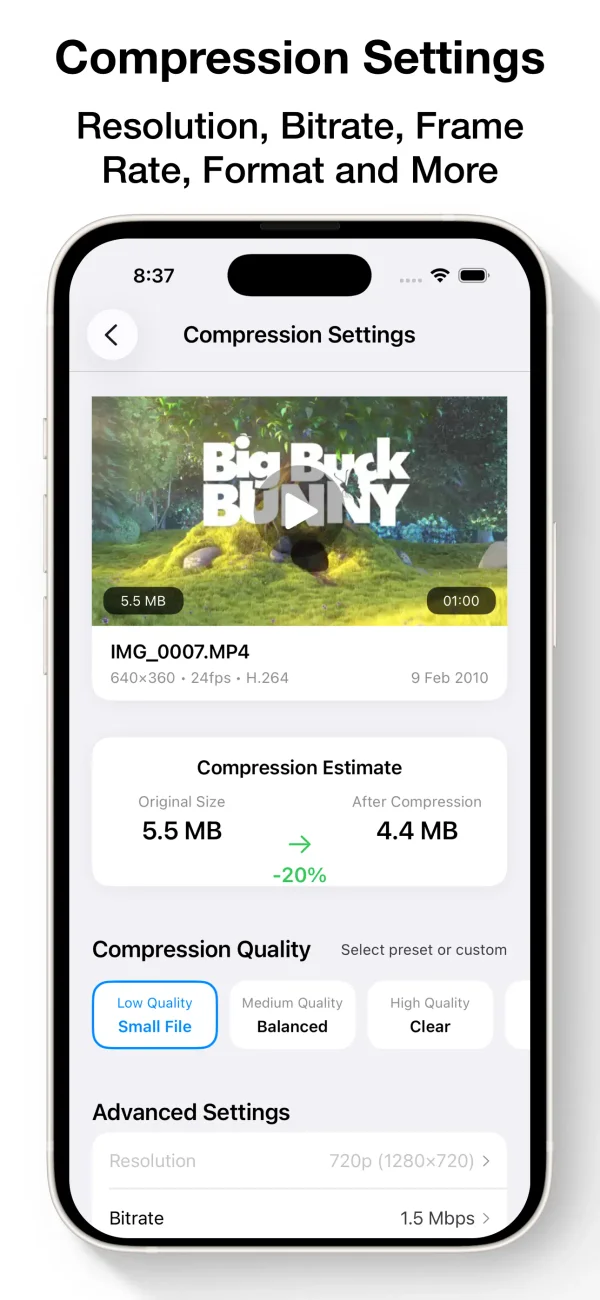
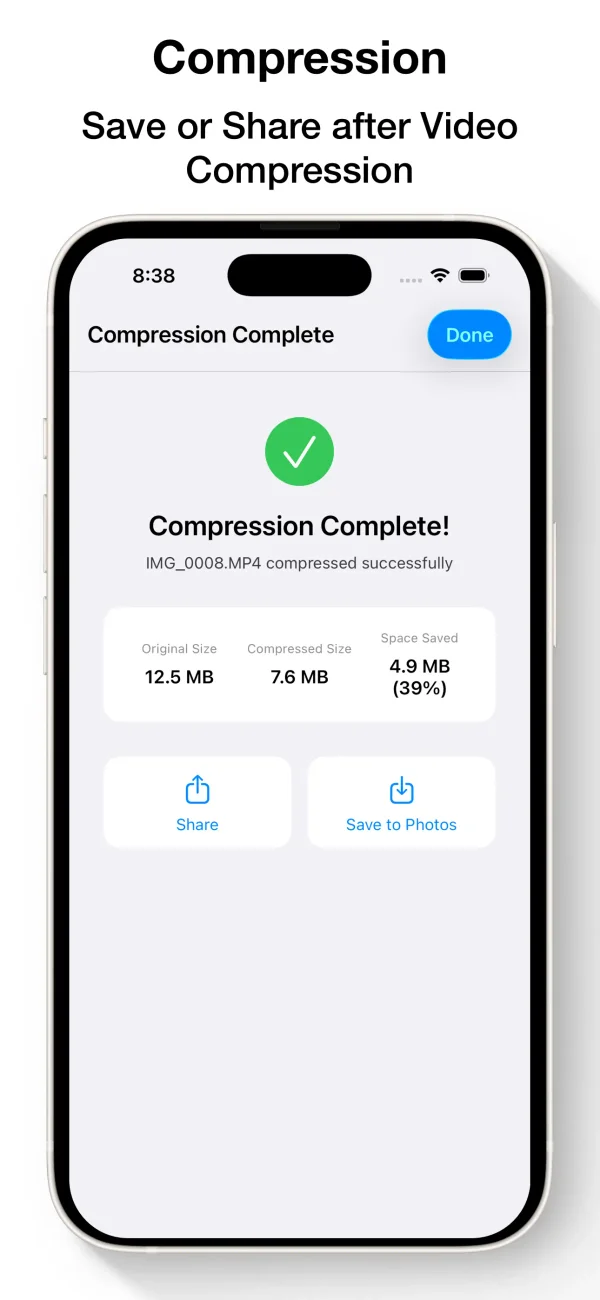
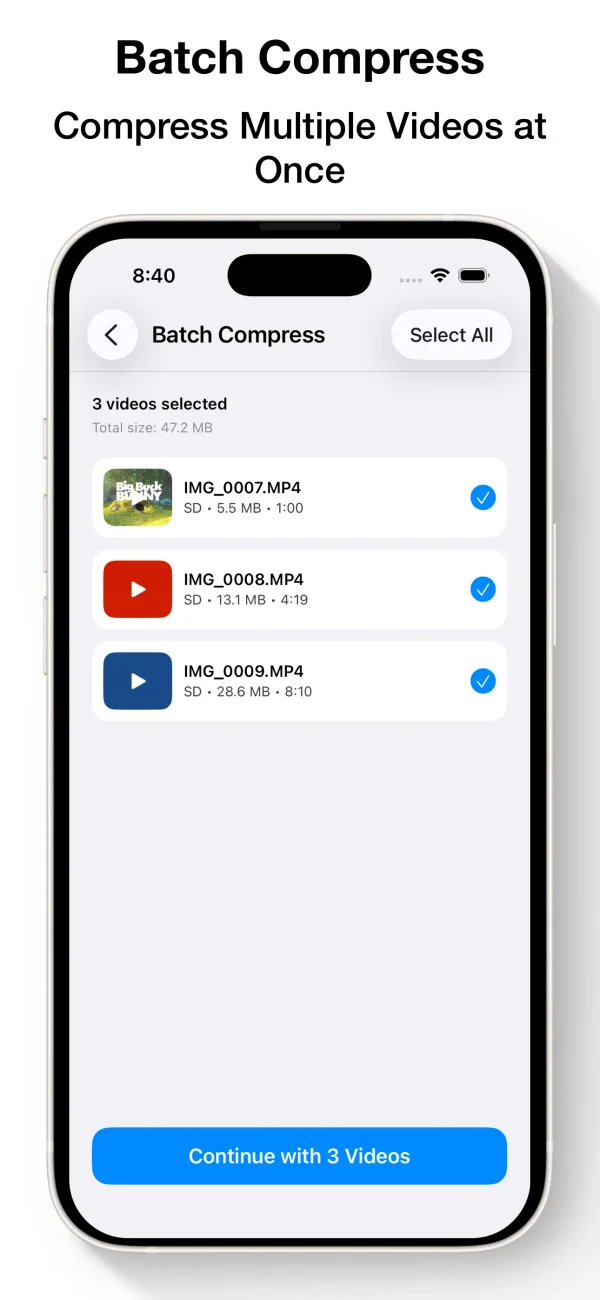


About
VideoCompressor makes it effortless to reduce video file sizes without sacrificing visual quality. Whether you're freeing up storage, preparing clips for social media, or sending large files over messaging apps — VideoCompressor gives you the control you need with a beautiful, intuitive interface.
◆ POWERFUL COMPRESSION ENGINE
• Three compression backends — AVFoundation, AVAssetWriter, and FFmpeg — automatically selected for the best results
• Hardware-accelerated encoding for blazing-fast compression
• H.264, H.265/HEVC, Apple ProRes, and more output formats
• Fine-grained bitrate control from 500 Kbps to 100 Mbps
◆ FULL CONTROL OVER EVERY DETAIL
• Choose from Low, Medium, High, or Custom quality presets
• Adjust resolution from 360p all the way up to 8K
• Set exact frame rates: 24, 25, 30, 50, 60, 120, or 240 fps
• Control audio bitrate or pass through audio without re-encoding
• Output to MP4, MOV, M4V, or 3GP containers
◆ BATCH COMPRESSION
• Select multiple videos and compress them all at once
• Per-batch quality, resolution, and format settings
• Track progress for the entire batch in real time
◆ BUILT-IN CAMERA
• Record videos directly in the app
• Switch between 720p, 1080p, and 4K recording quality
• Tap-to-focus with animated focus indicator
• Front/rear camera switching and torch/flash toggle
◆ SMART & ORGANIZED
• Compression history with original vs. compressed size comparison
• Compression ratio and duration tracking
• Swipe-to-delete history entries
◆ DESIGNED FOR YOU
• Clean, modern interface with dark mode support
• Real-time compression progress with percentage and time estimates
• Share compressed videos instantly when finished
• Option to keep or remove original videos after compression
PRIVACY
VideoCompressor processes all videos locally on your device. No data is uploaded to any server. Camera and photo library permissions are used solely for accessing and recording videos.
What’s new
Version 1.4 · Sep 26, 2026
- Add support for iPad.
App privacy
What Penghui Zhao declares on the App Store about how this app handles data.
-
Data not collected
The developer does not collect any data from this app.
Privacy practices may vary, for example with the features you use or your age.
Information
- Seller
- PENGHUI ZHAO
- Category
- Photo & Video
- Version
- 1.4
- Updated
- Sep 26, 2026
- Released
- Feb 22, 2026
- Size
- 27.7 MB
- Requires
- iOS 15.0 or later
- Age rating
- 4+
- Price
- Free
- Languages
- English, Dutch, French, German, Indonesian, Italian, Japanese, Korean, Portuguese, Russian, Simplified Chinese, Spanish + 3 more
- Copyright
- © PENGHUI ZHAO
You might also like
-
 Video Tinify SecuredVideo compressor offline
-
 Video Compressor – Shrink MP4Reduce Video Size & Resize
-
 Video Compressor - reduceCompress videos & resize
-
 Hevcly: HEVC to MP4H.265 to H.264, HDR to SDR
-
 Video Compress - Supports HEVCPro Video Compressor with HEVC
-
 Video Compressor - KompressoShrink, Optimize & Save Space
-
 Squeeze - Video CompressorReduce File Size & Save Space
-
 AI Upscale Video・4K UpscalerImprove Quality, Not Just Size
-
 Video Compressor - resize allSimple batch vids size reducer
-
 TOVA - Tokti AI Video EditorAI-Powered Video Enhancement