
Videocraft: Video Maker
Multitrack, Music Sync Editor
Designed for iPhone, iPad, iPod touch
$0.99
- Age rating4+
- CategoryPhoto & Video
- DeveloperGamelarious
- LanguagesEnglish
- Size21.4 MB
Links to the official App Store page
Download.org hosts no file of Videocraft: Video Maker. The button opens its official App Store page, published by Gamelarious. Listing last checked on Nov 27, 2026.
Screenshots

About
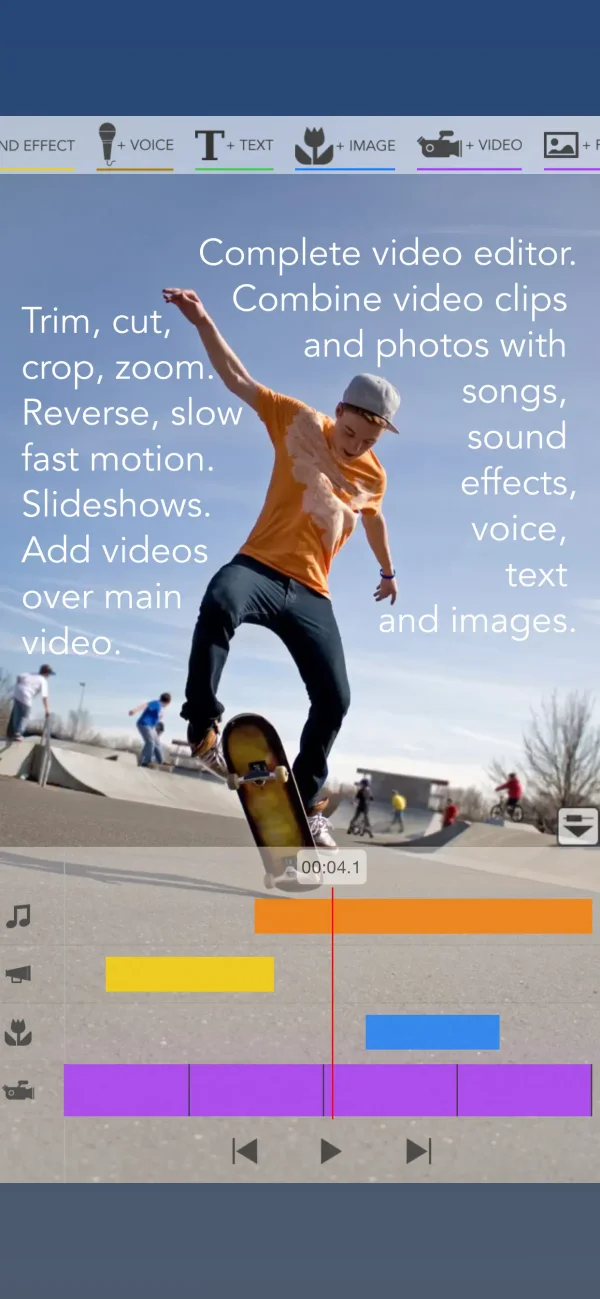
Videocraft is a complete multi-track video editor, photo slideshow maker, and movie maker app. Combine video clips and photos with music, sound effects, voice-over, images, GIFs, and text in one powerful timeline. With a beautiful and simple design, anyone can create and share amazing videos in minutes.
All features are available with no subscription and no watermarks.
Feature Highlights
Files Integration
• Use videos, photos, images, GIFs, and music stored in iCloud Files.
Project Aspect Ratio, Resolution, and Frame Rate
• Create square (1:1), standard (4:3), wide (16:9), or extra-wide (2:1) projects.
• Choose landscape or portrait orientation.
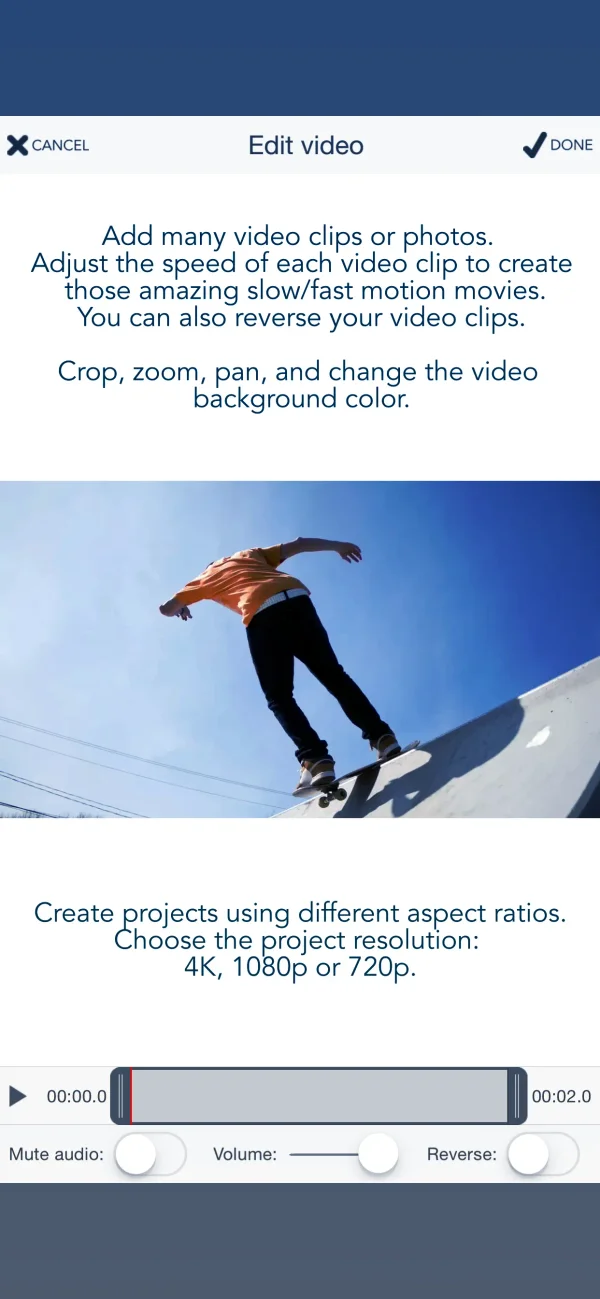
• Export in 4K, 1080p, or 720p.
• Choose 30fps or 60fps.
Add Multiple Video Clips and Photos
• Add videos and photos from Photos or Files.
• Trim video clips to use only the segment you need.
• Crop, pan, and zoom video clips and photos to fill or fit your project aspect ratio.
• Mute video clip audio or adjust its volume.
• Add fade in, fade out, and crossfade transitions.
• Set the duration of each photo.
• Change the video background color.
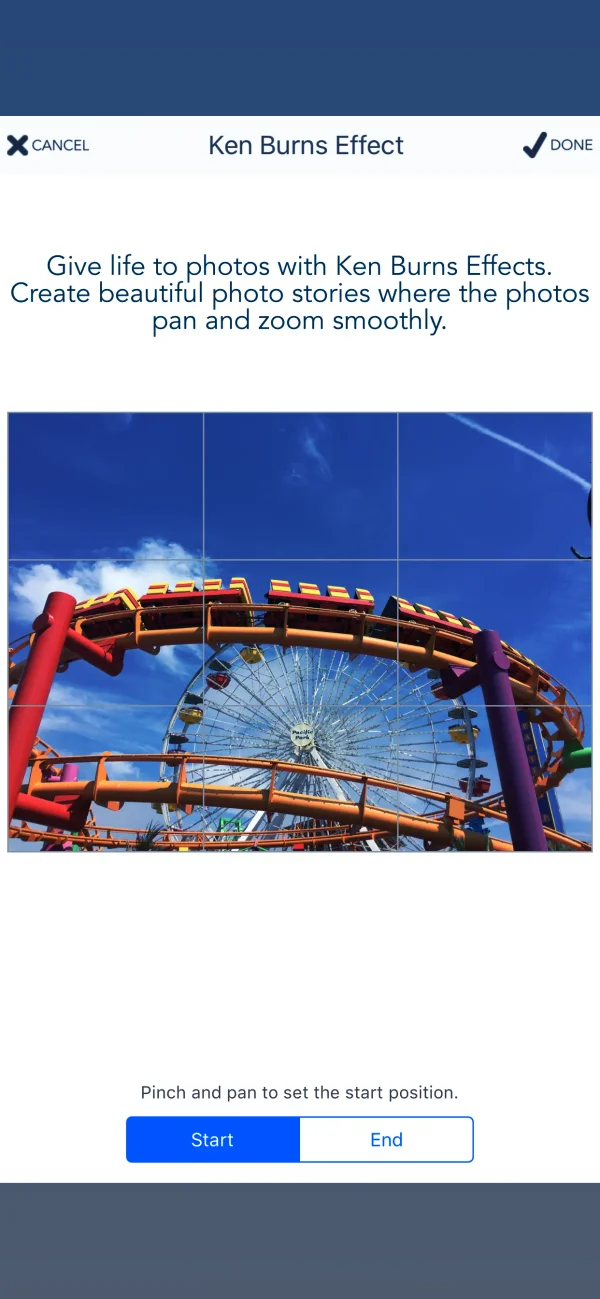
Ken Burns Effect
• Create beautiful photo stories with smooth pan and zoom motion.
Reverse Video
Slow / Fast Motion
Stop Motion
• Convert long videos into stop motion videos.
• Import multiple photos and play them in sequence to create stop motion movies.
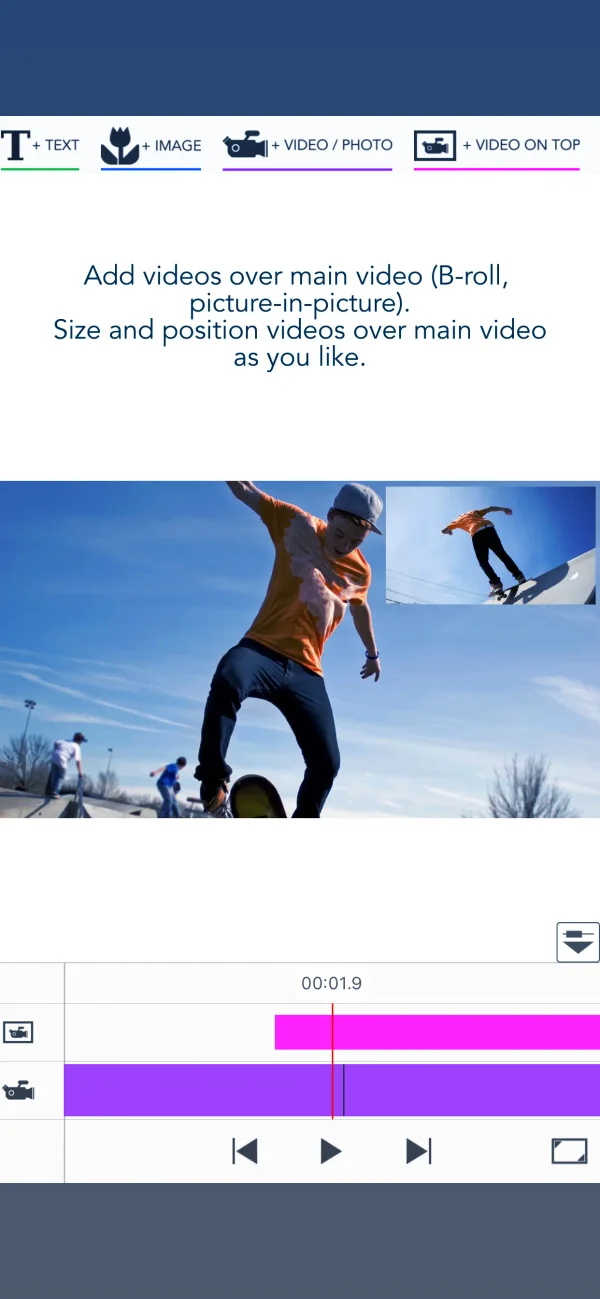
Video Over Video (PIP, B-Roll)
• Add multiple videos over the main video track.
• Resize and position them however you like.
• Play them side by side.
Create Audio Tracks from Video Clips
• Extract audio from videos to use in your project.
• Play the audio of a video before the video appears for more creative transitions.
Blur Effect
• Apply blur to censored parts of your video.
Add Music Tracks
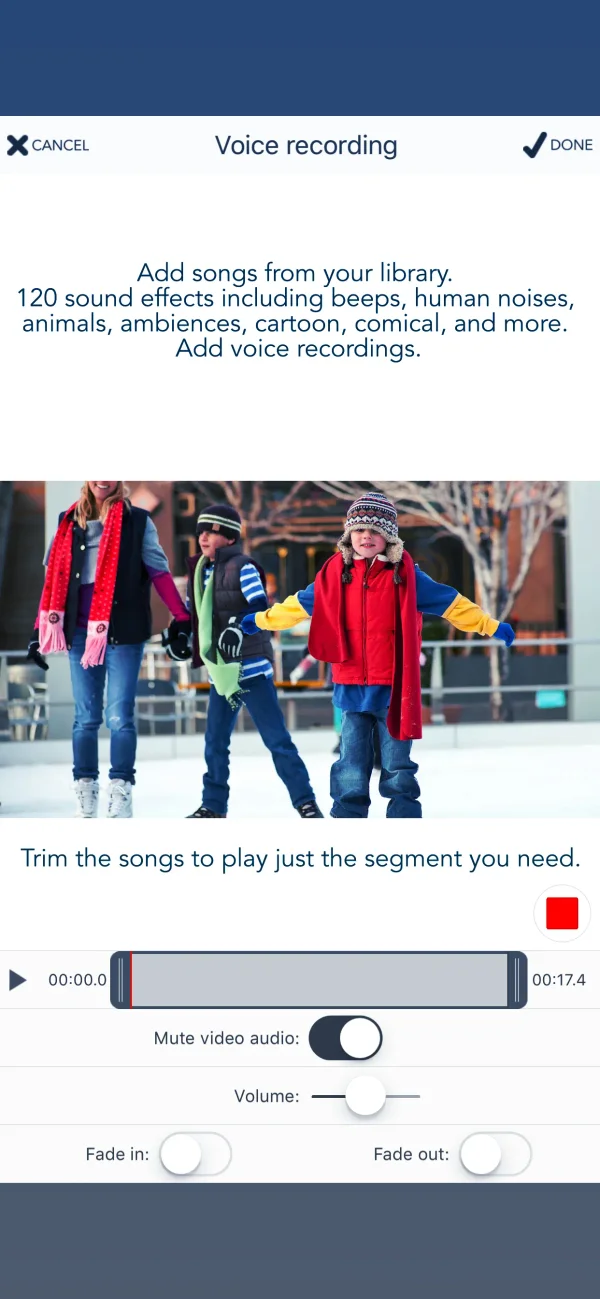
• Add songs from Music or Files.
• Trim songs to use only the segment you want.
• Auto-Sync music with the main video track.
• Adjust volume levels.
• Mute the main video audio track while the song plays.
• Add fade in and fade out for smooth transitions.
Add Sound Effects
• Add sound effects from the included sound effects library.
• Includes 120 sound effects such as beeps, human noises, animals, ambiences, cartoon sounds, comical effects, vehicles, weapons, explosions, and more.
Add Voice-Over
• Easily record narration for your video.
• Adjust the volume level.
• Mute the main video audio track while the recording plays.
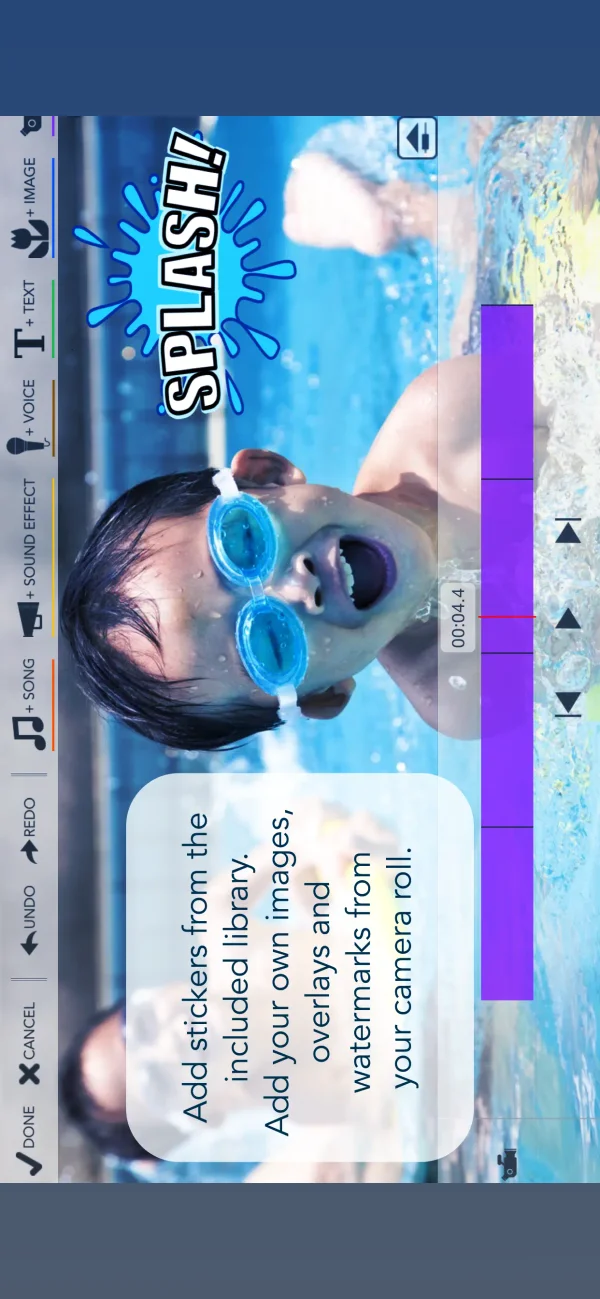
Add Images Over Video
• Add images, GIFs, and animated stickers from Photos or Files on top of the video.
• Add your own watermarks, borders, and overlays.
• Combine text with included images to create callouts.
• Includes transitions such as wipe, move, scale, and fade.
Add Text Over Video
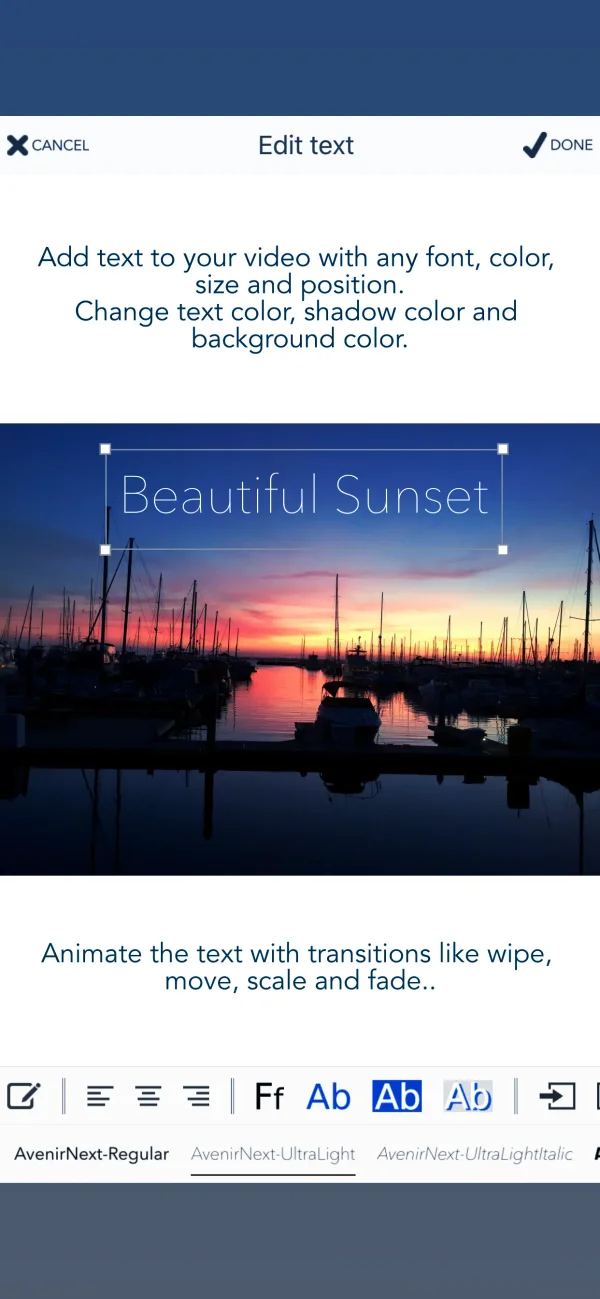
• Add text with any font, color, size, and position.
• Includes all fonts installed on the device.
• Change text color, shadow color, and background color.
• Includes transitions such as wipe, move, scale, and fade.
Easy-to-Use Video Editing Tools
• Add tracks using the toolbar buttons.
• Each track is represented by a bar in the timeline.
• Access track options by tapping its icon on the left.
• Drag the bar to change its position.
• Drag the bar handles to change its duration.
• Duplicate bars for easy reuse.
• Pinch the timeline to zoom in or out.
• Reorder video clips by dragging their purple bar.
• Includes undo and redo.
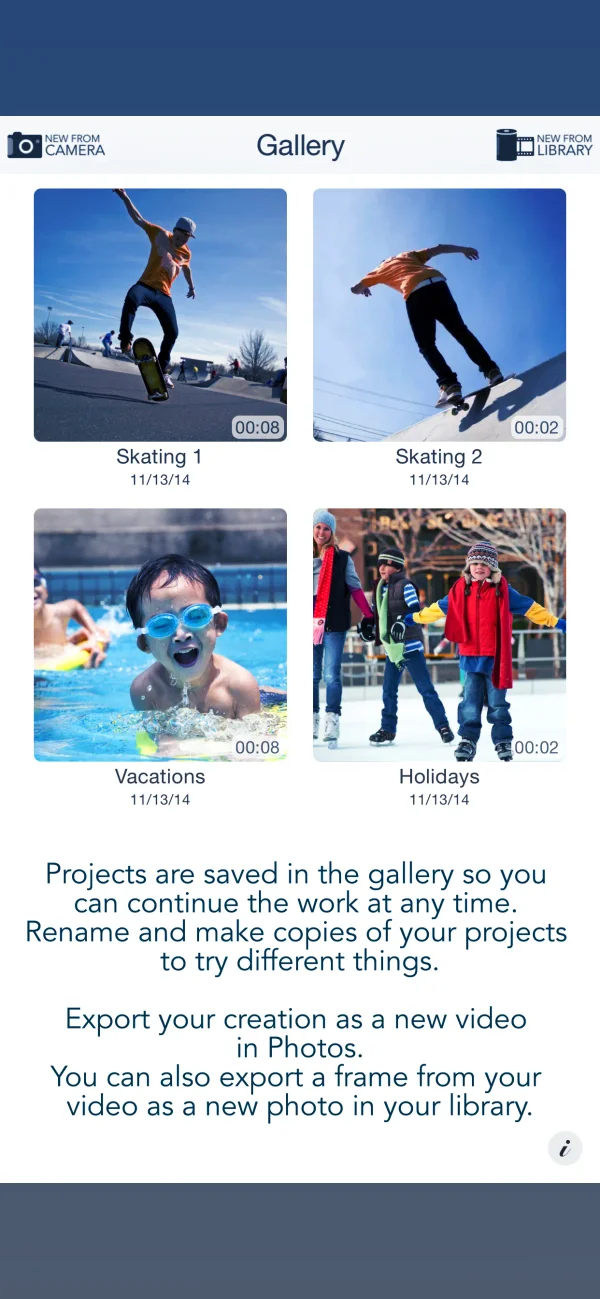
Gallery
• Projects are saved in the gallery so you can continue your work at any time.
• Rename projects and make copies to try different ideas.
Export Your Creation
• Export your project as a new video in Photos.
• Export the current frame as a new photo in your Photo Library.
• Perfect for creating memes, combining photos and text, or extracting a frame from your video.
For questions, feedback, and support:
Gamelarious: https://gamelarious.com
Support: support@gamelarious.com
X: @gamelarious
What’s new
Version 6.0.2 · Apr 5, 2026
• Introducing Auto-Sync to align your video with the beat of your music
• Preserve video sound when changing playback speed
• Enjoy a faster, smoother editing experience with performance improvements
• Includes stability enhancements and bug fixes
Thanks for all the feedback. Our goal is to make Videocraft the best video editor in the app store.
App privacy
What Gamelarious declares on the App Store about how this app handles data.
-
Data not collected
The developer does not collect any data from this app.
Privacy practices may vary, for example with the features you use or your age.
Information
- Seller
- Mauricio Eastmond
- Category
- Photo & Video
- Version
- 6.0.2
- Updated
- Apr 5, 2026
- Released
- Nov 24, 2013
- Size
- 21.4 MB
- Requires
- iOS 14.0 or later
- Age rating
- 4+
- Price
- $0.99
- Languages
- English
- Copyright
- © 2026 Mauricio Eastmond
You might also like
-
 Video Editor: Edit Paste PostPhoto editor, captions & more
-
 InfiniteFilmCineCine-camera + A Film labs
-
 Mask Video RecorderMask overlay video camera
-
 Moments Pick: Video to PhotoExtract Frames in Full Quality
-
 OneTake - Social Media VideosRecord, edit, post - one take
-
 Photo Albums and WidgetPhoto Widget, Video & Metadata
-
 VideoMuter - Remove SoundDelete Audio Track from Videos
-
 Chromatic EdgesEdge Photos to the Extreme!
-
 AI Video BackgroundEdit & Export AI Video Loops
-
 Life Tabs: Photo Diary JournalDaily photo journal & memories