VideoLighting
Video Lights Remote Control
Designed for iPhone, iPad, iPod touch
Free
- Age rating17+
- CategoryUtilities
- DeveloperNINGBO EAST PHOTOGRAPHIC EQUIPMENT CO., LTD.
- LanguagesEnglish
- Size43.1 MB
Links to the official App Store page
Download.org hosts no file of VideoLighting. The button opens its official App Store page, published by NINGBO EAST PHOTOGRAPHIC EQUIPMENT CO., LTD. Listing last checked on Nov 23, 2026.
Screenshots


About
I. Function Overview
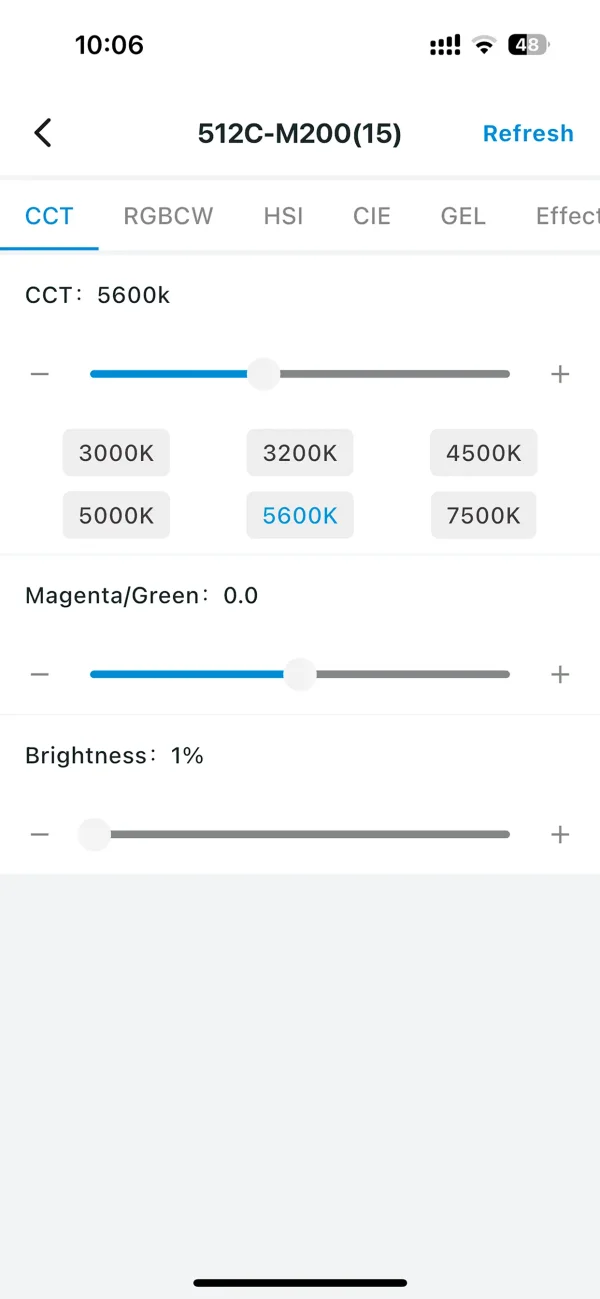
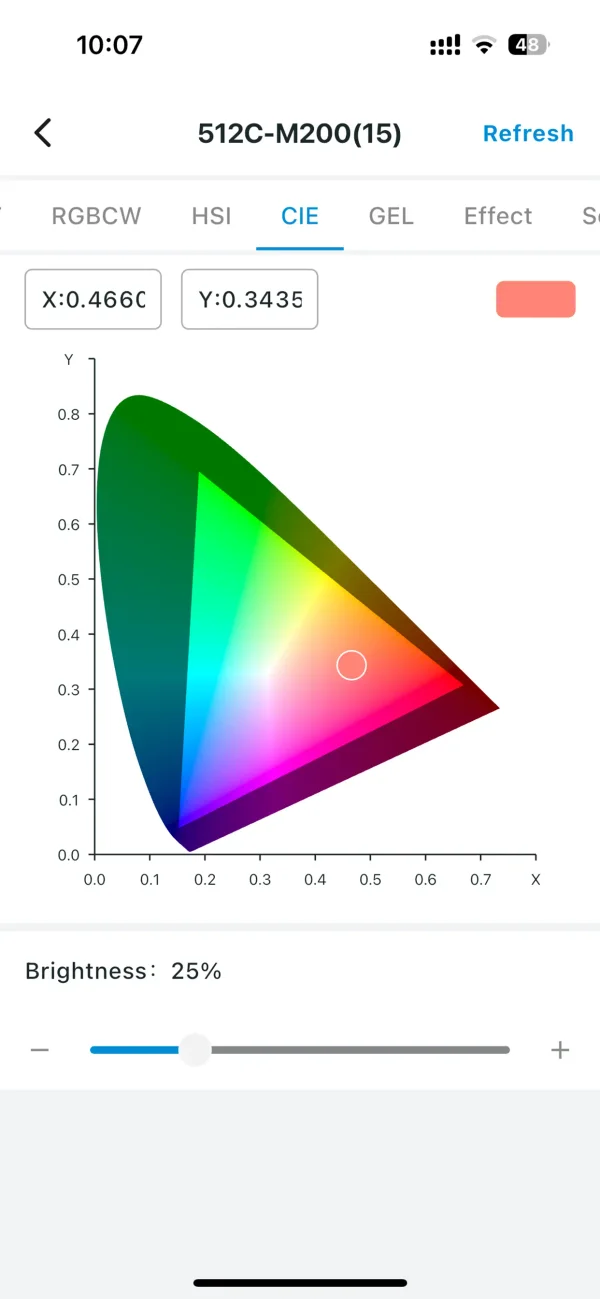
Our app is a multifunctional mobile application that enables users to easily manage video lighting equipment by areas, edit groups, set scenes, upgrade device firmware, and edit various lighting parameters (CCT, RGBCW, HSI, CIE, GEL, Effect, Set, etc.). We are committed to providing a simple and intuitive user interface, allowing users to quickly get started and enjoy all the features.
II. Product Features
1.User-Friendly Interface Design: Our app adopts advanced user interface design concepts to provide a more intuitive and user-friendly experience. Whether you are a first-time user or a long-time user, you will easily find the functions you need and improve your efficiency.
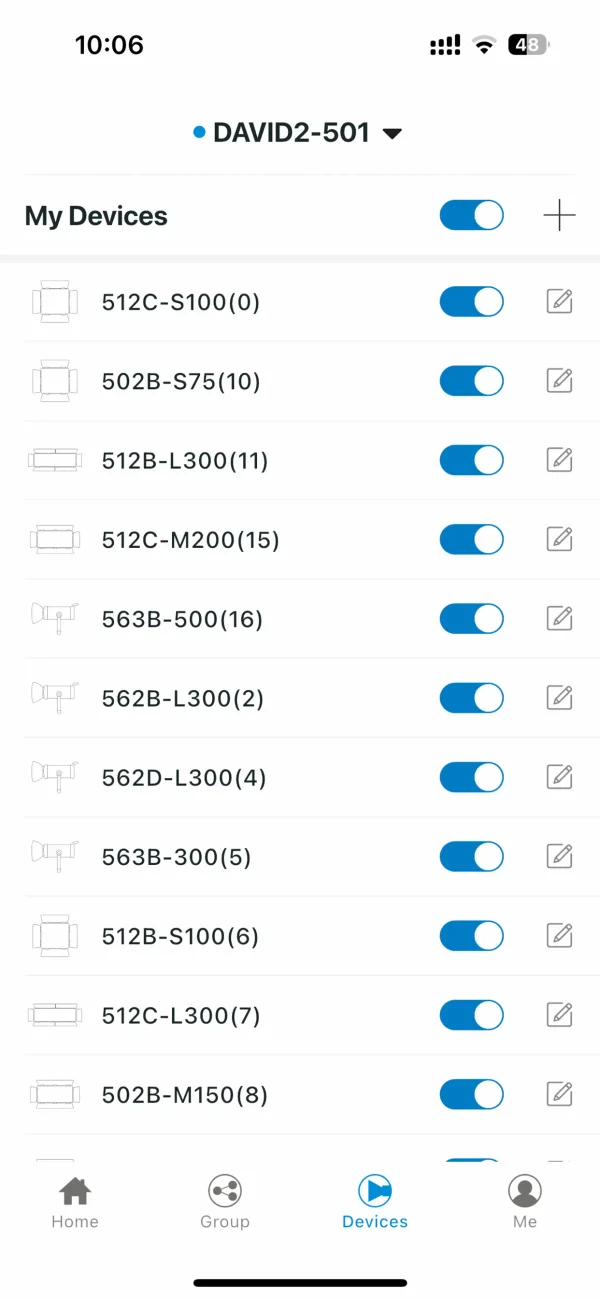
2.Multiple Function Modules: The app has several function modules, including Scenes, Groups, Devices, and Settings. Each module offers unique features and functions to meet diverse user needs. Users can choose different modules based on their interests and requirements.
III. Key Features
1.Area Management: Users can add devices to different areas for individual management. To control devices in different areas on the same phone, users must obtain authorization or sharing from the area manager, effectively preventing interference and misoperation of nearby devices. This is especially suitable for centralized studios or livestreaming bases.
2.Group Functionality: Devices in the same area can be managed in groups, simplifying control operations.
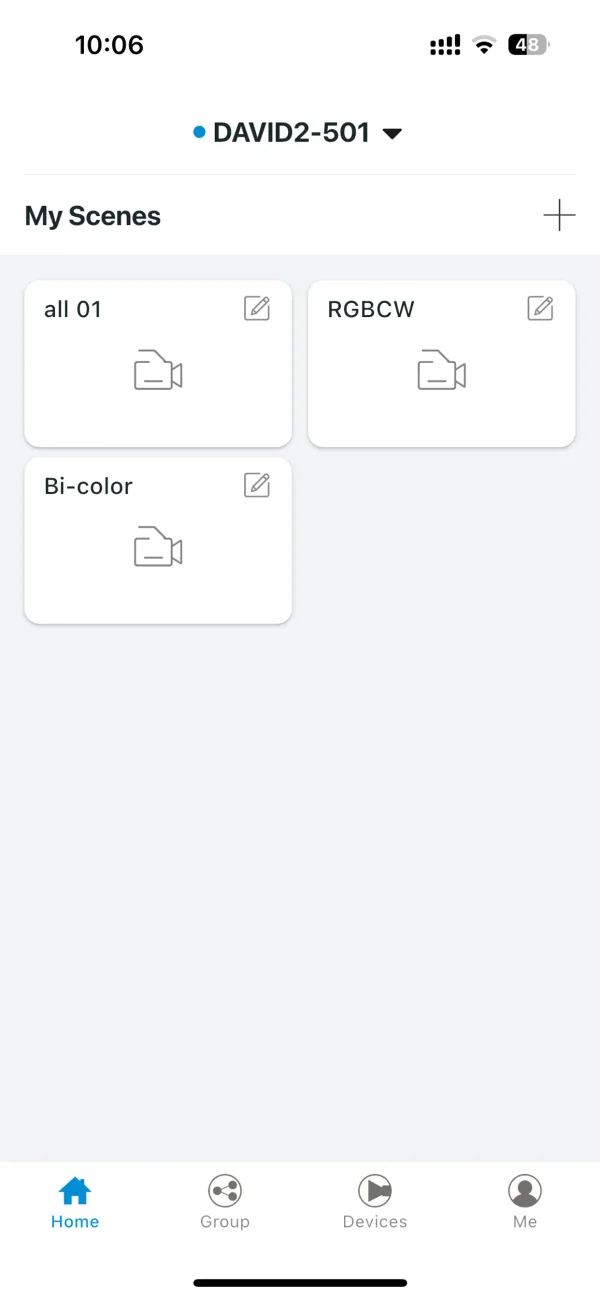
3.Scene Functionality: Users can set fixed scenes for different groups or individual placements and activate them with one click.
4.Area Sharing Feature: After installation and setup personnel (or professionals) edit areas, group settings, and scene configurations, they can share them with other mobile devices for direct use, saving significant manpower and financial resources.
5.Online Upgrade Feature: We continuously optimize device functions and firmware, with all new programs stored on cloud servers. Global users can directly update device firmware via the "Device Upgrades" option in the app's settings. This upgrade feature allows for updates of individual devices or bulk updates of multiple devices. For devices with multiple programs (such as main and auxiliary programs), comprehensive upgrades can be applied simultaneously.
6.Video Lighting Control Parameters: For single-color temperature devices, users can edit brightness, effects, and settings in real time. For bi-color temperature devices, users can edit CCT, brightness, custom settings, effects, and more. For RGBCW-color devices, users can edit CCT, brightness, RGBCW, HSI, CIE, GEL, Effect, Set, and other parameters in real time.
What’s new
Version 5.3.1 · Nov 17, 2026
1、Optimized Mesh disconnection reconnection mechanism.
2、Fixed other known issues.
App privacy
What NINGBO EAST PHOTOGRAPHIC EQUIPMENT CO., LTD. declares on the App Store about how this app handles data.
-
Data not collected
The developer does not collect any data from this app.
Privacy practices may vary, for example with the features you use or your age.
Information
- Seller
- NINGBO EAST PHOTOGRAPHIC EQUIPMENT CO., LTD.
- Category
- Utilities
- Version
- 5.3.1
- Updated
- Nov 17, 2026
- Released
- Nov 22, 2024
- Size
- 43.1 MB
- Requires
- iOS 13.0 or later
- Age rating
- 17+
- Price
- Free
- Languages
- English
- Copyright
- © 2025 NINGBO EAST PHOTOGRAPHIC EQUIPMENT CO., LTD.