
VideoTime
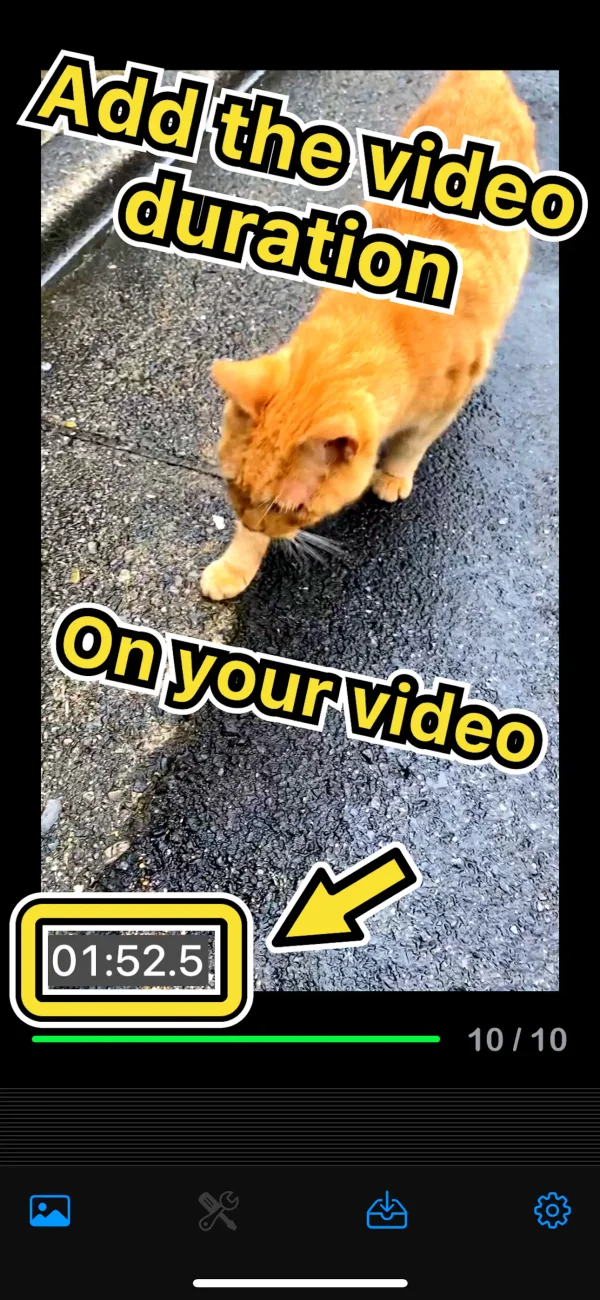
Add the duration on your video
Designed for iPhone, iPad, iPod touch
Free
- Age rating4+
- CategoryUtilities
- DeveloperF-NET Apps
- LanguagesEnglish+ 1 more
- Size3.0 MB
Links to the official App Store page
Download.org hosts no file of VideoTime. The button opens its official App Store page, published by F-NET Apps. Listing last checked on Nov 15, 2026.
Screenshots
About
Your video can be added the duration on the video!
It is super easy to use. Try it!
[ Features ]
- Easy to use!
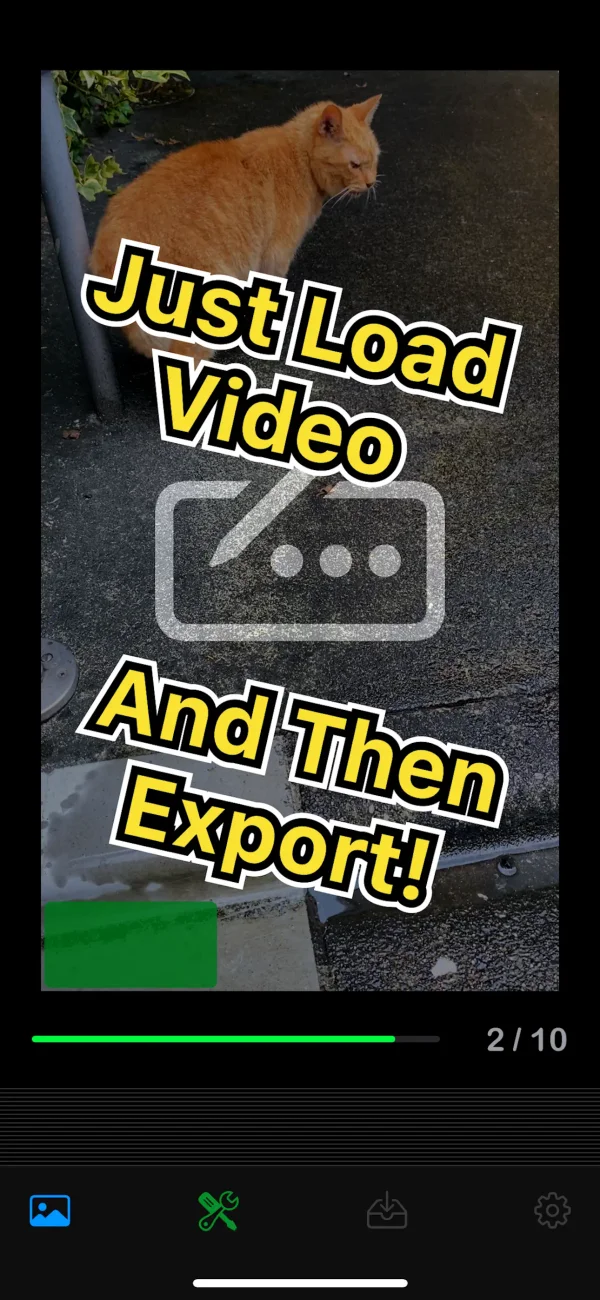
- Just load and export!
- Some timer types!
[ How to use it ]
1. Just tap a bottom left icon, then select any video.
2. Automatically load the video on the display.
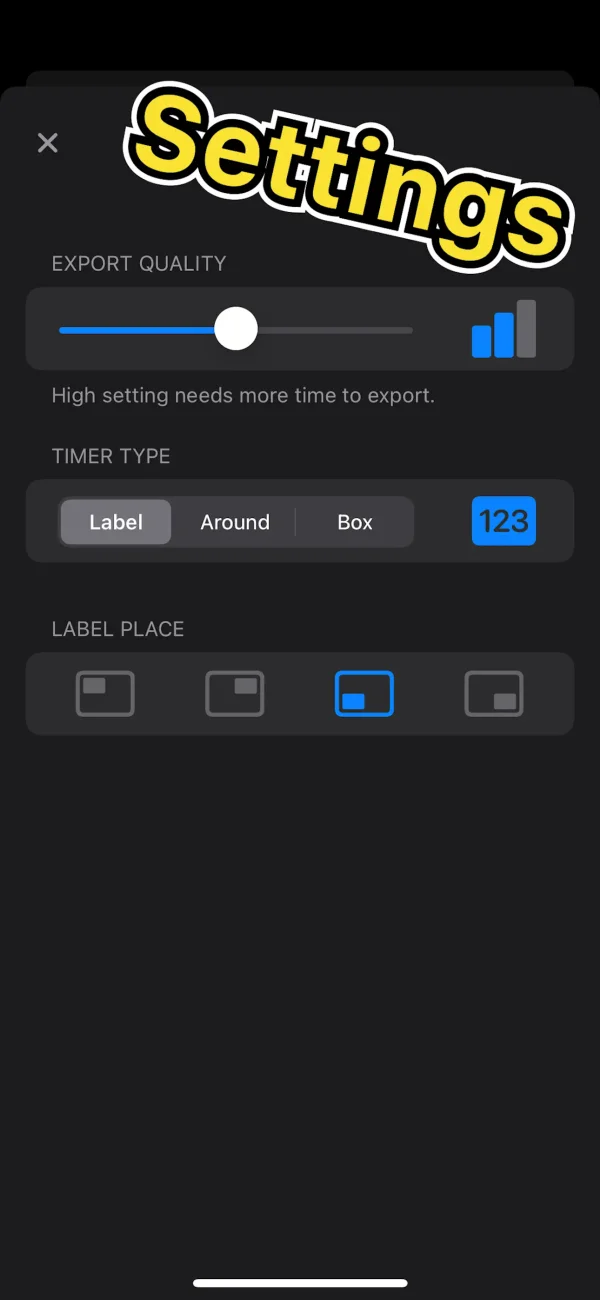
3. You can choose any duration type in settings menu if you want.
4. If ok, tap an export icon, and just wait until it is done.
5. Play the video, and may save the exported video.
[ Tips ]
- Long video needs more time. Possibly under few mins is good.
- An export quality can be changed in settings.
What’s new
Version 1.1 · Jun 9, 2024
- Adjusted some layouts.
- Updated app icon.
- Other minor fixes.
App privacy
What F-NET Apps declares on the App Store about how this app handles data.
-
Data used to track you
May be used to track you across apps and websites owned by other companies.
- Location
- Identifiers
- Usage data
- Diagnostics
-
Data linked to you
May be collected and linked to your identity.
- Location
- Identifiers
- Usage data
- Diagnostics
-
Data not linked to you
May be collected but is not linked to your identity.
- Diagnostics
Privacy practices may vary, for example with the features you use or your age.
Information
- Seller
- yukihiro fujita
- Category
- Utilities
- Version
- 1.1
- Updated
- Jun 9, 2024
- Released
- Jul 9, 2022
- Size
- 3.0 MB
- Requires
- iOS 14.0 or later
- Age rating
- 4+
- Price
- Free
- Languages
- English, Japanese
- Copyright
- © 2022 F-NET
You might also like
-
 Outbound G.O.A.T.Utilities
-
 OyJIoyji.org
-
 Multium - Your pocket polyglotUtilities
-
 PinmicroDeviceManagerUtilities
-
 GPS記録Utilities
-
 パチスロ収支表 子役カウンター 共有ShareHistoryUtilities
-
 NanoStopWatch byNSDevNanosecond Stopwatch
-
 Carrier ComparisonFind Your Best Carrier
-
 Repeat TimersSimple, Customizable Intervals
-
 Mushroom TimerShared countdowns in real time