
VideoToMP3 Offline Player
Ringtone Maker & Video to MP3
Designed for iPhone, iPad, iPod touch
Free · In-app purchases
- Age rating17+
- CategoryMusic
- Developer代增 杨
- LanguagesEnglish+ 7 more
- Size25.2 MB
Links to the official App Store page
Download.org hosts no file of VideoToMP3 Offline Player. The button opens its official App Store page, published by 代增 杨. Listing last checked on Nov 17, 2026.
Screenshots
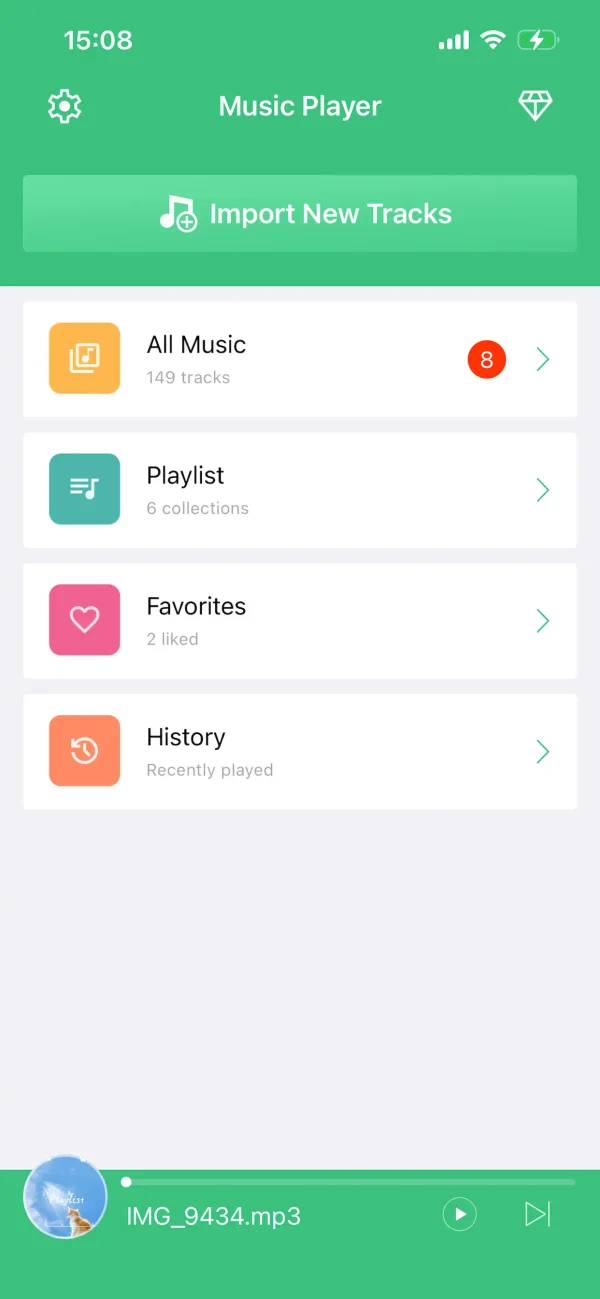

About
VideoToMP3 - All-in-One Offline Music Player
Enjoy Lossless Music Without Internet
Say goodbye to streaming interruptions. Whether you're on a flight, hiking in remote areas, experiencing poor network connectivity, or facing expensive data charges, VideoToMP3 puts you in full control of your music experience. Convert videos you've already saved on your phone or computer to high-quality audio with one tap, dramatically reduce file size and free up valuable phone storage, and build your personal offline music library — no Wi-Fi, no data, no compromises.
Key Features
Versatile Format Conversion
• One-click batch extraction of audio from local videos, dramatically reduce file size and free up valuable storage
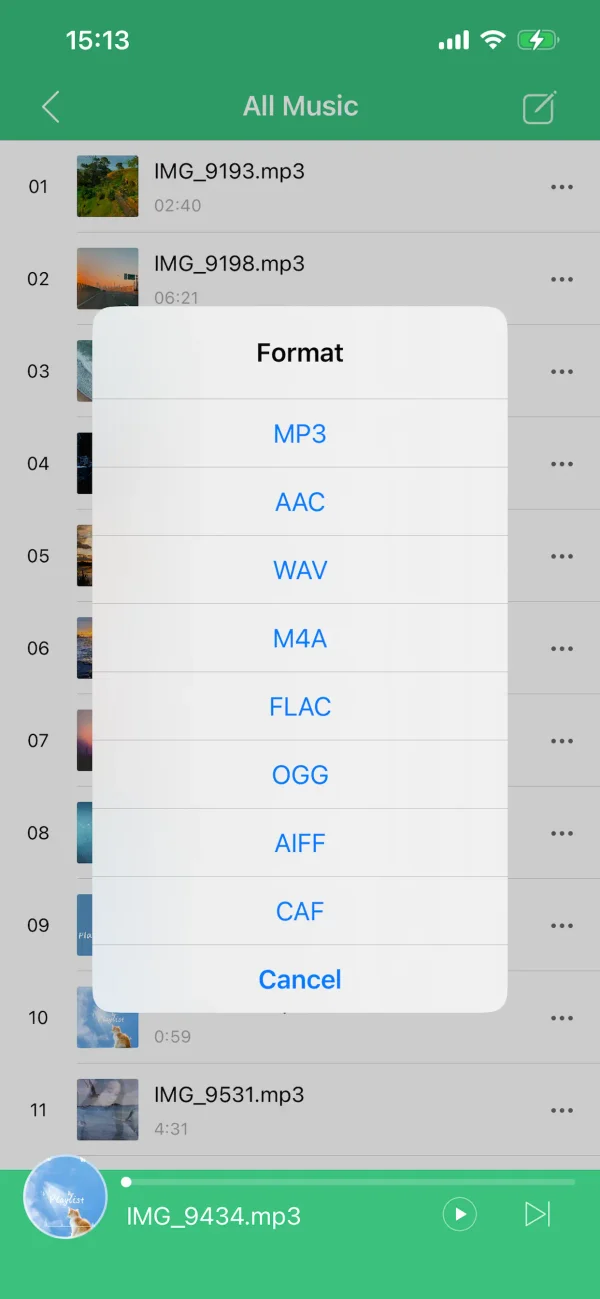
• Convert between all major lossy and lossless formats: FLAC, MP3, AAC, WAV, M4A, OGG, AIFF, CAF
• Lossless quality export and sharing
• Direct audio extraction from camera roll videos
Professional Audio Editing
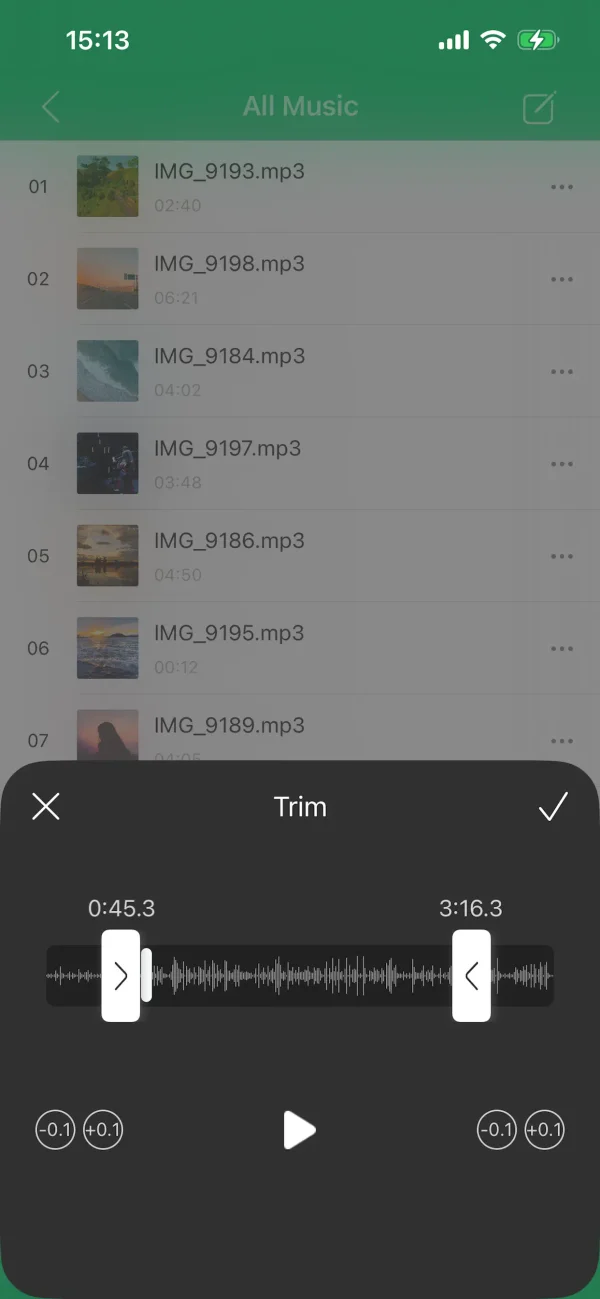
• Precision audio trimming, cut any segment
• Create custom ringtones from any audio clip
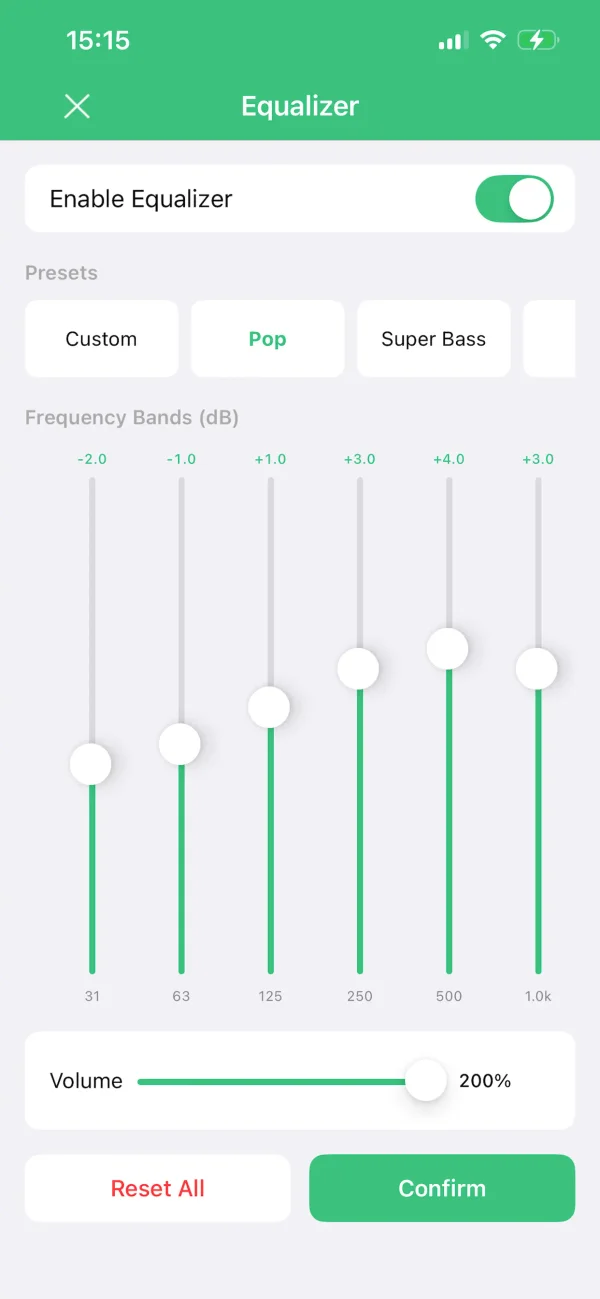
• Full-featured equalizer with custom frequency and gain control
• Batch audio editing and sorting
Personalized Playback Experience
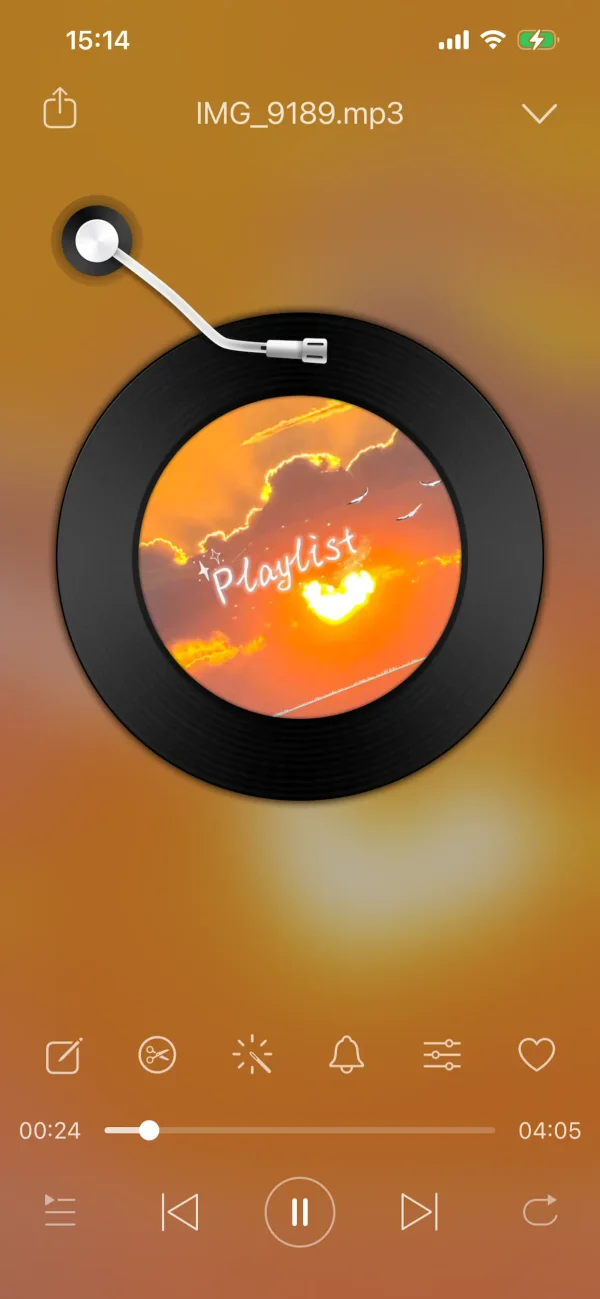
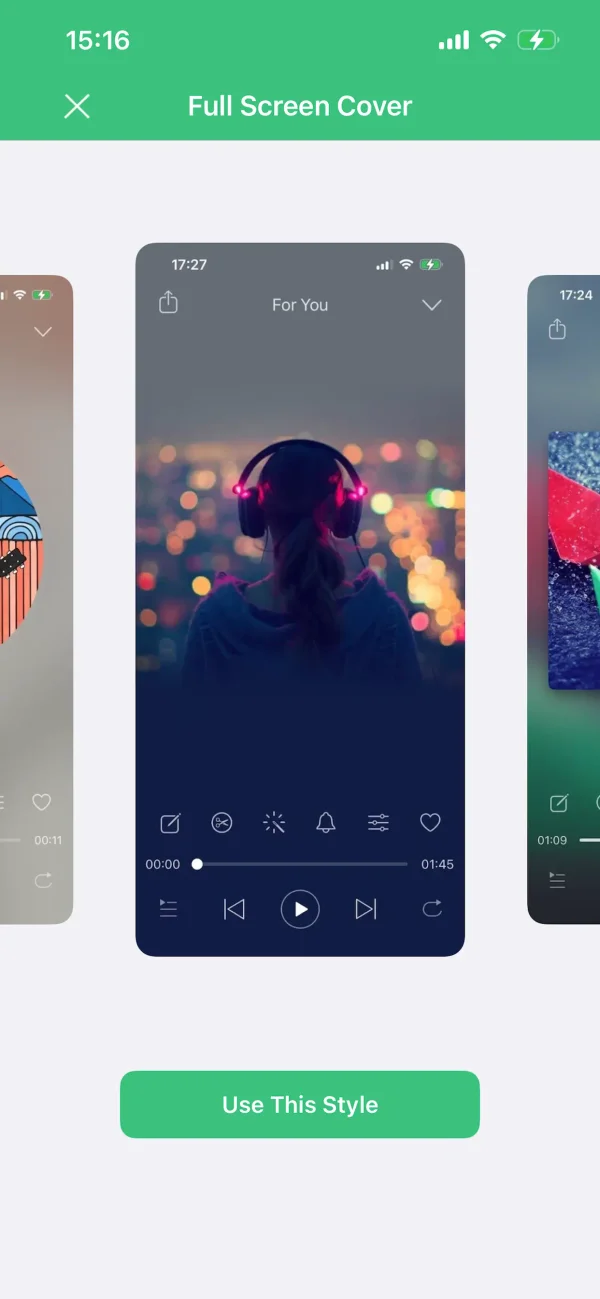
• 4 player styles: Square/Circular/Fullscreen cover, Classic Vinyl
• Multiple theme colors to choose from
• Light and dark mode support
• Uninterrupted background playback
• Create playlists for easy organization
Secure Data Management
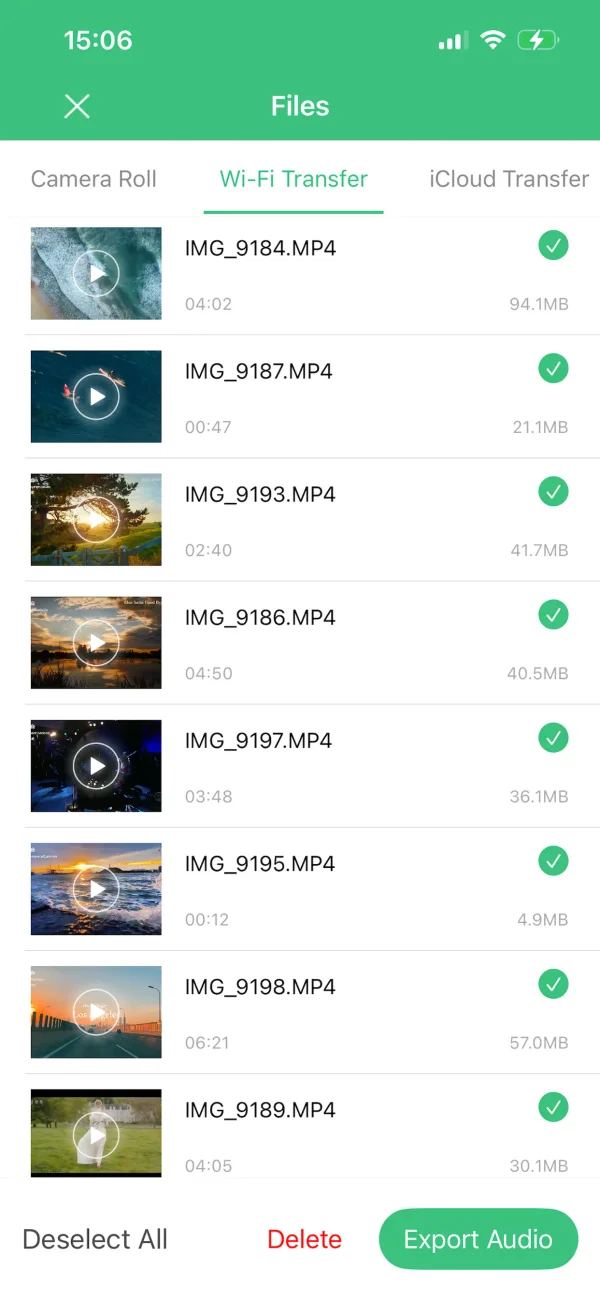
• Wi-Fi transfer: Batch import/export audio and video from your computer
• iCloud Backup: Backup your music files and playlists
• One-click restore from iCloud, never lose your data
• Edit music album art, updates in real-time
The complete offline music solution that keeps your music always available.
----------------------------------------------------------------------------------------
Premium Features
Unlock all premium features, including:
- Batch convert video files to audio formats with one tap
- Freely adjust the music equalizer, with support for custom frequency and gain
- Quickly create your own ringtones (requires iOS 26.0 or later)
- Switch between multiple player skins
- Trim any audio clip
- Convert between audio formats (e.g., FLAC, MP3, AAC, etc.) at will
- Change the app’s theme color anytime
- Create unlimited playlists
- Background music playback
- Export in lossless audio quality
- Restore Saved iCloud Data
Purchase Options
We offer two ways to access premium features:
1. Weekly Subscription
- The subscription period is one week.
2. Annual Subscription
- The subscription period is one year.
Your account will be charged for renewal within 24 hours prior to the end of the free trial period (if offered) and any subscription period. The subscription automatically renews unless auto-renewal is turned off at least 24 hours before the end of the free trial period (if offered) and any subscription period. Payment will be charged to your iTunes Account at confirmation of purchase. After purchase, you can manage your subscriptions and turn off auto-renewal by going to your Account Settings. Any unused portion of a free trial period, if offered, will be forfeited when you purchase a subscription.
Special Note
After updating to the latest version of the app, no in-app advertisements will be displayed. You can directly enjoy a full ad-free usage experience.
Privacy Policy & Terms of Use
Privacy Policy: https://sites.google.com/view/videotomp3offlineplayerprivacy
Terms of Use: https://sites.google.com/view/videotomp3-offline-player-term
What’s new
Version 1.2 · Jun 26, 2026
This major update brings a host of powerful new features and optimizations to elevate your audio playback and editing experience:
1. Batch extract audio from local videos with one tap
2. Convert between various lossless audio formats
3. Precisely trim audio clips
4. Create custom ringtones from selected audio segments
5. Brand-new equalizer with adjustable frequency and gain
6. Batch edit and organize audio files
7. Switch between multiple player styles freely
8. Choose from a variety of theme colors
9. Light and Dark Mode supported
10. Batch import audio and video files via Wi-Fi
11. Back up your music files and playlists to iCloud
12. Restore data from iCloud in one click to avoid data loss
13. Edit album covers freely with real-time updates
App privacy
What 代增 杨 declares on the App Store about how this app handles data.
-
Data not linked to you
May be collected but is not linked to your identity.
- Purchases
- Usage data
- Diagnostics
Privacy practices may vary, for example with the features you use or your age.
Information
- Seller
- 代增 杨
- Category
- Music
- Version
- 1.2
- Updated
- Jun 26, 2026
- Released
- Apr 25, 2018
- Size
- 25.2 MB
- Requires
- iOS 15.6 or later
- Age rating
- 17+
- Price
- Free
- In-app purchases
- Yes
- Languages
- English, Arabic, German, Japanese, Korean, Simplified Chinese, Spanish, Traditional Chinese
- Copyright
- © Daizeng Yang
You might also like
-
 MyMP3: Video to MP3 ConverterAudio Extractor & Ringtones
-
 مشغل اغاني بدون نت - حفظ فيديوMusic
-
 MyMP3 Convert Videos to MP3Video Converter & Music Player
-
 مقاطع فيديو - حفظ وادارةMusic
-
 Arabika MixArab's Best Singers.
-
 Offline Music Player - mp3Play songs without internet
-
 Music Player: Play MP3 Songslisten to music - cloud player
-
 Offline Mp3 Music - Player Maxplay songs without internet
-
 ShiaVoice صوت الشيعةMusic
-
 ShiafyIslamic Shia Sound Library