
- Age rating4+
- CategoryEducation
- DeveloperDongjae Jeong
- LanguagesEnglish
- Size52.8 MB
Links to the official App Store page
Download.org hosts no file of Viewlog. The button opens its official App Store page, published by Dongjae Jeong. Listing last checked on Nov 20, 2026.
Screenshots

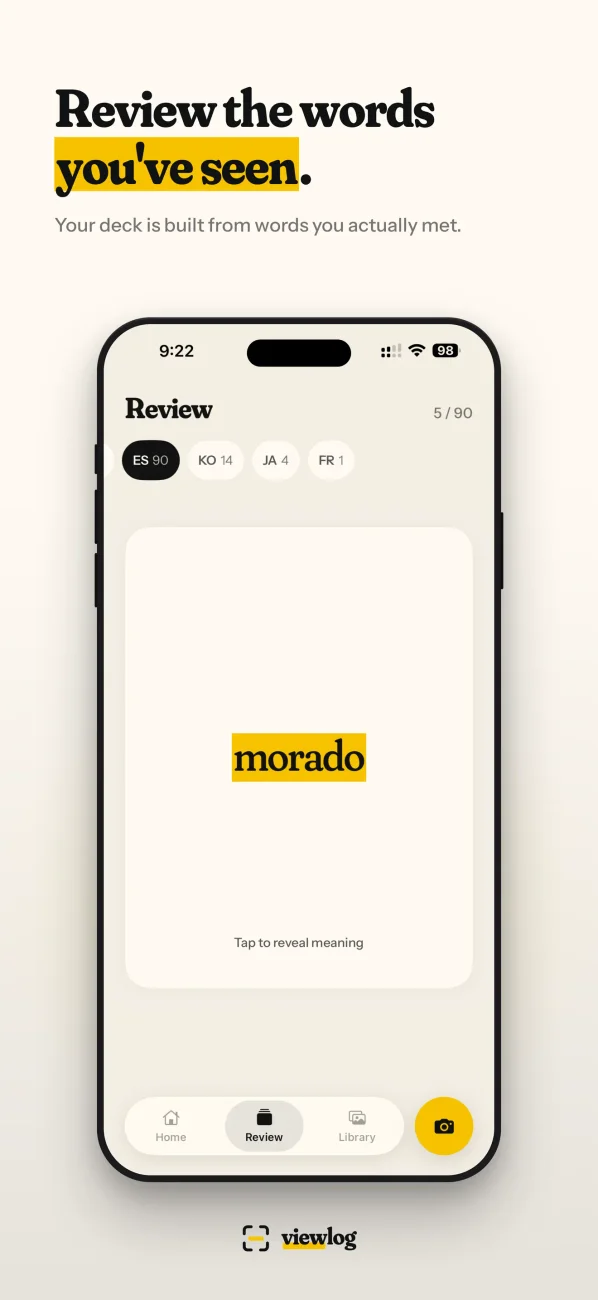
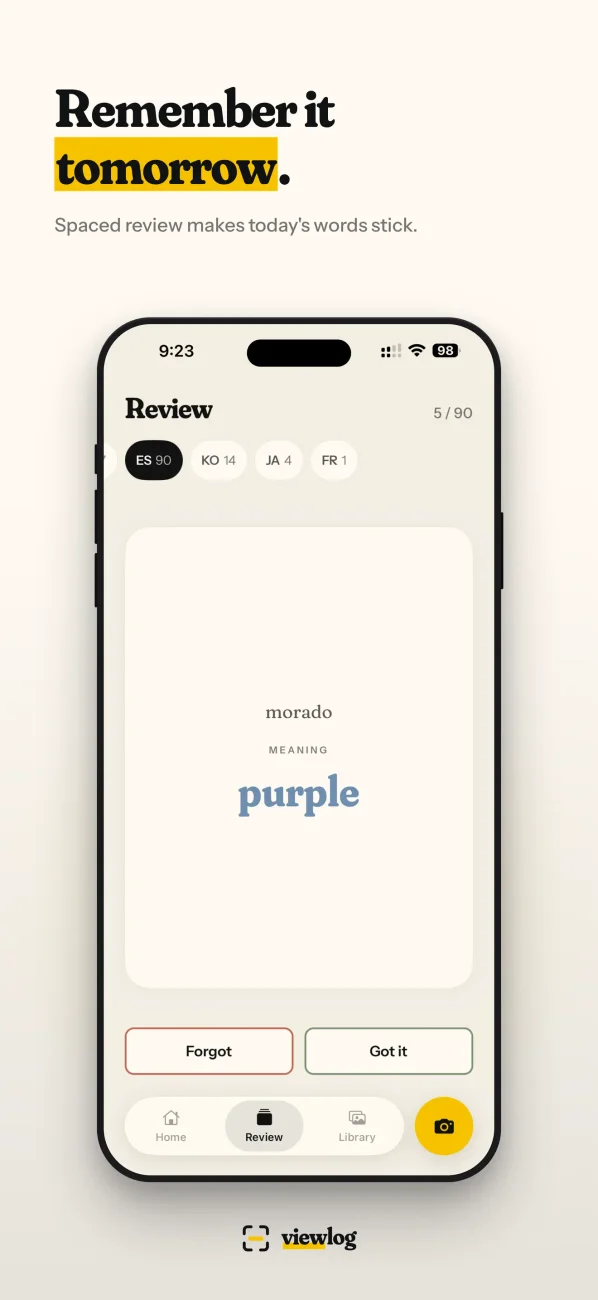
About
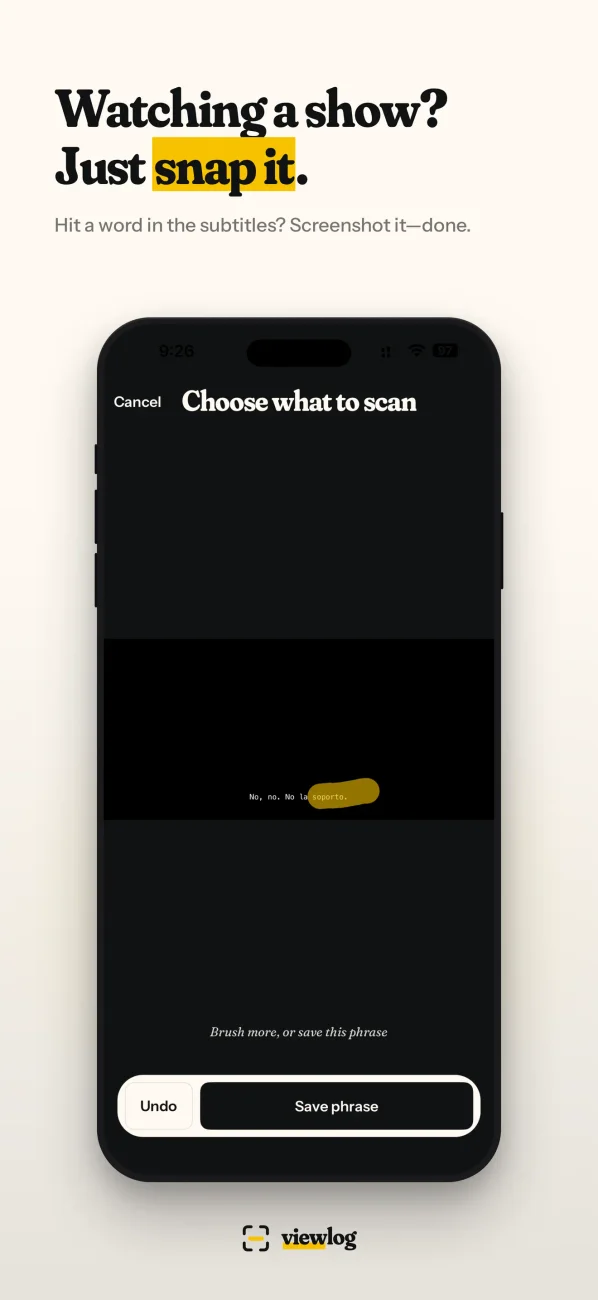
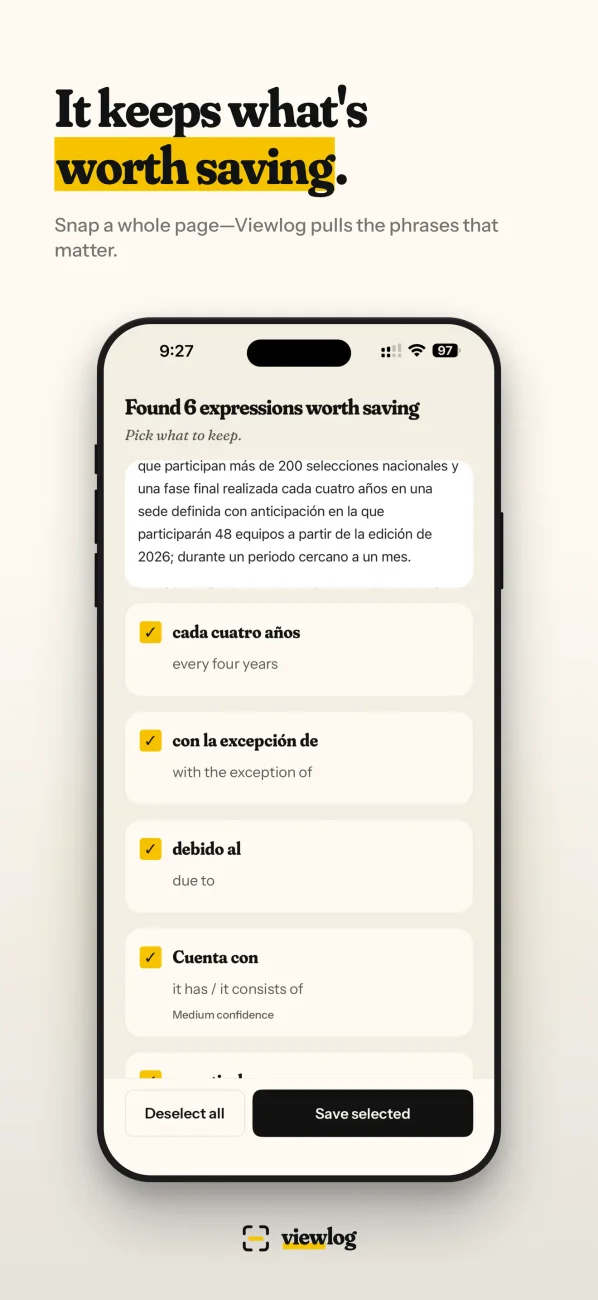
Viewlog is the fastest way to save words from screenshots and turn them into study cards.
See a word. Capture it. Review it later.
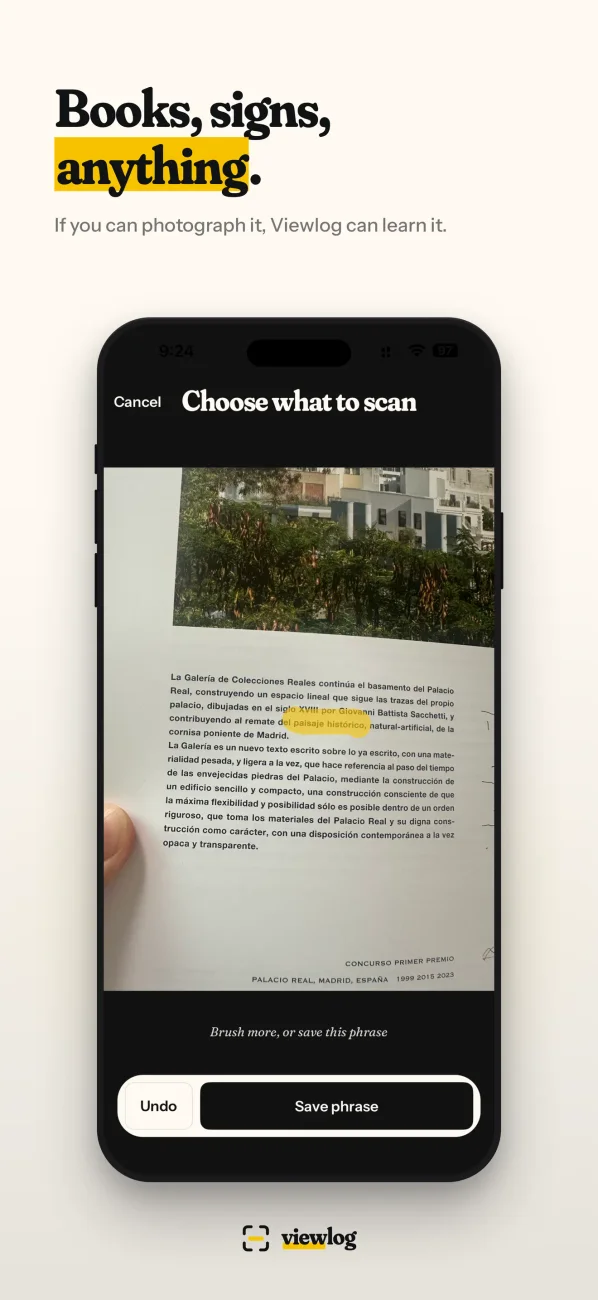
Viewlog helps language learners collect words and phrases from screenshots, photos, subtitles, books, signs, notes, and apps — without manually typing everything into a vocabulary list.
Use Viewlog to:
• Capture words from screenshots and photos
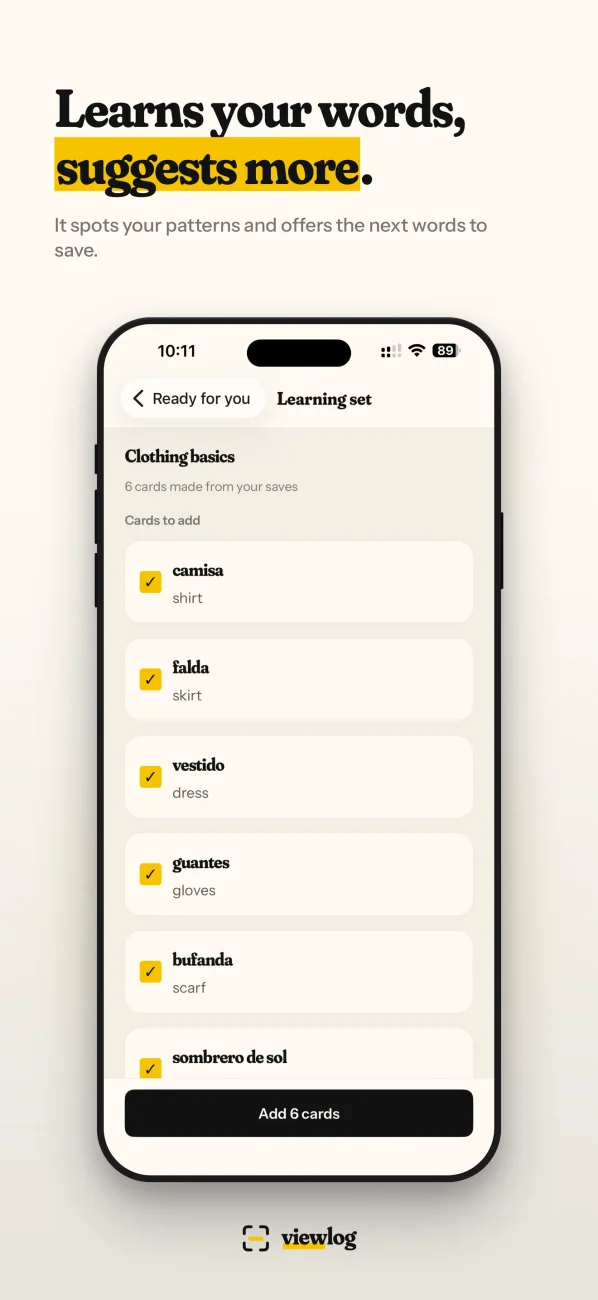
• Create simple study cards from selected images
• Save phrases you want to remember
• Build a personal language library
• Review your saved cards later
Viewlog is made for real learning moments: when you are reading, watching, traveling, studying, or scrolling and find a word you do not want to forget.
Capture first. Review later.
App privacy
What Dongjae Jeong declares on the App Store about how this app handles data.
-
Data linked to you
May be collected and linked to your identity.
- User content
-
Data not linked to you
May be collected but is not linked to your identity.
- Usage data
- Diagnostics
Privacy practices may vary, for example with the features you use or your age.
Information
- Seller
- Dongjae Jeong
- Category
- Education
- Version
- 1.0
- Updated
- Jun 22, 2026
- Released
- Jun 22, 2026
- Size
- 52.8 MB
- Requires
- iOS 16.4 or later
- Age rating
- 4+
- Price
- Free
- Languages
- English
- Copyright
- © 2026 Dongjae Jeong. All rights reserved.
You might also like
-
 Rhythm Academia楽譜でリズム感を鍛える練習アプリ
-
 Fast - Learn Chewa LanguageSpeak Chewa/Chichewa Language
-
 Clefs: Note Reading TrainerLearn to read sheet music
-
 Algebra Touch: All AgesMath Without Mistakes
-
 Math Tricks: Mental MathArithmetic & Brain Training
-
 almentor: Online CoursesArabic Learning Platform
-
 Holy Version Bible AppKJV Bible Daily Bible Verses
-
 Chessreps - Master OpeningsGrandmaster chess trainer
-
 Notevision - Sight ReadingPiano, violin, viola & cello
-
 Readwise HighlightsRemember & Learn from Books