
Vigil Lock
Screen Time & Focus Timer
Designed for iPhone, iPad, iPod touch
Free · In-app purchases
- Age rating4+
- CategoryProductivity
- DeveloperFENGXIA REN
- LanguagesEnglish
- Size2.6 MB
Links to the official App Store page
Download.org hosts no file of Vigil Lock. The button opens its official App Store page, published by FENGXIA REN. Listing last checked on Nov 14, 2026.
Screenshots

About
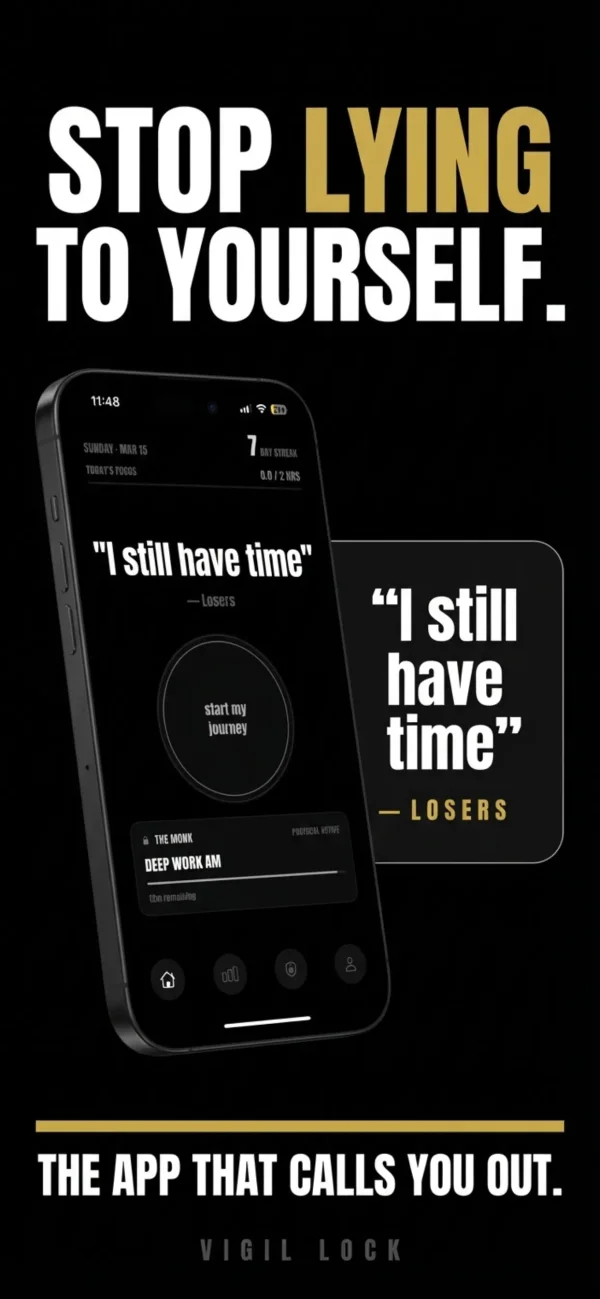
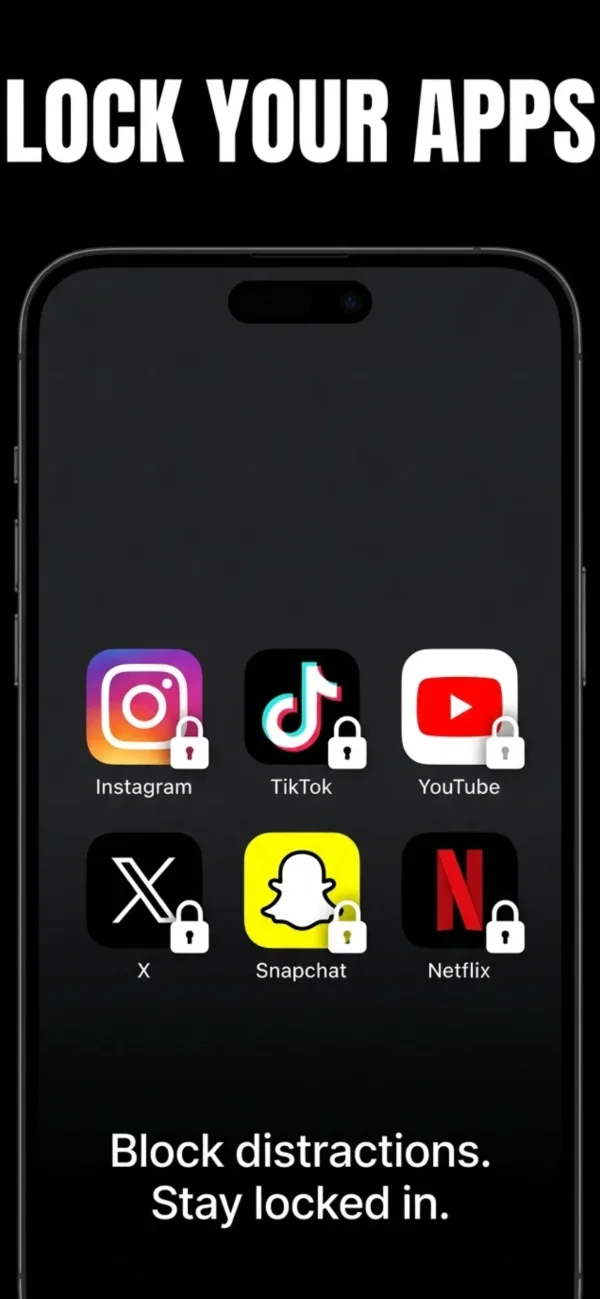
Vigil Lock is a hard-focus app blocker that locks distracting apps at the system level, so you can finish real study and deep-work sessions. Built for serious learners and disciplined users, it helps you shut out TikTok, Instagram, YouTube, games, browsers, and other distractions when it matters most.
No cute rewards. No fake focus. No gamified fluff. Just real blocking, harder sessions, and proof that you showed up.
REAL APP BLOCKING
Vigil Lock uses Apple’s Screen Time system to block distracting apps and categories at the system level. Social media, games, streaming, and browsers can be locked the moment your session begins.
THREE DIFFICULTY LEVELS
Choose how strict your session should be:
Easy — 3 emergency unlocks per session
Hard — 0 unlocks
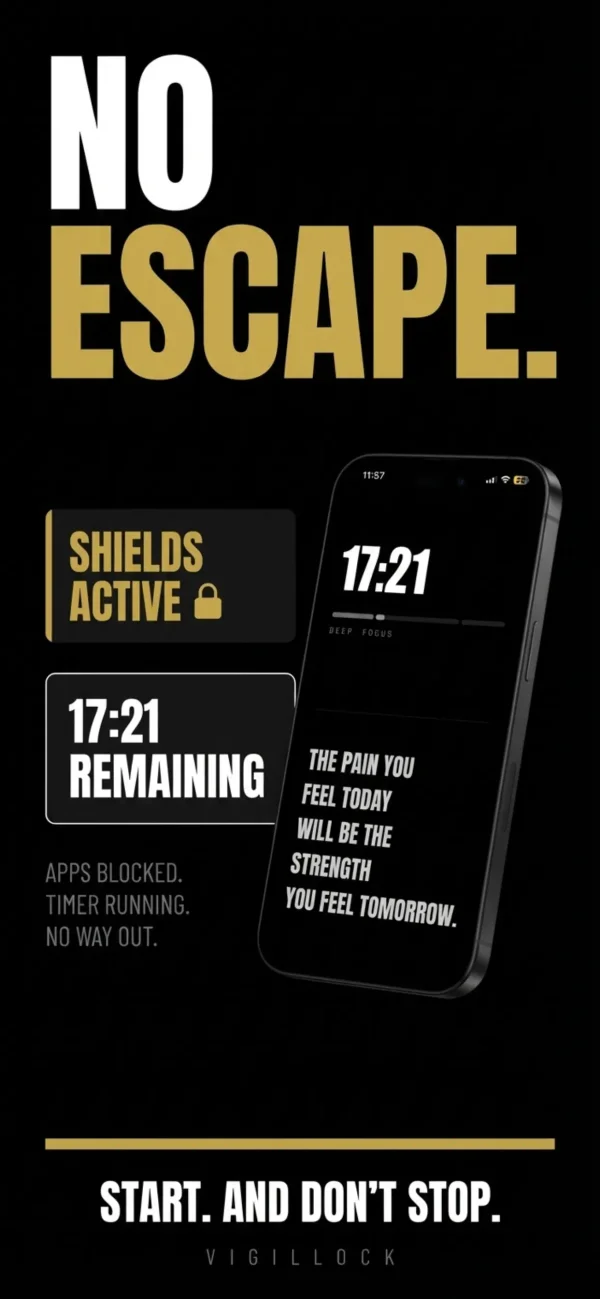
Hell — 0 unlocks, and leaving early voids the session
THE IGNITION RITUAL
Every session begins with a 3-step focus ritual designed to help you lock in before the timer starts:
Schulte Grid to sharpen attention
Box breathing to calm mental noise
Identity priming to reinforce intent
You do not just start a timer. You enter a state.
FOCUS MODES
Use Pomodoro Timer for structured work and rest intervals, or Timed Focus for one goal, one duration, and no easy escape.
PROTOCOLS
Choose a discipline style that fits your day:
The Monk
The Executive
The Scholar
The Athlete
Apply one and your blocking rules are set automatically.
SCHEDULED BLOCKING
Define the hours of your day that belong to study or deep work. Vigil Lock enforces them automatically, so you do not have to rely on willpower every time.
SESSION RECEIPTS
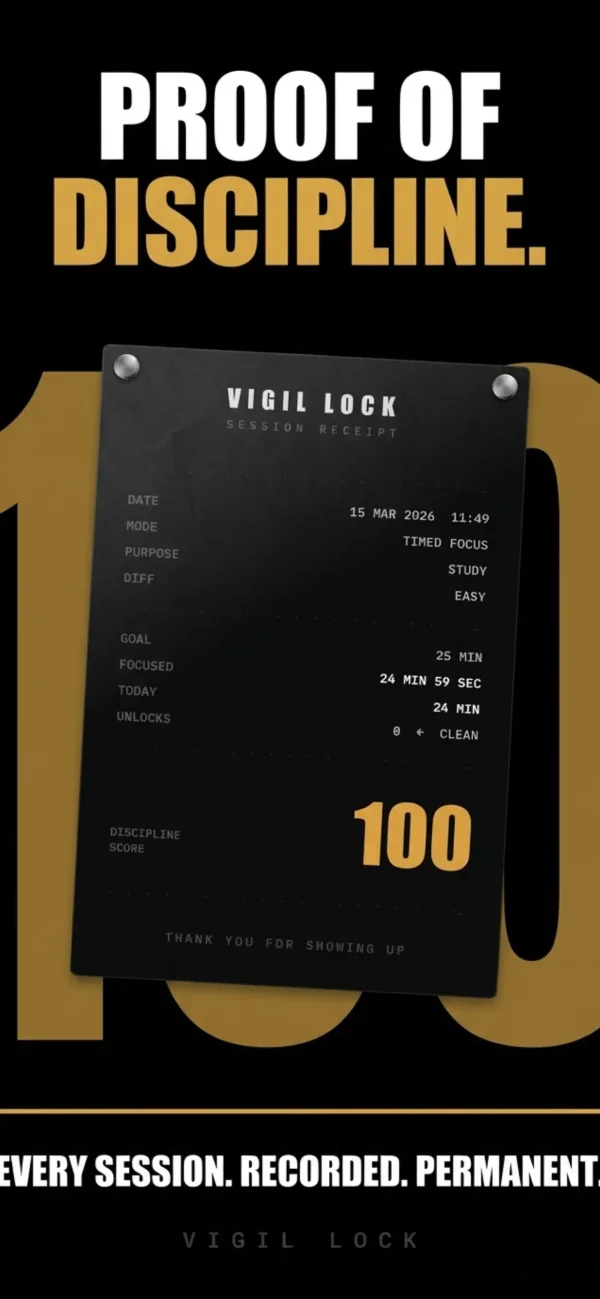
Every session ends with a record of what happened: time focused, unlocks used, and a discipline score. Keep proof of the session you actually completed.
Vigil Lock is for people who already know what they should be doing — and want a tool that makes it harder to escape.
Start with a 3-day free trial. A subscription is required for continued access after the trial. Subscriptions renew automatically unless canceled in App Store settings before renewal.
Terms of Use: https://joshua-sigurdurson.github.io/focusapp-site/term.html
What’s new
Version 2.0 · Apr 24, 2026
• All-new onboarding experience — discover the true cost of distraction and commit to focus before you even open the app
• Smoother, more immersive animations throughout
• Improved subscription plans: try Yearly free for 3 days ($1.33/mo, billed $15.99/year), or choose Monthly ($4.99/mo) or Lifetime ($49.99)
• Paywall now only appears when you choose to explore — never interrupts your focus session
• Performance improvements and bug fixes
App privacy
What FENGXIA REN declares on the App Store about how this app handles data.
-
Data not collected
The developer does not collect any data from this app.
Privacy practices may vary, for example with the features you use or your age.
Information
- Seller
- FENGXIA REN
- Category
- Productivity
- Version
- 2.0
- Updated
- Apr 24, 2026
- Released
- Mar 21, 2026
- Size
- 2.6 MB
- Requires
- iOS 16 or later
- Age rating
- 4+
- Price
- Free
- In-app purchases
- Yes
- Languages
- English
- Copyright
- © 2026 Fengxia Ren
You might also like
-
 ZenLocksProductivity
-
 LockPilot: App LockLock apps with Face ID & timer
-
 LockIn: Screen Time ControlApp Blocker, Focus & Limits
-
 OfferKitty: AI InterviewJob Prep & College Admissions
-
 Breakly: Screen Time LimitStop Mindless Scrolling
-
 Locked In - Gain MomentumStart your winter arc
-
 LeavePhone | Less Screen TimeFocus, App Limits, Sleep Lock
-
 Focus Space: Work, Study TimerPomodoro planner, tasks keeper
-
 Autodesk Vault MobileProductivity
-
 Pond: Photos & PasswordsA private vault, no server