
Virtual Binder
Scan, arrange, make it yours
Designed for iPhone
Free · In-app purchases
- Age rating12+
- CategoryReference
- DeveloperDavid Nugroho
- LanguagesEnglish
- Size25.0 MB
Links to the official App Store page
Download.org hosts no file of Virtual Binder. The button opens its official App Store page, published by David Nugroho. Listing last checked on Nov 26, 2026.
Screenshots
About
A binder for the cards you actually own.
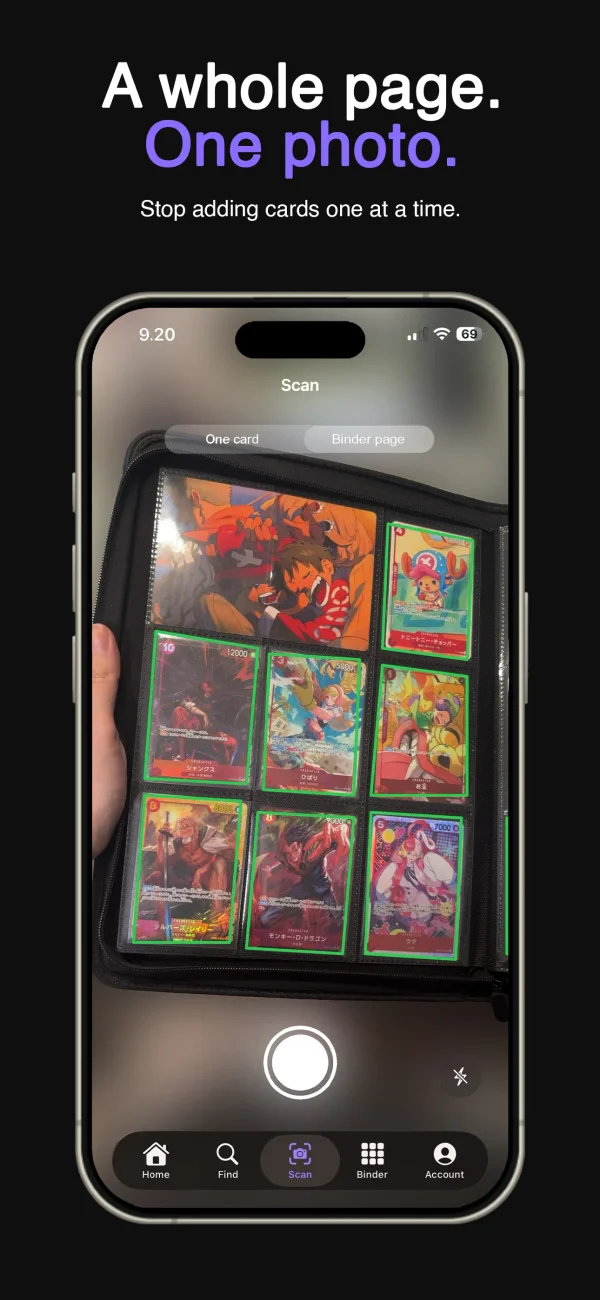
Photograph a whole page and it fills itself. Then make it yours.
Make it yours
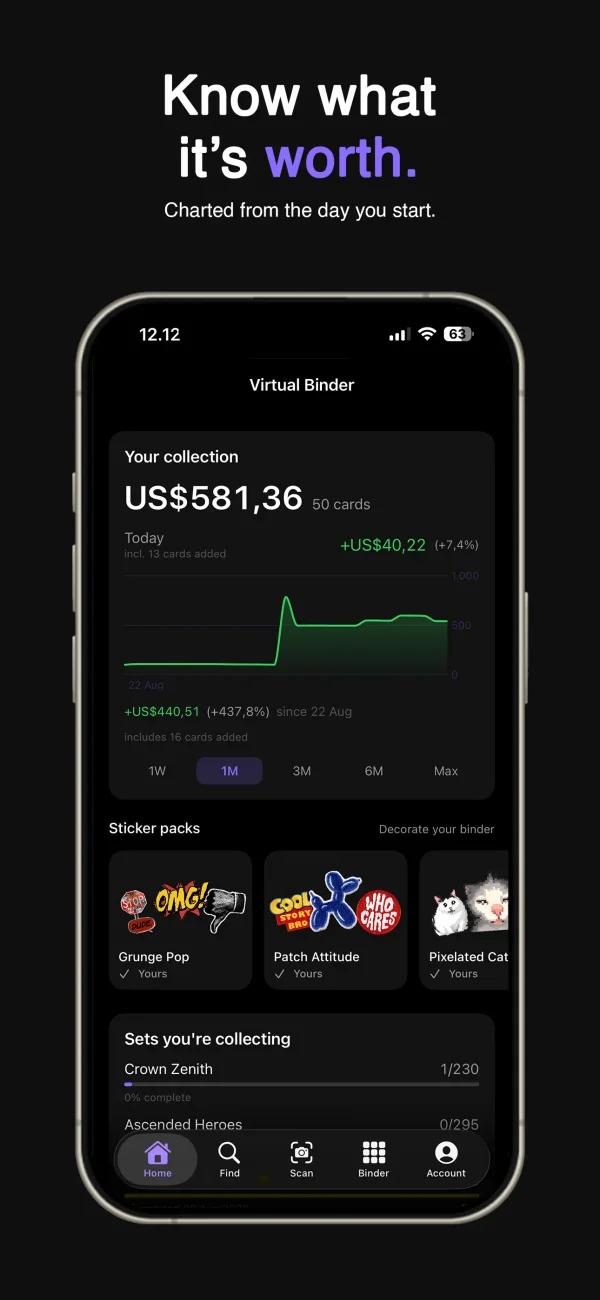
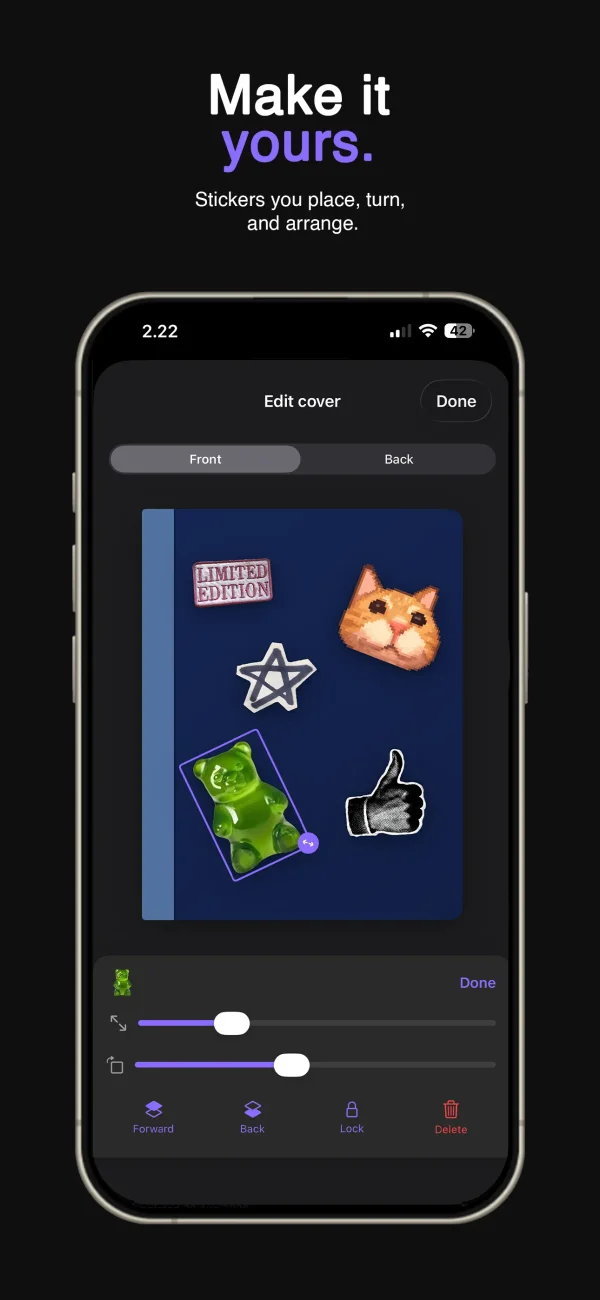
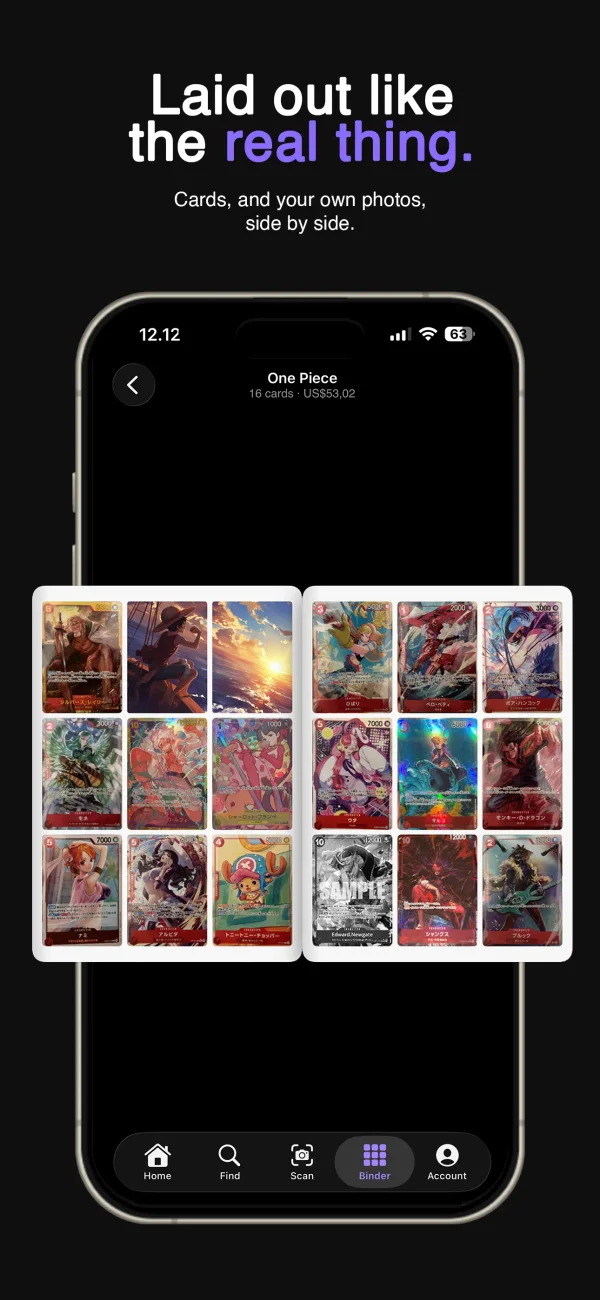
Pick a cover, put stickers on it, arrange them how you like. Slip your own photos in among the cards wherever you want!
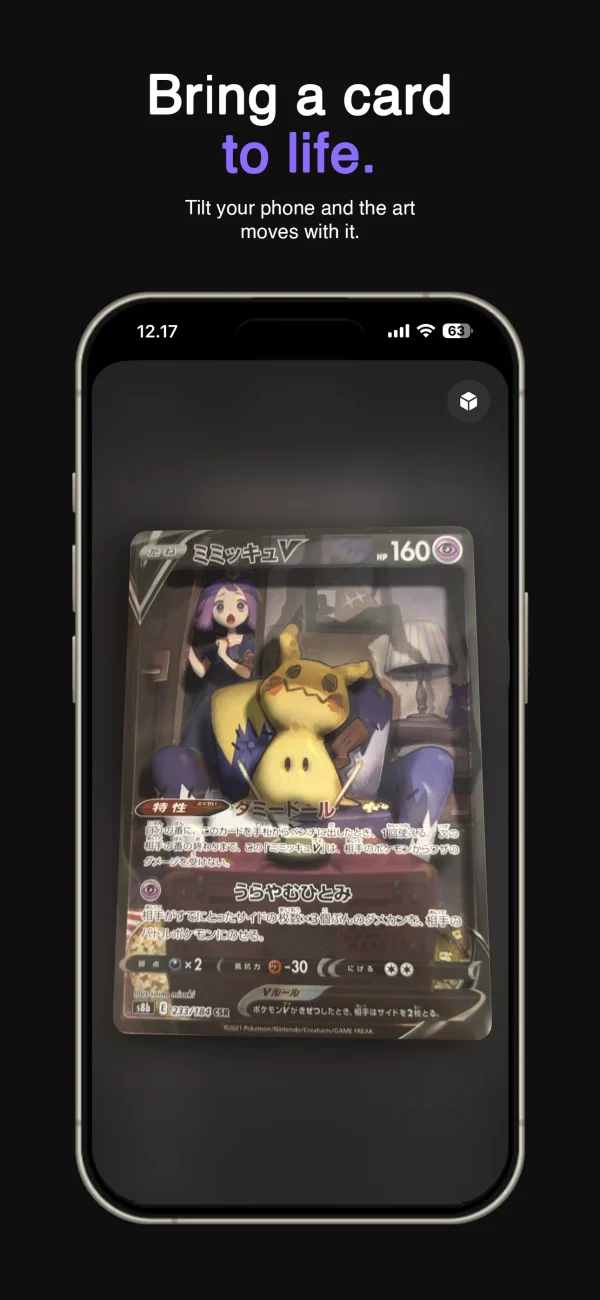
Cards that move
Turn a card into a scene with depth and watch the art shift as you tilt your phone.
Photograph a page, not a card
Open your binder, point the camera at the page, and the whole page goes in. Recognition runs on your phone first, so it's quick, and it
copes with holos, alt arts and Japanese printings that usually defeat this sort of thing.
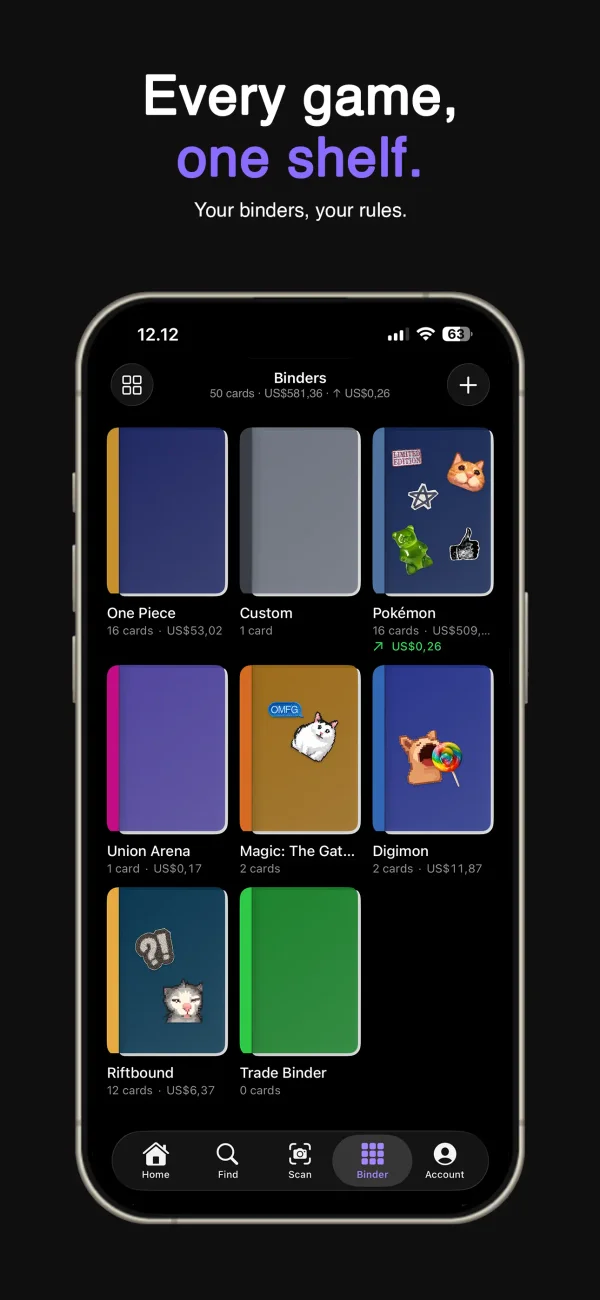
Every game on one shelf
Pokémon, One Piece, Magic: The Gathering, Yu-Gi-Oh!, Digimon, Riftbound, Union Arena, Gundam, and Lorcana.
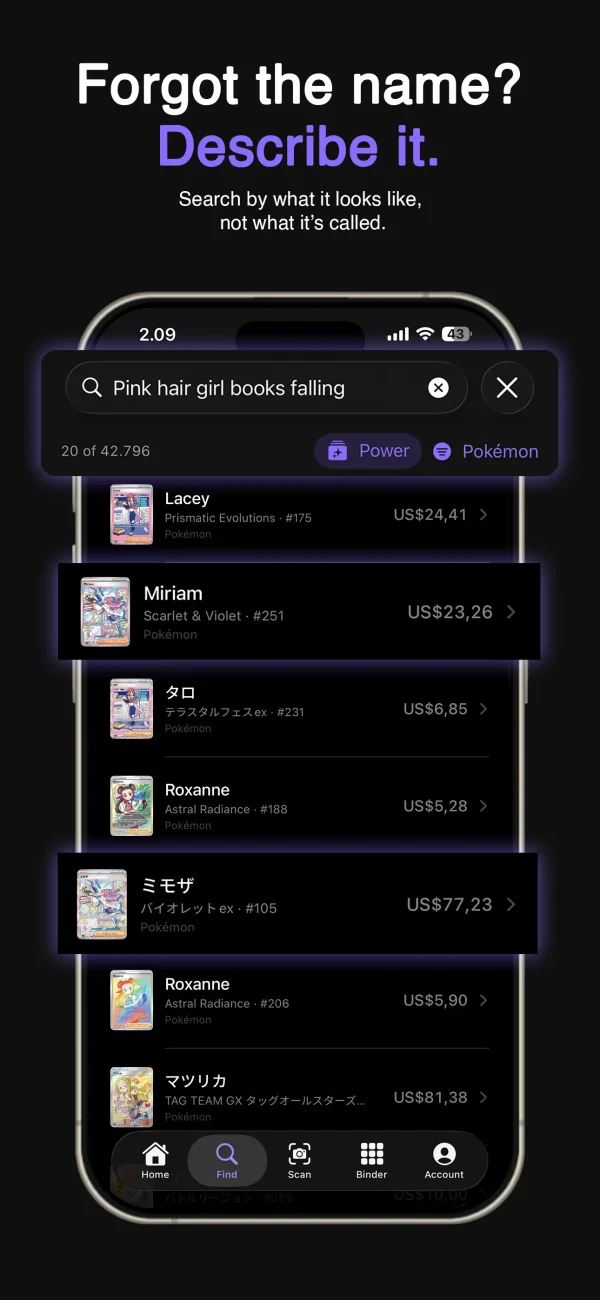
Forgot the name? Describe it
Type what the card looks like (e.g. pink hair, books falling) and it turns up. Describe it in English and it will still find the foreign language printing.
And it keeps an eye on what things are worth
See how your collection has been doing and keep a note of what you paid. Set your own price on anything the market has wrong.
Search by set code, collector number, or illustrator. Keep a wishlist. Share a page as a picture.
Terms of Use (EULA): https://www.apple.com/legal/internet-services/itunes/dev/stdeula/
Privacy Policy: https://virtualbinder.app/privacy
What’s new
Version 1.6.1 · Nov 26, 2026
Sharing now shows exactly the pages you picked. Stickers land on the page you're on. The scan frame now means put the card here, including Retake photo. Pro members can see and manage their plan.
App privacy
What David Nugroho declares on the App Store about how this app handles data.
-
Data linked to you
May be collected and linked to your identity.
- Purchases
- Contact info
- User content
- Identifiers
-
Data not linked to you
May be collected but is not linked to your identity.
- Purchases
- Search history
- Identifiers
- Usage data
- Diagnostics
Privacy practices may vary, for example with the features you use or your age.
Information
- Seller
- David Nugroho
- Category
- Reference
- Version
- 1.6.1
- Updated
- Nov 26, 2026
- Released
- Oct 3, 2026
- Size
- 25.0 MB
- Requires
- iOS 26.5 or later
- Age rating
- 12+
- Price
- Free
- In-app purchases
- Yes
- Languages
- English
- Copyright
- © 2026 Sotomi Labs
You might also like
-
 MTG binder: Trade SinglesCard binder, prices & wishlist
-
 Binderhaul: TCG Card BinderCollection tracker & scanner
-
 AI-ML CompanionLearn ML, LLMs & AI Agents
-
 Ulpan-HebrewHebrew – Master Your Aliyah
-
 CutCoachEducation
-
 3Ring - TCG Binder TrackerScan & Showcase Card Binders
-
 Self Talk Korean: SpeakingLearn Korean with self-talk
-
 OPX - CollectedThe collector's standard
-
 MerryTCG: Scan, Cards & PricesCollection, showcase, trades
-
 SnapCard·Scan Collect DiscoverTCG & Sports Card Scanner