
- Age rating4+
- CategoryProductivity
- DeveloperVirtual PBX
- LanguagesEnglish
- Size39.1 MB
Links to the official App Store page
Download.org hosts no file of VirtualPBX. The button opens its official App Store page, published by Virtual PBX. Listing last checked on Nov 20, 2026.
Screenshots


About
Take your business number anywhere.
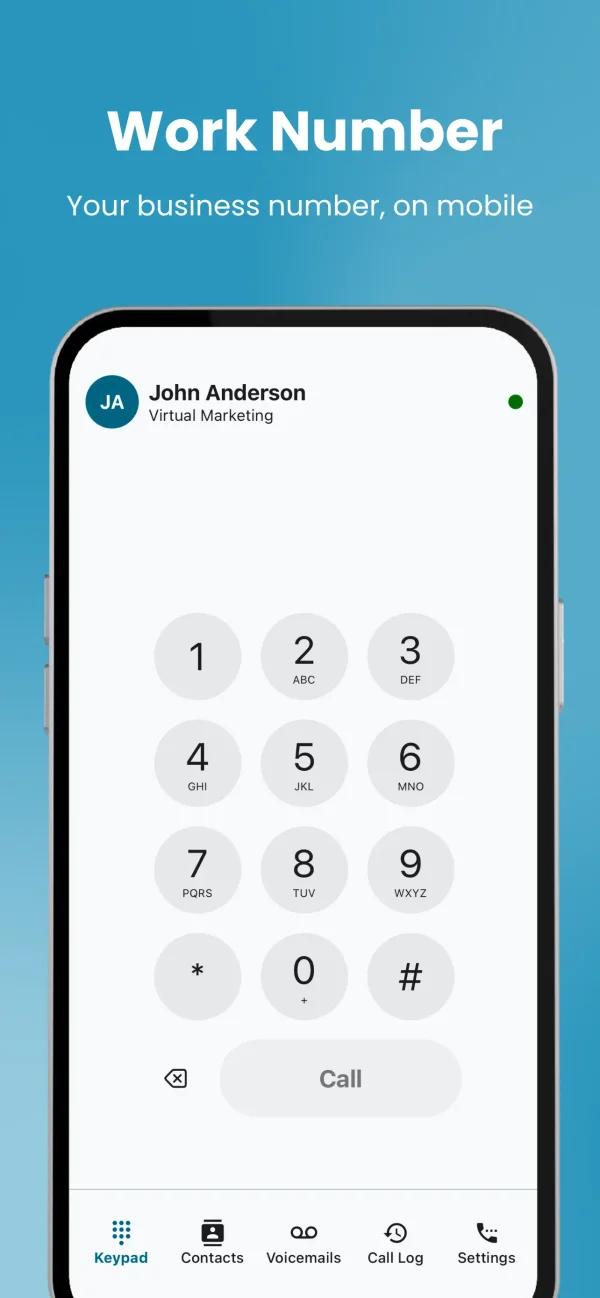
VirtualPBX gives you a fast, modern way to make and receive business calls on your mobile phone using your VirtualPBX business number, so you can stay connected without giving out your personal cell number.
Whether your team already uses VirtualPBX or you’re looking for a simpler way to support business calling on mobile, the app helps keep work calls separate from personal calls while giving you a clean, intuitive experience.
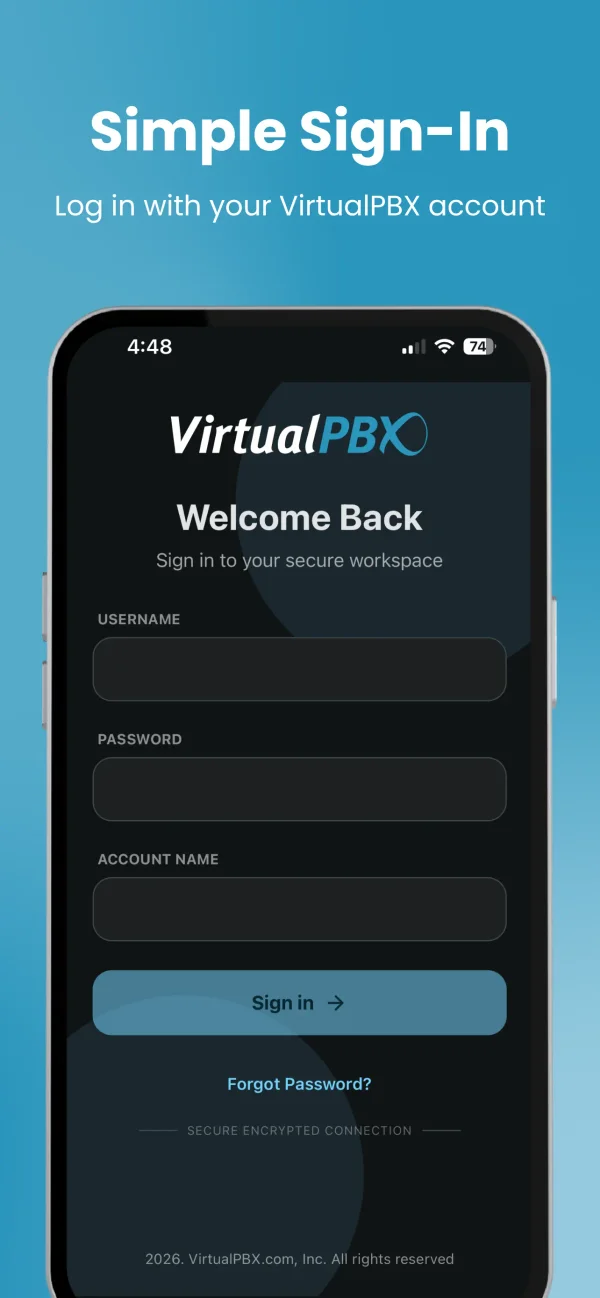
Sign in with your VirtualPBX username and password and manage your work phone line without digging through confusing menus.
Built for Mobile
Native Call Experience: Incoming VirtualPBX business calls appear through your native calling screen, so calls feel familiar from the start.
Network Handoff: Move between Wi-Fi and cellular data while maintaining call continuity as your connection changes.
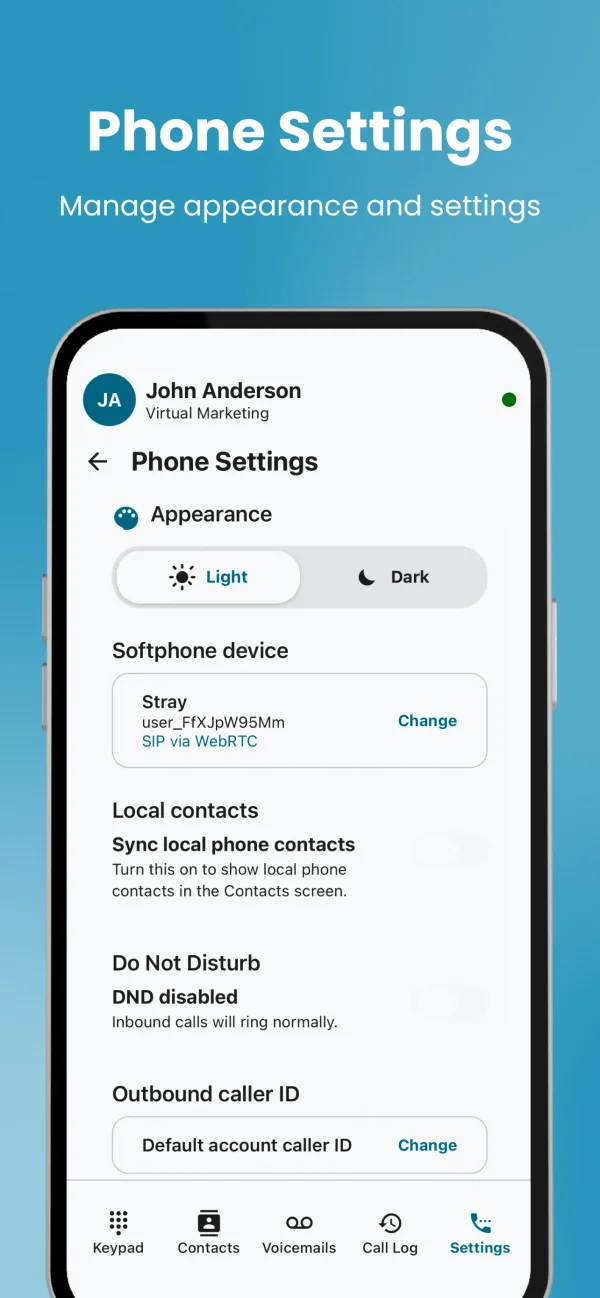
Light & Dark Mode: Supports Light Mode and Dark Mode to match your display preferences.
Business Call Management
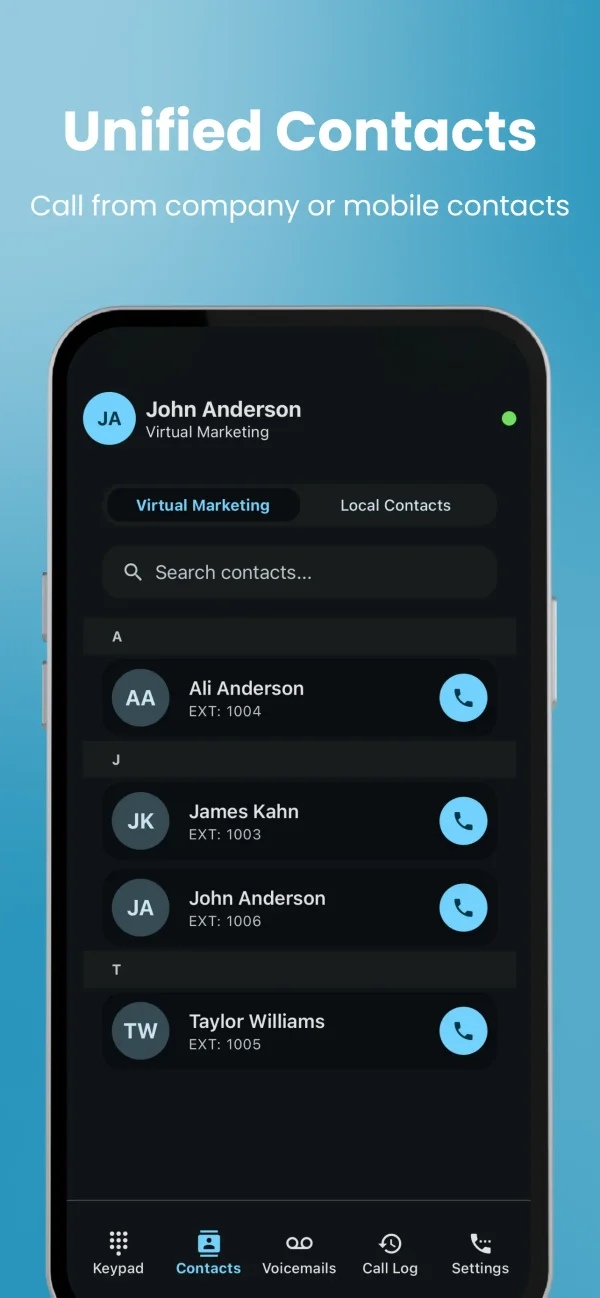
Contact Syncing: Switch between your company directory and mobile contacts, then place calls from either list using your VirtualPBX business number.
Visual Voicemail: Manage voicemail directly in the app. See which messages are new, listen in the order you choose, and delete messages when you’re done.
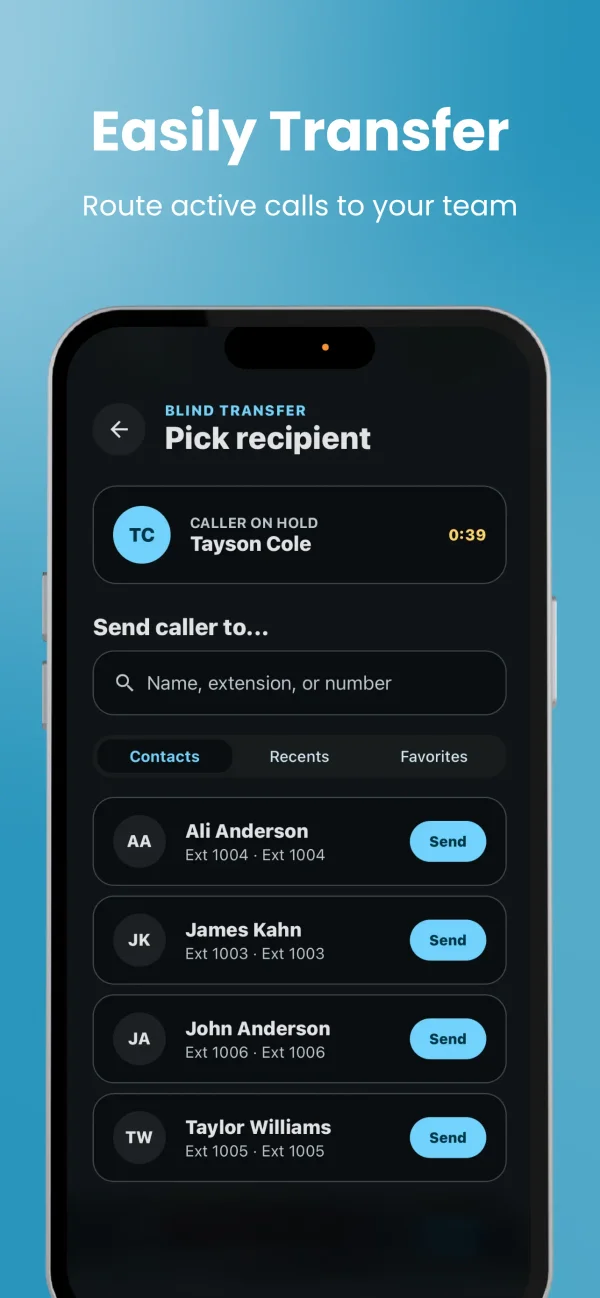
Transfers: Route active calls to another team member.
International Calling: Stay connected to your team and customers while traveling or working across borders.
Business Identity & Privacy Controls
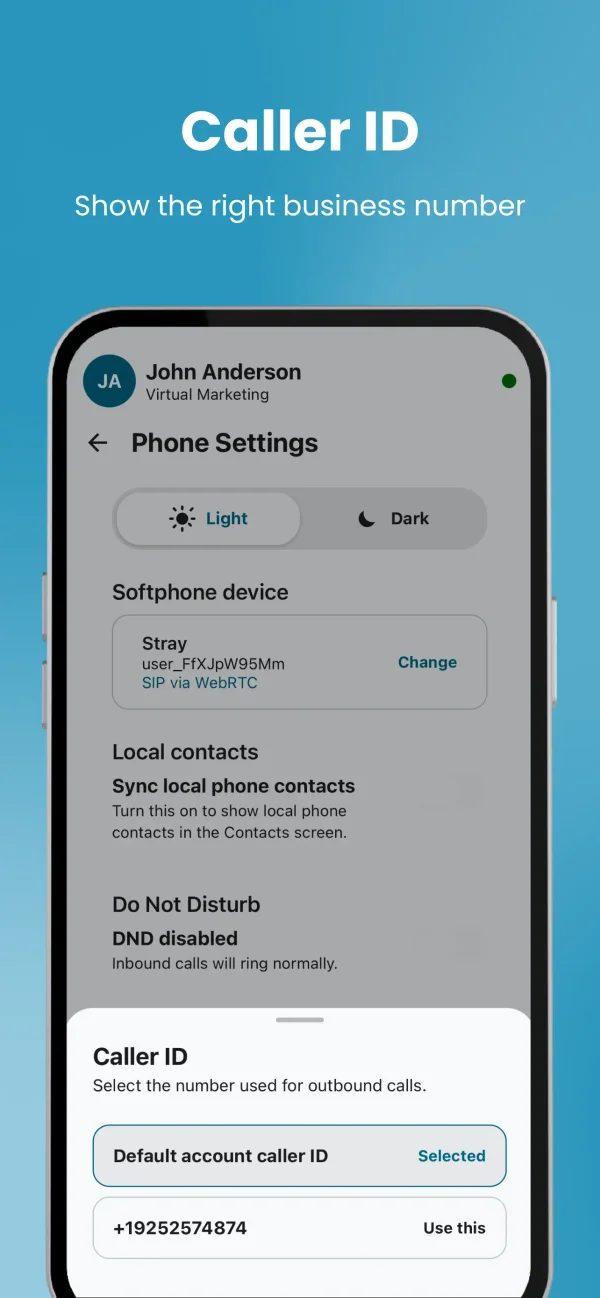
Dynamic Outbound Caller ID: Admin users can choose which VirtualPBX business number appears on outbound calls, helping teams present a professional caller ID while keeping personal cell numbers private.
Do Not Disturb (DND): Admin users can toggle DND status when they’re away from work or don’t want to receive business calls.
Simple Sign-In & Unified Calling
Single Sign-On (SSO): Log in securely with your existing VirtualPBX username and password—no separate SIP credentials required.
Unified Experience: Move easily between your web phone and mobile app with a more consistent calling experience across devices.
Take your VirtualPBX business number with you, even when work takes you away from your desk.
An active VirtualPBX account is required for calling features. SMS and business messaging are handled through the VirtualText app.
What’s new
Version 1.1.1 · Nov 12, 2026
3-way call has been extended to support up to 5 callers
App privacy
What Virtual PBX declares on the App Store about how this app handles data.
-
Data not collected
The developer does not collect any data from this app.
Privacy practices may vary, for example with the features you use or your age.
Information
- Seller
- Virtual PBX
- Category
- Productivity
- Version
- 1.1.1
- Updated
- Nov 12, 2026
- Released
- Jul 29, 2026
- Size
- 39.1 MB
- Requires
- iOS 15.1 or later
- Age rating
- 4+
- Price
- Free
- Languages
- English
- Copyright
- © 2014-26 VirtualPBX.com, Inc.
You might also like
-
 Zoiper Lite voip soft phoneCall with any PBX or Provider
-
 Ooma OfficeSmall Business Phone
-
 Planning CenterPlanning Center in your pocket
-
 MySudo - Identity ProtectionPrivate Call, Text, Email, Pay
-
 Claude Duet by AnthropicYour proactive work agent
-
 Strides: Habit Tracker + GoalsGoal Planner & Daily Checklist
-
 UniFiEnterprise Network Management
-
 Pocket - AI Personal AssistantYour AI Personal Assistant
-
 Line2 - Second Phone NumberCalls, Texts, & SMS Messaging
-
 1Password: Password ManagerSave & share passwords safely