
Visioneer Mobile Capture
Scan, edit, organize and share
Designed for iPhone, iPad, iPod touch
Free
- Age rating4+
- CategoryBusiness
- DeveloperVisioneer
- LanguagesEnglish+ 7 more
- Size41.9 MB
Links to the official App Store page
Download.org hosts no file of Visioneer Mobile Capture. The button opens its official App Store page, published by Visioneer. Listing last checked on Nov 13, 2026.
Screenshots

About
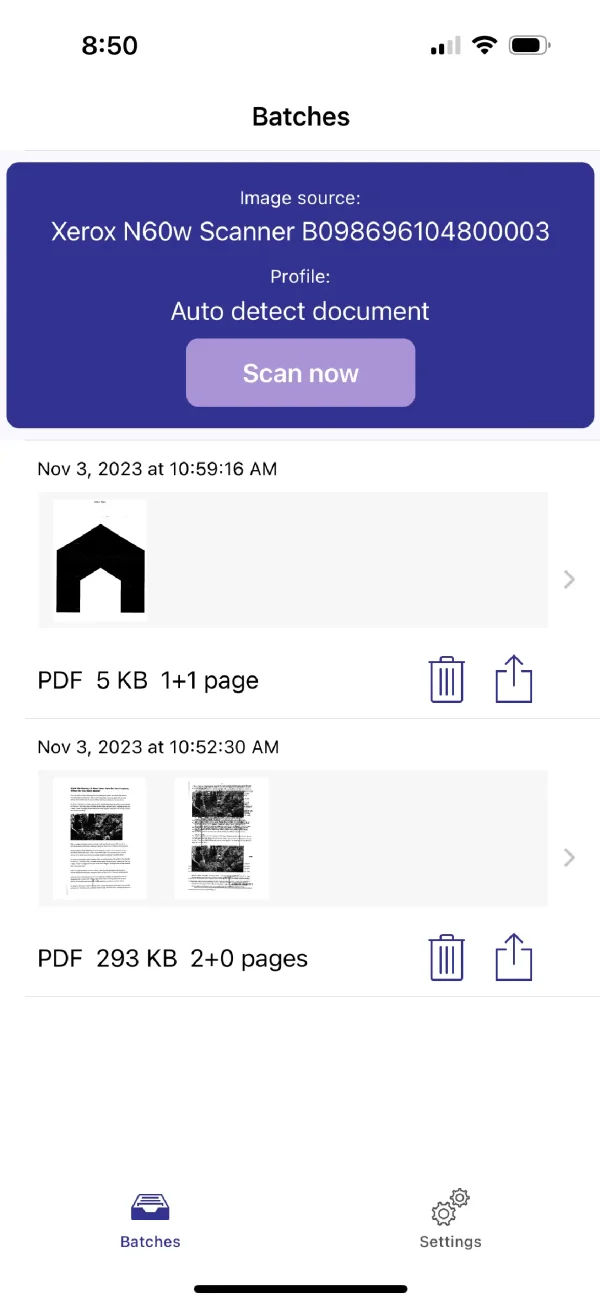
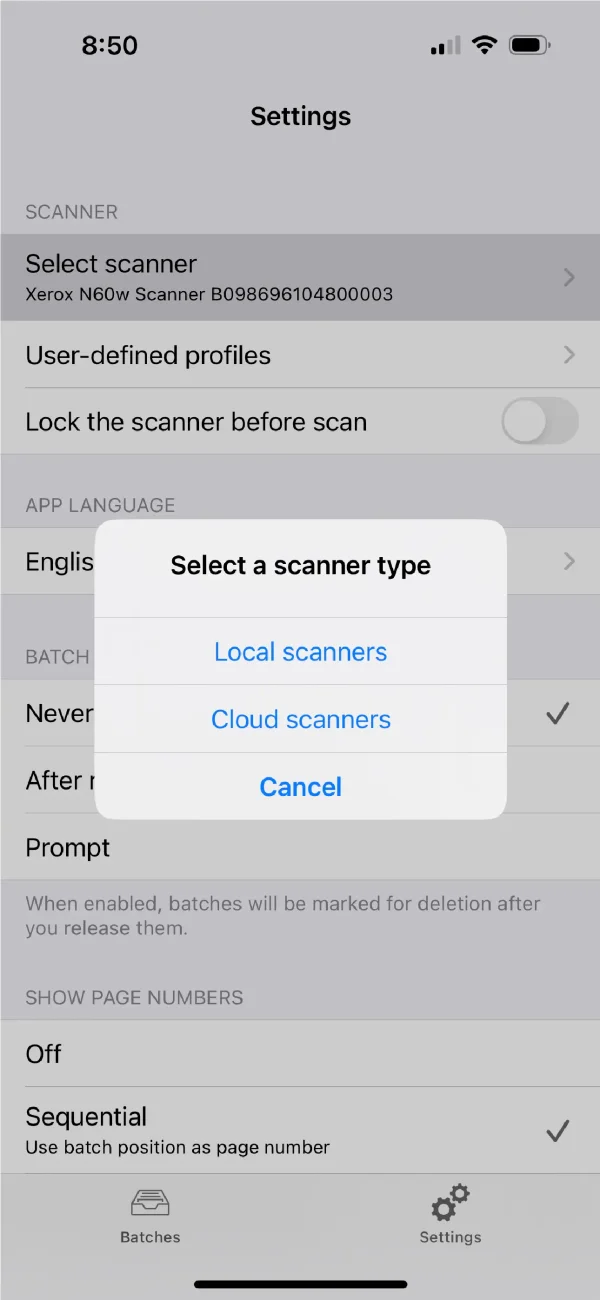
Visioneer® Mobile Capture is an image files management mobile page for Xerox and Visioneer scanners
that allows you to do the following:
• Capture images from scanner, camera or file.
• Organize and capture pages using the software’s presets.
• Insert, replace, delete, append and review pages before saving the file.
• Create multiple batches from one scan job with the split batch function.
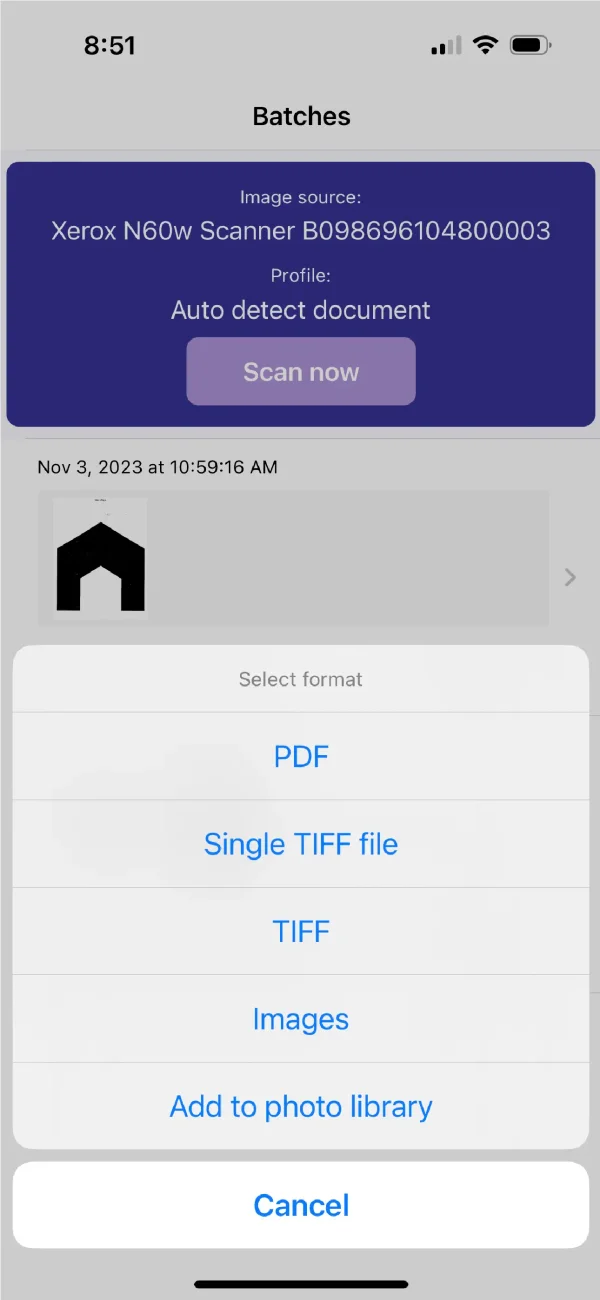
• Easily save files to a preferred local destination.
• Export files to popular cloud services with a built-in sign in feature.
Visioneer® Mobile Capture is designed to help you manage your scans before saving them.
What’s new
Version 1.0.6 · Mar 31, 2026
Adding support for more scanners
App privacy
What Visioneer declares on the App Store about how this app handles data.
-
Data not collected
The developer does not collect any data from this app.
Privacy practices may vary, for example with the features you use or your age.
Information
- Seller
- Visioneer, Inc.
- Category
- Business
- Version
- 1.0.6
- Updated
- Mar 31, 2026
- Released
- Nov 9, 2023
- Size
- 41.9 MB
- Requires
- iOS 12.4 or later
- Age rating
- 4+
- Price
- Free
- Languages
- English, French, German, Italian, Portuguese, Russian, Spanish, Turkish
- Copyright
- © 2025 Visioneer Inc.
You might also like
-
 PaperAirProductivity
-
 CareARAR Self-Solve & Remote Support
-
 Xerox® WorkplaceProductivity
-
 Xerox® Easy AssistProductivity
-
 FineReader: PDF Scanner & OCRDocument and Photo Scan App
-
 Lexmark PrintProductivity
-
 UniFi DesignProductivity
-
 Voice Recorder: Sound RecorderRecord Voice, Edit & Share
-
 UniFi AccessManage Doors Anywhere
-
 Yubico Authenticator2FA with YubiKey