
Viska: Dictation
Voice to text on your iPhone
Designed for iPhone, iPad
Free · In-app purchases
- Age rating4+
- CategoryProductivity
- DeveloperIdeang Productions AB
- LanguagesEnglish+ 1 more
- Size10.9 MB
Links to the official App Store page
Download.org hosts no file of Viska: Dictation. The button opens its official App Store page, published by Ideang Productions AB. Listing last checked on Nov 20, 2026.
Screenshots


About
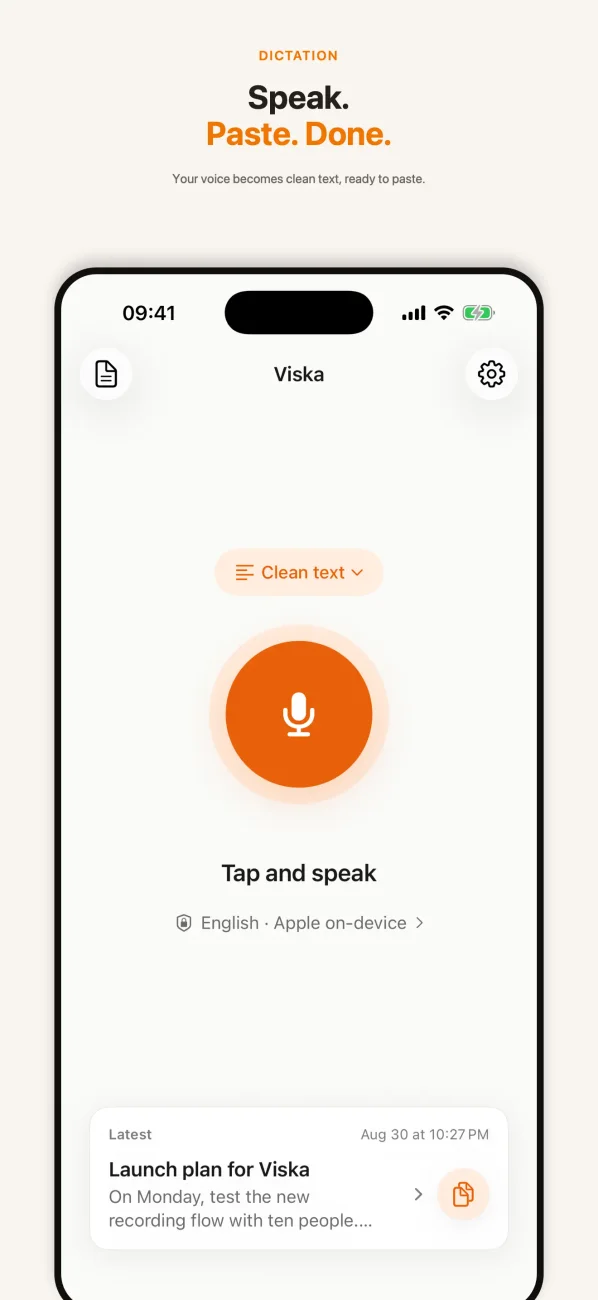
Viska turns speech into text and copies the result to your clipboard. Tap the microphone, speak, and paste the text wherever you need it.
Processed on device
Audio and text are processed on your iPhone. Viska needs no account and does not send dictation to any AI service unless you turn on Apple’s Private Cloud Compute yourself. Then the text, never the audio, is sent to Apple for better punctuation and formatting, and isn’t stored. If you enable iCloud, note history is saved in your own iCloud account.
Built for Swedish
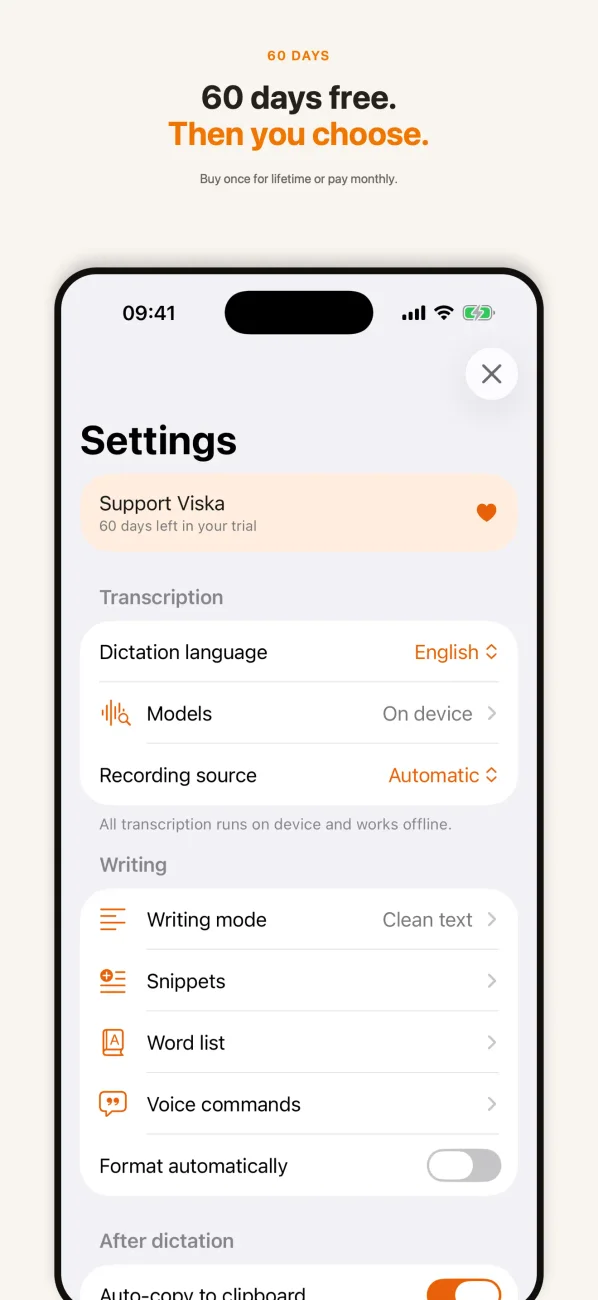
Use Apple Dictation immediately or download the Swedish KB-Whisper model. The models run on device and work offline when available.
Cleaner text
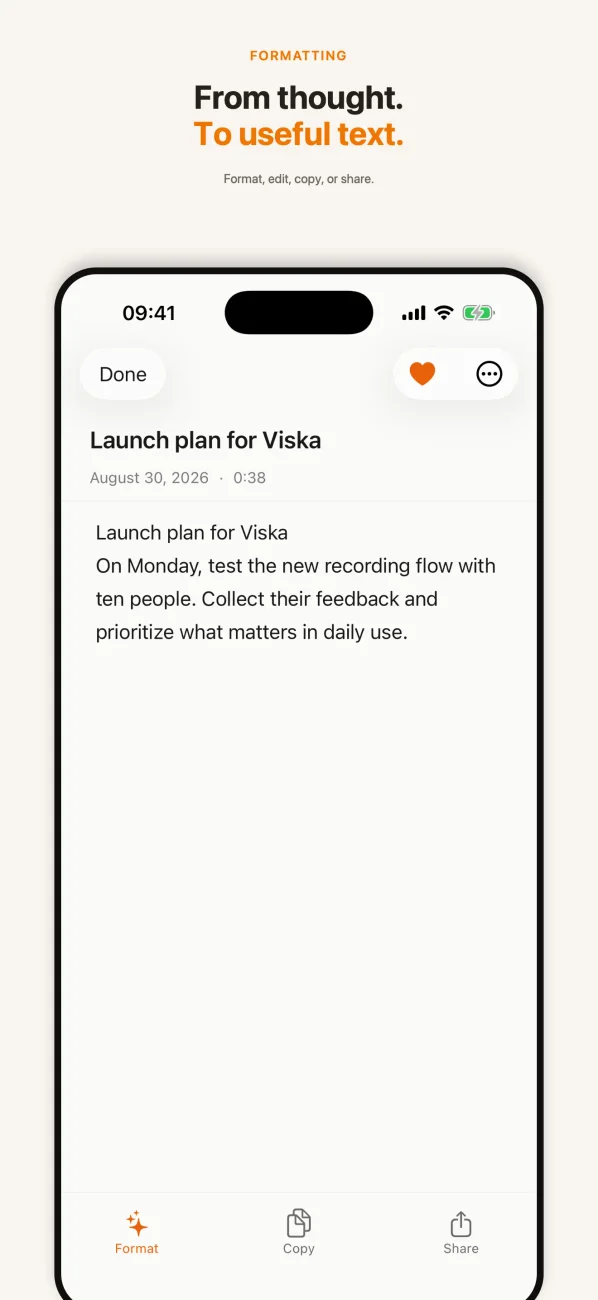
Choose a writing mode, say commands such as “new line,” “new paragraph,” and “period,” or format text with Apple Intelligence when the feature is available on your device. Add names and specialist terms to your word list.
Quick access
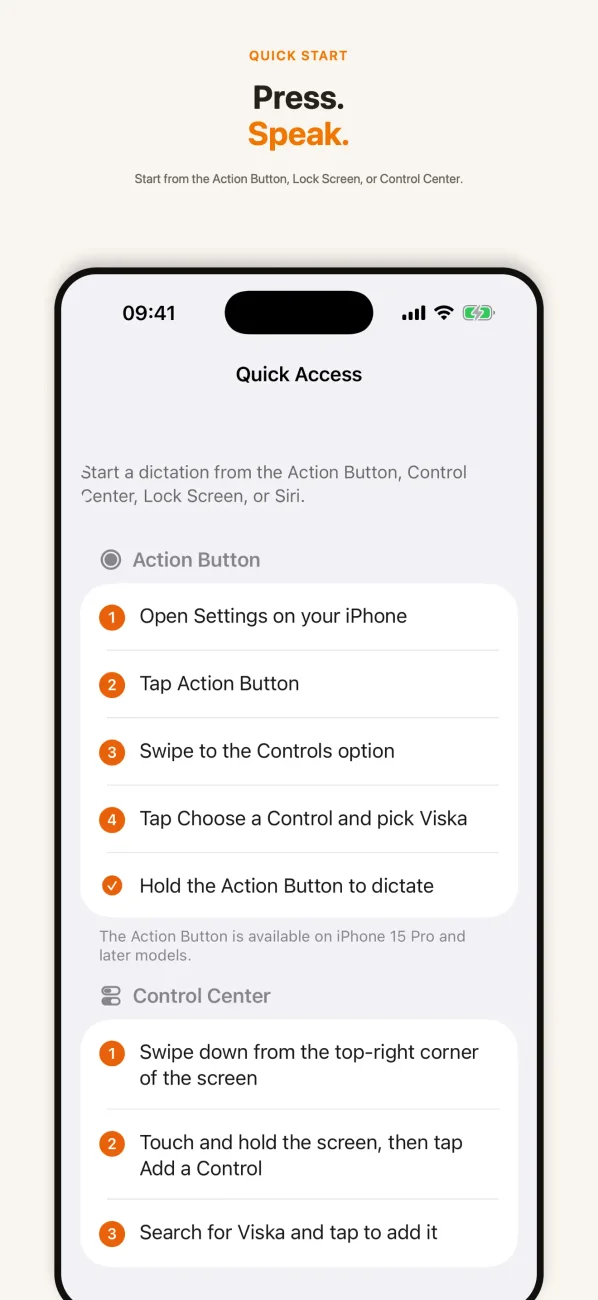
Start from the app, Action Button, Lock Screen, Control Center, or Siri. Text is copied to the clipboard automatically and saved to history if you want it.
Try everything for 60 days
After the trial, buy lifetime access or choose the monthly subscription. Prices are shown in the app. You can restore earlier purchases at any time.
Terms of Use: https://www.apple.com/legal/internet-services/itunes/dev/stdeula/
Privacy Policy: https://ideang.com/app/viska/privacy/
What’s new
Version 1.7.3 · Nov 4, 2026
• Fixed: “Continue dictating” could say “No speech detected” because the continued take was recorded silent.
• Pause a recording: press and hold the record button, tap again to continue.
• Sentences stay whole: a thinking pause before “and” or “but” no longer starts a new sentence, and “...” is gone.
• With Apple Intelligence, periods and commas in Swedish text are fixed a few seconds after recording. Words are never changed.
• Format no longer changes your words, only punctuation, capitals and paragraphs.
• New on iOS 27: Apple’s Private Cloud Compute gives better punctuation and formatting, especially in long notes. Off by default. The text, never the audio, is sent to Apple and isn’t stored.
• One word list for words and names.
• Recordings are saved as you go and survive the app closing, with a warning before the time limit.
• Text formats are gone. To keep filler words, turn on “Keep filler words”.
App privacy
What Ideang Productions AB declares on the App Store about how this app handles data.
-
Data not linked to you
May be collected but is not linked to your identity.
- Purchases
Privacy practices may vary, for example with the features you use or your age.
Information
- Seller
- Ideang Productions AB
- Category
- Productivity
- Version
- 1.7.3
- Updated
- Nov 4, 2026
- Released
- May 31, 2026
- Size
- 10.9 MB
- Requires
- iOS 26.0 or later
- Age rating
- 4+
- Price
- Free
- In-app purchases
- Yes
- Languages
- English, Swedish
- Copyright
- © 2026 Ideäng Productions
You might also like
-
 Diktera: Lectures & MeetingsSpeech to text, fully offline
-
 Snicksnack – Speech to TextOn-device meeting transcripts
-
 Viska: Local AI Meeting NotesPrivate Offline Voice Recorder
-
 TeamsMaestro: AI meeting notesTeams, Meet, and Zoom notes.
-
 Voice Notes, AI Speech to TextRecord. Transcribe. Summarize.
-
 Nib - AI Notes & TranslationRecord, transcribe, summarize
-
 SpeakType: Voice to TextSpeech to text notes & memos
-
 PonteCount down to every holiday
-
 QyreMake it happen, easier.
-
 Aivo: Nordic AI Voice KeyboardSpeak naturally,type instantly