
Visual Patient Scheduler
Simple Patient Scheduling
Designed for iPhone, iPad
Free · In-app purchases
- Age rating4+
- CategoryProductivity
- DeveloperMartin Nash
- LanguagesEnglish
- Size51.1 MB
Links to the official App Store page
Download.org hosts no file of Visual Patient Scheduler. The button opens its official App Store page, published by Martin Nash. Listing last checked on Nov 28, 2026.
Screenshots
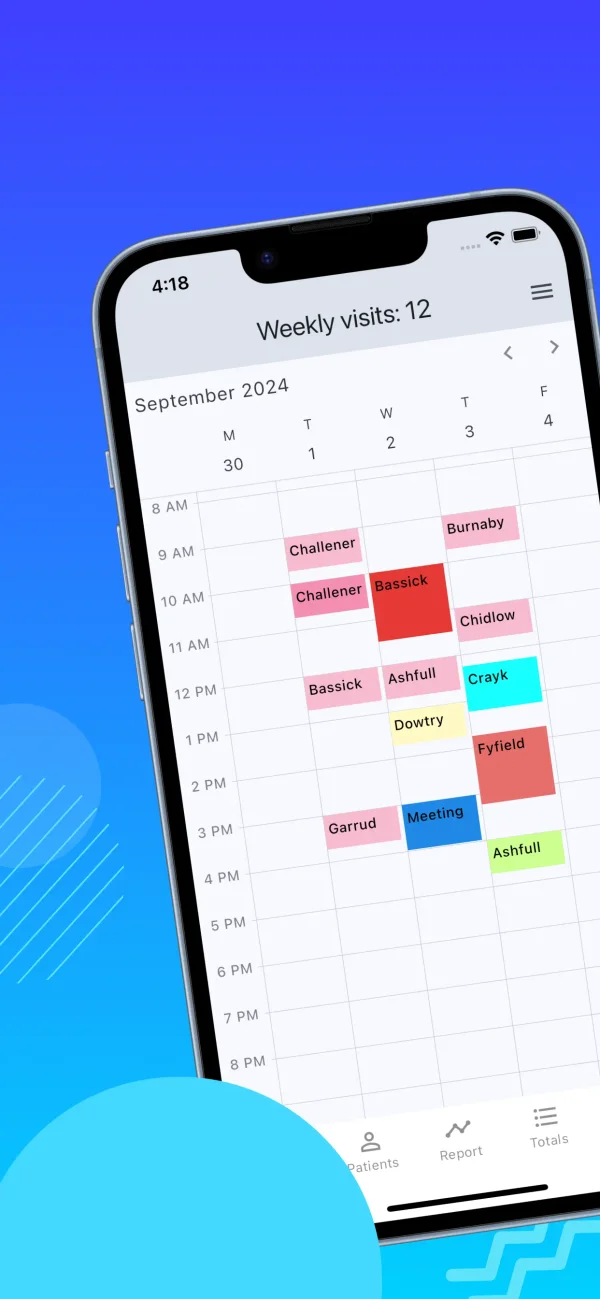

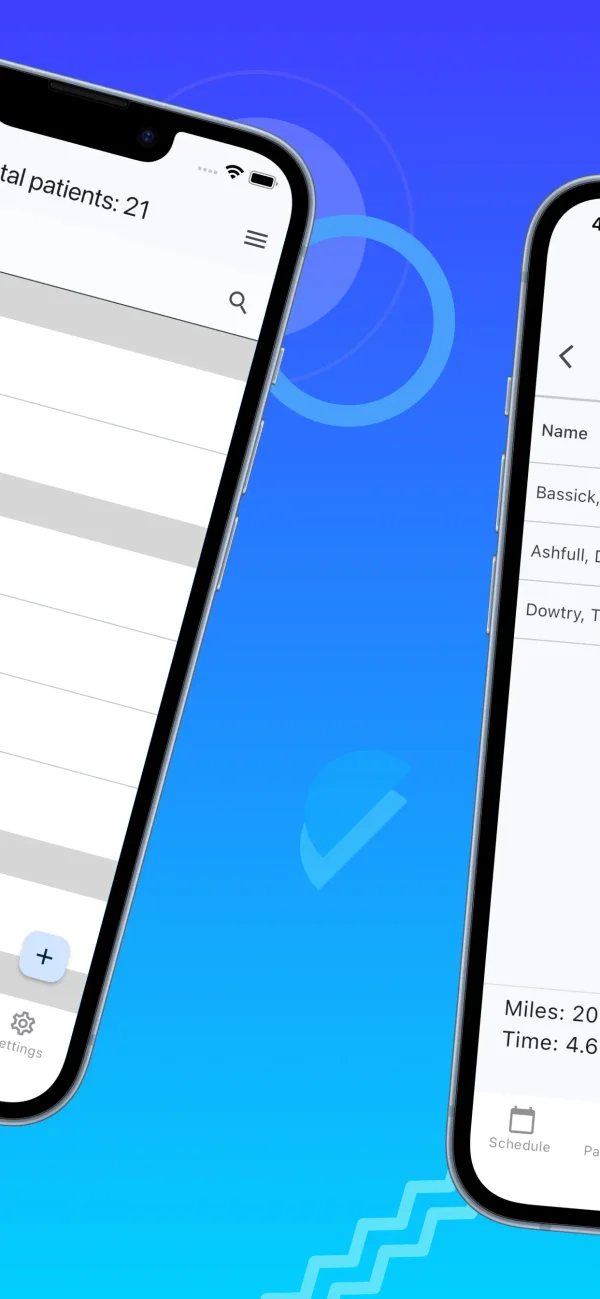
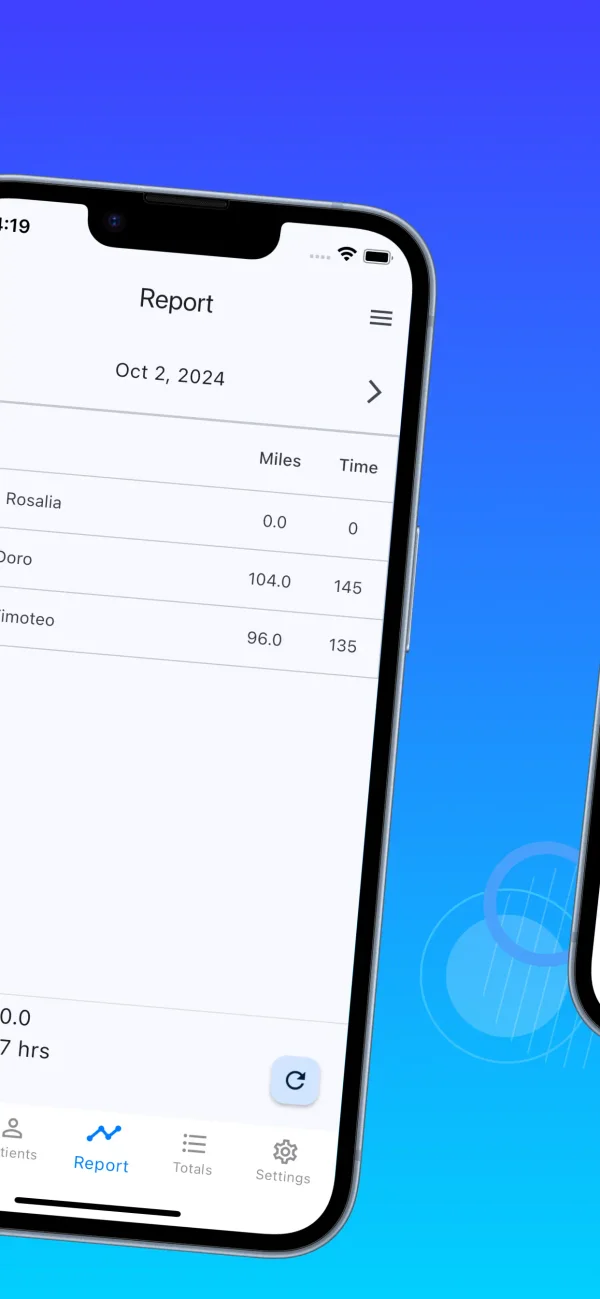
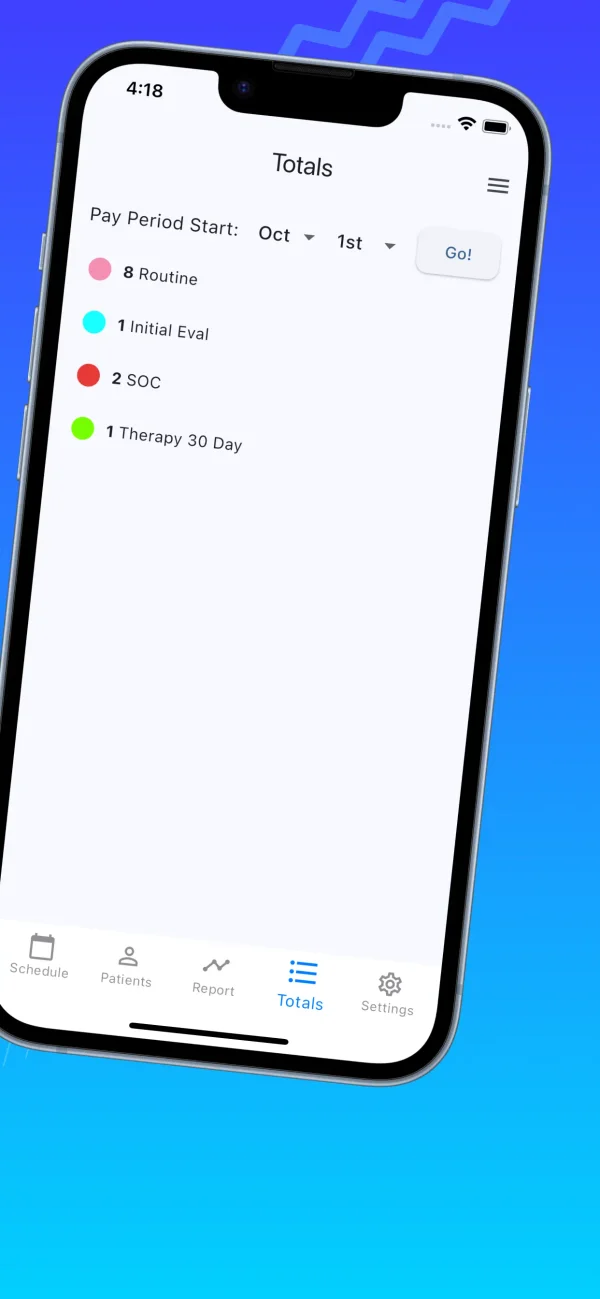
About
Some patients are on your calendar every Tuesday. Others need a single visit or a follow-up a few weeks from now. Scheduler helps home health clinicians plan both, with patient details and contact shortcuts right on the schedule.
Plan the week. Add a patient as you schedule their first visit. For recurring appointments, choose the weekdays and how many weeks to repeat. Switch between day, week, and month views to see what’s next or find a time for another visit.
Stay in touch between visits. When you need to confirm a time or let someone know you’re on the way, open a call or text from the schedule. You can also pull up the patient’s details directly from their appointment.
Make each visit type your own with Scheduler Pro. Give each type a color, a usual duration, and a point value. Create a checklist template once, and each appointment of that type gets its own copy to check off. Set a reminder relative to the start or end of a visit.
See how the week adds up. With Pro, review mileage and estimated drive time between stops, choose how much of your commute counts toward your totals, and see appointment points by day, week, or pay period.Download Scheduler today to streamline your workflow!
Apples standard Terms of Use (ELUA) apply: https://www.apple.com/legal/internet-services/itunes/dev/stdeula/
What’s new
Version 2.1.0 · Nov 27, 2026
What’s new in Scheduler 2.1.0
You can now choose how your commute counts toward mileage and productivity, set rules for when patients move to inactive, and other bug fixes.
Mileage and productivity
• Set separate rules for the drive to your first visit and the drive home. In Scheduler Pro, you can count the whole trip, exclude it, or count only the miles or minutes beyond a threshold you choose. Tap a commute row in Mileage to see how much counted.
• Count travel toward productivity points. If your employer credits travel, set how many miles or minutes earn a point. In Totals, tap the travel points to see the daily calculation, including eligible travel between visits and any commute you chose to count.
• Mileage now displays whole miles. The in-app mileage guide explains rounding, how missed visits are handled, and which trip each row represents.
Scheduling and patient management
• Call or text directly from the schedule. When a patient has one saved number, Scheduler opens the dialer or messaging app immediately. When there are multiple numbers, you can choose which one to use.
• Choose how new appointments are titled. Prefill the title with the patient’s first name, last name, or full name in either order. Calendar tiles also show more text and follow the app’s light or dark theme.
• Choose when patients become inactive. Scheduler Pro lets you set a waiting period after a confirmed discharge visit or after the last scheduled visit. For the last-visit rule, an upcoming appointment keeps the patient active.
• Map destinations now use the street address as their label. Location warnings appear only when a saved patient address needs attention.
Other updates and fixes
• Office and Other appointments keep their selected type during creation.
• Reloading Visit Types asks for confirmation before replacing a different local list with the one saved to your account. Only used or matters with multiple devices.
• Settings shows the signed-in email and asks for confirmation before logout.
• First and last-visit reminders are now labeled Clock in reminder and Clock out reminder.
• The feedback form lets you specify whether you’d like a reply.
App privacy
What Martin Nash declares on the App Store about how this app handles data.
-
Data linked to you
May be collected and linked to your identity.
- Contact info
-
Data not linked to you
May be collected but is not linked to your identity.
- Location
Privacy practices may vary, for example with the features you use or your age.
Information
- Seller
- Martin Nash
- Category
- Productivity
- Version
- 2.1.0
- Updated
- Nov 27, 2026
- Released
- Nov 11, 2024
- Size
- 51.1 MB
- Requires
- iOS 16.6 or later
- Age rating
- 4+
- Price
- Free
- In-app purchases
- Yes
- Languages
- English
- Copyright
- © 2024 Martin Nash
You might also like
-
 Goldie: Appointment SchedulerBookings, Reminders & Payments
-
 The Scheduling AppProductivity
-
 Artful AgendaPlan, sync & organize in style
-
 Cubbily Shared Family CalendarFamily Organizer & Planner
-
 Tiny Calendar: Planner & TasksAgenda, Organizer & Reminders
-
 Shift Day Work Calendar: SpokeSchedule Planner Hours Tracker
-
 SimpleCal: Simple CalendarFast, Easy Schedule Planner
-
 Fantastical CalendarReminders & Todo List
-
 Pencil Planner & Calendar ProHandwritten daily agenda
-
 Sweepy: Home Cleaning ScheduleSchedule Your House Chores