Visual Timer - See Time Left
Study, work and focus timer
Designed for iPhone, iPad, iPod touch
Free
- Age rating4+
- CategoryEducation
- DeveloperRyouhei Azuma
- LanguagesEnglish
- Size14.1 MB
Links to the official App Store page
Download.org hosts no file of Visual Timer - See Time Left. The button opens its official App Store page, published by Ryouhei Azuma. Listing last checked on Nov 14, 2026.
Screenshots
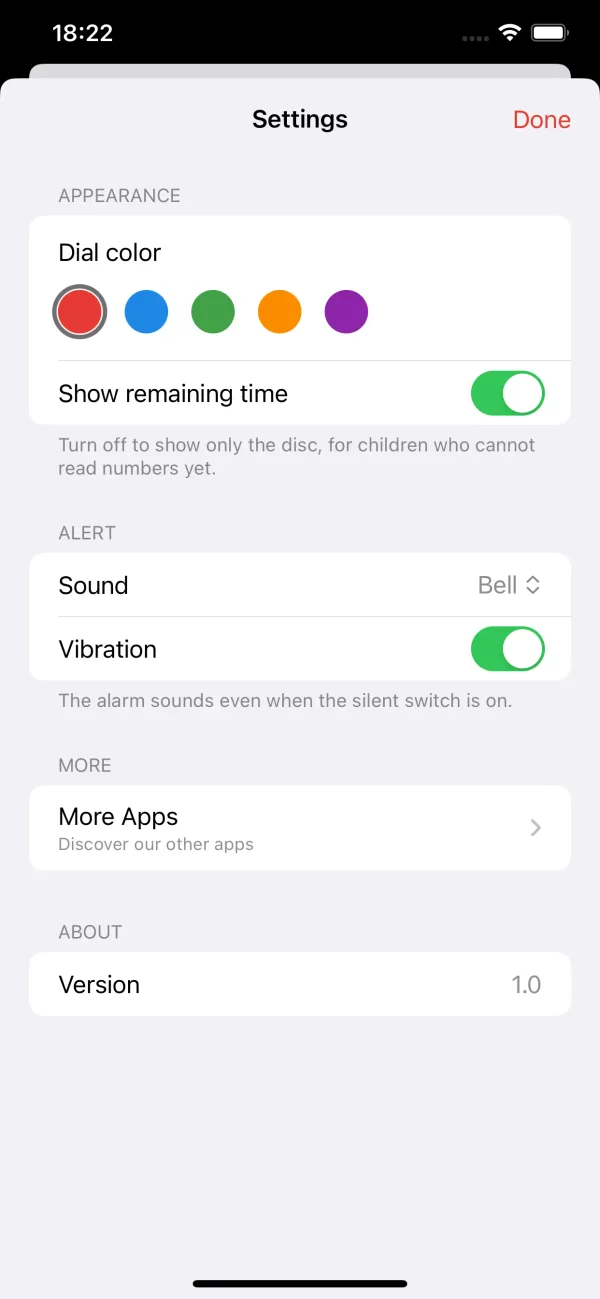
About
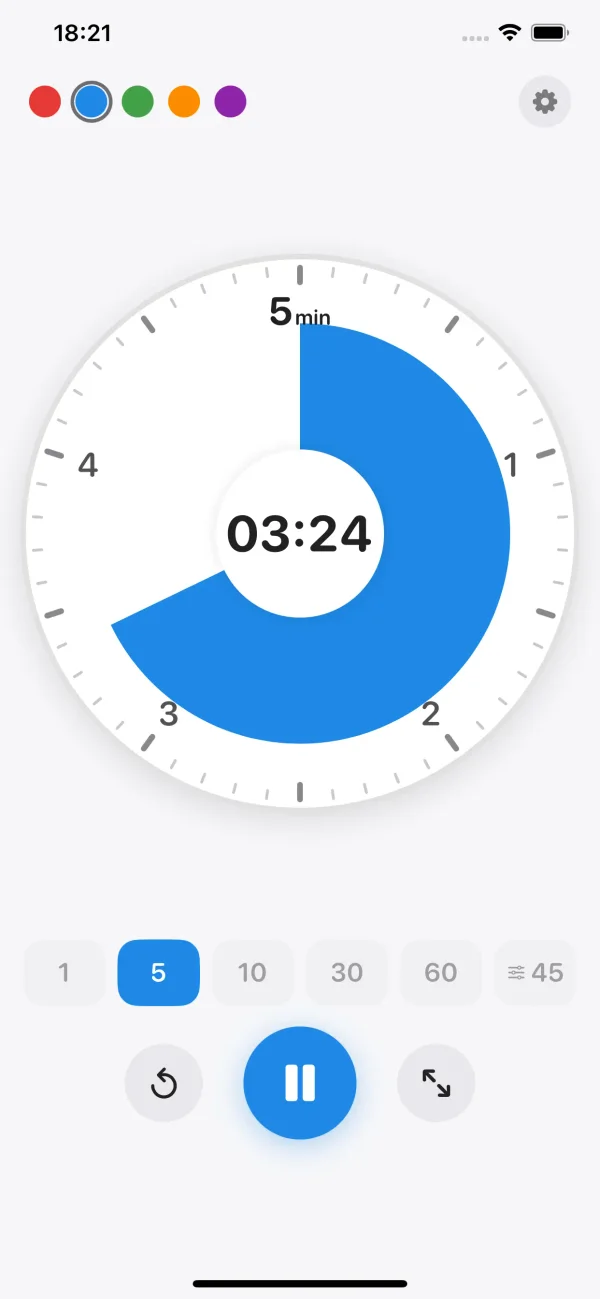
A simple timer that shows the remaining time as an area you can see.
You do not have to read numbers. Just watch the colored part shrink, and you know how much time is left.
■ A dial you can read instantly
The sector gets smaller as time runs out. Numbers and tick marks are printed on the face, so you can also check the exact minutes.
■ The whole dial changes
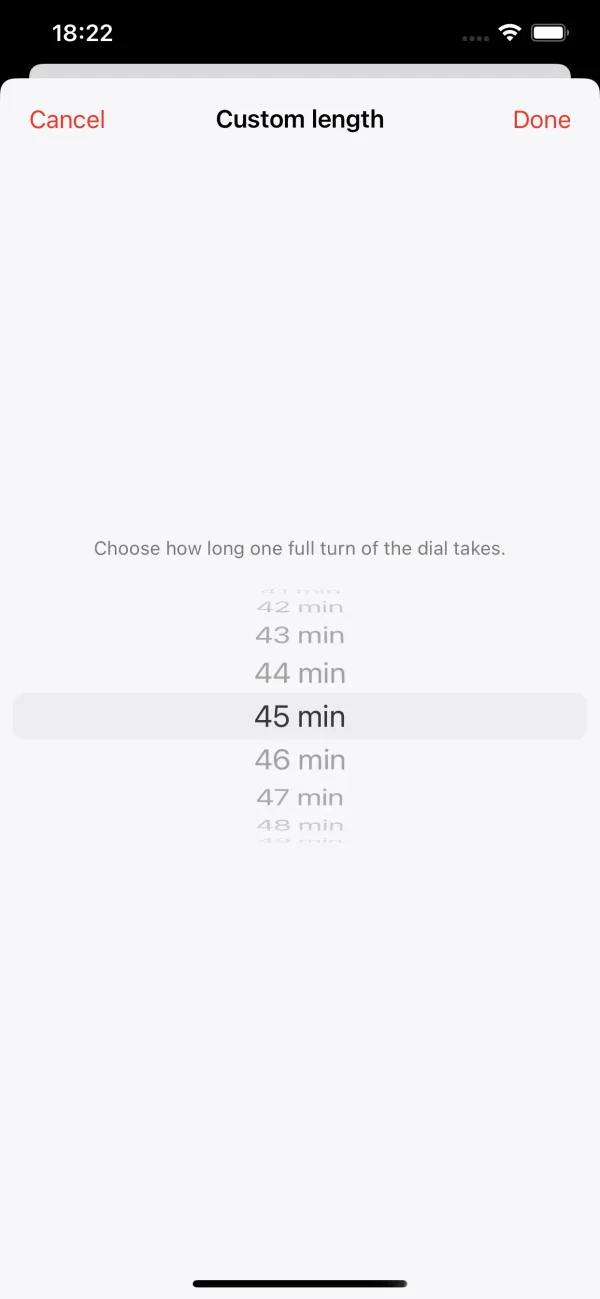
Choose 1, 5, 10, 30 or 60 minutes. Pick 1 minute and one full turn takes a minute, so even short times start from a full disc and you can see the whole amount. You can also set any length from 1 to 180 minutes.
■ Set the time by dragging
Just drag around the dial. No number pad.
■ Hide the digits
You can turn off the remaining-time readout when the area alone is easier to grasp.
■ Full screen
Show only the disc, in a large size. Stand the device on a desk and read it from across the room. Works in both portrait and landscape.
■ When time is up
Bell, beep or chime, or no sound at all. Vibration can be switched on or off. The alarm sounds even when the silent switch is on. If the timer ends while the app is closed, a notification lets you know.
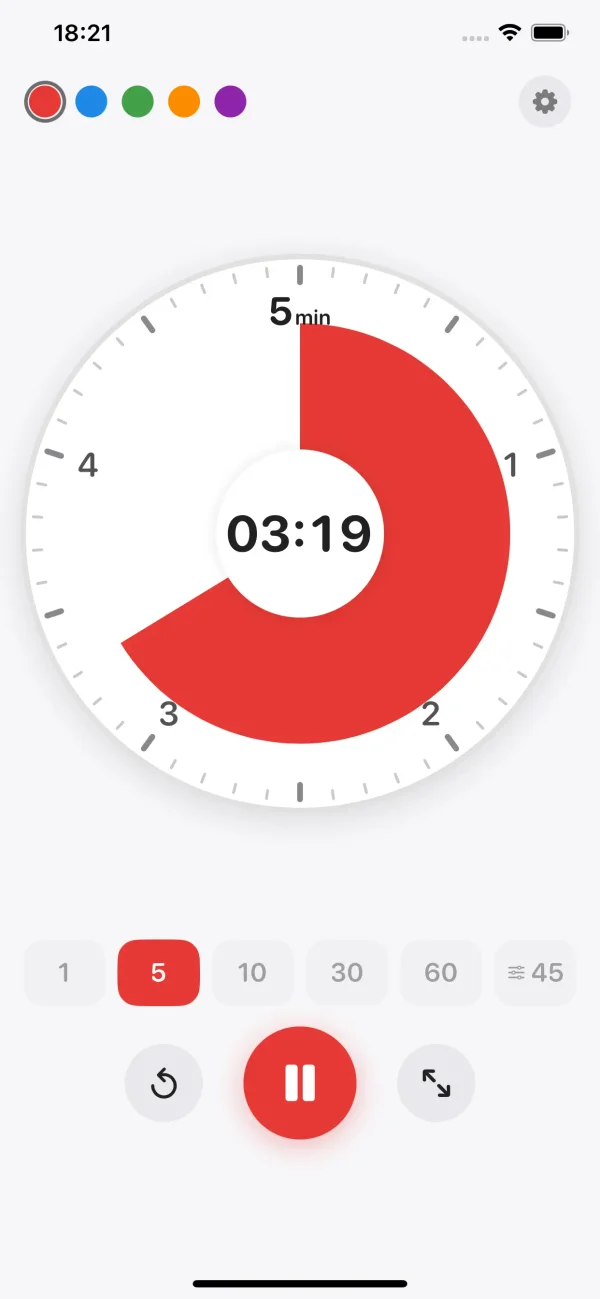
■ Five colors
Red, blue, green, orange and purple.
Good for
・Study sessions and pomodoro intervals
・Cooking and housework
・Keeping to time in meetings and presentations
・Helping children get ready or tidy up
・Showing time to a whole room in a classroom
App privacy
What Ryouhei Azuma declares on the App Store about how this app handles data.
-
Data used to track you
May be used to track you across apps and websites owned by other companies.
- Location
- Identifiers
- Usage data
- Diagnostics
-
Data linked to you
May be collected and linked to your identity.
- Location
- Identifiers
- Usage data
- Diagnostics
Privacy practices may vary, for example with the features you use or your age.
Information
- Seller
- Ryouhei Azuma
- Category
- Education
- Version
- 1.0
- Updated
- Aug 18, 2026
- Released
- Aug 18, 2026
- Size
- 14.1 MB
- Requires
- iOS 15.6 or later
- Age rating
- 4+
- Price
- Free
- Languages
- English
- Copyright
- © 2026 Ryohei Azuma
You might also like
-
 Kids Visual Countdown TimerHourglass Routines Tasks Focus
-
 Visual Timer#1 Countdown & Focus Tracker
-
 讀書計畫 - 學習計畫與行事曆Education
-
 Visual Timer for Kids: MieruEducation
-
 Animal Timer: Visual TimerKids Routine & Focus Timer
-
 Rainbow Visual TimerEducation
-
 Kids Visual Timer - TimeSenseVoice Timer & Kids Routines
-
 Visual Timer CountdownStudy Clock, Focus, Counter
-
 Study Planner & TimetableHomework & School Schedule
-
 Visual Timer For Kids ToddlersCalm Rainbow Countdown Clock