
- Age rating12+
- CategoryGraphics & Design
- DeveloperViktor Grishutkin
- LanguagesRussian+ 1 more
- Size112.8 MB
Links to the official App Store page
Download.org hosts no file of Vizura. The button opens its official App Store page, published by Viktor Grishutkin. Listing last checked on Nov 12, 2026.
Screenshots




About
Vizura is a professional 3D scanning tool that turns your iPhone or iPad into a fast, precise LiDAR scanner. Create accurate room plans, point clouds, and photorealistic 3D models in seconds. Cut field measuring time and get data ready for drawing and modeling right away.
Key benefits
• Accuracy down to an inch for rooms and entire buildings.
• Instant on‑site documentation of existing conditions.
• Frictionless export to USDZ and PLY.
• Fits seamlessly into existing measuring and modeling workflows.
Scanning modes
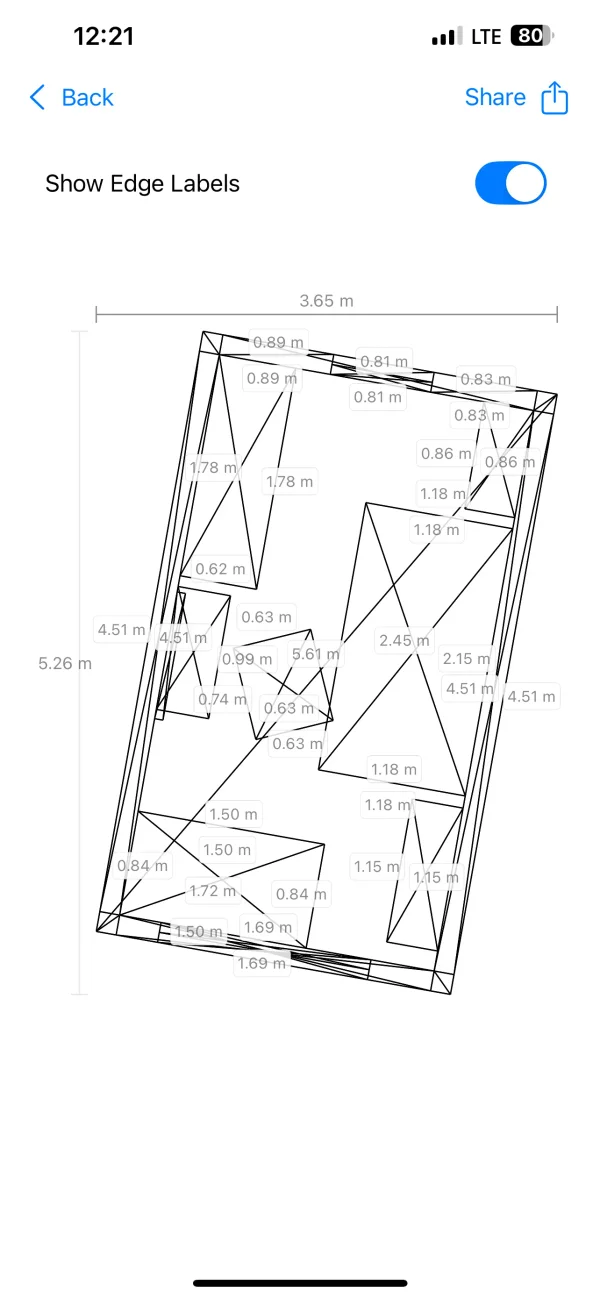
• Room Plan
- Fast, accurate 3D reconstruction of interiors using LiDAR.
- Automatic detection of walls, floors, and openings.
- Ideal for inventories, takeoffs, and pre‑design measurements.
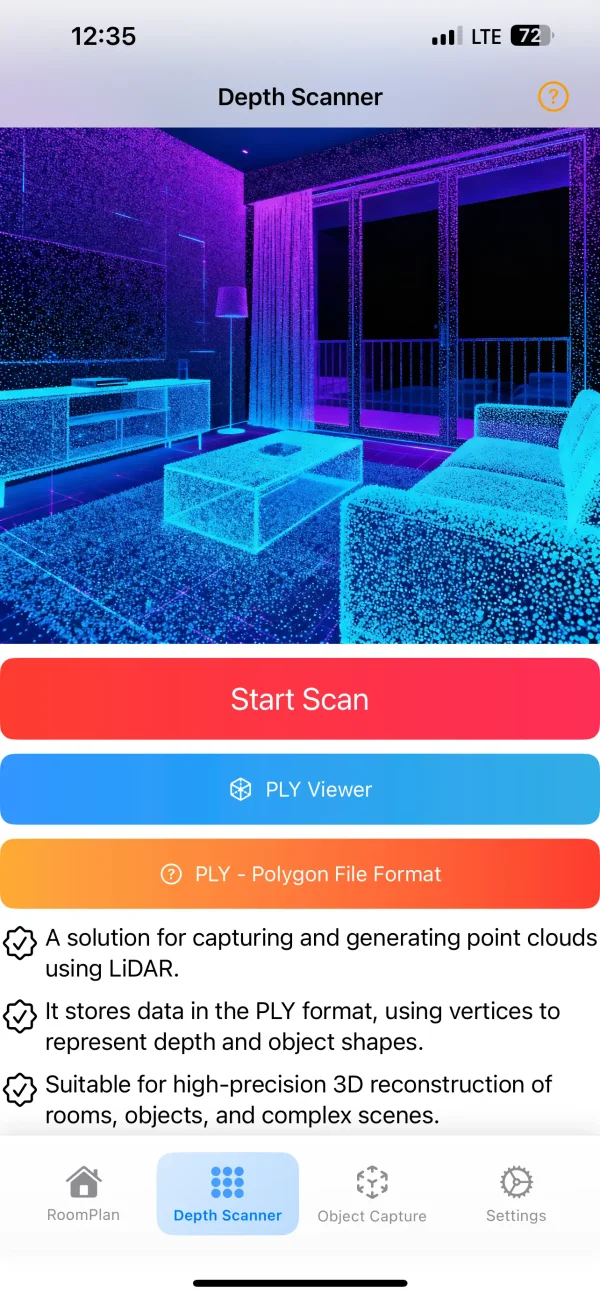
• Depth Scanner
- Capture point clouds with LiDAR.
- Export PLY where vertices encode depth and shape.
- Great for scene analysis, measurements, and later reconstruction.
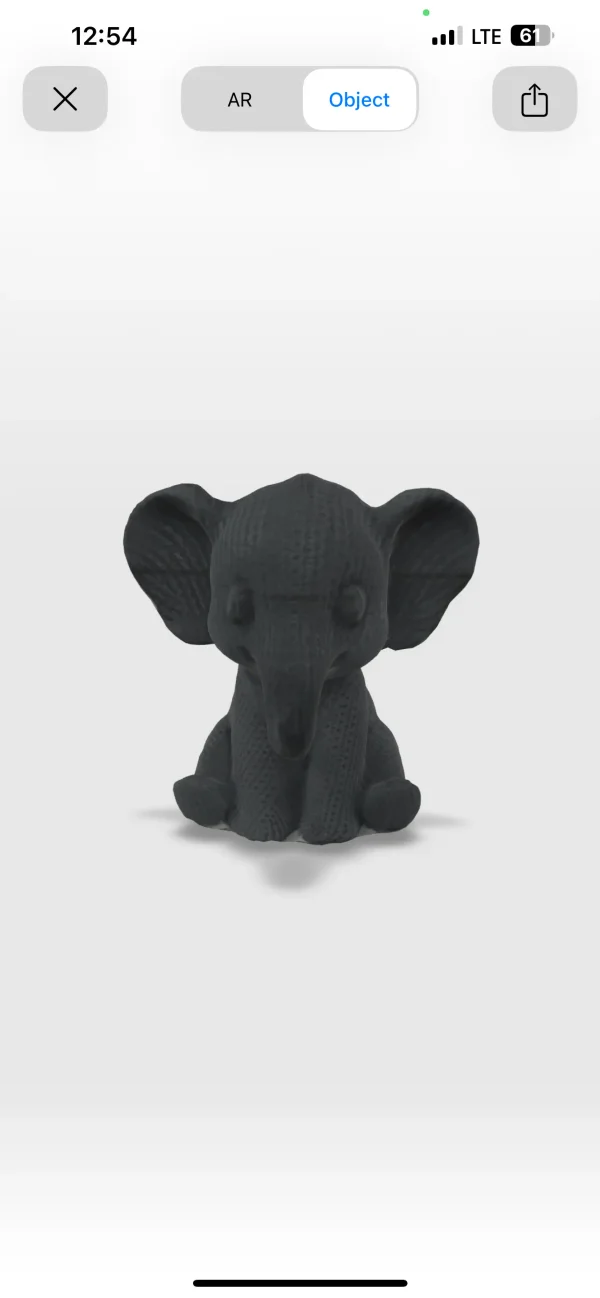
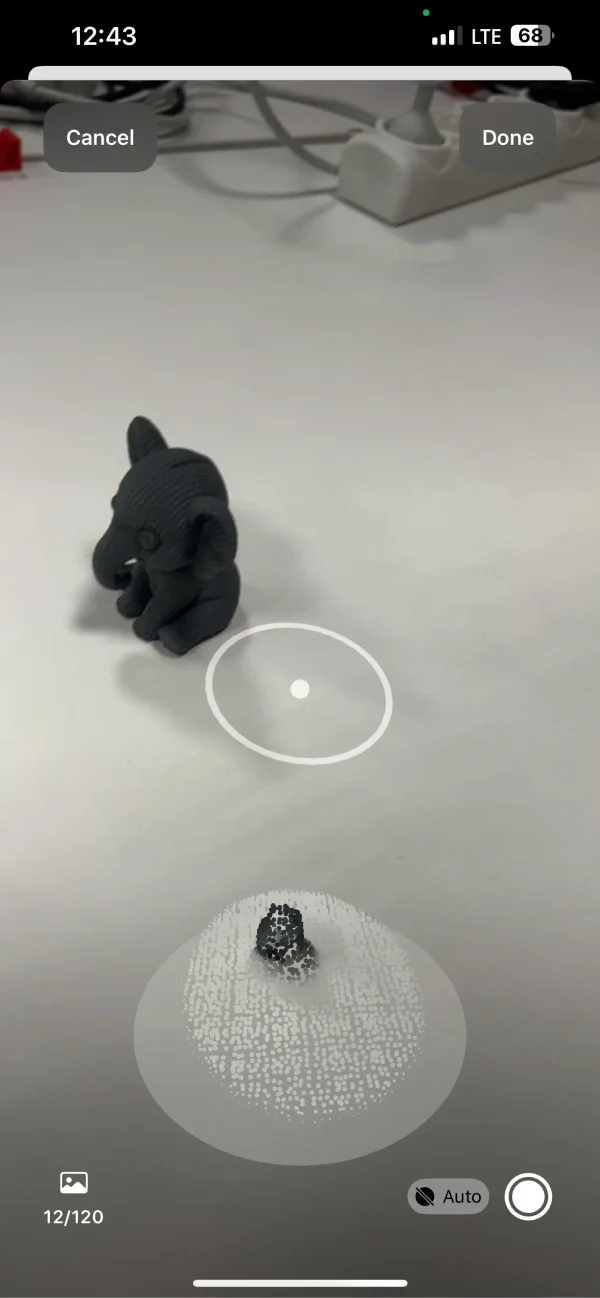
• Object Capture
- Photogrammetry from a photo set for detailed 3D models.
- Realistic textures for presentations and AR.
- Reliable results in normal lighting on mobile.
Who it’s for
• Field specialists and technicians: fast measurements and as‑is capture.
• On‑site teams: progress tracking and scope documentation.
• Designers and 3D creators: realistic object and interior models.
Export and compatibility
• USDZ: perfect for AR, sharing, and viewing on Apple devices.
• PLY: point clouds for analysis, modeling, and conversion.
Supported devices
• iPhone Pro and Pro Max starting with the iPhone 12 series.
• iPad Pro: 11‑inch (2nd gen+) and 12.9‑inch (4th gen+).
• Requires a device with LiDAR. Good lighting is recommended for photogrammetry.
Get started
• Pick a mode: Room Plan, Depth Scanner, or Object Capture.
• Scan the space or object following the on‑screen tips.
• Review the result and export to USDZ or PLY.
You can contact us via Email: kolyapusya@me.com
or on the website: https://sites.google.com/view/vizura/contacts
What’s new
Version 1.0.1 · Nov 5, 2025
Added localization for Russian language and add link to feedback website in setting tab
App privacy
What Viktor Grishutkin declares on the App Store about how this app handles data.
-
Data used to track you
May be used to track you across apps and websites owned by other companies.
- Identifiers
- Usage data
-
Data linked to you
May be collected and linked to your identity.
- Identifiers
- Usage data
Privacy practices may vary, for example with the features you use or your age.
Information
- Seller
- Viktor Grishutkin
- Category
- Graphics & Design
- Version
- 1.0.1
- Updated
- Nov 5, 2025
- Released
- Nov 4, 2025
- Size
- 112.8 MB
- Requires
- iOS 18.0 or later
- Age rating
- 12+
- Languages
- Russian, English
- Copyright
- © «2025 Viktor Grishutkin»
You might also like
-
 Nur – Empowering CreativityBeautiful 3D Creation Suite
-
 MeshBox3D scanner for 3D printing
-
 Depth3D Object ScannerScan small objects to STL
-
 EchoOrb3D sound signatures
-
 Voxelio 3D LiDAR ScannerObject Scan & Gaussian Splat
-
 3D Factory3D scanner + AR model creation
-
 AI Image Generator - OfflineArt, Avatar & Photo Creator
-
 Golden Ratio Calc & GridFibonacci, Layout & Scale
-
 3D Modeling AI: Text To 3DCreate 3D Models with AI