
Vmoon - Video Editor & Maker
Powerful yet Simple Editor
Designed for iPhone, iPad, iPod touch
Free · In-app purchases
- Age rating4+
- CategoryPhoto & Video
- Developer苏娟 陈
- LanguagesEnglish+ 15 more
- Size91.7 MB
Links to the official App Store page
Download.org hosts no file of Vmoon - Video Editor & Maker. The button opens its official App Store page, published by 苏娟 陈. Listing last checked on Nov 17, 2026.
Screenshots

About
Vmoon is a powerful and user-friendly video editing app that is watermark-free and packed with features to meet all your video editing needs on your smartphone!
Vmoon offers a robust and diverse set of video editing tools that allow you to effortlessly bring your creative ideas to life. With its modular design, Vmoon caters to both beginners and professional editors, delivering an outstanding video editing experience. Its intuitive interface and simple operation make it easy for you to get started and create stunning video works with just a few simple steps.
【Features】
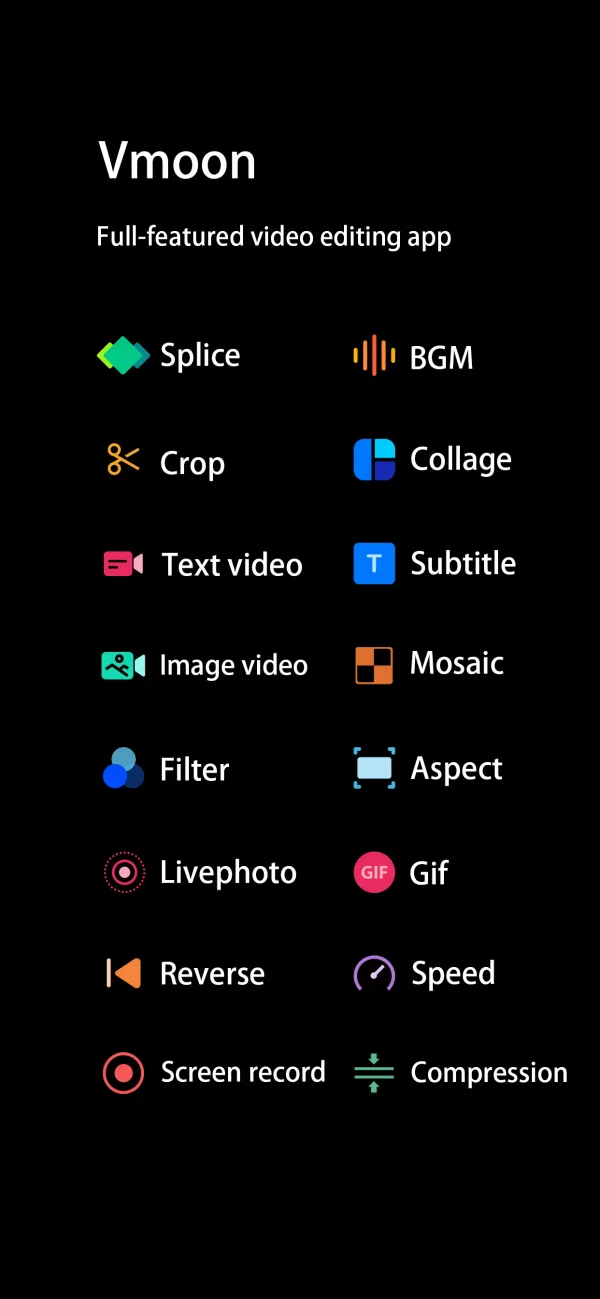
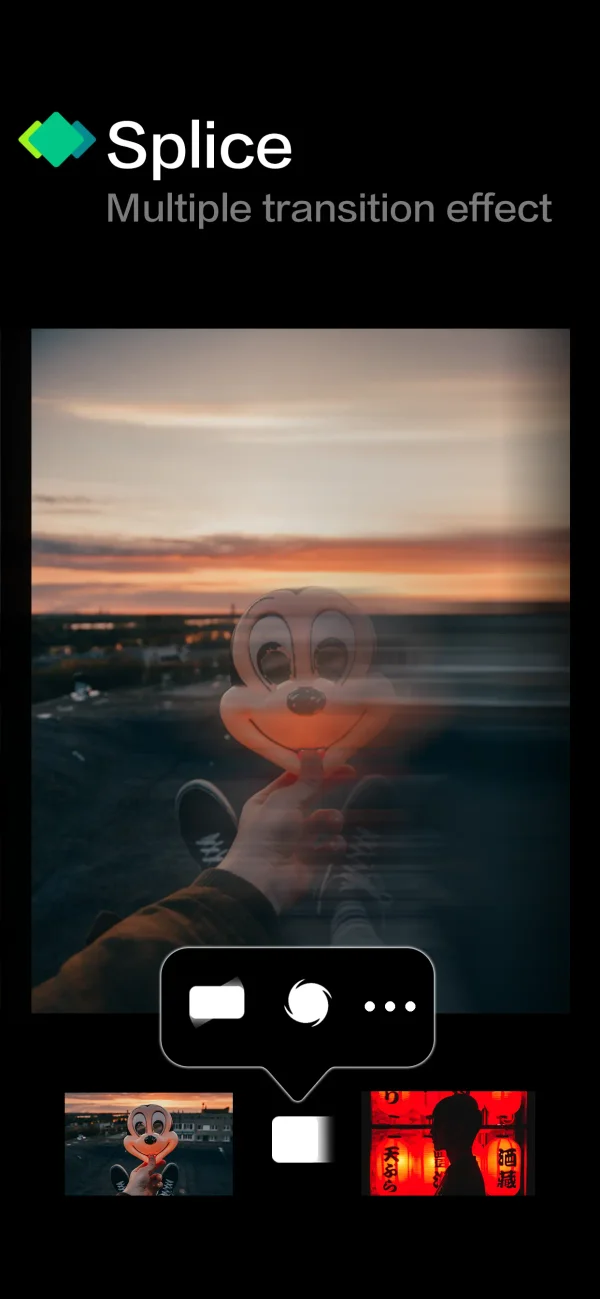
- Video merging: Combine multiple videos into one, with a wide range of transition effects to choose from. Supports mixing videos and images.
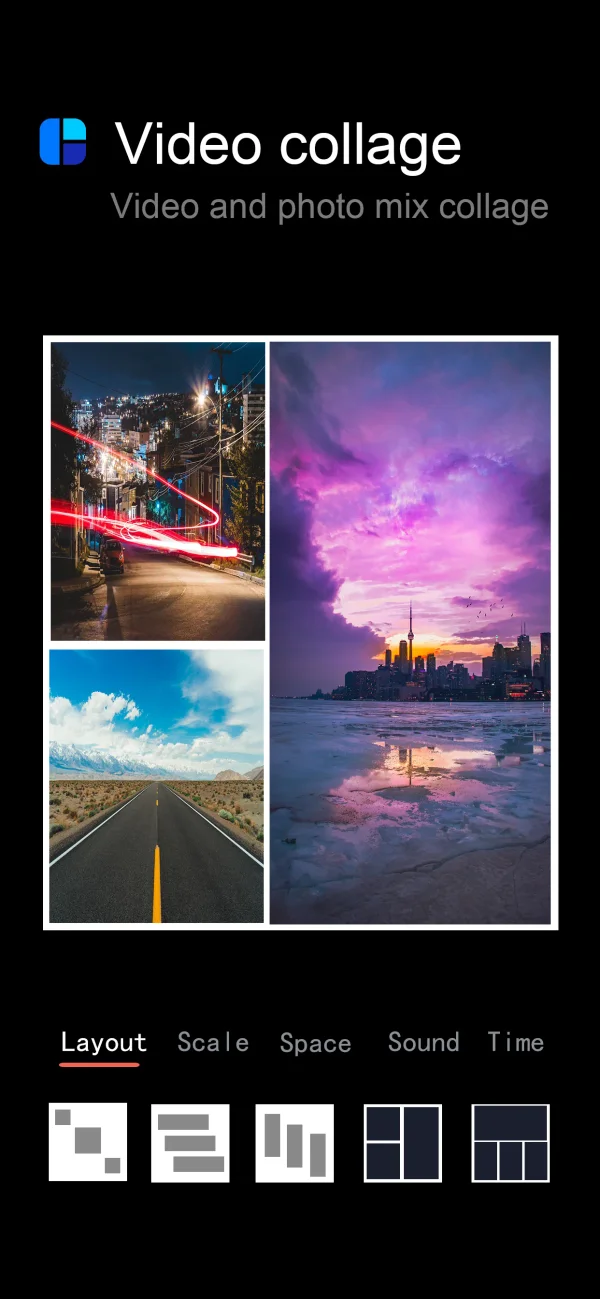
- Video collage: Create video collages by combining multiple videos in a grid layout. You have full control over the playback time and order of each video. Supports mixing videos and images.
- Text videos: Create popular text-only videos.
- Image videos: Combine multiple images into a video.
- Subtitles: Add subtitles to your videos, with a variety of font styles to choose from.
- Stickers: Add stickers to your videos.
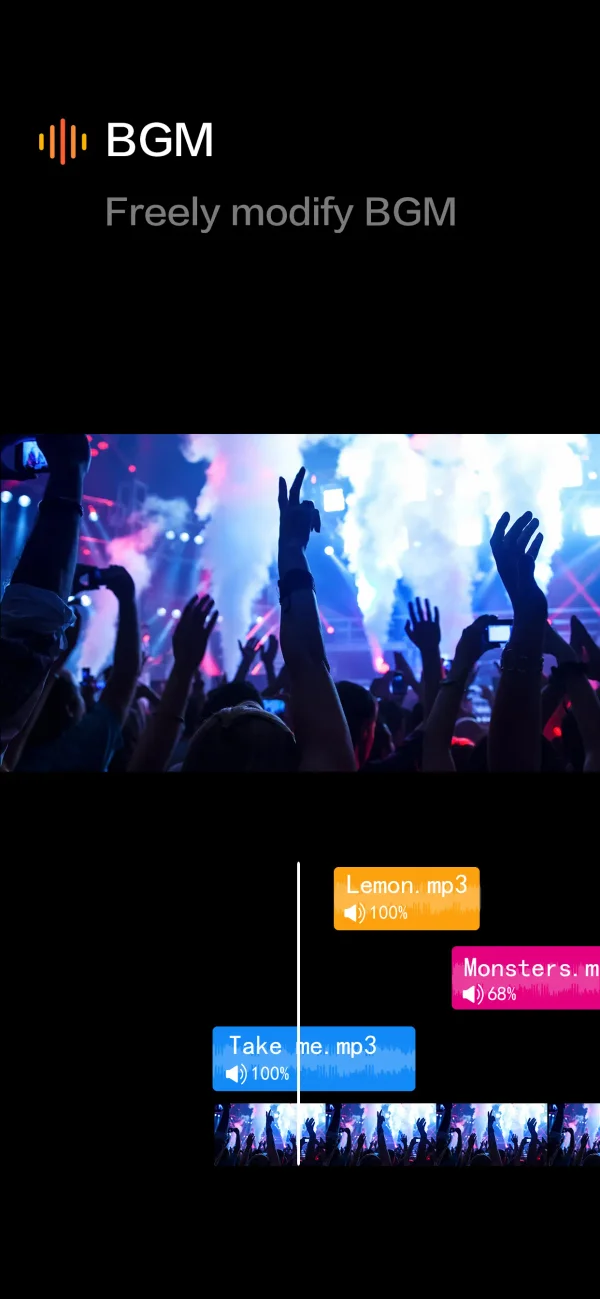
- Background music: Add multiple music tracks to your videos, with the flexibility to choose specific time intervals. Supports fade-in and fade-out effects.
- Trimming: Trim videos to retain any desired portion.
- Speed adjustment: Modify the playback speed of the entire video or specific sections.
- Filters: Choose from a wide range of beautifully built-in filters; create unique custom filters.
- Reverse playback.
- Screen recording: Supports settings for resolution, frame rate, bitrate, and more.
- Rotation: Freely rotate videos 360 degrees.
- Cover image: Set a cover image for your videos.
- Video compression: Compress videos to specified bitrates, frame rates, and resolutions to save storage space.
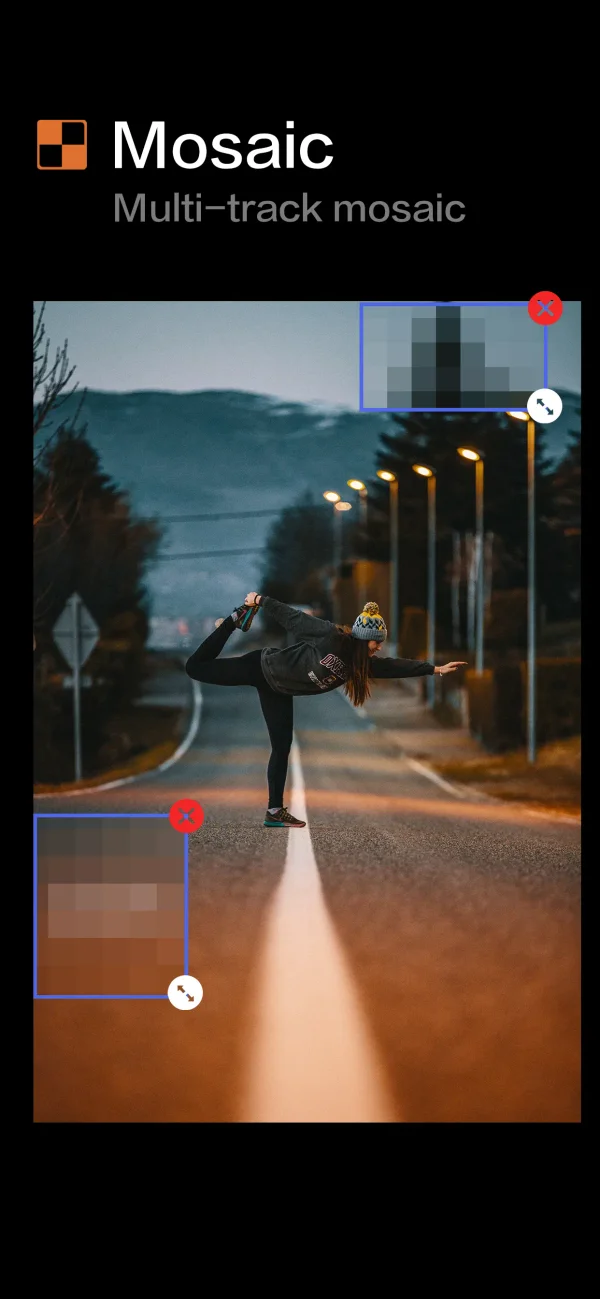
- Mosaic: Add mosaic effects at any position and time in the video.
- Aspect ratio: Adjust the video's aspect ratio to meet different size requirements.
- Live Photo: Export videos as Live Photos, which can be used as dynamic wallpapers.
- Export as GIF or PNG.
- Supports exporting high-definition resolutions such as 1080p, 4K, HDR.
- Supports exporting videos with a high frame rate of 60FPS.
【Contact us】
Mail: contact@iuuapp.com
Your suggestion is very important to me, you can contact me using the feedback in the app.
Automatic renewal statement:
1. Payment: "Continuous monthly / year" products are auto-renewable products. After confirming the purchase, you will be charged from your Apple iTunes account;
2. Renewal: 24 hours before the expiration of your subscription period, Apple will automatically deduct the charge from your ITunes account, and the validity period of "Remove ads" will be automatically extended after success;
3. If you need to cancel the automatic renewal, please turn off the automatic renewal manually in the Apple ID account settings at least 24 hours before the subscription period expires. No charge will be made after closing.
Terms of Service:
http://common.iuuapp.com/terms_service_env1_vmoon.html
Privacy Policy:
http://common.iuuapp.com/privacypolicyv1_vmoon.html
What’s new
Version 1.8.27 · Jul 23, 2026
Fixed an issue where "Record Video" might fail to save.
App privacy
What 苏娟 陈 declares on the App Store about how this app handles data.
-
Data used to track you
May be used to track you across apps and websites owned by other companies.
- Identifiers
-
Data not linked to you
May be collected but is not linked to your identity.
- User content
- Identifiers
- Usage data
- Diagnostics
Privacy practices may vary, for example with the features you use or your age.
Information
- Seller
- Beijing Shangtang Technology Co., Ltd.
- Category
- Photo & Video
- Version
- 1.8.27
- Updated
- Jul 23, 2026
- Released
- Jan 27, 2019
- Size
- 91.7 MB
- Requires
- iOS 12.0 or later
- Age rating
- 4+
- Price
- Free
- In-app purchases
- Yes
- Languages
- English, French, German, Hindi, Indonesian, Italian, Japanese, Korean, Malay, Russian, Simplified Chinese, Spanish + 4 more
- Copyright
- © 2026 iUUAPP
You might also like
-
 Video Editor - Movie MakerPhoto editor & Collage maker
-
 简影-创意视频编辑制作神器movie Effect Maker
-
 Video Editor: Make Music VideoEdit, Cut & Add Songs to Video
-
 OviCut Video EditorVideo Design & Movie Effects
-
 Videorama Text & Video EditorIntro Videos & Music Vid Maker
-
 Vlogr - Video Editor & MakerCombine, Edit, Crop, Add Music
-
 MOLDIV VideoLab Video EditorEasy Video Editing, Templates
-
 Video Editor : Video Maker,CutMovie Maker, video crop, Clips
-
 Video Cut - Video EditorTrim video & Text on video
-
 Merge Videos: Edit MoviesCombine Clip Sideshow