- Age rating4+
- CategoryEducation
- DeveloperMARKUS WITTEWEG
- LanguagesEnglish+ 5 more
- Size21.9 MB
Links to the official App Store page
Download.org hosts no file of Vocab-Fun. The button opens its official App Store page, published by MARKUS WITTEWEG. Listing last checked on Nov 17, 2026.
Screenshots







About
Learn the vocabulary from your lessons – the fun and systematic way.
GET YOUR WORDS INTO THE APP IN NO TIME
• With your own AI: copy the prompt, send a photo of the vocabulary page to ChatGPT, Claude or Gemini, paste the answer – free and without signing up in the app.
• Scan a photo: the app reads the page itself, keeps the example sentences from the book and writes matching ones for the rest. For this you need your own Mistral AI key with paid access – a page costs just a few cents.
• Topic instead of photo: enter a topic and the AI creates 30 matching words – from ordering at a restaurant to business English.
SEVEN TYPES OF EXERCISES
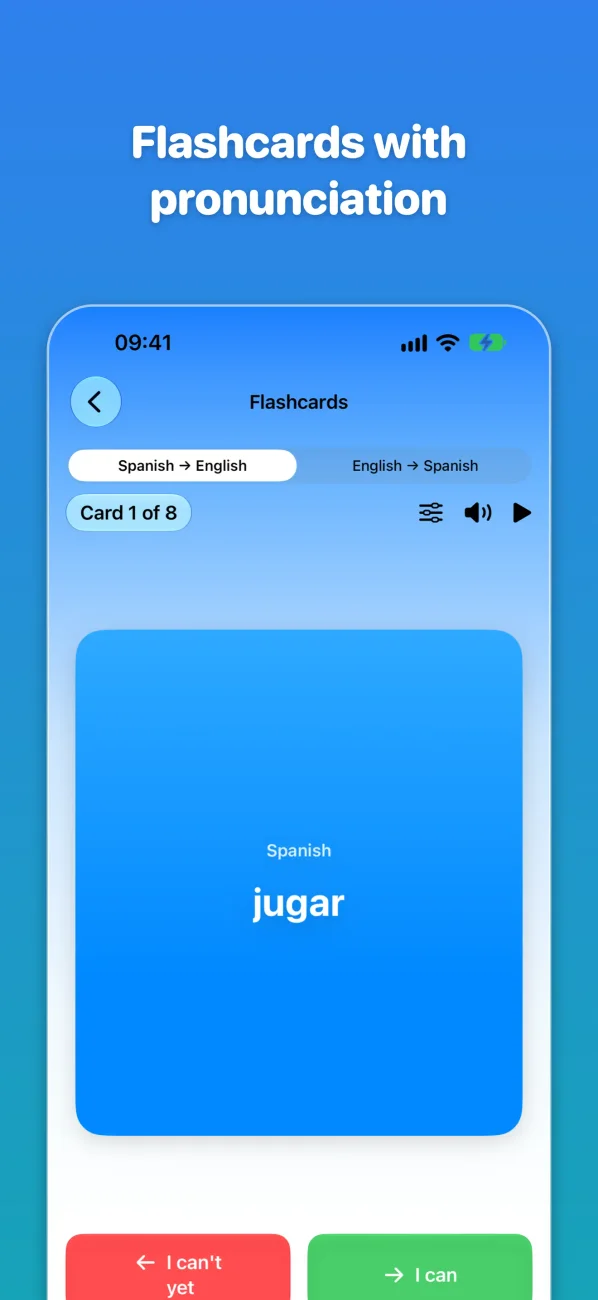
Flashcards, multiple choice, writing, fill in the blanks, advanced fill in the blanks, arranging words and speaking with pronunciation feedback – plus a duel against the computer. Every word comes with an example sentence, a translation and read-aloud.
A STUDY PLAN THAT THINKS AHEAD
The app schedules reviews using spaced repetition and reminds you every day which words are due.
STAY MOTIVATED
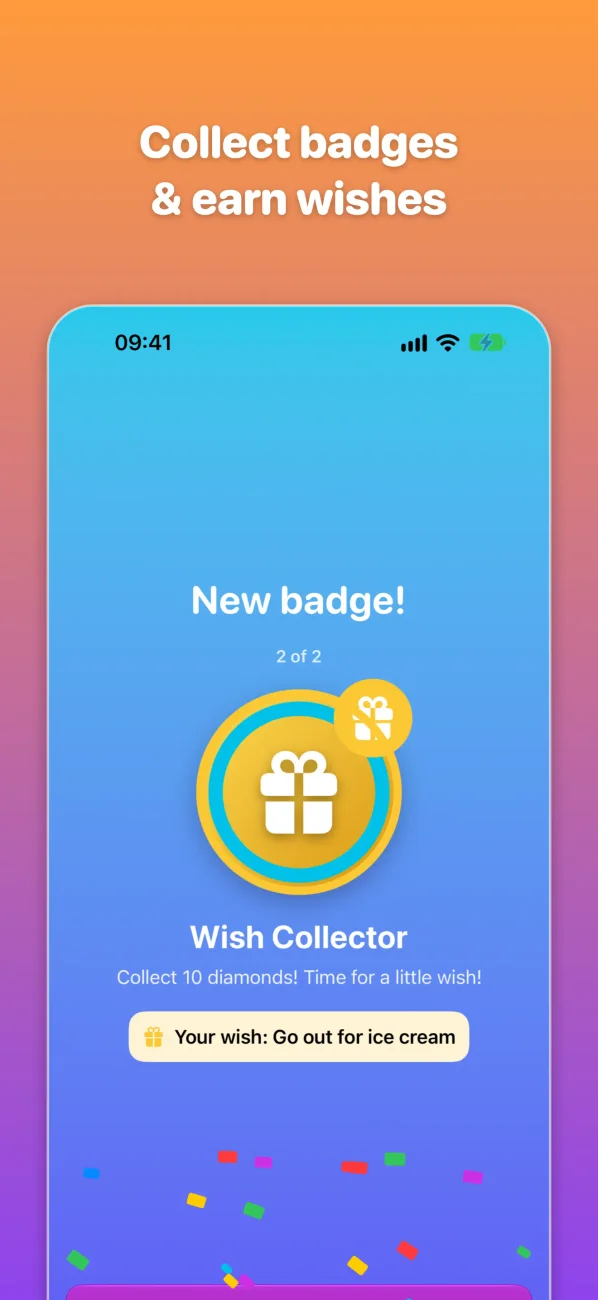
• Hearts, points and diamonds
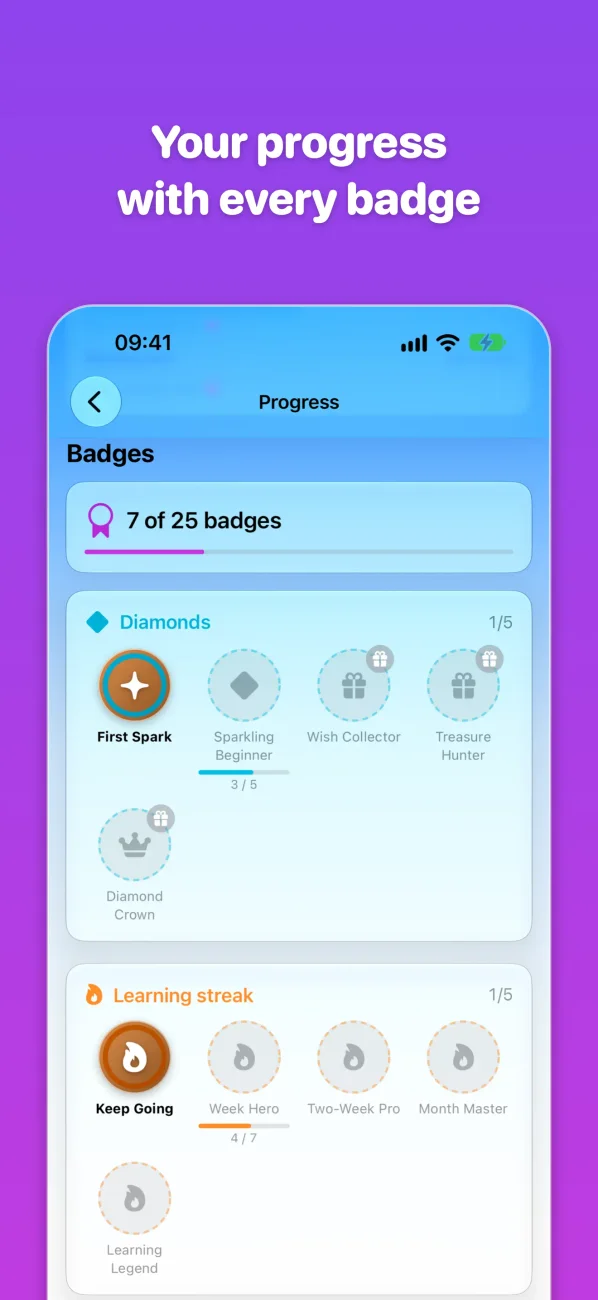
• 25 badges – some of them secret
• Wish badges: parents decide what the reward is
• Learning streak with a weekly overview and a daily goal
FOR THE WHOLE FAMILY
• Several profiles with their own avatars
• Spanish, French, German, Italian, Dutch and Latin
• Syncs between iPhone, iPad, Mac and Apple Watch via your own iCloud account
• For iPhone and iPad in portrait and landscape, as a real Mac app – and on Apple Watch: flashcards and multiple choice on the go
PRIVACY
No ads, no tracking, no account with us. Your words stay on your devices and in your own iCloud account. Photos are only sent to Mistral AI if you set up a key yourself.
AI can make mistakes – please check imported words.
What’s new
Version 6.6 · Oct 27, 2026
Vocab-Fun 6.6:
• Photo import: more reliable example sentences and translations. Afterwards the app tells you if a word got no sentence or a sentence no translation.
• Share a single list: in the list via “…” or by long-pressing it in the overview.
• On iPad in landscape and on Mac, the home screen is now laid out across the full width.
• The “Practice” tile shows your new progress as soon as you come back from practising.
App privacy
What MARKUS WITTEWEG declares on the App Store about how this app handles data.
-
Data not linked to you
May be collected but is not linked to your identity.
- User content
Privacy practices may vary, for example with the features you use or your age.
Information
- Seller
- MARKUS WITTEWEG
- Category
- Education
- Version
- 6.6
- Updated
- Oct 27, 2026
- Released
- May 25, 2025
- Size
- 21.9 MB
- Requires
- iOS 18.0 or later
- Age rating
- 4+
- Price
- Free
- Languages
- English, Dutch, French, German, Italian, Spanish
- Copyright
- © 2026 Markus Witteweg
You might also like
-
 Simple Vocab TrainerLearn words with a card box
-
 Einfacher Vokabel TrainerEducation
-
 Snap to Learn - Vocab by PhotoHandwrite Vocab. Ace Any Test.
-
 ShortcardsKeyboard Shortcuts Cheatsheets
-
 VocaScan AI Vocabulary ScannerScan a Page, Get a Quiz
-
 Numfred: Learn NumbersLanguage Listening Practice
-
 SugarizerEducation
-
 Locally TranslateOffline AI Translation
-
 Information SuperhighwaySkim Wikipedia Articles