
VocabTrain
Learn vocabulary effectively
Designed for iPhone, iPad, Mac
In-app purchases
- Age rating4+
- CategoryEducation
- DeveloperAndreas Grauf
- LanguagesGerman
- Size5.7 MB
Links to the official App Store page
Download.org hosts no file of VocabTrain. The button opens its official App Store page, published by Andreas Grauf. Listing last checked on Nov 12, 2026.
Screenshots
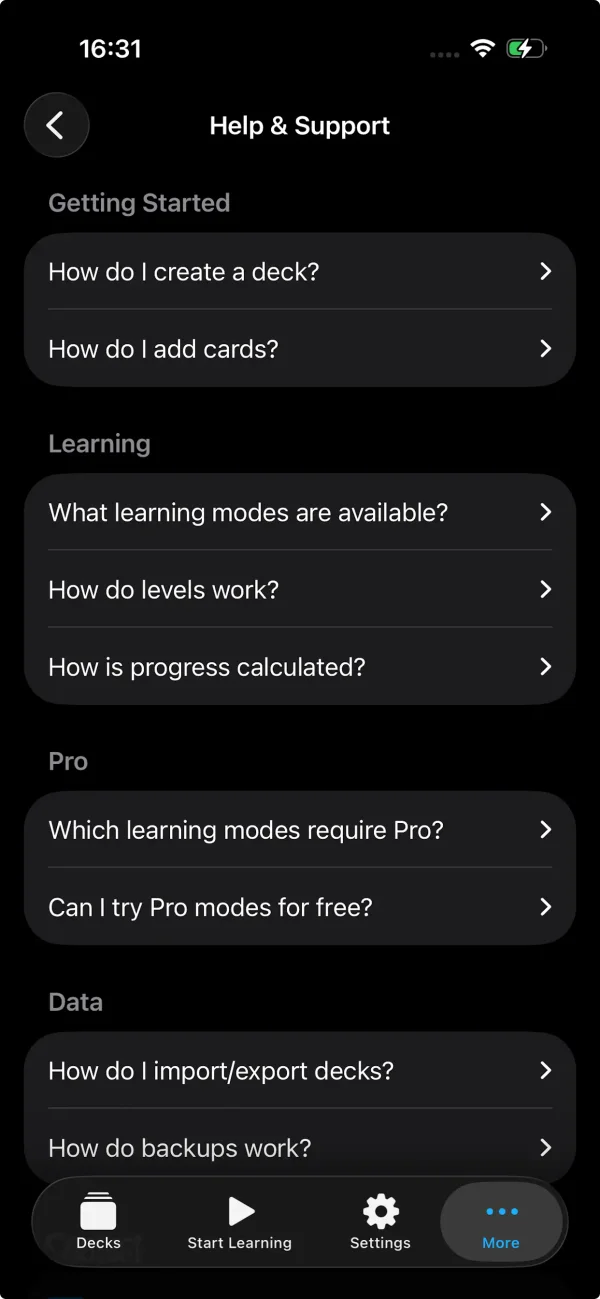
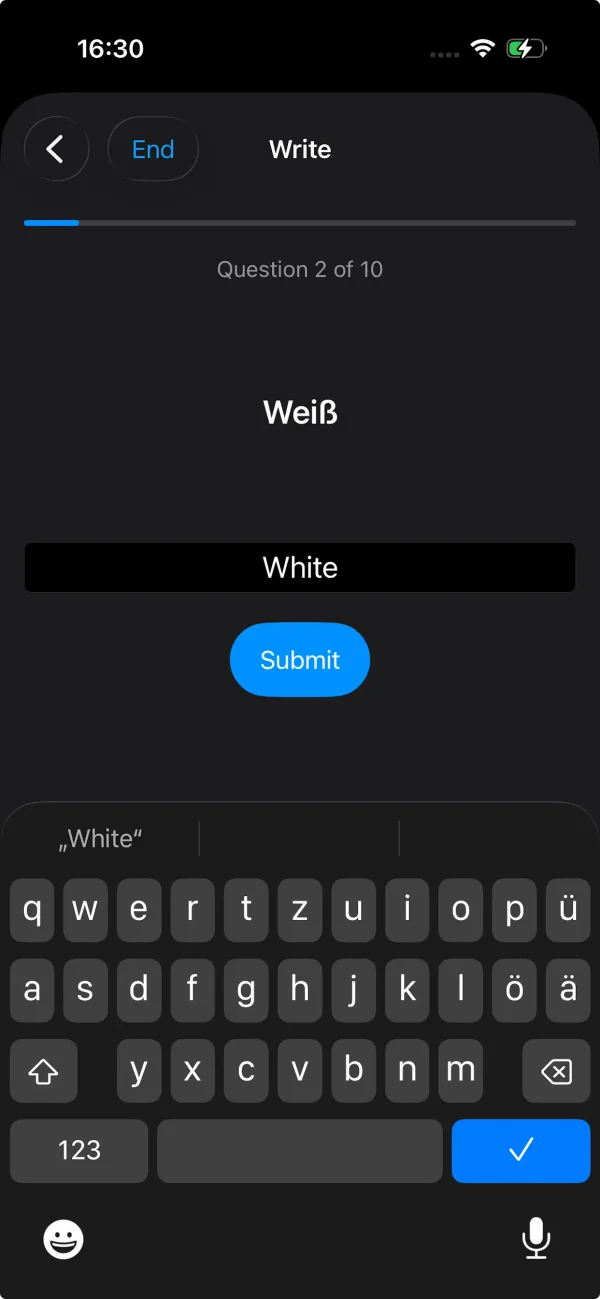
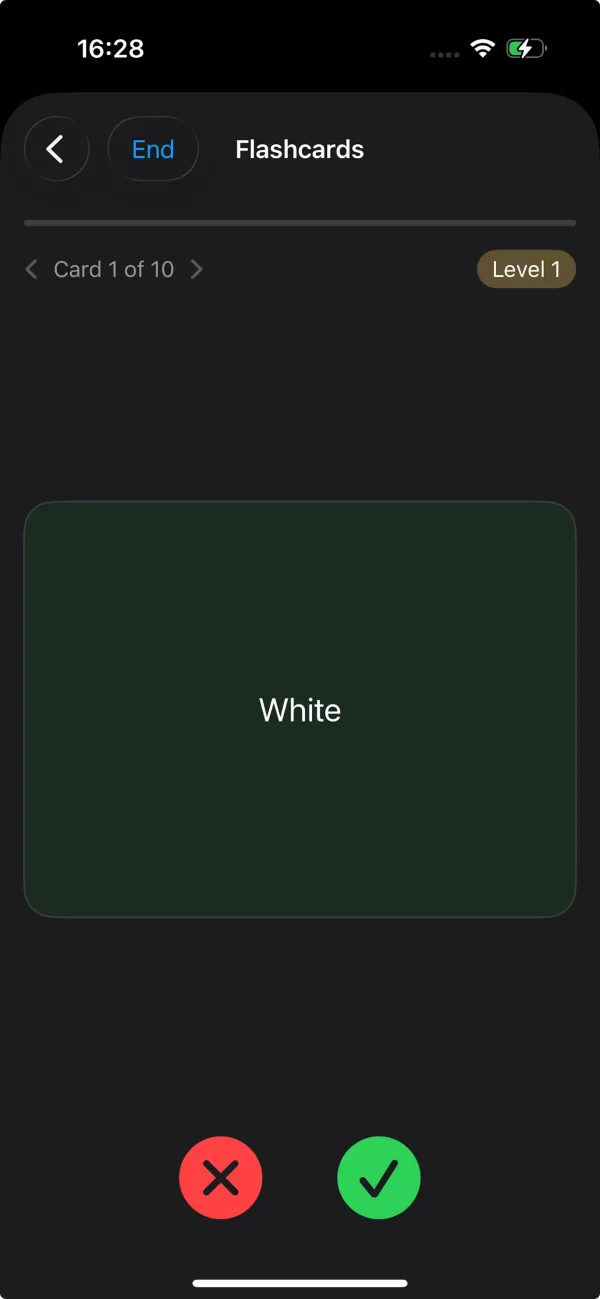


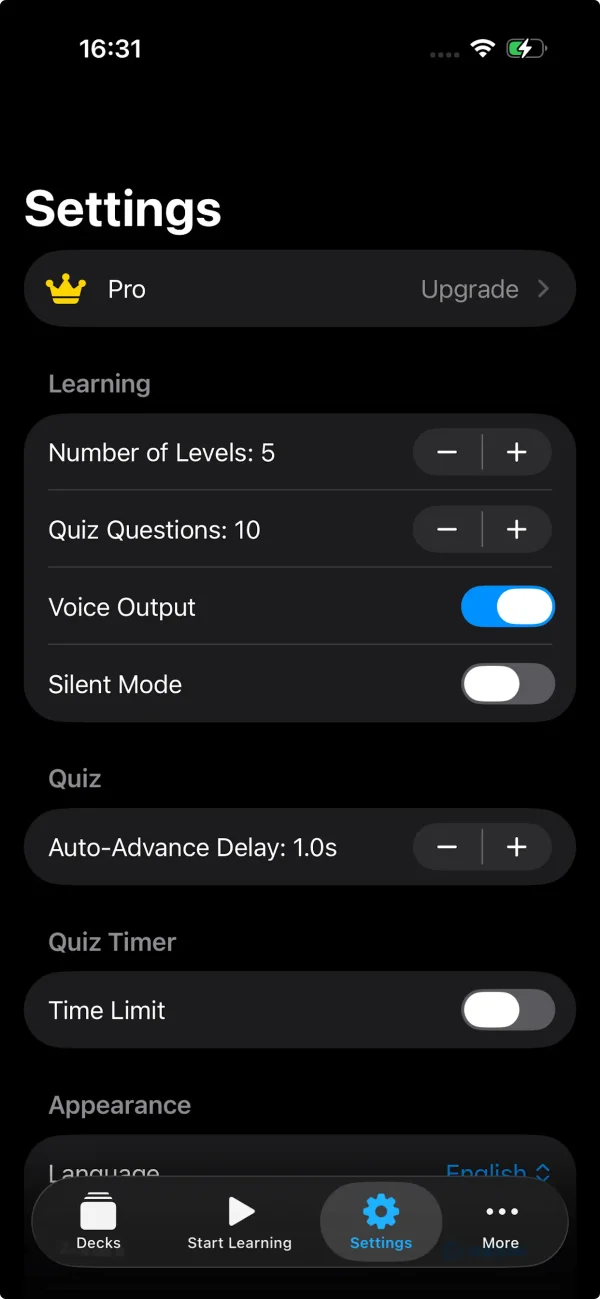


About
Vocab Train is your personal vocabulary trainer with seven varied learning modes that adapts to your learning progress.
SEVEN LEARNING MODES
• Flashcards – Classic flipping with swipe gestures
• Quiz – Multiple choice with timer and automatic advancing
• Matching – Find the correct pairs against the clock
• Listening – Train your listening comprehension with audio
• Writing – Type the correct translation
• Dictation – Listen and write what you hear
• Word Search – Find translation words hidden in a letter grid
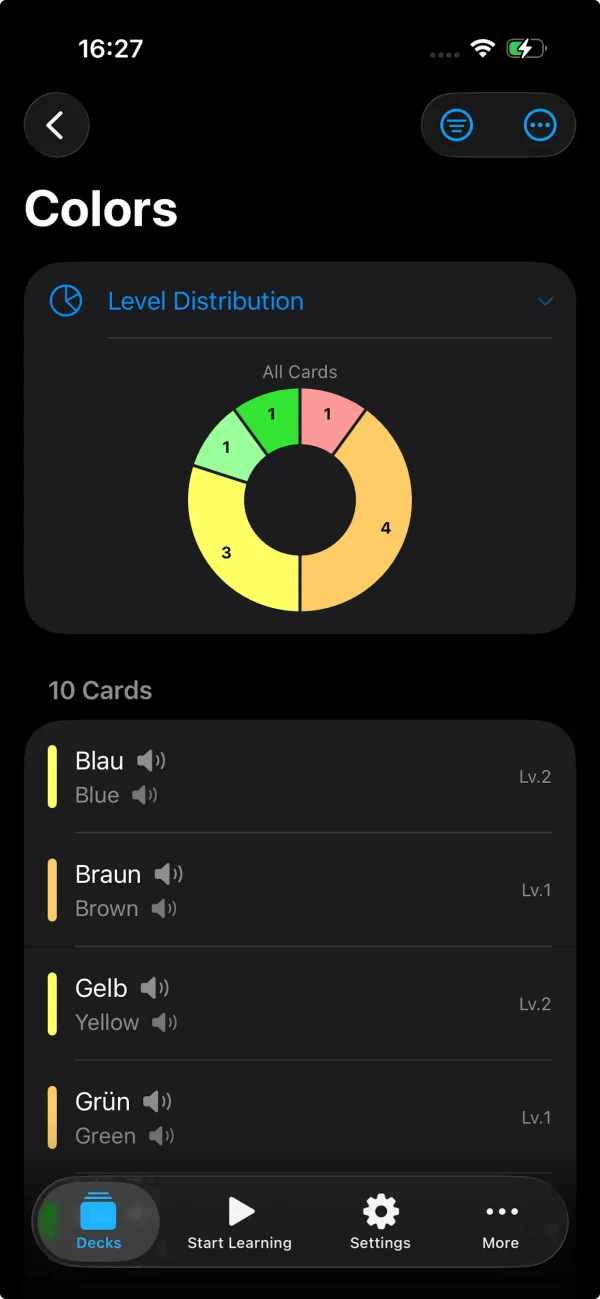
INTELLIGENT LEVEL SYSTEM
Each card progresses through several levels. Correct answers increase the level, incorrect ones reset it. This way, you automatically
focus on the vocabulary you haven't yet mastered.
FLEXIBLE & ORGANIZED
• Create bilingual decks with any language combination
• Organize decks into folders and categories
• Import and export cards via CSV or JSON
• Mark favorites and pin important cards
PROGRESS AT A GLANCE
• Detailed statistics per deck
• Home screen widgets for progress and overview
• Study reminders
VOICE OUTPUT
• Text-to-speech for question and answer pages
• Individual TTS settings per language and card
VOCAB TRAIN PRO
Unlock additional learning modes (Quiz, Matching, Listening, Dictation, Word Search), access the archive, automatic translation, PDF
export, reminders, and automatic backups.
The app works completely offline – your data stays on your device.
What’s new
Version 1.3 · Mar 22, 2026
New Features
- 7-Day Free Trial — All Pro features are unlocked for 7 days after first install. Try
Quiz, Pair, Listen, Dictation, Archive, Translation, PDF Export, Reminders, and Auto
Backup for free.
- Predefined Language Picker — Choose from 37 languages with flag emojis when adding a
new language. Search by name or locale code. Custom language option still available.
- Default Languages — English (UK), French, and Spanish are now included out of the box
alongside German and English.
- Getting-Started Guide — New users see a 3-step checklist on the Decks and Start
Learning tabs to help them get started quickly.
UX Improvements
- Card Creation Feedback — "Card created" confirmation appears after saving a new card.
Keyboard stays open for quick entry of the next card.
- Category Picker — Categories in the deck form now open in a separate dialog instead of
a long inline list.
- Language Flags — Language list shows flag emojis based on country code instead of a
generic globe icon.
- Onboarding — Learning modes list is now centered on iPad.
Fixes
- In-App Language Switching — Switching between English and German in settings now
correctly updates all screen titles, tab labels, and system strings.
- Default Levels — New installs default to 4 levels instead of 5.
App privacy
What Andreas Grauf declares on the App Store about how this app handles data.
-
Data not collected
The developer does not collect any data from this app.
Privacy practices may vary, for example with the features you use or your age.
Information
- Seller
- Andreas Grauf
- Category
- Education
- Version
- 1.3
- Updated
- Mar 22, 2026
- Released
- Mar 3, 2026
- Size
- 5.7 MB
- Requires
- iOS 26.2 or later
- Age rating
- 4+
- In-app purchases
- Yes
- Languages
- German
- Copyright
- © 2026 Andreas Grauf
You might also like
-
 FLIPPO – Vocabulary TrainerLearn vocabulary with SRS
-
 VocaPal: Speak & Learn WordsInstant meaning as you speak
-
 RIKUVocaSnap
-
 VocabSpark: FlashcardsFlashcards for school vocab
-
 QardCards: Language FlashcardsMaster Vocab with Level Focus
-
 LernFlashEducation
-
 Repiep: AI Vocabulary TrainerScan. Review. Remember.
-
 Lingly: Türkisch lernenEducation
-
 Vocblr – Vokabeln lernenEducation
-
 Flashcards: Revise & RecallCloze, Leitner & Memorizing