
- Age rating4+
- CategoryEducation
- Developerbyoungwook Lee
- LanguagesKorean+ 2 more
- Size48.9 MB
Links to the official App Store page
Download.org hosts no file of Vocadio. The button opens its official App Store page, published by byoungwook Lee. Listing last checked on Nov 17, 2026.
Screenshots


About
Create your own study material, focus on the range you need, and check your understanding with quizzes.
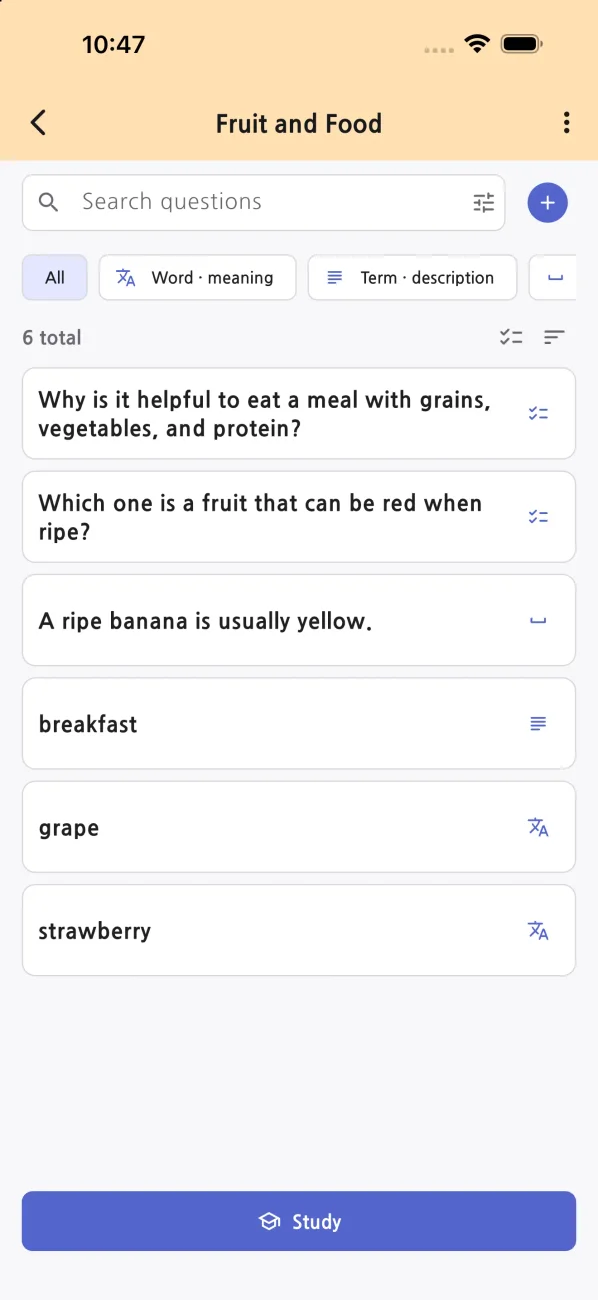
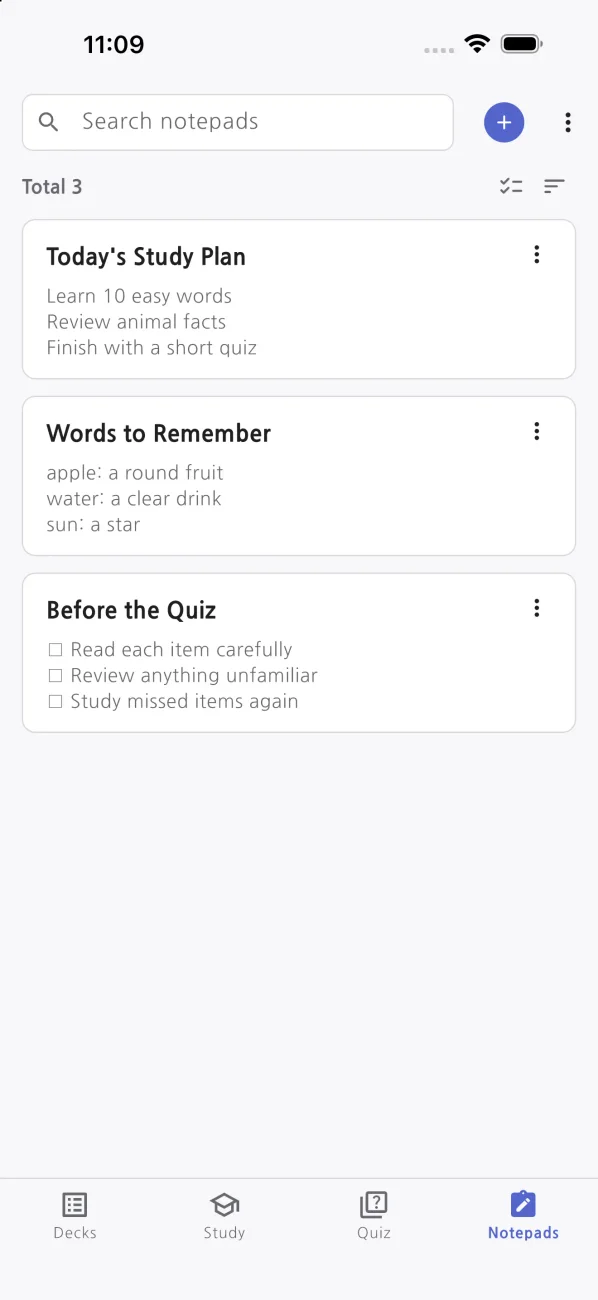
Vocadio is a personal study tool for more than vocabulary. Organize words and meanings, terms and descriptions, fill-in-the-blank sentences, and multiple-choice questions in your own decks and review them repeatedly. No account is required, and your core study data is stored on your device.
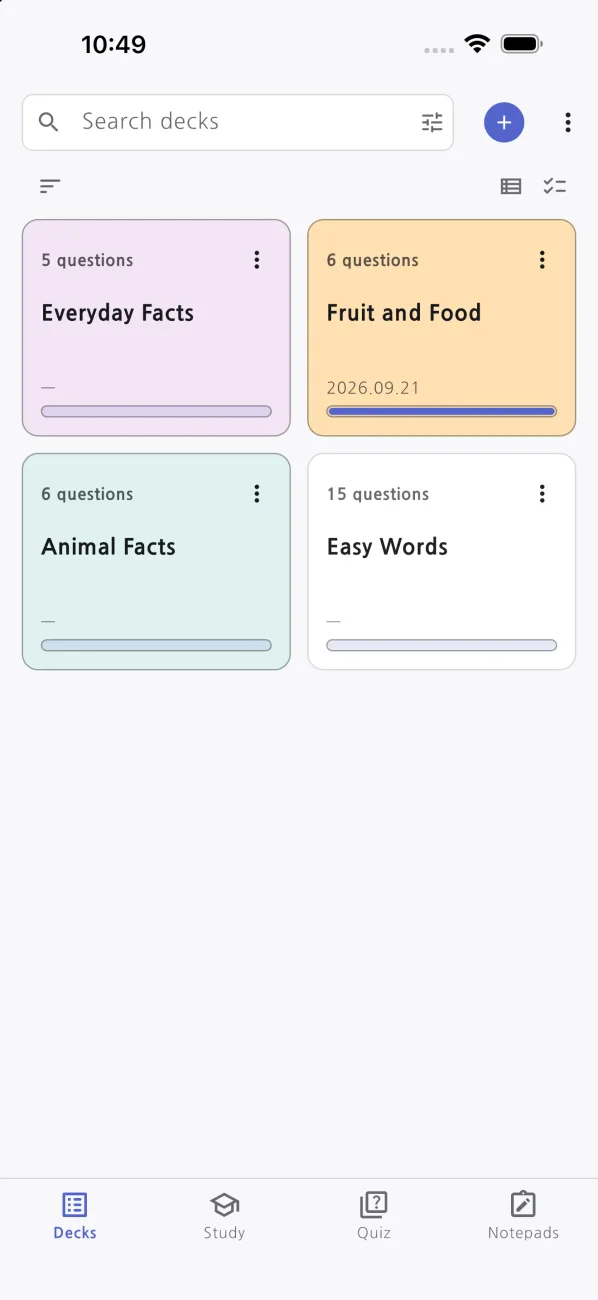
Decks for every subject
- Create decks by topic and customize their names, descriptions, and card colors
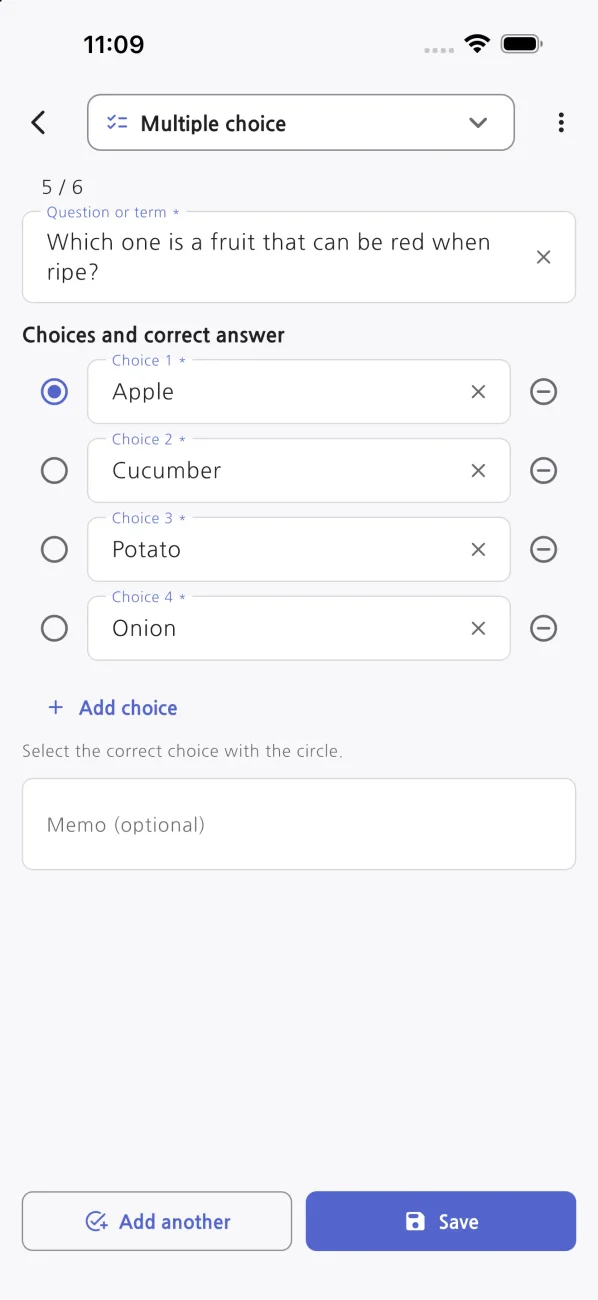
- Add words and meanings, terms and descriptions, sentence blanks, and multiple-choice questions
- Search questions and filter by type
- Sort by title or date added
- Switch between list and grid views
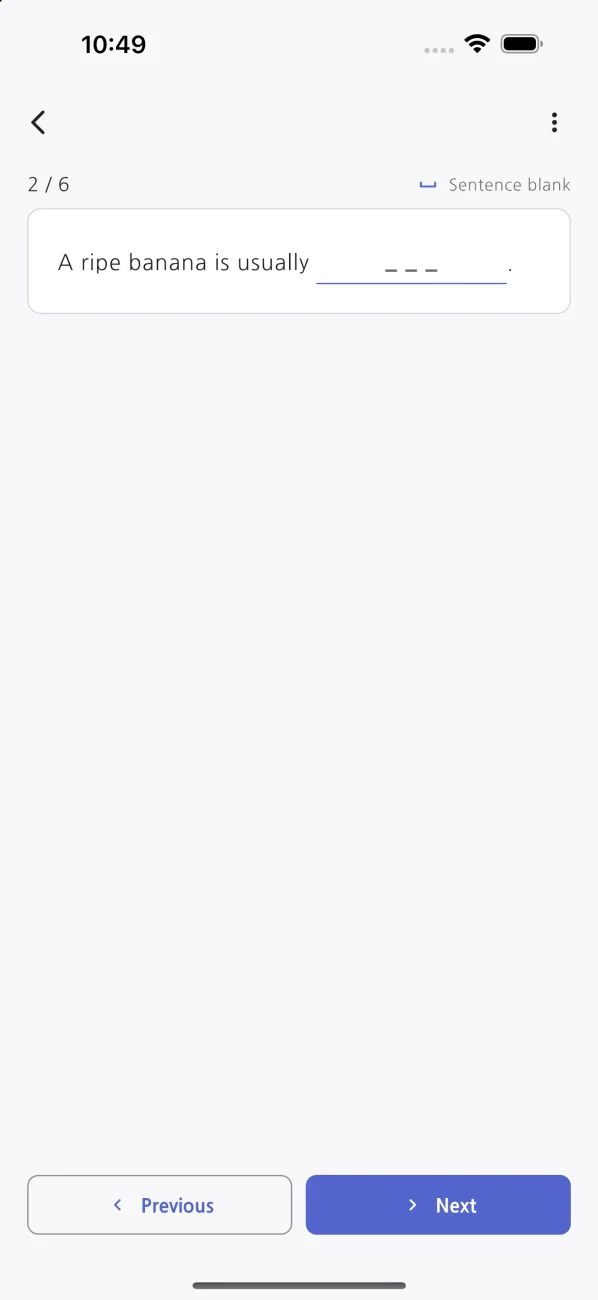
Flexible study sessions
- Study every question or only the current filtered results
- Use a searched question as a starting point: study up to it or begin a complete cycle from it
- Study sequentially or in shuffled order
- Jump quickly by entering a question number, searching the list, or using the slider
- Resume from where you stopped or start a new session
- View and edit question notes while studying
- Use iOS text-to-speech and automatic advance
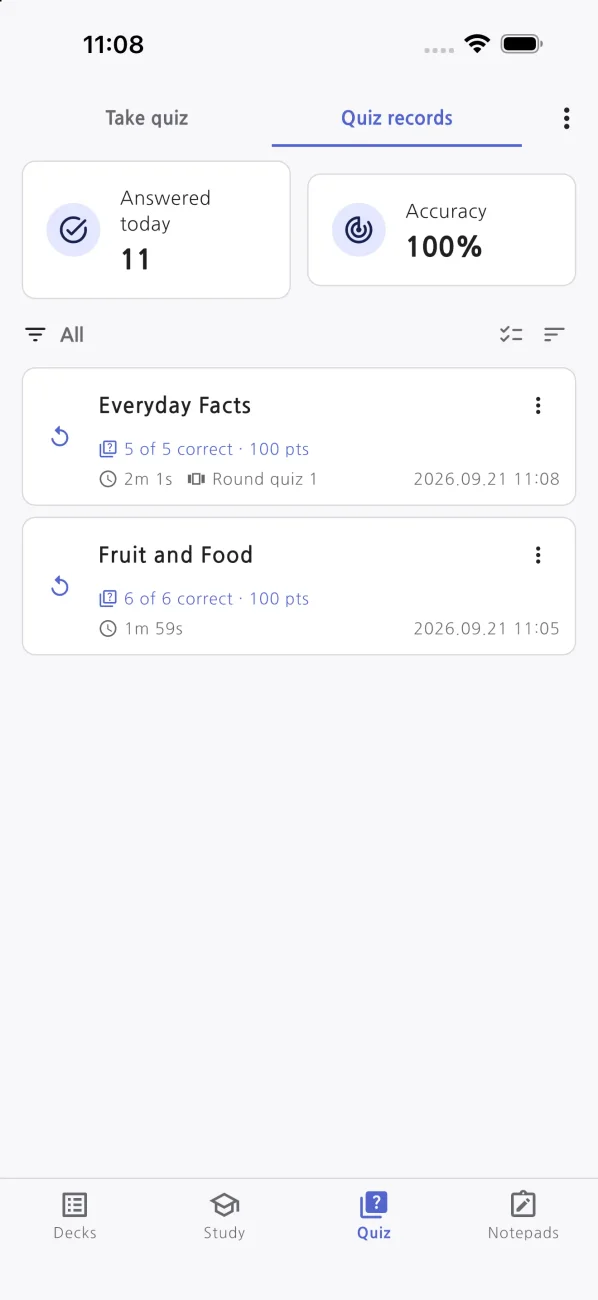
Quizzes and history
- Build quizzes from all questions or questions answered incorrectly in previous quizzes
- Choose a question count or percentage
- Review correct answers, score, elapsed time, and mistakes
- Filter, sort, and delete study and quiz records
- Retake a quiz with the same set of questions
Notes and file tools
- Keep separate notepads with formatted text
- Export deck questions as worksheet and answer-key PDFs
- Use Excel templates to import or export questions and notepads in bulk
- Back up and restore all or selected data with a .vocadio file
- Optionally protect a backup file with a password
Choose what to learn and how to review it, then find any question quickly whenever you need it.
What’s new
Version 1.0.1 · Sep 30, 2026
Improved stability and fixed bugs.
App privacy
What byoungwook Lee declares on the App Store about how this app handles data.
-
Data used to track you
May be used to track you across apps and websites owned by other companies.
- Identifiers
-
Data linked to you
May be collected and linked to your identity.
- Location
- Identifiers
- Usage data
-
Data not linked to you
May be collected but is not linked to your identity.
- Diagnostics
Privacy practices may vary, for example with the features you use or your age.
Information
- Seller
- byoungwook Lee
- Category
- Education
- Version
- 1.0.1
- Updated
- Sep 30, 2026
- Released
- Sep 29, 2026
- Size
- 48.9 MB
- Requires
- iOS 15.0 or later
- Age rating
- 4+
- Languages
- Korean, English, Japanese
- Copyright
- © 2026 Byoungwook Lee
You might also like
-
 BlankStudy: Cloze StudyCloze masks & spaced recall
-
 단어암기장Education
-
 단어샷 홈Education
-
 WordGarden: Learn Korean WordsHangul, Vocabulary & Stories
-
 自転車ルールクイズEducation
-
 Pengram - 自分で作る単語帳・暗記カード・一問一答Education
-
 파피 영단어Education
-
 피카보카 - 영단어 암기장Education
-
 GoVocab: English DictionaryVocabulary Builder
-
 MyStudyDeck – Smart FlashcardSmart flashcards & quizzes