
Voice Assess
Teacher Voice to Text Notes
Designed for iPhone, iPad
Free · In-app purchases
- Age rating4+
- CategoryEducation
- DeveloperDarrel Branson
- LanguagesEnglish+ 3 more
- Size8.3 MB
Links to the official App Store page
Download.org hosts no file of Voice Assess. The button opens its official App Store page, published by Darrel Branson. Listing last checked on Nov 15, 2026.
Screenshots

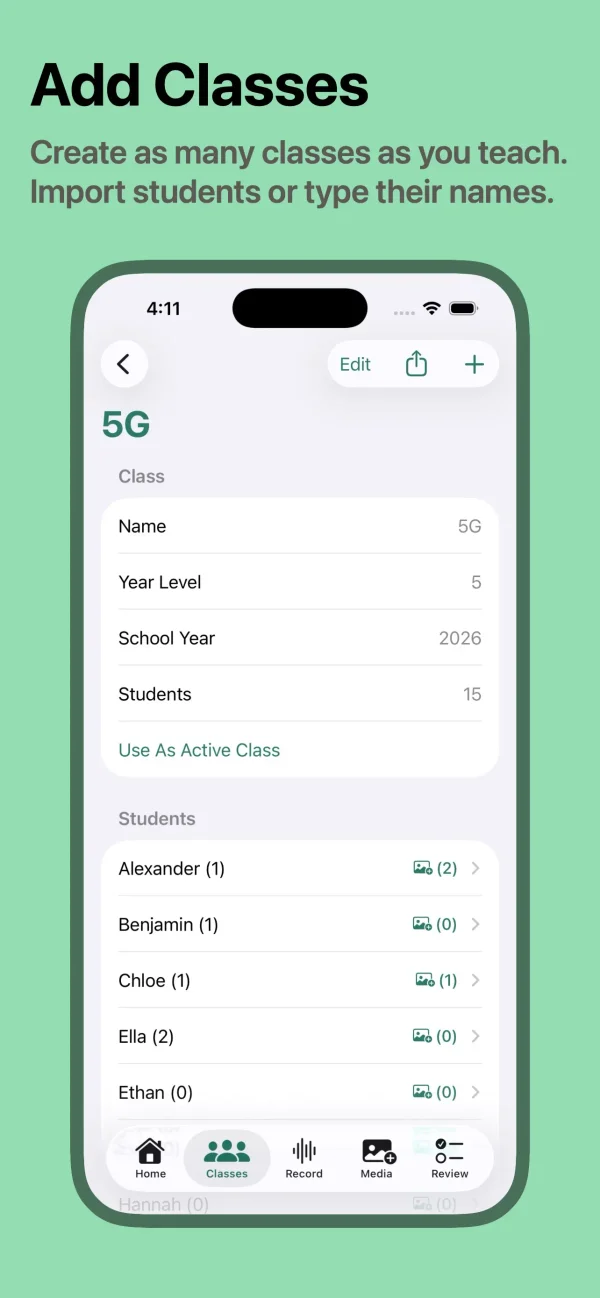
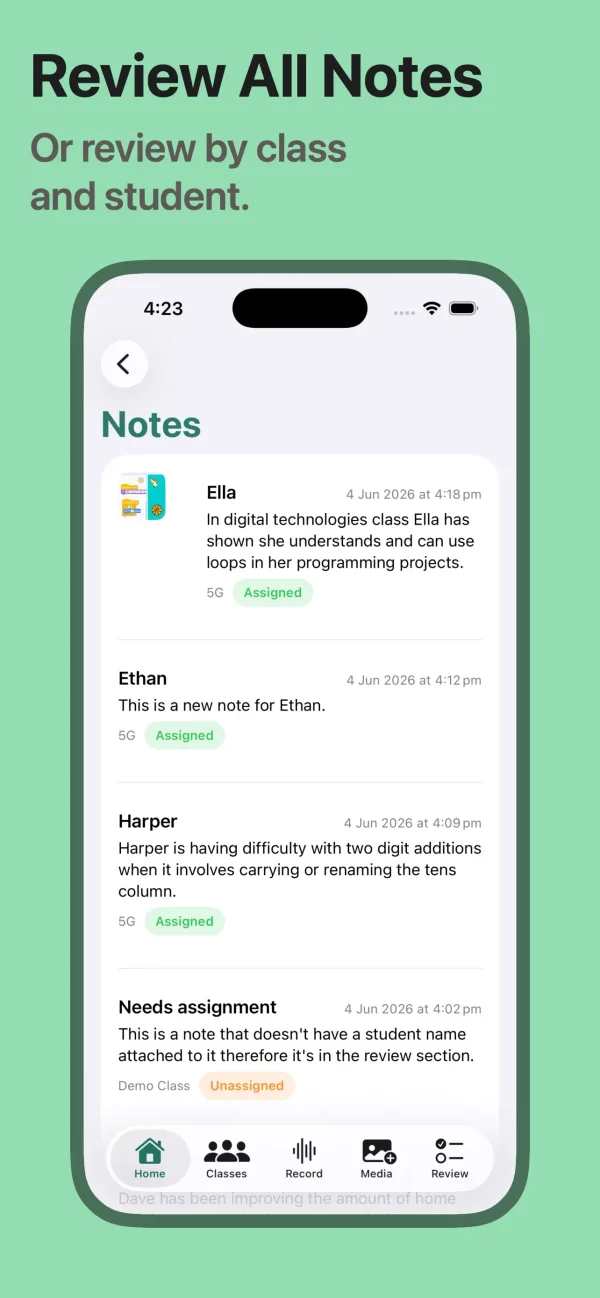

About
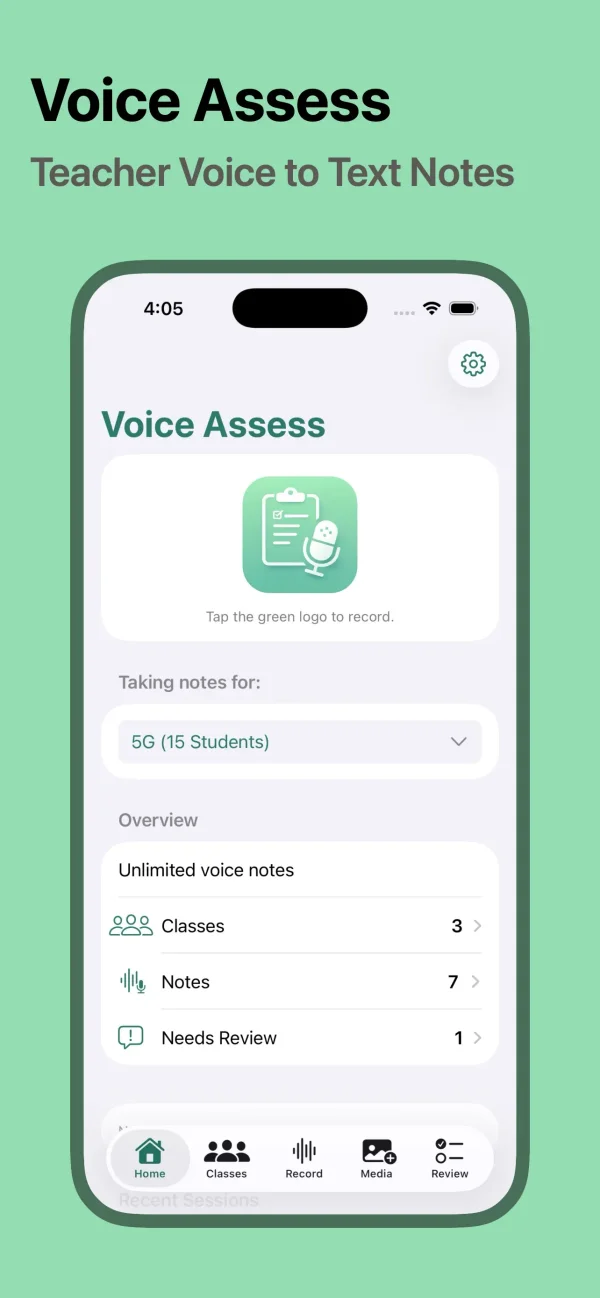
Voice Assess helps teachers capture student assessments, visual evidence, and AI progress summaries using just their voice — right in the middle of a lesson, in the gym, or reviewing work.
Speak your observations naturally. Voice Assess transcribes entirely on-device, matches student names from your roster, and creates timestamped notes automatically. Capture photo and video evidence, tag by subject, append follow-up notes over time, and generate comprehensive class or student reports in seconds.
HOW IT WORKS
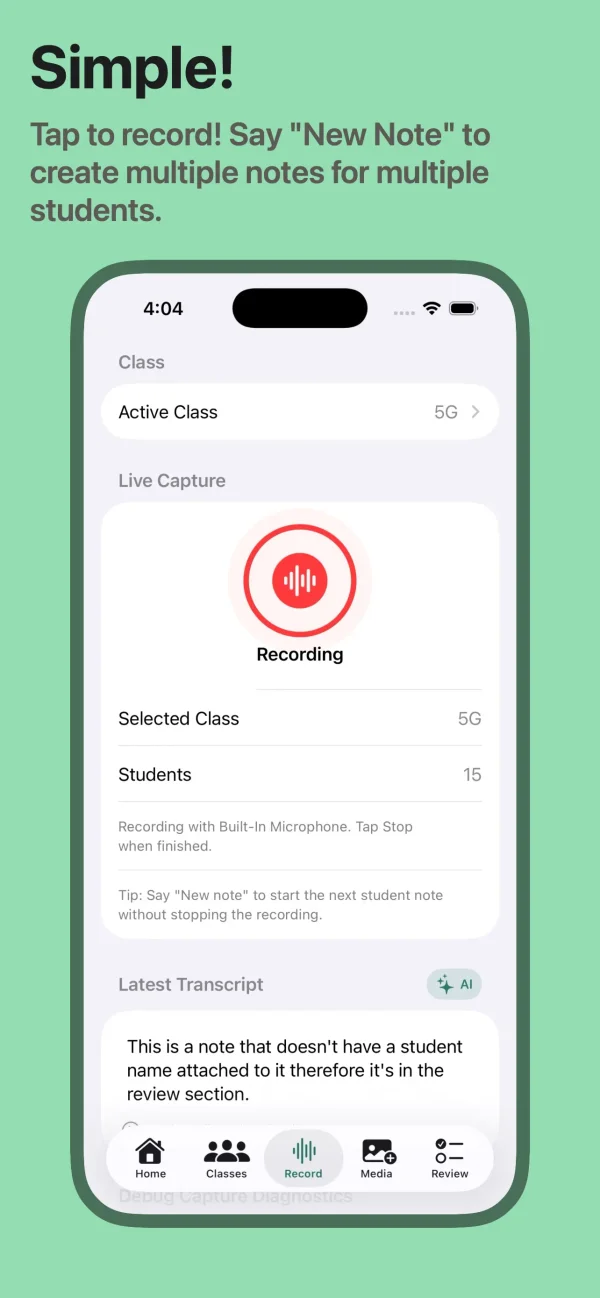
• Voice-First: Tap record and speak naturally: "Glen is stepping off the wrong foot. New note: Julia is catching with both hands." Voice Assess splits them into separate student notes automatically.
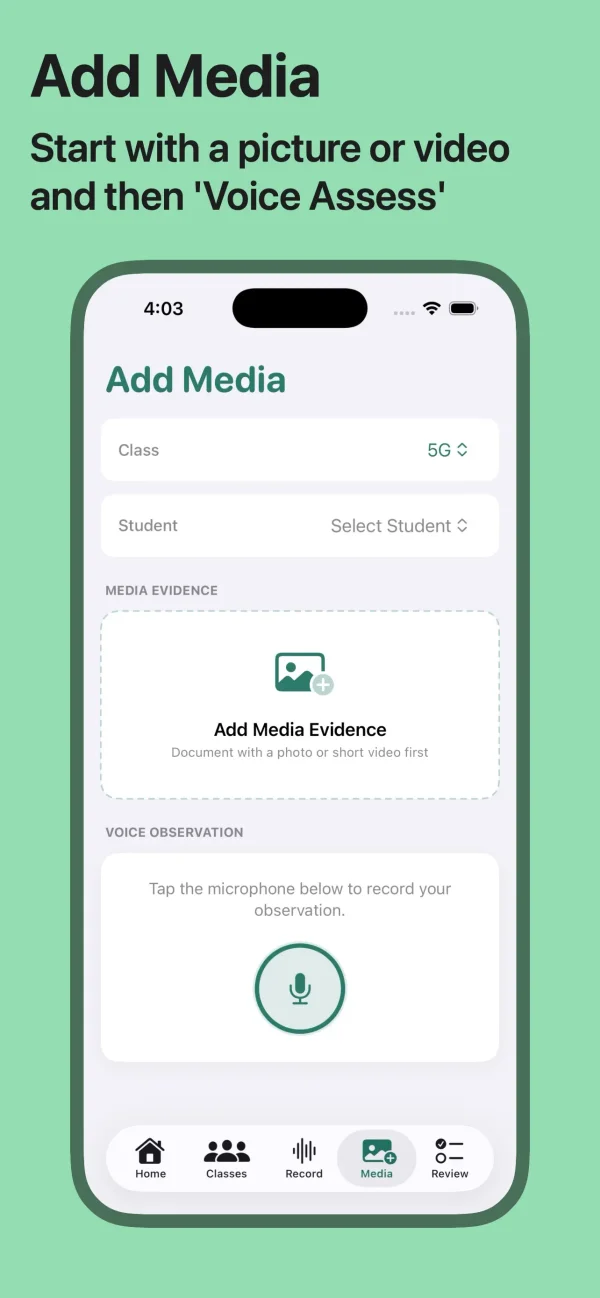
• Media + Voice: Snap student work or record video, then speak your observation directly over it.
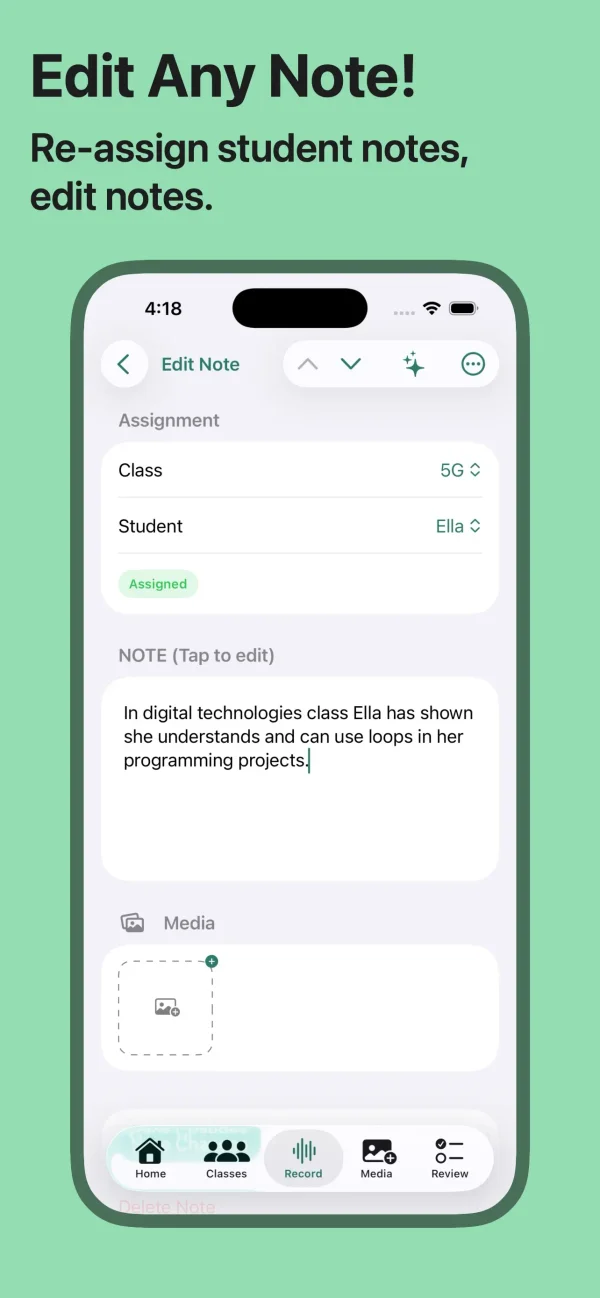
• Append Anytime: Add follow-up voice notes to an existing student observation without overwriting past comments.
KEY FEATURES
• Hands-Free Dictation: On-device speech recognition automatically identifies students from your class roster.
• On-Device AI Reports: Instantly turn raw notes into polished individual student reports or whole-class cohort summaries.
• Custom Report Tones: Select Formal/Academic, Warm & Encouraging, Casual, or Direct & Concise for report cards, IEPs, or parent emails.
• Photos & Slow-Motion Video: Attach visual evidence with built-in cropping, trimming, and 0.25× slow-motion playback to analyze physical technique and demonstrations.
• Subject & Custom Tags: Organize observations with multi-select tags; browse, filter, and export notes by tag.
• Append or Replace: Choose whether new voice recordings add to existing notes or replace them.
• 1-Tap AI Cleanup: Polish grammar and transcription phrasing individually or across an entire class in bulk—with preview before accepting.
• Flexible Export: Export PDF summary reports, CSV rosters, or save media directly to the Files app and Camera Roll.
• Classroom Ready: Works 100% offline, supports Bluetooth mics in noisy spaces, includes 30-day trash recovery, and syncs across iPhone, iPad, and Mac via iCloud.
100% PRIVATE & ON-DEVICE Student data stays strictly yours. Speech recognition and Apple Intelligence AI reports run entirely on-device. Audio is discarded immediately after transcription. Notes and media remain securely on your device and private iCloud. No accounts, no cloud servers, no tracking, and zero third-party data sharing.
Stop juggling clipboards and typing on tiny screens. Just capture, talk, and teach.
What’s new
Version 2.5.1 · Nov 15, 2026
Voice Assess 2.5 makes managing classroom observations even smoother:
New Languages: Voice Assess is now fully available in German, French, and Spanish.
Review Queue Flow: Quickly review and triage unassigned notes in sequence.
Smarter Speech Matching: Enhanced accuracy for phonetic name variants, nicknames, and shared first names.
Performance improvements and bug fixes.
App privacy
What Darrel Branson declares on the App Store about how this app handles data.
-
Data not collected
The developer does not collect any data from this app.
Privacy practices may vary, for example with the features you use or your age.
Information
- Seller
- Darrel Branson
- Category
- Education
- Version
- 2.5.1
- Updated
- Nov 15, 2026
- Released
- Apr 15, 2026
- Size
- 8.3 MB
- Requires
- iOS 18.0 or later
- Age rating
- 4+
- Price
- Free
- In-app purchases
- Yes
- Languages
- English, French, German, Spanish
- Copyright
- © Darrel Branson
You might also like
-
 Teach PadNotepad for Teachers
-
 FireFingerSpark Your Typing Skills
-
 KlassenblickEducation
-
 GlassScope™Solarban® in sight!
-
 Le p'tit observatoireEducation
-
 LessonSpark: AI Teacher ToolsPlan, Grade & Print Worksheets
-
 Awe by Dr. Mareike AweEducation
-
 ABC DataTrack behavior observations
-
 Calliope mini BlocksProgramming with Scratch
-
 Meine Lehrerplaner-AppEducation