
Voice Note V2N
Speech to text, offline
Designed for iPhone, iPad
Free · In-app purchases
- Age rating4+
- CategoryProductivity
- DeveloperJanusz Czarnak-Plawinski
- LanguagesEnglish+ 5 more
- Size41.3 MB
Links to the official App Store page
Download.org hosts no file of Voice Note V2N. The button opens its official App Store page, published by Janusz Czarnak-Plawinski. Listing last checked on Nov 12, 2026.
Screenshots

About
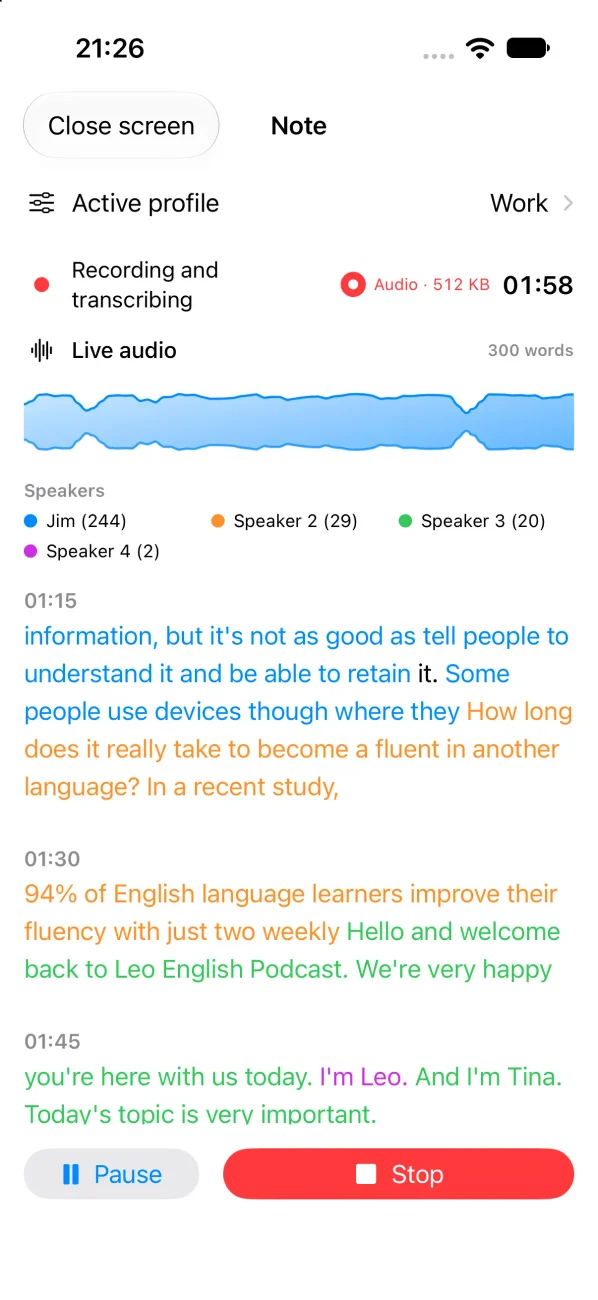
No account or subscription required. Start recording and V2N turns the conversation into text. Come back to your note, copy it, or share it whenever you need it.
Your recordings stay on your device. V2N doesn’t send audio or notes to the cloud or to an external transcription service. After you download a model once, transcription works without internet—even in Airplane Mode. There’s no account to create and no recordings to upload to a server.
Record from:
your microphone, for a meeting, lecture, or personal voice note; audio playing in other apps on the same device. This option requires iOS 27 and the system screen-sharing feature.
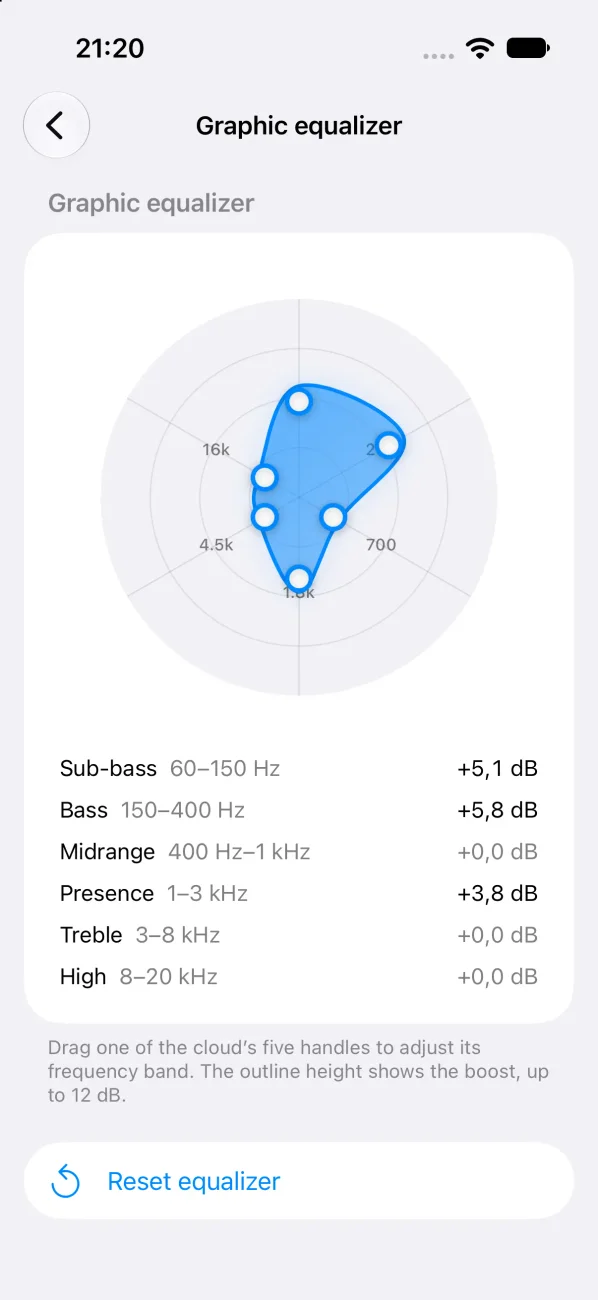
Watch your transcript appear as you record. Connect supported headphones and turn on monitoring to hear microphone audio in real time.
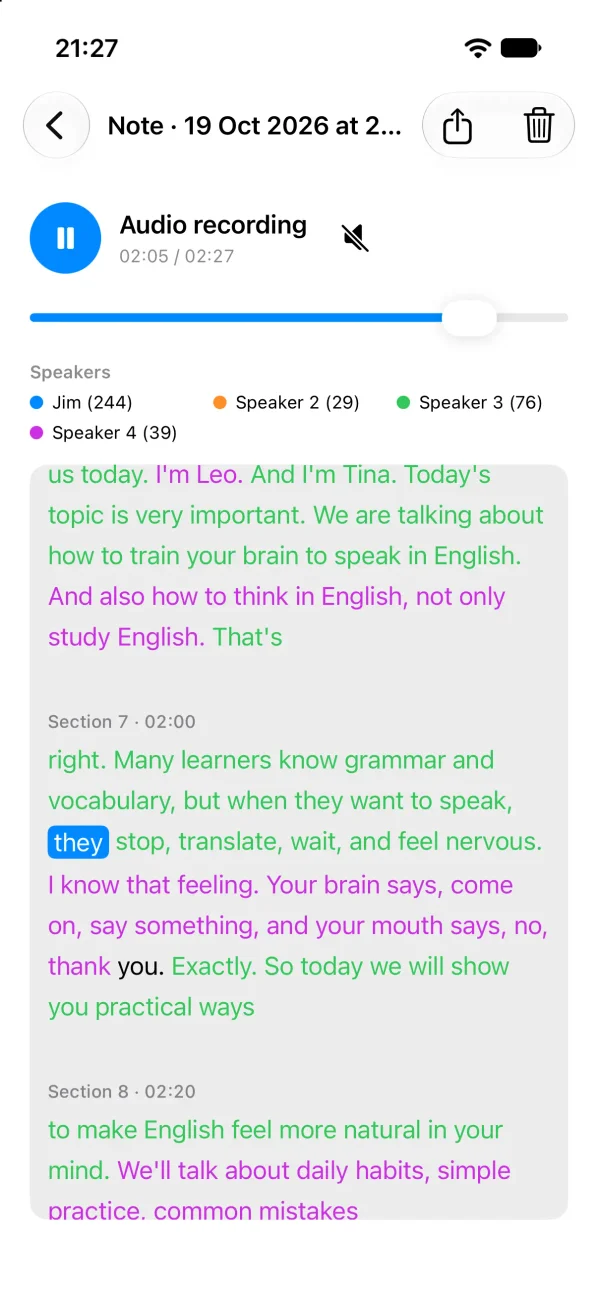
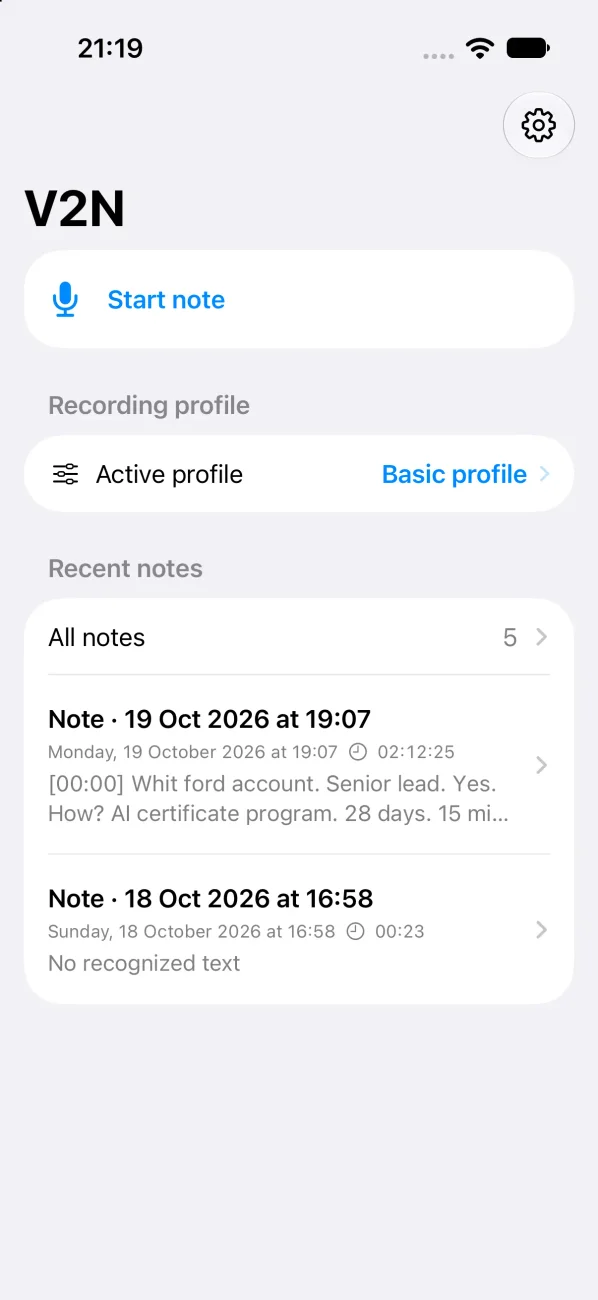
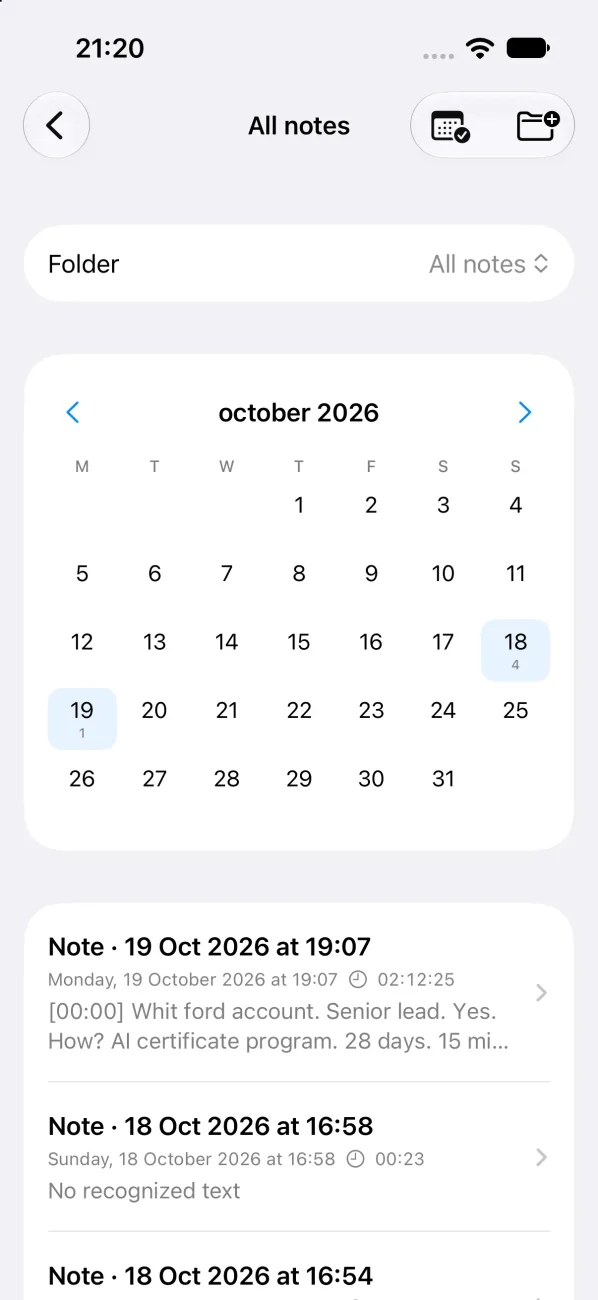
After a meeting, export the transcript as plain text or with timestamps and speaker labels. You can also share the saved audio recording. Search your notes, sort them by date, and—with V2N Pro—organize them in folders and a calendar view.
Unlock V2N Pro with a small one-time payment. No subscription. Pro adds:
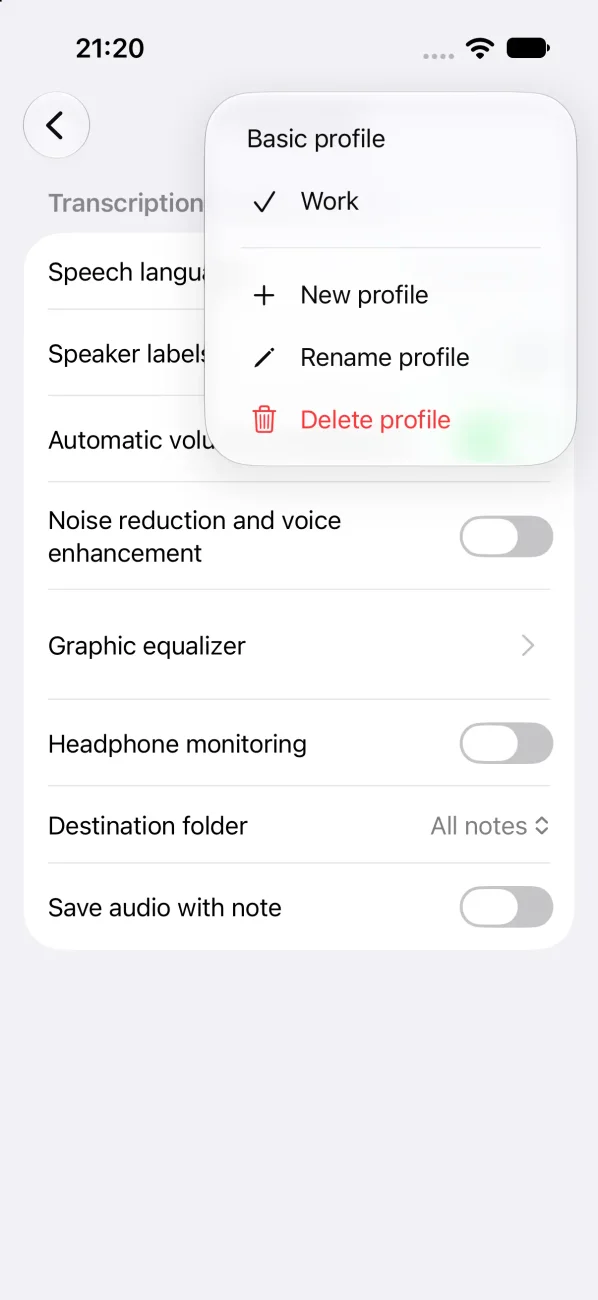
automatic speaker labels such as “Speaker 1” and “Speaker 2.” V2N distinguishes voices but doesn’t identify people by name; the Parakeet Ultra model; audio saved with your notes; folders and a calendar view; custom recording profiles and noise reduction.
Basic transcription has no recording limit. Microphone monitoring with supported headphones is available in recording settings.
V2N uses machine-learning models for speech and speaker recognition. Processing happens on your device, with no generative AI in the cloud and no recordings sent to a server. Download and prepare your chosen model while online, then use it offline. Capturing audio from other apps depends on your iOS version.
What’s new
Version 1.2 · Nov 1, 2026
- V2N can now prepare for transcription in the background, so you can get back to using the app sooner.
- Model downloads are more flexible: you can defer Pro models, continue downloads in the background, and resume them if interrupted.
- We improved stability and fixed issues with app setup and transcript translation.
App privacy
What Janusz Czarnak-Plawinski declares on the App Store about how this app handles data.
-
Data not collected
The developer does not collect any data from this app.
Privacy practices may vary, for example with the features you use or your age.
Information
- Seller
- Janusz Czarnak-Plawinski
- Category
- Productivity
- Version
- 1.2
- Updated
- Nov 1, 2026
- Released
- Oct 26, 2026
- Size
- 41.3 MB
- Requires
- iOS 18.0 or later
- Age rating
- 4+
- Price
- Free
- In-app purchases
- Yes
- Languages
- English, French, German, Italian, Polish, Spanish
- Copyright
- © 2026 PULSE
You might also like
-
 TellDoneVoice notes to tasks & events
-
 mInstytucjaProductivity
-
 AuxiliaProductivity
-
 Workflowy: Note, List, OutlineNotes App and To Do List
-
 ruIDruID, entry rules for Russia
-
 IFTTT.ai: Automation made easyConnect 1000+ apps in minutes
-
 RealVNC Viewer: Remote DesktopProductivity
-
 Wispr FlowDictation & Notes
-
 Speechify – Text to Speech PDFRead Aloud Books, Docs & PDFs
-
 mObywatelpubliczna aplikacja mobilna