
- Age rating4+
- CategoryProductivity
- DeveloperAlexander Dolgov
- LanguagesEnglish+ 8 more
- Size11.6 MB
Links to the official App Store page
Download.org hosts no file of VoiceBrain. The button opens its official App Store page, published by Alexander Dolgov. Listing last checked on Nov 18, 2026.
Screenshots
About
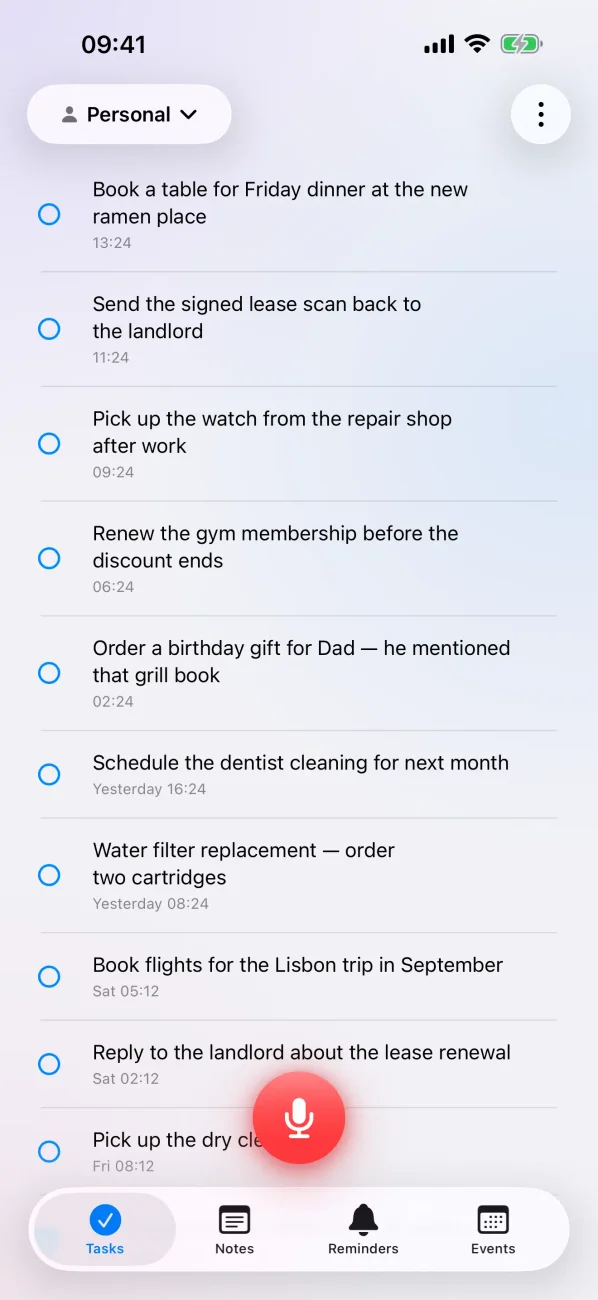
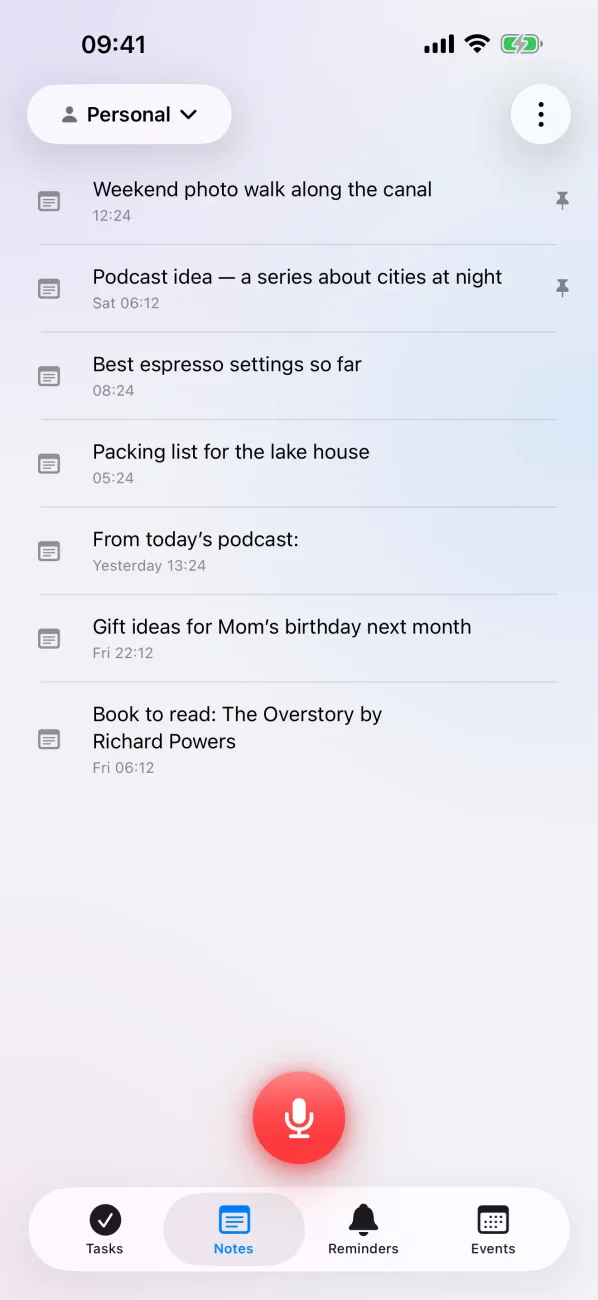
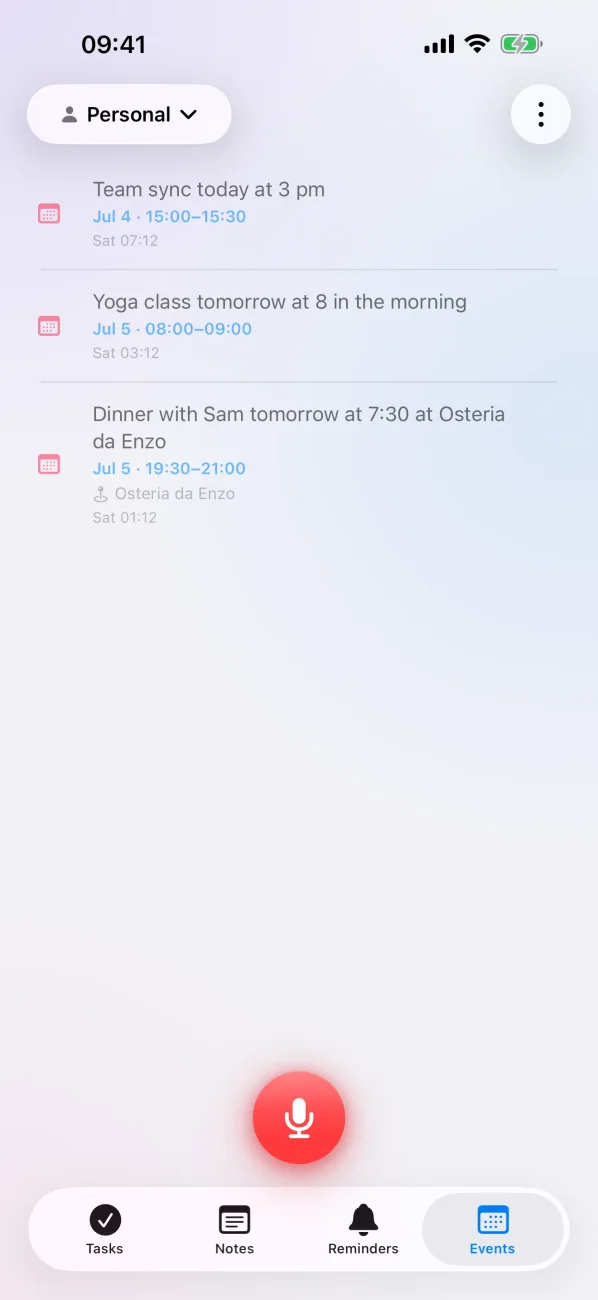
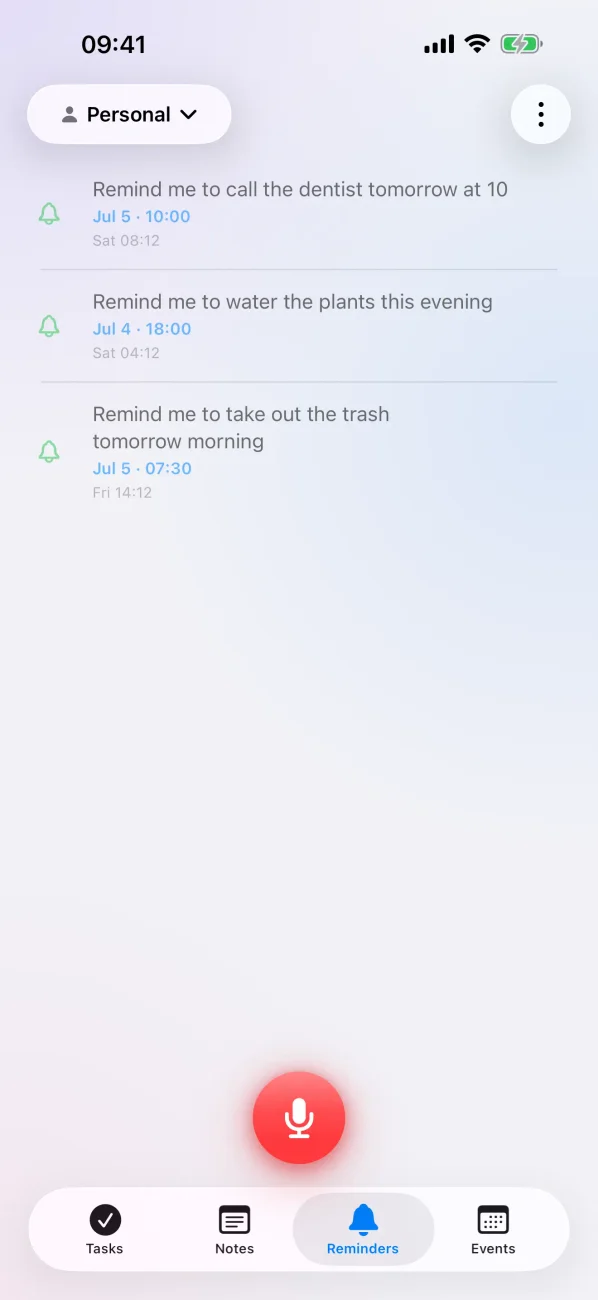
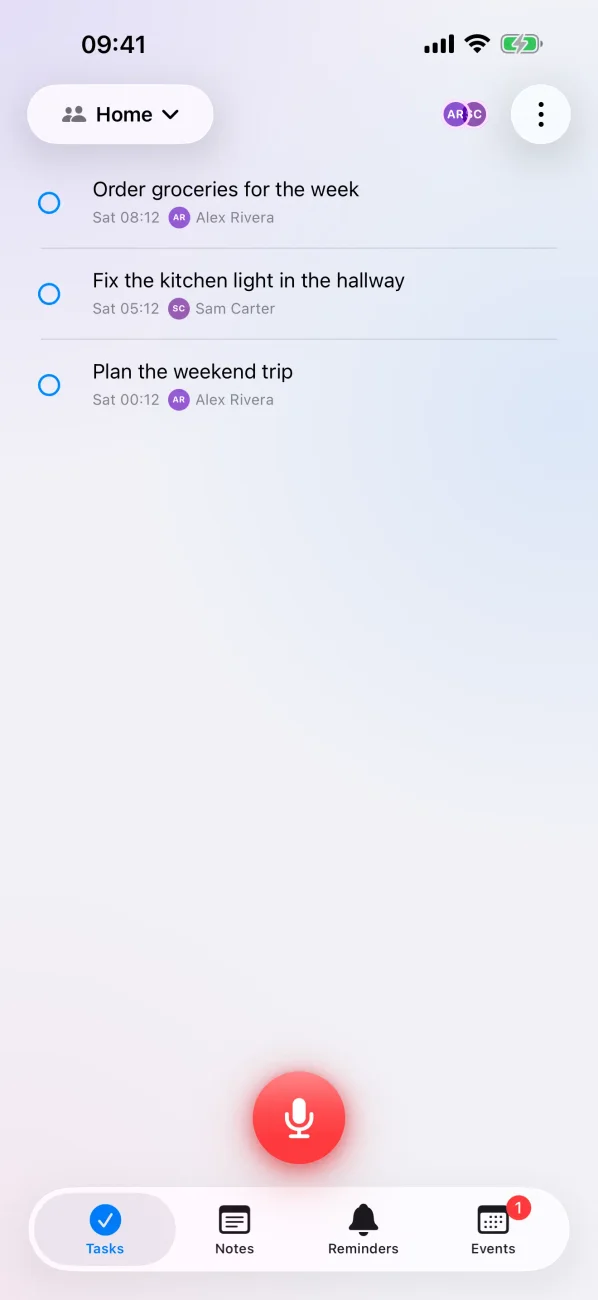
VoiceBrain helps you capture ideas the moment they strike. Speak a thought — or type it — and VoiceBrain transcribes it, understands it, and files it as a task, note, reminder, or calendar event, automatically.
Just talk (or type):
• "Remind me to call the dentist tomorrow at 10" becomes a reminder.
• "Buy oat milk and coffee" becomes a task on your list.
• "Team sync Thursday at 3" becomes a calendar event.
• "Idea: a walking tour app for Berlin" becomes a note.
Everything you capture lands in one place, sorted by type, so you act on it later instead of losing it.
Features
• Capture by voice or text — tap to record, or type it out, and mix both in one entry
• Automatic transcription and smart sorting into tasks, notes, reminders, and events
• Shared spaces — keep the things you and someone else both need in sync
• Live co-editing — edit a shared note together in real time
• Apple Calendar integration, so spoken events join the rest of your day
• Sign in with Apple, no separate password
VoiceBrain is a focused, private tool: no ads, no third-party trackers. Your recordings and transcripts are used only to give you back organized entries.
What’s new
Version 1.3 · Jul 10, 2026
• New capture window — tap to record, drag up to type; mix voice and text in one entry
• A silent recording now shows a friendly retry instead of a dead note
• Live co-editing in shared spaces — edit the same note together and watch each other's cursors
• Undo while editing a note — step back through your changes from the note header
• Move entries between spaces with a quick glass popover
• Checklist fixes: splitting a checked item keeps its state; tap a checkbox to toggle it without entering edit mode
• Steadier save indicator and small visual refinements
App privacy
What Alexander Dolgov declares on the App Store about how this app handles data.
-
Data linked to you
May be collected and linked to your identity.
- Contact info
- User content
- Identifiers
Privacy practices may vary, for example with the features you use or your age.
Information
- Seller
- Alexander Dolgov
- Category
- Productivity
- Version
- 1.3
- Updated
- Jul 10, 2026
- Released
- Jul 10, 2026
- Size
- 11.6 MB
- Requires
- iOS 17.2 or later
- Age rating
- 4+
- Price
- Free
- Languages
- English, French, German, Italian, Japanese, Polish, Russian, Spanish, Ukrainian
- Copyright
- © 2026 Alexander Dolgov
You might also like
-
 Clak – Voice to TextVoice keyboard and dictation
-
 Nomen MemoryRemember people and details
-
 MyNote - Fast notes, no cloudPrivate, Fast & Secure Notes
-
 ORBIT: Photo & Storage CleanerDedupe Photos, Free Up Space
-
 talkdam - Capture daily chatsPersonal chat-style notepad
-
 toss.itStop stalling. Just toss.it.
-
 Neuro HiveProductivity
-
 RecRemoverProductivity
-
 DocNova: PDF Scanner & OCRScan, Edit & OCR Documents
-
 Hello-MynahSave, organize, and explore.